Hitmarkers
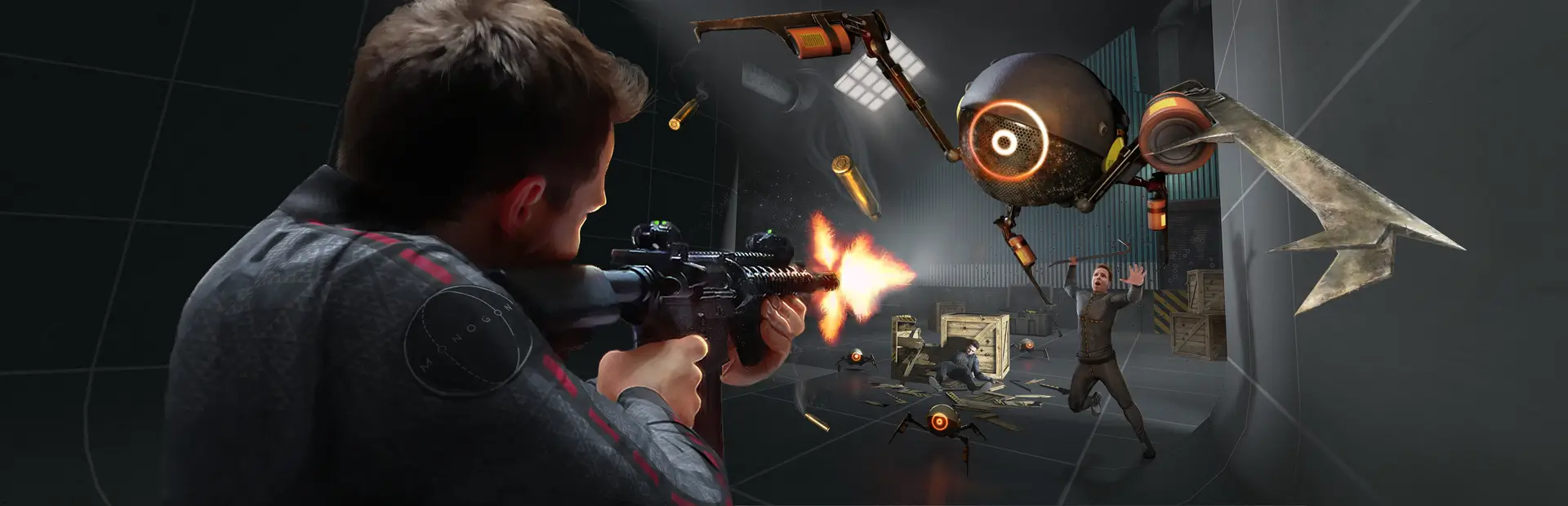
Redone for BONELAB, see all hits you make on your foes. Now with (WORKING) Quest support!
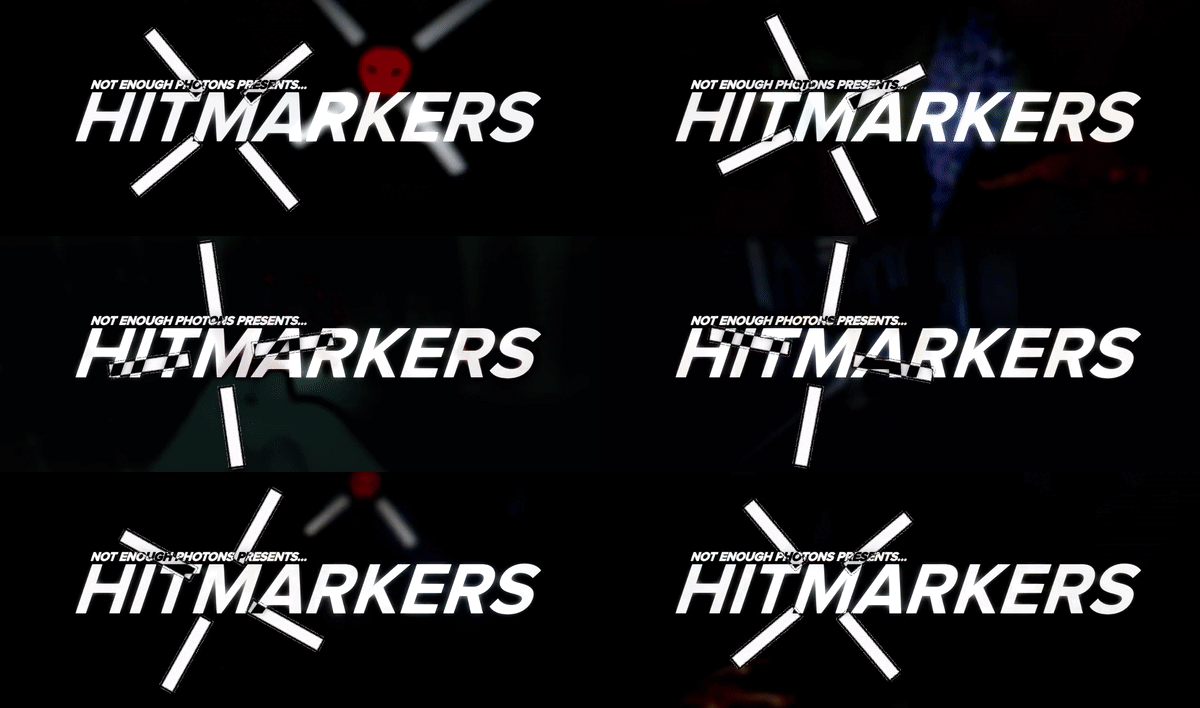
Shoot and eliminate your foes with accurate feedback. Hitmarkers is a simple mod that adds visual/auditory feedback to any hit or kill you make, making for very satisfying combat!
Installation:
Simply drag and drop both the Mods and UserData folders into your BONELAB/BONEWORKS directory.
If you are on Quest, drag and drop those folders into MelonLoader/com.StressLevelZero.BONELAB.
Custom Sounds:
- Bring over any sound you'd like
- Name the sound either "marker_NUMBER" or "finisher_NUMBER"
- You're done
Custom Textures:
- Create a copy of the "Default" folder in your Skins directory.
- Rename the copy of the folder to whatever you want the hitmarker to be.
- Create a hitmarker, finisher, and finisher feedback texture.
- Make sure the texture is in powers of two! (i.e. 256, 512, 1024)*
- Name the file accordingly. If it's a hitmarker, name it "marker.png." If it's a finisher, name it "finisher_marker.png." For the feedback skull, "finisher_feedback.png."
- You're done!