
FarGaze
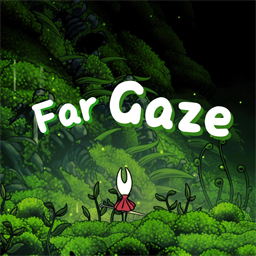
站立时转身远眺背景,并以短暂渐变解除或恢复背景虚化。Far Gaze / 远眺
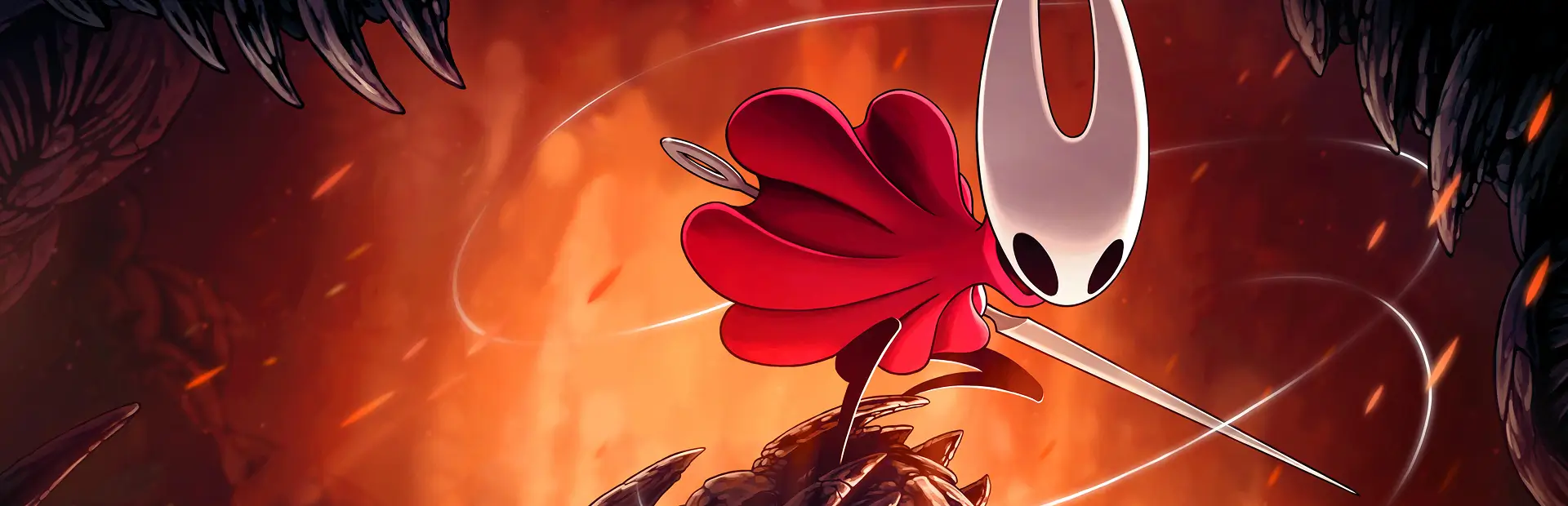
Turn toward the scenery and take a clearer look at the world of Hollow Knight: Silksong.
Features
- While Hornet is standing still, press the Far Gaze key to turn toward the background and smoothly clear its blur.
- Look up or down to move the camera without interrupting Hornet's turned-away pose.
- Customize separate keyboard and controller bindings. Choose toggle or hold mode.
Installation
Choose Install with Mod Manager on Far Gaze's Thunderstore page. The manager installs the declared BepInExPack Silksong and ModMenu dependencies, including ModMenu's own requirements.
For manual installation, install those packages and ModMenu's listed dependencies first, then place FarGaze.dll in BepInEx/plugins/FarGaze/ under the game directory.
Controls and settings
The default keyboard key is B. On first connection of a controller type, the default is pressing the left stick (L3 on PlayStation, LS on Xbox).
Open Options → Mods → Far Gaze to change the keyboard binding, controller binding, or input mode. Each controller type remembers its own binding. A binding that conflicts with a game action is rejected without replacing the current one.
- Toggle: press once to enter Far Gaze, and again to leave.
- Hold: stay in Far Gaze while the key is held.
Far Gaze can only start while standing still. Walking, jumping, attacking, or taking damage ends it. A normal exit plays the turn-back animation, and background blur returns smoothly. The mod does not alter save files.
Compatibility and credits
Version 0.5.1 uses BepInEx 5 and was verified with the Steam release of Silksong, build 22479045. Keyboard and PS4 controllers received the most testing. PS5, Xbox, and Nintendo-style controllers have their own prompts and bindings.
Controller prompts come from xelu's Free Keyboard and Controllers Prompts Pack, released under CC0. PlayStation face-button prompts use the game's own icons.
中文说明
站定后按下远眺键,大黄蜂会转身望向背景,背景模糊逐渐消退。远眺时仍可向上或向下移动镜头,大黄蜂保持背身姿势。支持分别自定义键盘和手柄按键,以及点按、长按两种模式。
在 Thunderstore 页面选择 Install with Mod Manager,管理器会自动安装清单声明的 BepInExPack Silksong、ModMenu 及后者的依赖。手动安装时,请先安装这些依赖,再将 FarGaze.dll 放入游戏目录的 BepInEx/plugins/FarGaze/。
默认键盘按键为 B;首次连接某种手柄时,默认按键为按下左摇杆(PlayStation 为 L3,Xbox 为 LS)。在 选项 → Mods → 远眺 中可修改按键和模式。冲突按键会被拒绝,每种手柄类型分别记住绑定。
- 点按:按一次进入,再按一次退出。
- 长按:按住时远眺,松开时退出。
只有站定时才能进入远眺;行走、跳跃、攻击或受击会结束远眺。正常退出会播放回身动画,背景模糊平滑恢复。本模组不修改存档。
当前版本为 0.5.1,使用 BepInEx 5,已在 Steam 版《丝之歌》build 22479045 上验证;重点测试键盘与 PS4 手柄。手柄提示图采用 xelu 的 CC0 素材包;PlayStation 面键提示使用游戏自身的图标。