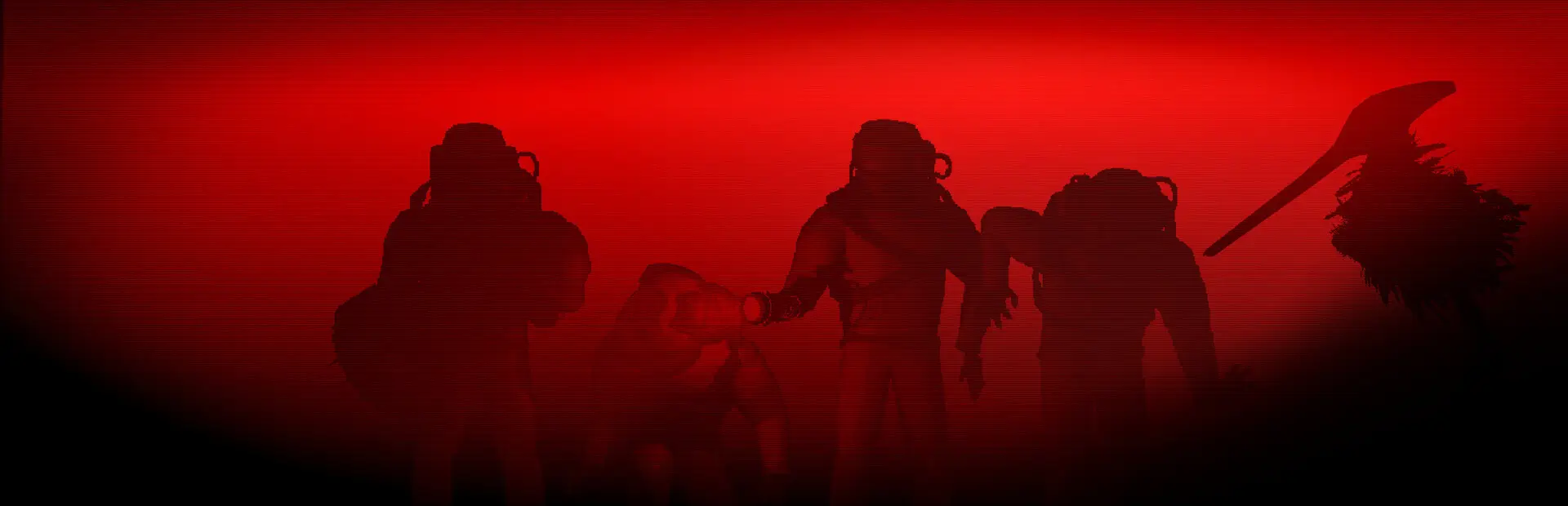

LethalDeathCam
[Experimental] Stay in first person on your ragdoll for a few seconds after dying: fall with your body, roll with your head, or get dragged away by a Bracken.LethalDeathCam
⚠️ Experimental: work in progress. This mod is still being developed and tested. It's only on Thunderstore to make testing easier (installing and updating through a mod manager). Expect bugs and changes between versions, and settings may be renamed or removed. Not recommended for regular play yet.
See your own death. When you die, the camera stays in first person on your body for a few seconds before switching to spectating: you fall with your ragdoll, roll with your head, or get dragged away by a Bracken.
Examples
Dragged away by a Bracken

Killed by an Eyeless Dog

Blown up by a landmine

Struck by lightning

Features
- First person from your ragdoll: the camera rides your body's head as it falls and tumbles, starting from exactly where you were looking.
- Mouse look: once your body comes to rest, look around with the mouse, like turning your head.
- Head popped off (Coilhead and similar): follow your head as it rolls away.
- Dragged by a Bracken: you face away from it, as if pulled from behind. The view swings with the Bracken's momentum when it speeds up, stops or turns. Your body and the Bracken are hidden from your own view so they don't block the camera, and the camera stays out of walls.
- Clean view: the HUD is hidden and your own head is hidden from you. Opening the Escape menu still works as normal.
- Not pitch black: a faint light over your body keeps dark places readable, close to how they look while you're alive.
- Smooth and comfortable: tumbling is smoothed out and the horizon is kept level by default, to keep motion sickness down.
If nothing is left of your body (eaten, turned into a Masked, destroyed), you go straight to the normal spectator view.
Configuration - Highly Recommended!
All settings can be changed in-game with LethalConfig, or in BepInEx/config/BergenTrucker.LethalDeathCam.cfg.
General
| Setting | Default | What it does |
|---|---|---|
Enabled |
true |
Turn the death camera on or off |
Duration |
7 |
Seconds on your body before switching to spectating (0.5–15) |
EndFade |
0.3 |
Seconds to fade to black when the death cam ends, before the spectator view fades in (0 = hard cut) |
View |
FollowBody |
FollowBody: first person from your ragdoll's head. FrozenView: your view stays where you died |
GhostAudio |
true |
Distort what you hear while the death cam shows, like when the Ghost Girl chases you |
GhostAudioFade |
3 |
Seconds the distortion takes to build up, and to fade back at the end |
HideHud |
true |
Hide the HUD and spectator text while the death camera shows |
Special deaths
| Setting | Default | What it does |
|---|---|---|
BrackenDragView |
true |
Look away from a Bracken while it drags you |
BrackenSway |
10 |
How much the view wobbles while dragged, in degrees (0 = none) |
BrackenLookDown |
45 |
How far the view looks down along your body while dragged, in degrees (0 = level) |
BrackenHideBody |
false |
Hide your own body while dragged. Off: you see your arms and legs swinging behind you |
BrackenHideBracken |
true |
Hide the Bracken while it drags you, so its head doesn't poke through the camera |
DetachedHeadView |
true |
Follow your head when it pops off |
Mouse look
| Setting | Default | What it does |
|---|---|---|
MouseLook |
true |
Look around once your body has come to rest (not during Bracken or detached-head deaths) |
MouseSensitivity |
1 |
How fast the mouse turns the view |
MaxLookAngle |
80 |
How far you can turn away from where your head points, in degrees |
LookSpace |
Neck |
Neck: look around relative to where your head points; if the body shifts, the view moves with it. World: relative to a direction fixed when your body came to rest; the view stays put |
InvertMouseY |
false |
Invert up/down |
Camera
| Setting | Default | What it does |
|---|---|---|
Smoothing |
8 |
How much the tumbling is smoothed (0 = raw head movement) |
LockRoll |
true |
Keep the horizon level |
FieldOfView |
0 |
Field of view on your body (0 = your normal FOV) |
ForwardOffset |
0.1 |
Moves the camera forward from the eyes; raise it if you see the inside of your head |
UpOffset |
0 |
Moves the camera up from the eyes |
NearClip |
0.02 |
Lower = less clipping into your own head |
MatchAliveCamera |
true |
Same camera settings as your normal first-person view (fog, brightness, view distance) while the death cam shows |
HideOwnHead |
true |
Hide your ragdoll's head from your own view |
HideOwnBody |
WhenBlocking |
Your arms and legs stay visible, but one lying right over the camera is hidden until it moves away. Always: hide your whole body. Never: always show it |
Light
| Setting | Default | What it does |
|---|---|---|
DeathLight |
Always |
Light over your body. Always: inside and outside. Inside: only inside the facility, like the game's spectator light. Off: none |
LightBrightness |
0.16 |
Brightness (1 = same as the game's spectator light) |
LightRange |
1.14 |
How far the light reaches (1 = same as the game's spectator light) |
LightNeutralColor |
true |
Plain white light instead of the game's greenish tint (off = the game's tint) |
HideBodyRadarGlow |
true |
Hide the green light the game puts on dead bodies for the ship's radar monitor; it still shows on the monitor |
Advanced
| Setting | Default | What it does |
|---|---|---|
HeadBoneName |
(empty) | Ragdoll bone to attach to. Empty = automatic (the chosen bone is written to the log) |
Compatibility
- Client-side: only you need it. Nothing is sent over the network, and other players see your body exactly as normal.
- Should work with custom moons, interiors and enemy mods: deaths the mod doesn't specifically recognise just use the normal ragdoll view.
- If another mod takes over the camera (Imperium freecam, end-of-round cutscene...), the death camera steps aside.
- Works together with LethalUI.
- Model replacement mods may use differently named head bones. If the camera sits in the wrong place, check the log for the ragdoll's bone names and set
HeadBoneName.
Installation
Install with a mod manager (Gale, r2modman or Thunderstore Mod Manager), or manually:
- Install BepInExPack.
- Put
LethalDeathCam.dllinBepInEx/plugins/. - Optional: install LethalConfig to change settings in-game.
AI disclosure
Parts of this mod's code were written with the help of generative AI (Anthropic's Claude), with the code review and testing by me (still learning and bound to make mistakes)
If there are any issues, let me know and I will try to resolve them!