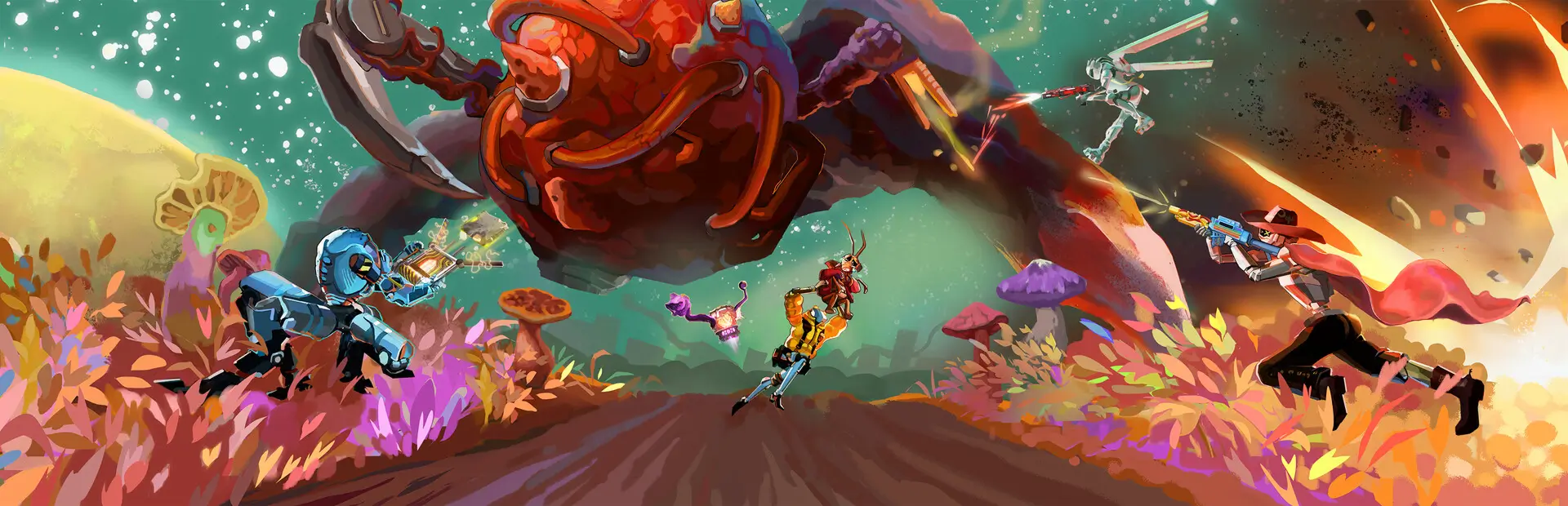
Amalgamation Tracker
A BepInEx mod for MycoPunk that tracks Amalgamation boss fight time with an on-screen HUD timer.
Features
- Automatic timing: Starts when the Amalgamation spawns and stops when the brain is killed
- On-screen HUD: Displays live elapsed time (or final time) near the bottom of the reticle
- Mission reset: Timer resets when a new mission starts
- Configurable: Toggle the HUD on or off via config with hot reload support
Getting Started
Dependencies
- MycoPunk (base game)
- BepInEx - Version 5.4.2403 or compatible
- .NET Framework 4.8
- HarmonyLib (included via NuGet)
Building/Compiling
- Clone this repository
- Open the solution file in Visual Studio, Rider, or your preferred C# IDE
- Build the project in Release mode to generate the .dll file
Alternatively, use dotnet CLI:
dotnet build --configuration Release
Installing
Via Thunderstore (Recommended):
- Download and install via Thunderstore Mod Manager
- The mod will be automatically installed to the correct directory
Manual Installation:
- Place the built
AmalgamationTracker.dll in your <MycoPunk Directory>/BepInEx/plugins/ folder
Executing program
The mod loads automatically through BepInEx when the game starts. Check the BepInEx console for loading confirmation messages.
Configuration
Access mod settings through the BepInEx configuration file at <MycoPunk Directory>/BepInEx/config/sparroh.amalgamationtracker.cfg.
| Option |
Default |
Description |
EnableBossTimerHUD |
true |
Enables the Amalgamation boss timer HUD display |
Config changes are hot-reloaded while the game is running.
Help
- Mod not loading? Verify BepInEx is installed correctly and check console logs for errors
- Timer not appearing? Ensure
EnableBossTimerHUD is set to true in the config file
- Timer not starting? Confirm you are in an Amalgamation mission and the boss has spawned
- UI elements missing? Confirm mod version compatibility and verify no other mods are interfering
Authors
License
This project is licensed under the MIT License - see the LICENSE file for details