
CheatMenuPlus
CheatMenu+ is a fork of Sparroh's CheatMenu, based on Slidedrum's MenuMod2, with extra cheats and custom upgrade/cosmetic tools.CheatMenu+
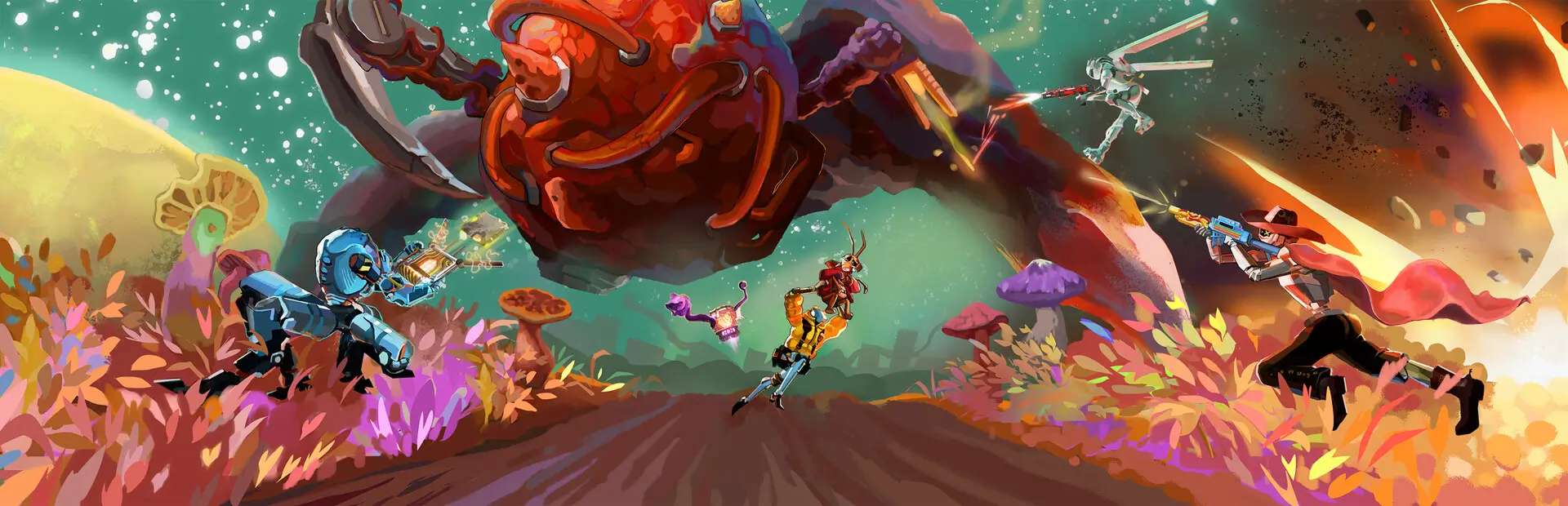
CheatMenu+ is a Mycopunk cheat menu mod with gameplay cheats, progression tools, spawn utilities, custom upgrade pickups, and custom cosmetic pickup editing.
Attribution
This project is based on Sparroh's CheatMenu, which itself is a successor to Slidedrum's MenuMod2. Credit for the original menu foundation belongs to those authors. CheatMenu+ is a fork/continuation with additional fixes, UI changes, gameplay tools, custom upgrade support, and cosmetic editing work.
Installation
Via Thunderstore (Recommended)
- Install BepInEx version 5.4.2403 or compatible.
- Download and install CheatMenu+ from Thunderstore Mod Manager.
- Launch the game.
Manual Installation
- Install BepInEx version 5.4.2403 or compatible.
- Download the latest CheatMenu+ release from GitHub.
- Extract the .dll file to
<MycoPunk Directory>/BepInEx/plugins/.
Usage
- Press Insert to open the cheat menu.
- Navigate through the menus to access various cheats and utilities.
- The mod requires a non-default profile to function.
Features
CHEATS Menu
- Ammo & Abilities: Toggle infinite ammo, toggle no cooldowns, refill ammo, and refresh cooldowns
- Movement: Apply movement presets or reset movement back to normal
- Teleport: Save your current position, teleport back to it, or teleport to your crosshair target
- Enemies: Toggle enemy spawning, kill enemies, spawn swarms, make enemies flee, adjust intensity, and clean up parts/collectables
- Loot: Toggle infinite resources, grant max resources, clear lost loot upgrades, and spawn quick loot objects
- Godmode: Toggle invincibility
- Super sprint: Toggle fast movement speed
- Super jump: Toggle enhanced jump height
- Unlock everything: Unlock gear, upgrades, cosmetics, skills, levels, and resources
SPAWN Menu
- Enemies: Spawn bosses (Amalgamation, Cranius) or standard enemies
- Vehicles: Spawn Dart kart or WheelBox
- Objects: Spawn various items like Saxitos bags, radio, barrel, training dummy, etc.
MISSIONS Menu
- Force modifiers: Select mission modifiers to force on missions
- Load mission: Select and load specific missions in different regions
UPGRADES Menu
- Custom Stats: Spawn experimental in-mission custom upgrade pickups with typed percentages for supported modifiers
- Cosmetic Pickups: Spawn random or seeded cosmetic pickups for gear, characters, and drop pod cosmetics
- Custom Cosmetic Pickups: Edit supported cosmetic modifier fields such as chance, hue, colors, trim, emissive values, and VFX fields
- Gear Upgrades: Grant upgrades for weapons and equipment by category
- Character Upgrades: Grant upgrades for playable characters
- Universal Upgrades: Grant general player upgrades
OUROBOROS Menu
- Temporary versions of gear, character, and universal upgrades (removed after mission)
PROGRESSION Menu
- Give missing upgrades: Grant all uncollected upgrades
- Unlock locked skills: Unlock all skill tree abilities
- Unlock weapons: Unlock gear that hasn't been collected yet
- Level management: Set weapon and character levels (up to 30 or individual adjustment)
Requirements
- MycoPunk (tested with game version 1.8.1 / Steam build 23053532)
- BepInEx - Version 5.4.2403 or compatible
- .NET Framework 4.8
GitHub Actions Builds
This repository includes a GitHub Actions build workflow. Because Mycopunk and Unity assemblies are not redistributable project files, the workflow expects the encrypted references.zip.gpg file in the repository and a private repository secret named LARGE_SECRET_PASSPHRASE.
Create a zip with this structure, then encrypt it with GPG:
Managed/
  Assembly-CSharp.dll
  UnityEngine.dll
  UnityEngine.*.dll
  Unity.*.dll
  System.IO.Hashing.dll
  Google.Protobuf.dll
BepInExCore/
  0Harmony.dll
gpg --symmetric --cipher-algo AES256 references.zip
Commit the resulting references.zip.gpg, then add the encryption passphrase as the LARGE_SECRET_PASSPHRASE repository secret.
On pushes, pull requests, or manual runs, the workflow builds CheatMenu.dll and uploads a CheatMenuPlus artifact. It does not publish to Thunderstore automatically.
GitHub Releases
This repository also includes a tag-based release workflow. To create a release, push a version tag:
git tag v1.5.5
git push origin v1.5.5
The release workflow builds the mod, creates CheatMenuPlus-v1.5.5.zip, and publishes it as a GitHub Release asset. You can also run the Release workflow manually from the Actions tab and provide a tag input.
GitHub Releases are separate from Thunderstore publishing. A release workflow creates a downloadable GitHub release; publishing to Thunderstore still requires a Thunderstore token and a publish workflow.
Author
- Venuss (CheatMenu+ fork/continuation)
- Sparroh (CheatMenu author)
- Slidedrum (MenuMod2/original menu author)
- funlennysub (BepInEx template)
- @DomPizzie (README template)
Links
- Original CheatMenu: https://github.com/Little-Sparroh/CheatMenu
License
This project is licensed under the MIT License - see the LICENSE file for details.