
You are viewing a potentially older version of this package. View Latest Version
Pickup Notification Adjustment
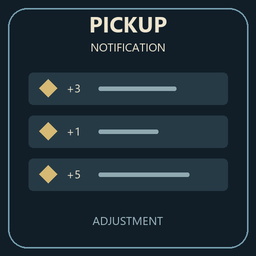
Item pickup notifications above the bottom-right hotbar, with icons, quantities and a queue for large loot hauls. Configurable. Experimental release for Outward Definitive Edition.Pickup Notification Adjustment
See what you picked up without looking away from the action. Adds a pickup list at the bottom right of the screen, just above the hotbar, for Outward Definitive Edition.
- Shows item names, icons and quantities.
- Includes individual pickups, gathering and take-all loot.
- Shows up to six entries at a time. Extra items wait their turn instead of disappearing from a large loot haul.
Settings
With Outward Config Manager installed, press Fn + F5 in game then find Pickup Notification Adjustment. You can change the position, text size, number of visible entries and how long they stay on screen.
Experimental first release: