
WeeklyContracts
Choose a weekly delivery at dawn and earn coins or a run relic before boss night.Weekly Contracts
Choose an optional delivery at dawn and finish it before the weekly boss night. Supply jobs pay coins, while Bread for the Watch lets you deliver six bread for a choice of three run relics.
Features
- Compare cost, reward, difficulty and deadline on each card. Its stock line shows whether you can deliver now or how much more you need. Up to two coin-paying jobs rotate through supplies your kingdom can already spend.
- Accept the bread contract even if your shelves are empty. You only pay when you confirm delivery, and missing the deadline costs nothing.
- Keep an earned reward past boss night. Your contract and inventory follow the same kingdom checkpoint when you Continue.
How to Use
- At dawn, select an offer to read its terms. Use the arrow keys and Enter, or the D-pad and bottom face button (A on an Xbox controller). You can also click a row or button.
- Select Accept to take one job. Later lets you reopen the same offers from the calendar for the rest of that morning. Decline… asks for confirmation before closing the board for the week.
- Gather the requested amount before nightfall on the listed day (7, 14, 21 or 28). Open the calendar, select Contract beneath the day grid, then select Deliver. Review the before-and-after stock amounts and select Confirm to pay. The delivery action appears once the stock is spendable and, for bread, three eligible relics are available.
- Select Collect Reward for your coins or relic cards. For bread, compare the relic cards side by side. Click a card or move focus with the arrow keys or D-pad, confirm the card, then select Collect. The gold underline marks the focused relic. Back from confirmation restores that card. Later keeps the reward available through the calendar.
Screenshots
Captured in Weekly Contracts 0.1.2 on Super Fantasy Kingdom 0.8.068 at 1920 × 1080 using a virtual controller.
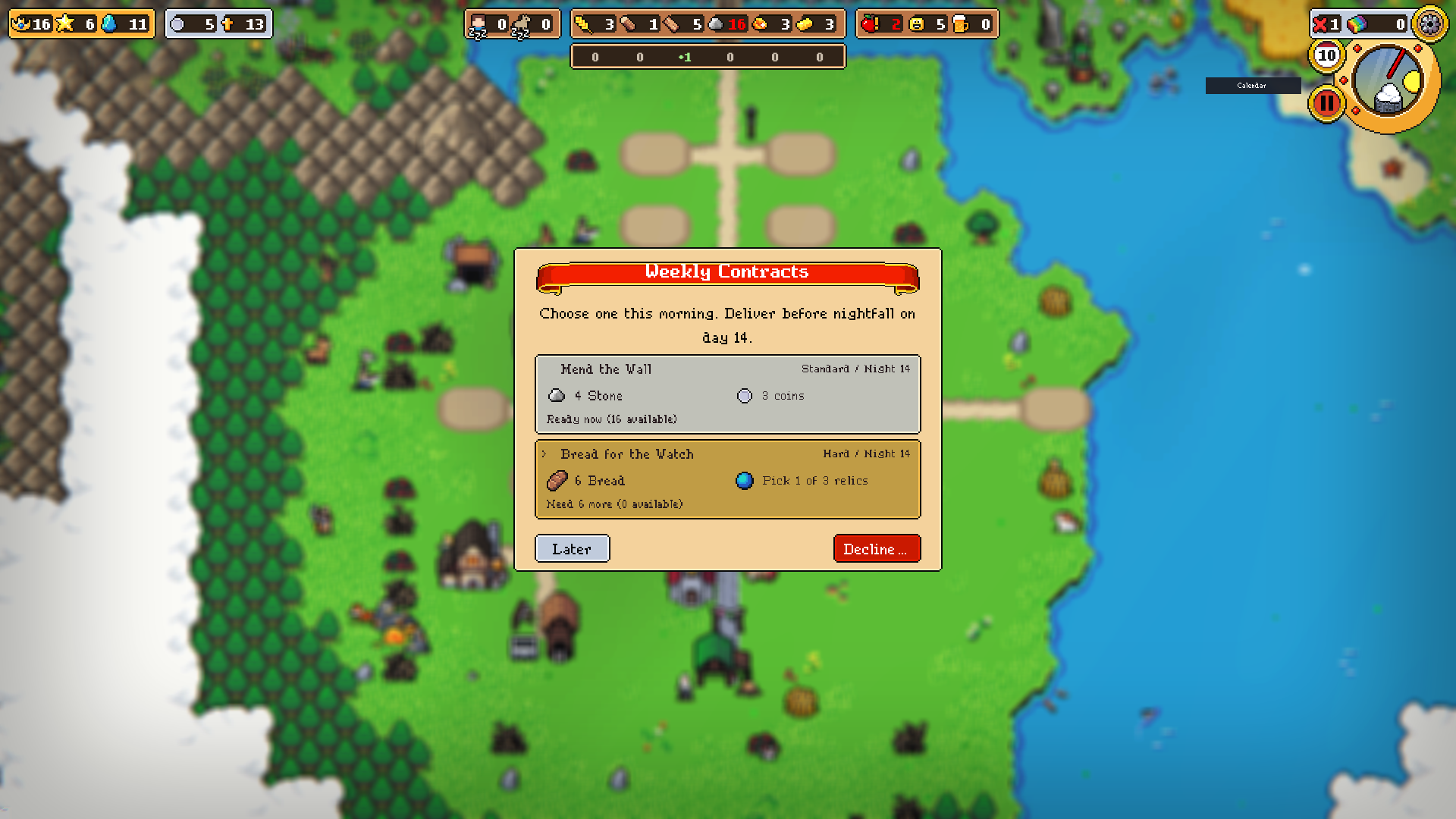
1× UI scale. Sixteen stone makes Mend the Wall ready to deliver. The bread contract still needs six bread.
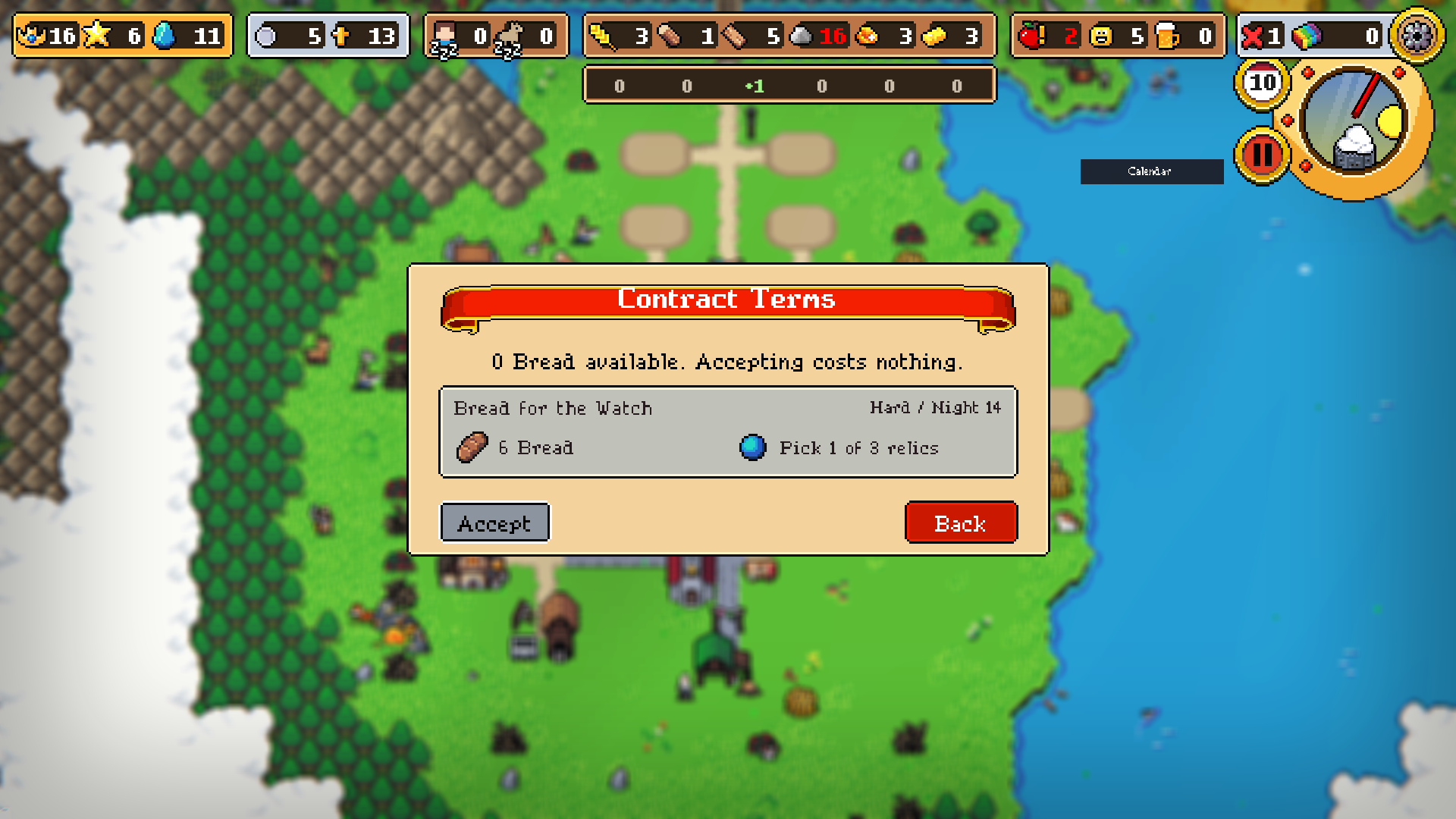
1.5× UI scale. You can accept with empty shelves and gather the bread afterward.
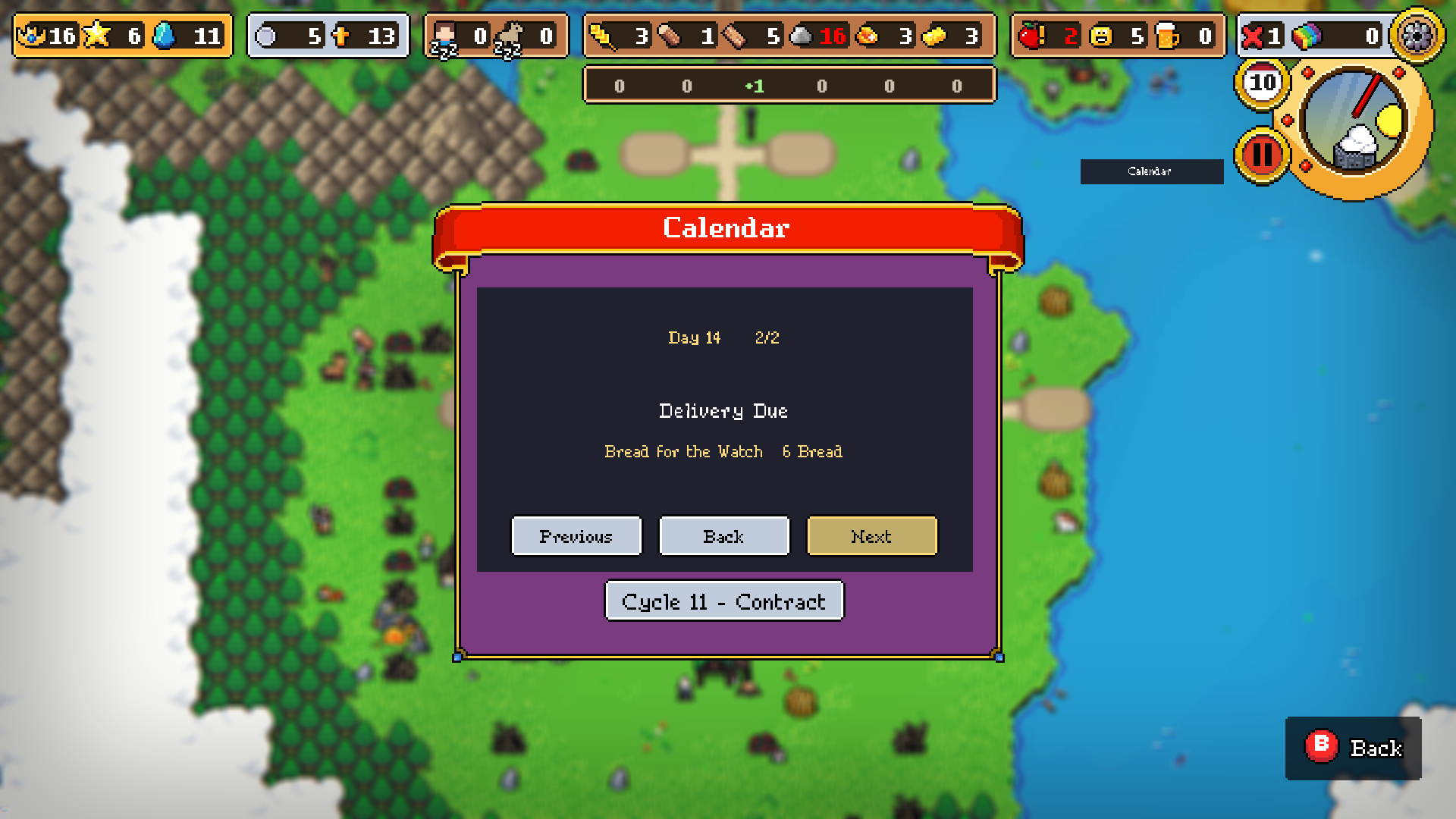
1.5× UI scale. The accepted contract appears alongside that day’s visitor appointments until you pay or the deadline passes.
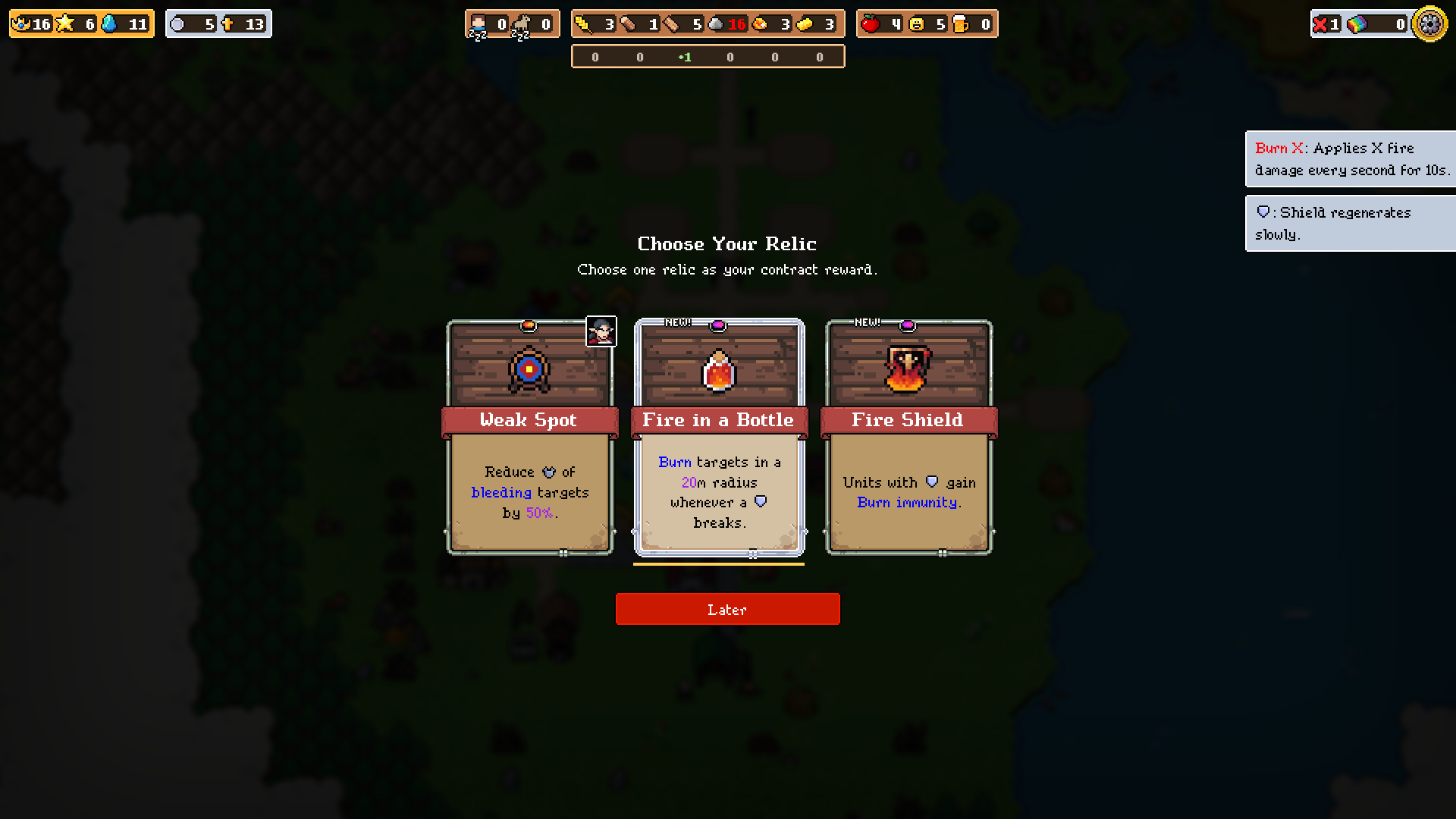
1× UI scale. Move between the three relics to compare effects before choosing.
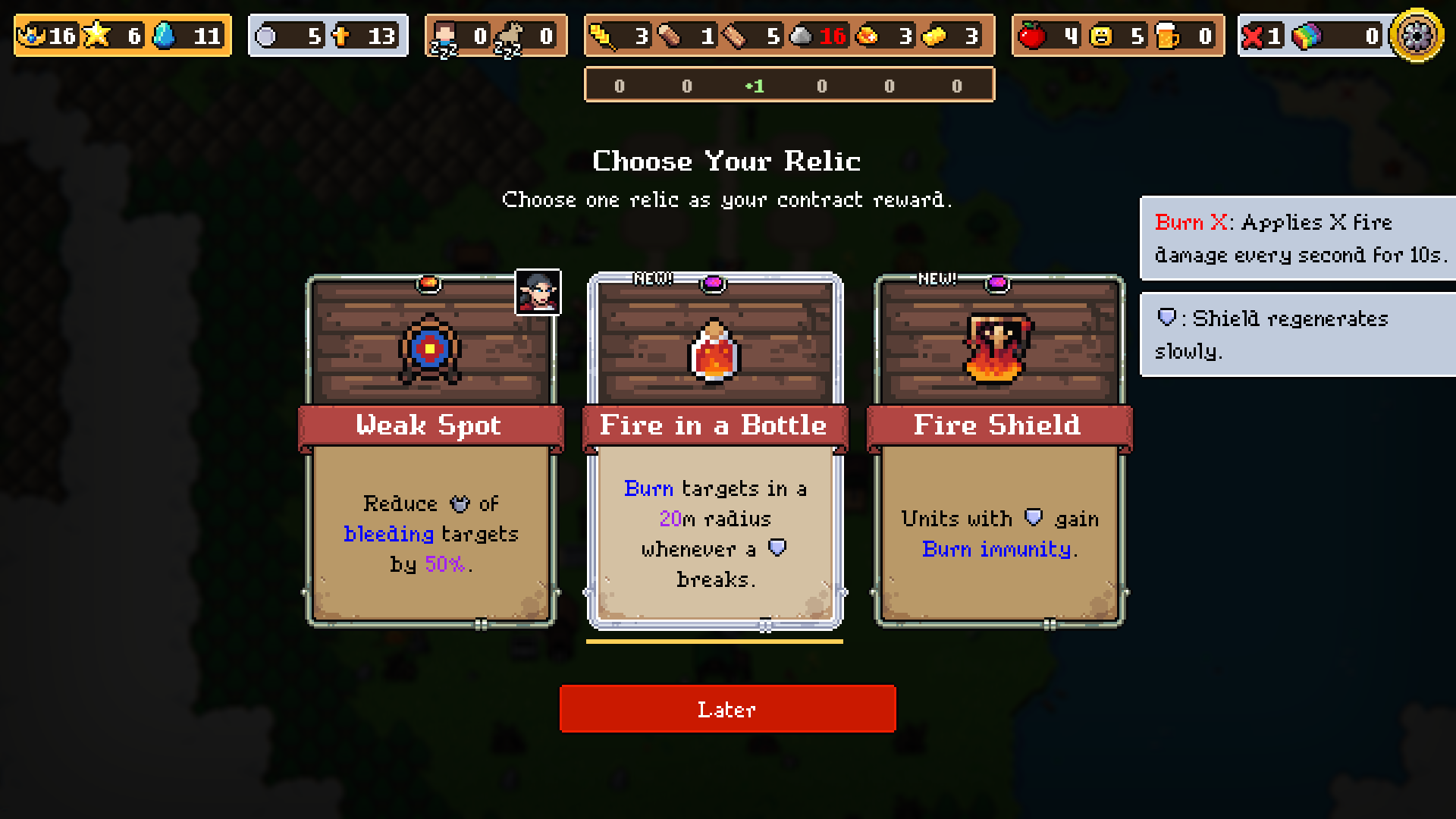
1.5× UI scale. The native keyword tips sit beside the cards. Select the focused relic to review it before collection.
Compatibility
- Weekly Contracts works on its own. With Visitor Calendar 0.1.1 or later, an accepted delivery appears on its deadline day. The marker clears when you pay, even if you collect the reward later. Both UI scales were tested with Daybook and Amaya Without Cooldown loaded.
- An earlier compatibility playtest included BakeryUsesWheat 1.2.0, TavernFoodPriorities 1.7.0 and MoreRelics 1.1.0 together. The six-bread delivery charged once and awarded one relic. Relic availability and boss-only restrictions apply to both choices and upgrades.
- Deliveries use your kingdom’s resource equivalents and leave worker reservations and separate tavern meal inventory intact. Mods that use a separate resource store or enforce spending rules only in the shop may need an integration.
- If all three relic choices become unavailable, you can keep the reward pending or select Refund to recover the six units you paid once that resource is available.
Installation
- Select Install with Mod Manager on this page and choose your Super Fantasy Kingdom profile.
- Enable WeeklyContracts and its two listed dependencies, BepInExPack 5.4.2305 and HideManagerGameObject_Config 5.4.2304.
- Launch the game modded. At dawn, look for the contract board.