

WorkerPresets
Save two named staffing layouts per kingdom run. Compare staffing by building and plot, see worker and carrier shortfalls, and confirm before applying.Worker Presets
Save two named staffing layouts for a kingdom run, then switch between them from a building’s job assignment panel. Preview each change before applying it through the game’s own worker controls.
Features
- Keep two layouts, initially Day Shift and Night Shift. Rename them to suit your kingdom.
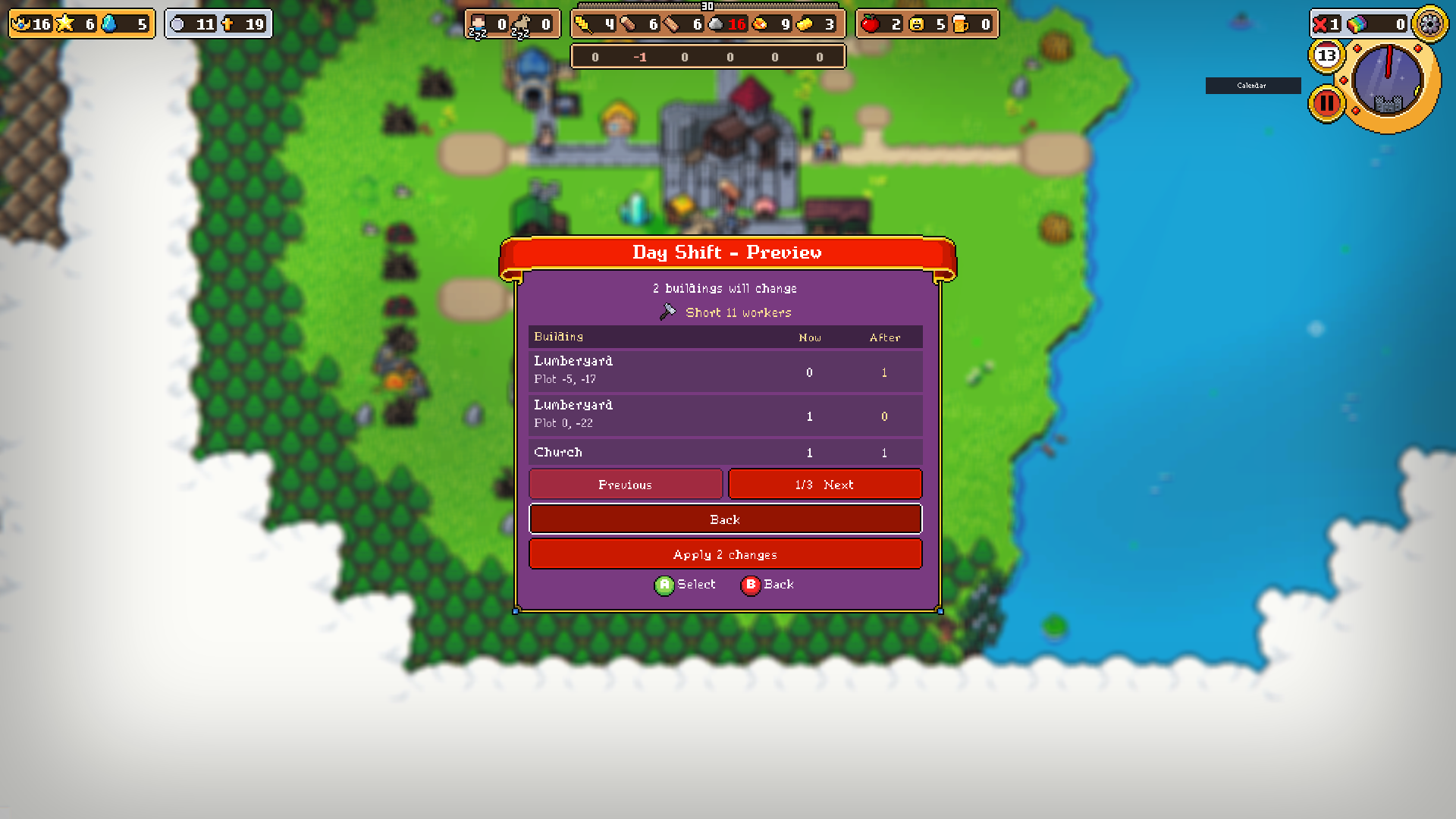
- Compare Now and After counts. Duplicate buildings show their plot coordinates, so two Lumberyards can have different targets.
- See worker and carrier shortfalls before applying. Newly built workplaces keep their current staffing. Demolished buildings are skipped, even if you rebuild the same type on the same plot.
- Carry both layouts forward with the kingdom’s next normal save and Continue.
How to Use
- Open a building’s job assignment panel. Select Presets beside the job count, or Worker Presets below a longer job label.
- Choose a slot and select Save current staffing. Overwriting a saved layout asks for confirmation. Rename offers a controller-friendly name picker and a text field for custom names.
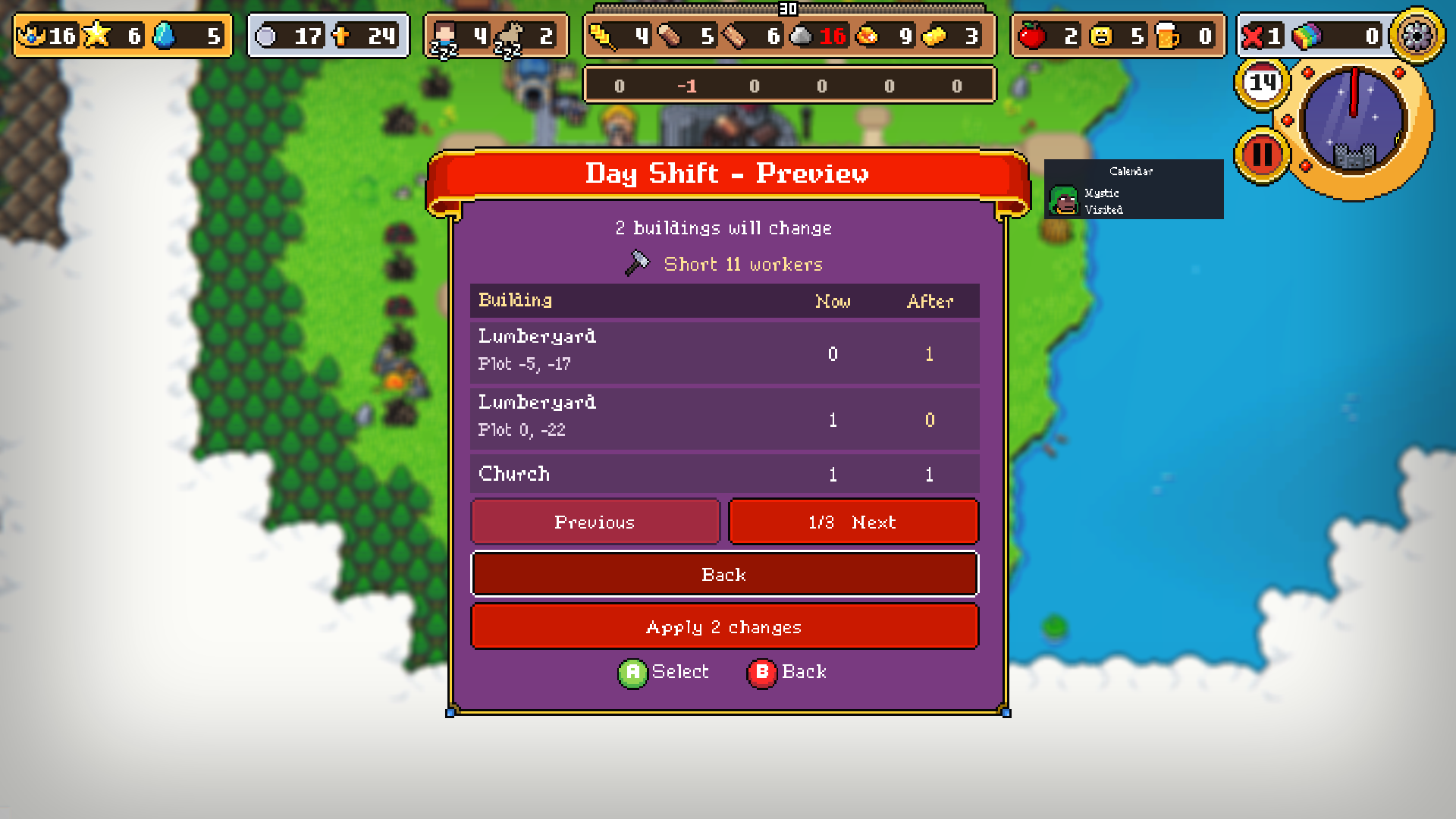
- Choose Preview layout. Check the plot, the Now and After columns, and any shortage. You can apply a layout with more jobs than available people. The game assigns the staff it has.
- Select Apply with the displayed change count to confirm. Back leaves staffing as it was and returns one screen at a time.
Screenshots
At 1×, Day Shift would move one assignment between two Lumberyards. Their plot coordinates distinguish them.
At 1.5× after Continue, the preview shows an 11-worker shortfall. Back has focus, and the resource counters and Visitor Calendar remain visible.
Compatibility
Tested on Super Fantasy Kingdom 0.8.068 at 1920×1080 with a virtual gamepad at 1× and 1.5× UI scale.
- Production Bottlenecks can still focus the selected Lumberyard when two share the same name.
- Pin a Build Cost shares the building panel. Its resource pin and the native assignment controls stay accessible.
- The staffing preview leaves the Daybook counters and Visitor Calendar visible.
Installation
Install Worker Presets from the Super Fantasy Kingdom community in your Thunderstore-compatible mod manager, then launch the game with that profile.
For manual installation, install BepInExPack and HideManagerGameObject Config. Copy plugins/WorkerPresets.dll from the ZIP to BepInEx/plugins/GKJ-WorkerPresets/WorkerPresets.dll.