

PassiveWolves
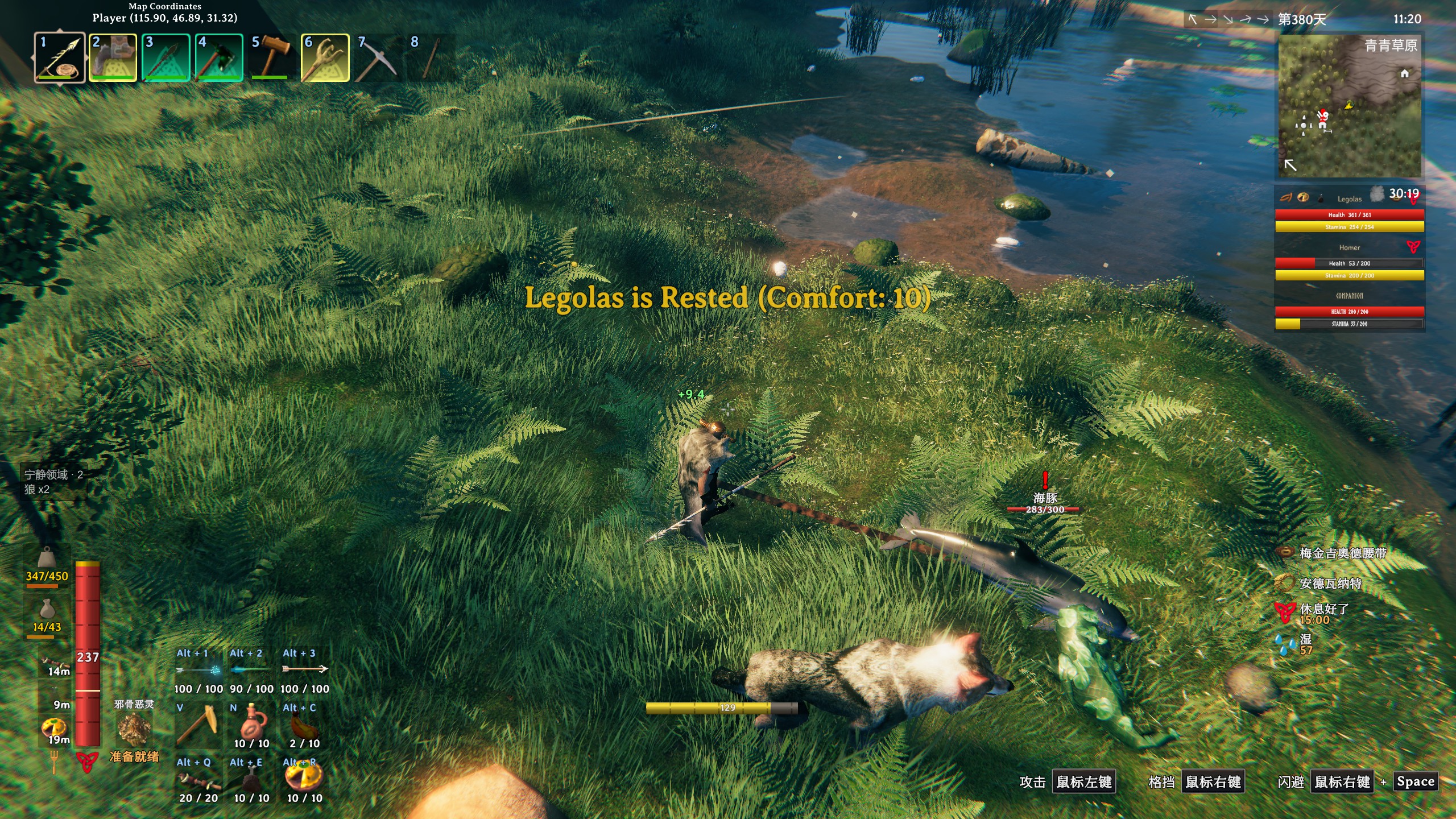
One hotkey orders your tamed animals to stand down, plus always-on follow distance and target filters. 一键让已驯服动物停止攻击,常驻跟随距离与目标过滤,可设宁静半径,左侧面板显示受影响生物。Passive Wolves · 宁静领域
一个一键让已驯服动物停止攻击的小插件:按一下,狼群、牦牛、鸡、猪都安静下来;再按一下,恢复原样。专门用来解决“把野生生物拖回家,宠物非要把它们咬死”的麻烦。
A tiny Valheim mod that orders your tamed animals to stand down. Press once and wolves, lox, boars and chickens stop picking fights; press again and they go back to normal. Made for the moment when your pets try to kill the wild creature you just dragged home.
✨ 功能 / Features
-
一键宁静:默认
F9切换,屏幕中央有提示,左侧有面板显示当前被影响的生物。 -
宁静范围:以玩家为圆心的罩子。
0= 不限制(所有已加载的动物),填数字 = 只有圈内动物保持安静,走出圈外自动恢复攻击。 -
原版与模组分开管:原版动物一个开关;其他模组加的动物用一份预制件名单(例如
fox_TW、MidgardBear_Polar),互不干扰。 -
白名单 / 黑名单:想只对某几种生效,或永久排除某几种,都能配。
-
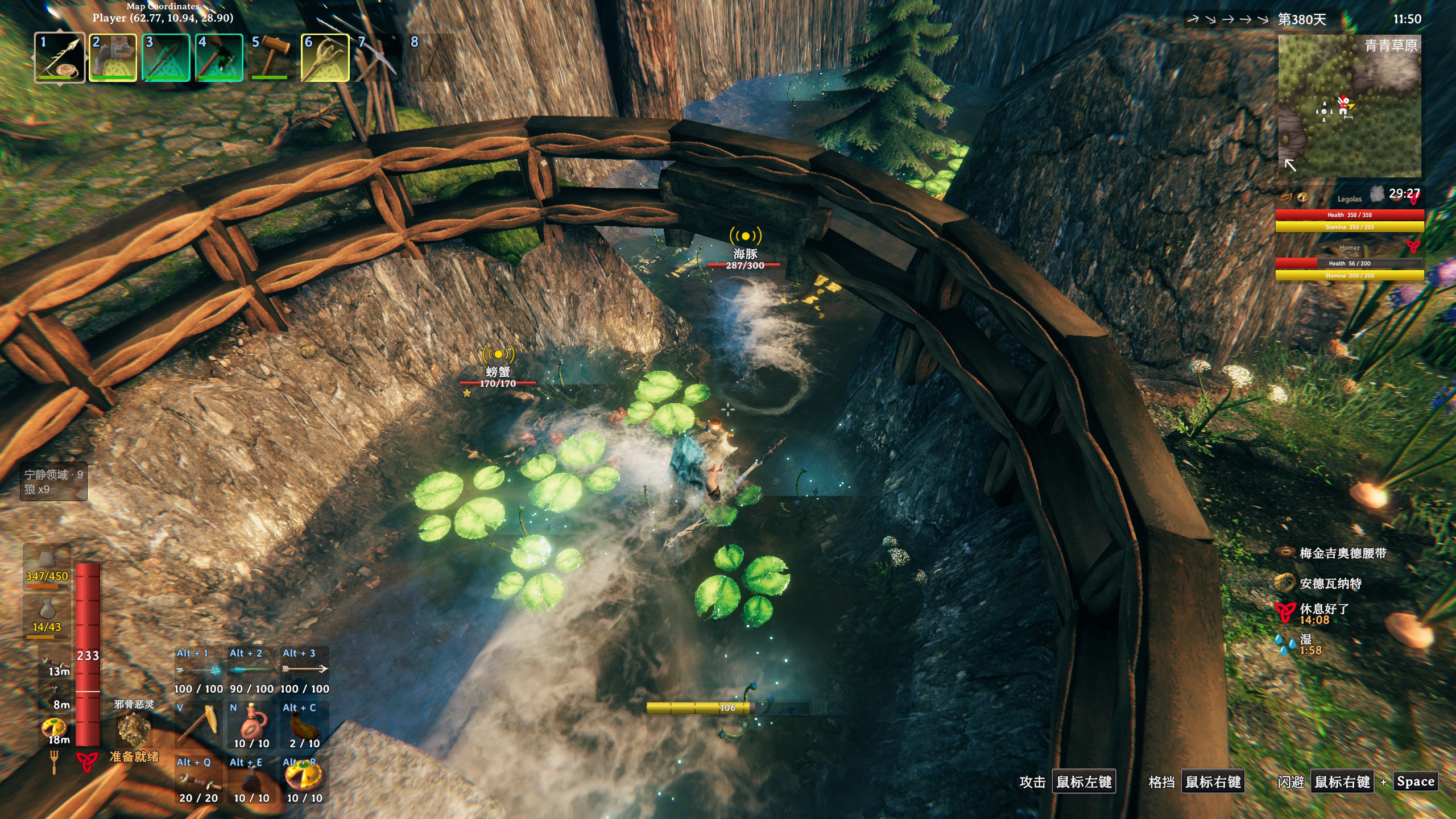
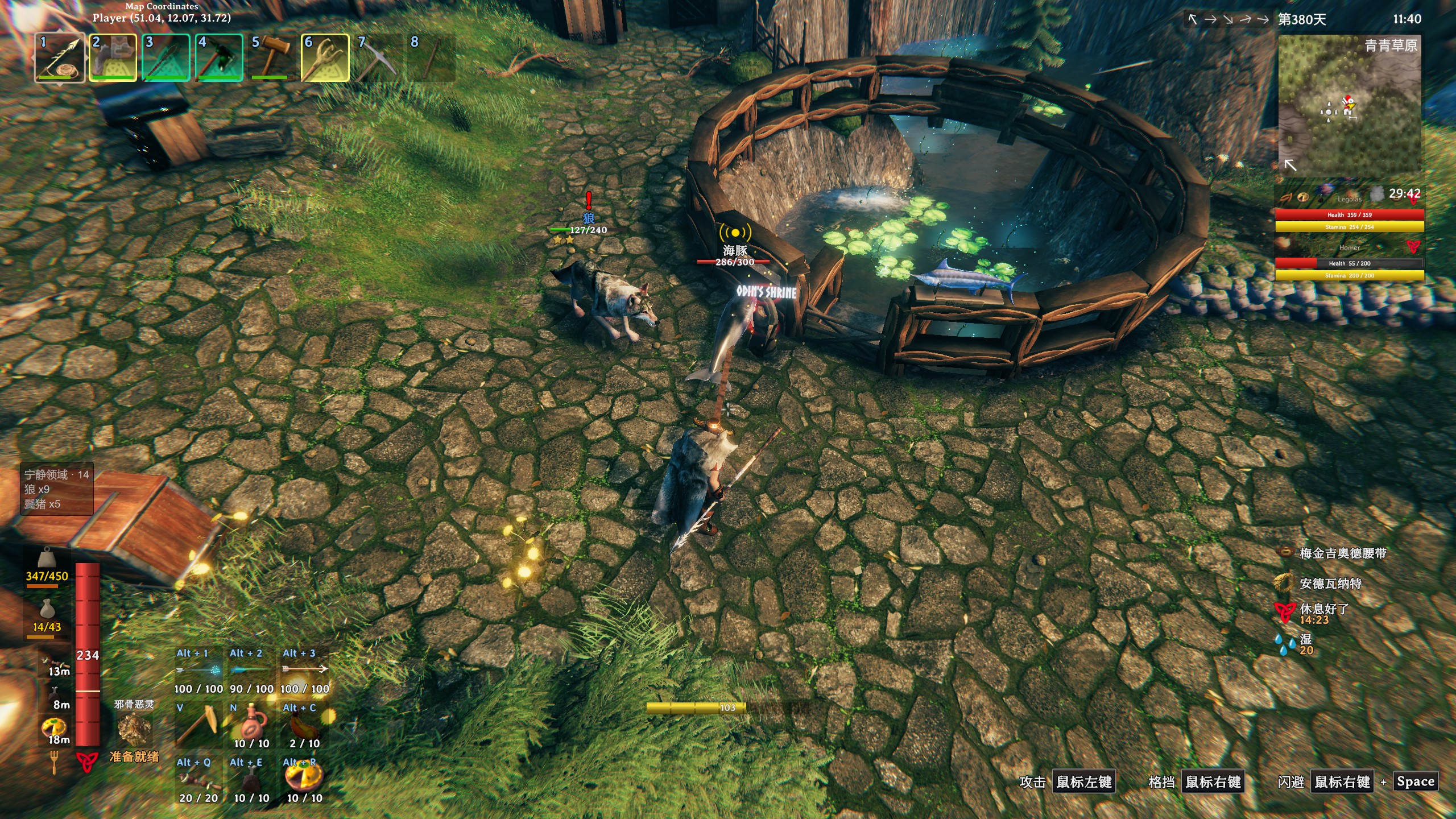
屏幕面板:左侧可调位置、字号、开关;原版动物显示游戏内译名(中文客户端显示“狼”),模组动物按你填的预制件名原样显示。
-
零热路径分配:每秒只扫描一次,名字与名单全部缓存,实测平均
0.07 ms、最慢0.27 ms(17 只动物),对帧率没有可感知影响。 -
One-key standby (
F9by default), with an on-screen message and a side panel. -
Calm radius:
0= no limit, or keep only animals within N meters calm; they resume fighting once they walk out. -
Vanilla and modded creatures handled separately through one switch plus a prefab-name list (
fox_TW,MidgardBear_Polar, ...). -
Whitelist / blacklist for fine control.
-
Configurable panel on the left edge: position, font size, on/off. Vanilla animals use the game's own translation; modded ones show the prefab name exactly as you typed it.
-
No per-frame allocations: one scan per second, names and lists cached, measured 0.07 ms average / 0.27 ms worst with 17 animals.
📦 安装 / Installation
Thunderstore Mod Manager / r2modman:搜索 Passive Wolves,点安装即可(只依赖 BepInEx)。
手动 / Manual:把 ChineseCanFly.PassiveWolves.dll、PassiveWolves.English.yml、PassiveWolves.Chinese.yml 一起放进 BepInEx/plugins/ChineseCanFly-PassiveWolves/。
⚙️ 配置 / Configuration
配置文件:BepInEx/config/chinesecanfly.passivewolves.cfg,游戏里的 Configuration Manager(F1)也能直接改。
| 键 / Key | 默认 | 说明 |
|---|---|---|
Toggle Hotkey |
F9 |
切换热键 |
Start Passive |
false |
开局即处于宁静状态 |
Scan Interval |
1 |
扫描间隔(秒),基地动物多可调到 2 |
Max Distance |
0 |
宁静半径(米),0 = 不限制 |
Affect Vanilla Tames |
true |
影响原版动物(野猪、狼、平原牦牛、鸡、阿斯克维) |
Custom Mod Prefabs |
空 | 其他模组的动物预制件名,逗号分隔 |
Only These Prefabs |
空 | 白名单:填了只影响名单里的 |
Never These Prefabs |
空 | 黑名单:永不影响的 |
Log Performance |
false |
每 60 次扫描写一次耗时到日志 |
Show HUD |
true |
显示左侧面板 |
HUD X (%) / HUD Y (%) |
1 / 45 |
面板位置(屏幕百分比) |
Font Size |
16 |
面板字号 |
Show Prefab Names |
false |
连原版动物也显示原始预制件名(调试用) |
示例:让 Monstrum 的狐狸、灰熊、潜行者、剃背猪也安静:
fox_TW,foxcub_TW,grizzlybear_TW,grizzlybearcub_TW,prowler_TW,prowlercub_TW,razorback_TW,razorbackpiglet_TW
预制件名一般写在模组的 README 或本地化文件里,也可以在控制台用
spawn <名字>试。
🌍 本地化 / Translations
插件自带上百条字符串都放在插件目录的两个 YAML 里:
PassiveWolves.English.ymlPassiveWolves.Chinese.yml
想加自己的语言:复制 PassiveWolves.English.yml,改名为 PassiveWolves.<你的语言>.yml(语言名与游戏语言一致,例如 German、Russian、Portuguese_Brazilian),翻译冒号后面的内容,放回插件目录即可。找不到对应文件时会回退到英文,不会报错。
Want your own language? Copy PassiveWolves.English.yml to PassiveWolves.<Language>.yml (use the game's language name, e.g. German, Russian), translate the values, drop it back into the plugin folder. Missing files fall back to English. Feel free to open a PR with your translation.
🧩 兼容性 / Compatibility
-
与
BetterTames、FeedingTrough等驯养类模组不冲突:本插件只改实例上的 AI 数值,不打全局补丁,不写存档。 -
与
WolfPack、Heel等宠物模组可共存(它们管跟随/传送,本插件管攻击)。 -
多人游戏:改动只在本机生效。作为房主/单人游玩时就是你看到的效果;加入别人的专用服务器时,服务端仍会让动物自行攻击,面板只反映你本地的状态。
-
Works alongside
BetterTames,FeedingTrough,WolfPackandHeel: it only tweaks per-instance AI values, no global patches, nothing saved to your world. -
Multiplayer: changes are local. Singleplayer and host-as-server work as shown; on someone else's dedicated server the server keeps its own AI.
❓ 常见问题 / FAQ
按 F9 没反应? 看 BepInEx/config/chinesecanfly.passivewolves.cfg 里的 Toggle Hotkey 是否被别的模组占用。
动物还在打? 目标是“你被攻击”触发的,切一次宁静再切回来即可清掉;也可以把 Scan Interval 调小。
名字是英文? 原版动物跟随游戏语言;模组动物按你填的预制件名显示,打开 Show Prefab Names 可以看到真实名字。
🛠 源码 / Source
GitHub: https://github.com/tutu8420/PassiveWolves · 由 ChineseCanFly 制作 · MIT
Made by ChineseCanFly. If this saved your pets from committing war crimes, a like on Thunderstore goes a long way.