

Cogling
Little robot helpers (worker NPCs) that tidy your base: pick up items and auto sort them into chests, repair buildings and gear, refuel fires, keep smelters and kilns going. Each has a personality: chats, dances, naps, fishing.Cogling
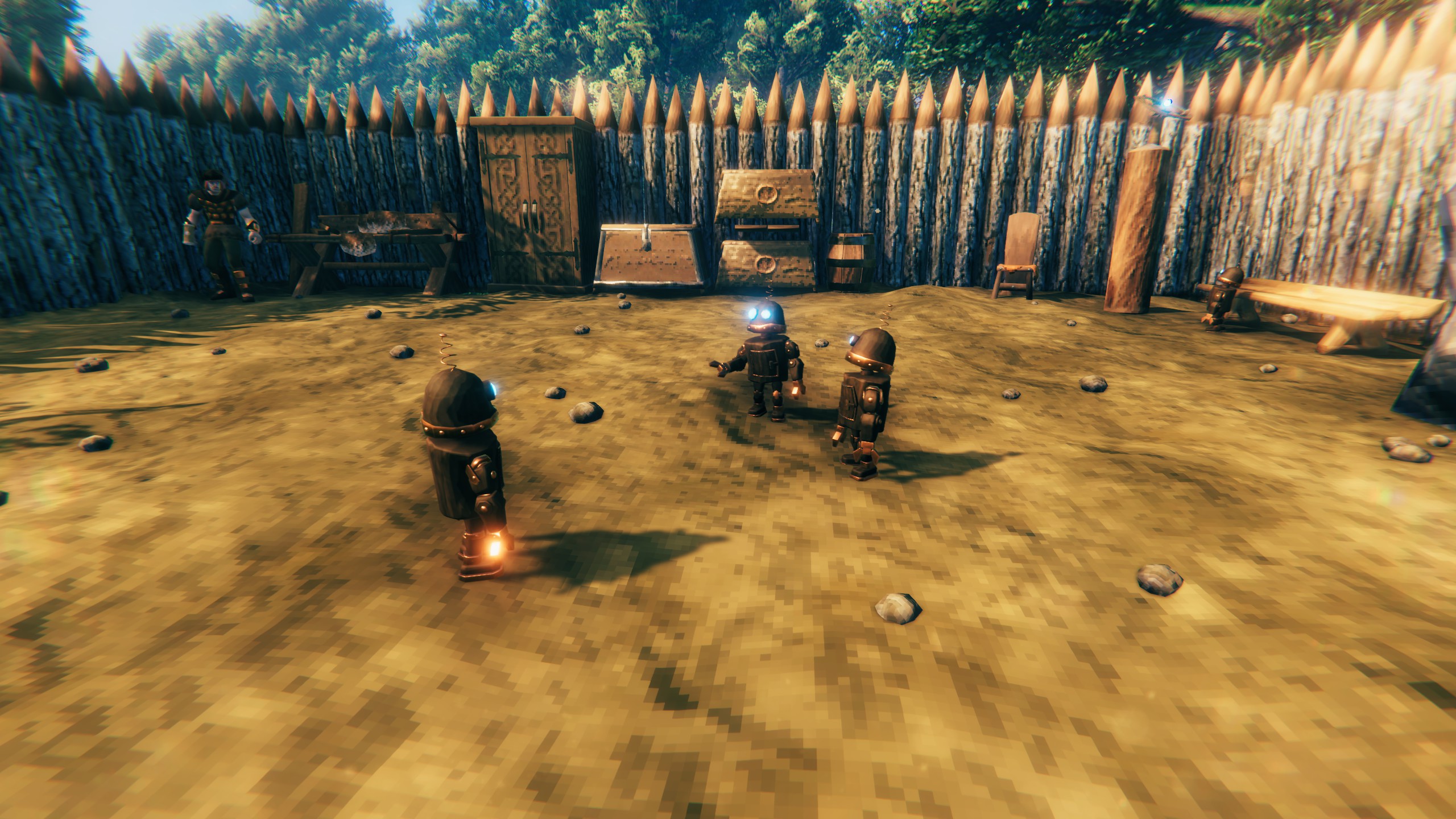
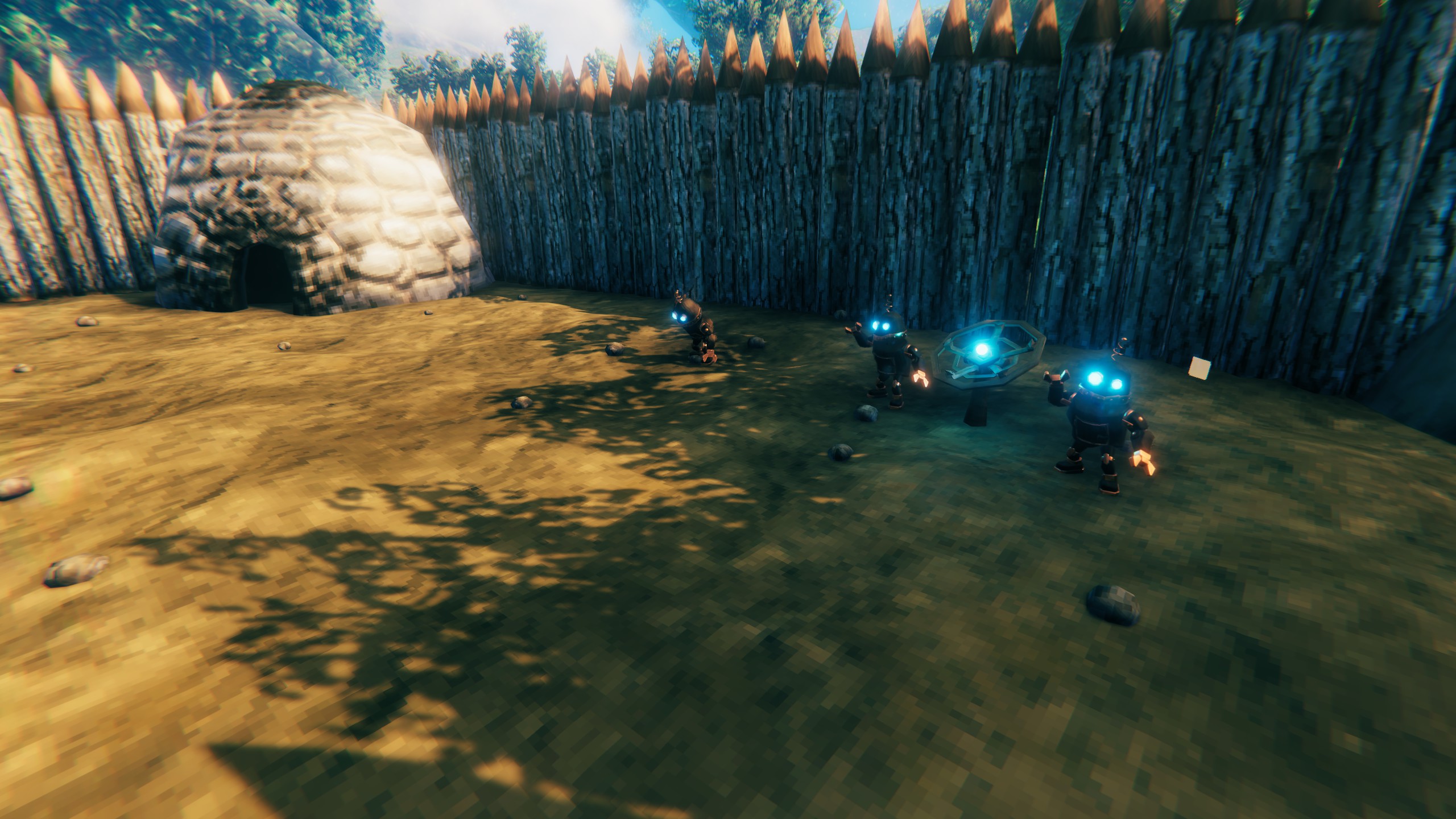
Little copperwood robots that keep your base in order. Build an antenna, build a Cogling, and it gets on with things: picking up what's lying around, putting it in the right chest, tidying your chests, repairing your buildings and gear, and keeping your fires and smelters going. In between, it takes breaks. Every Cogling has a personality of its own: some work hard, some are lazy, some chat, dance or go fishing. You won't see their traits written anywhere; you get to know them by watching.
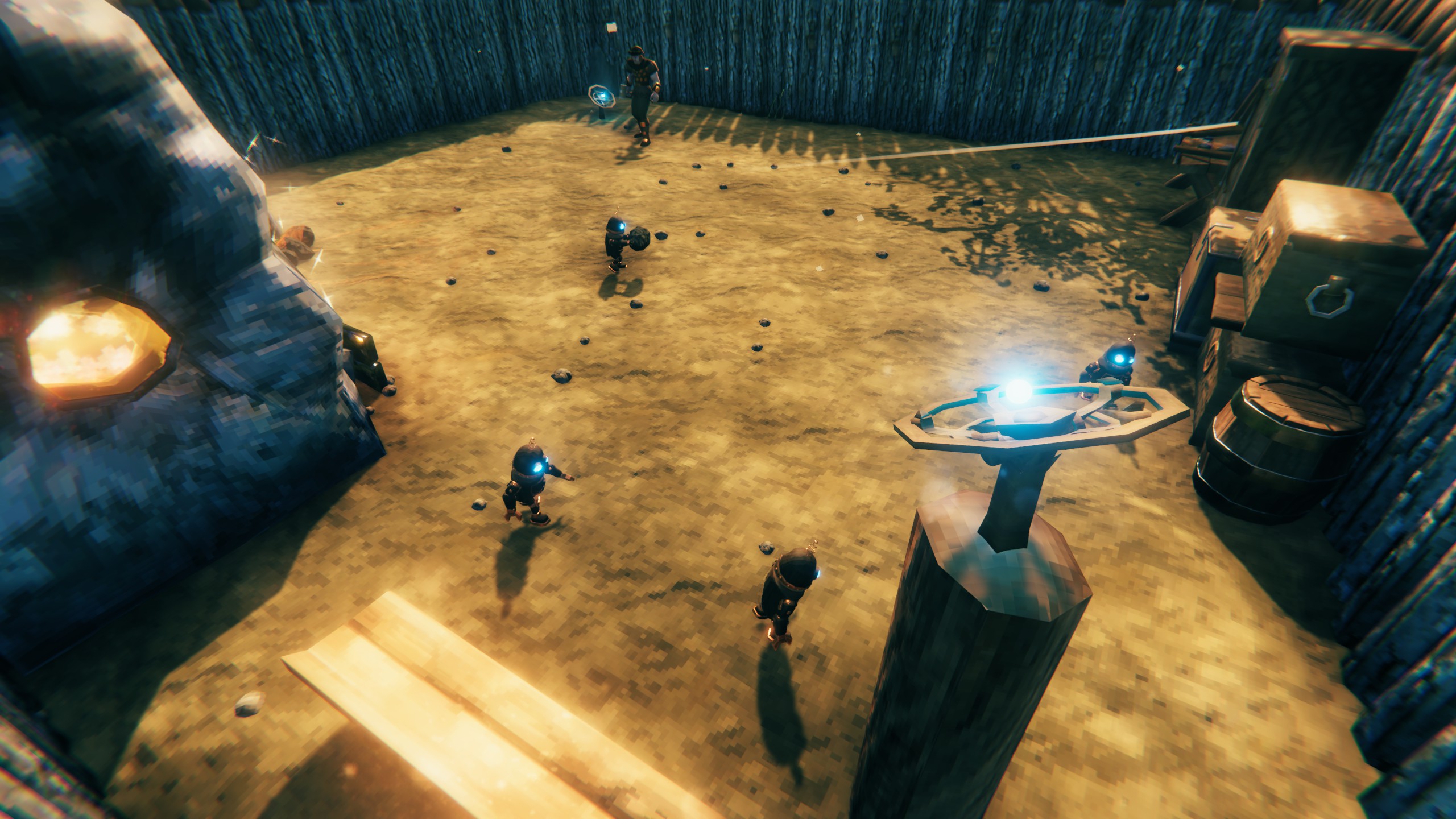
Getting started
- Build a Cogling Antenna with the Hammer (Misc tab, at a workbench). Its area is 20 m around it; antennas whose areas overlap make one bigger area.
- Build a Cogling inside the antenna's area (Misc tab). Each antenna powers two Coglings.
- That's it. The Cogling works inside its area and goes back to its antenna when there's nothing to do. With nothing to do for a while it powers down, and boots up again when there's work.
Look at a Cogling and press E to greet it; Shift + E gives it a name. The line under its name says what it's doing.
What it does
Work (it does these by itself, the most needed first):
- Floor items: picks up items lying in its area and carries them to the chest they belong in. It leaves an item you just dropped alone for a little while, and leaves eggs that are warm enough to hatch.
- Sorting: things go to a chest that already has them, else one with their group (ores, wood, food, potions...). It can also re-sort your chests by group. The groups can be changed, or copied from Smart Containers.
- Repairs: repairs damaged building pieces in its area for free (only where you may build), and takes worn tools and gear from its chests to their crafting station, mends them and puts them back.
- Fires: keeps fires, braziers and torches burning, with fuel from its chests. One you let go out stays out.
- Smelters and kilns: keeps a working smelter, furnace, kiln, windmill or spinning wheel going with more of what it's already working on, and fuel. It never starts one. A kiln is only fed while a smelter needs coal and the chests have none left, so your wood isn't all turned into coal. The bars and coal they make go to the chests.
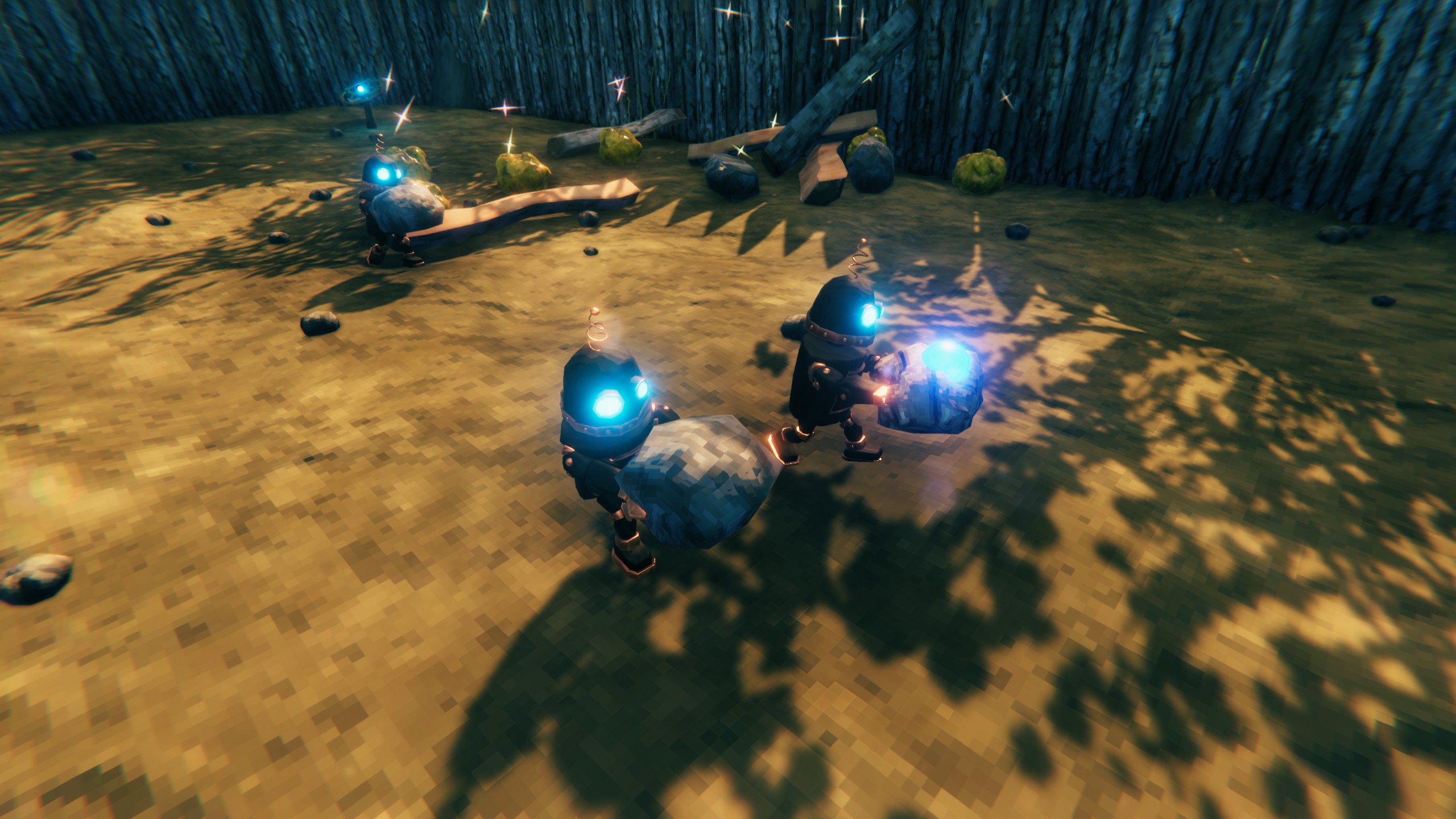
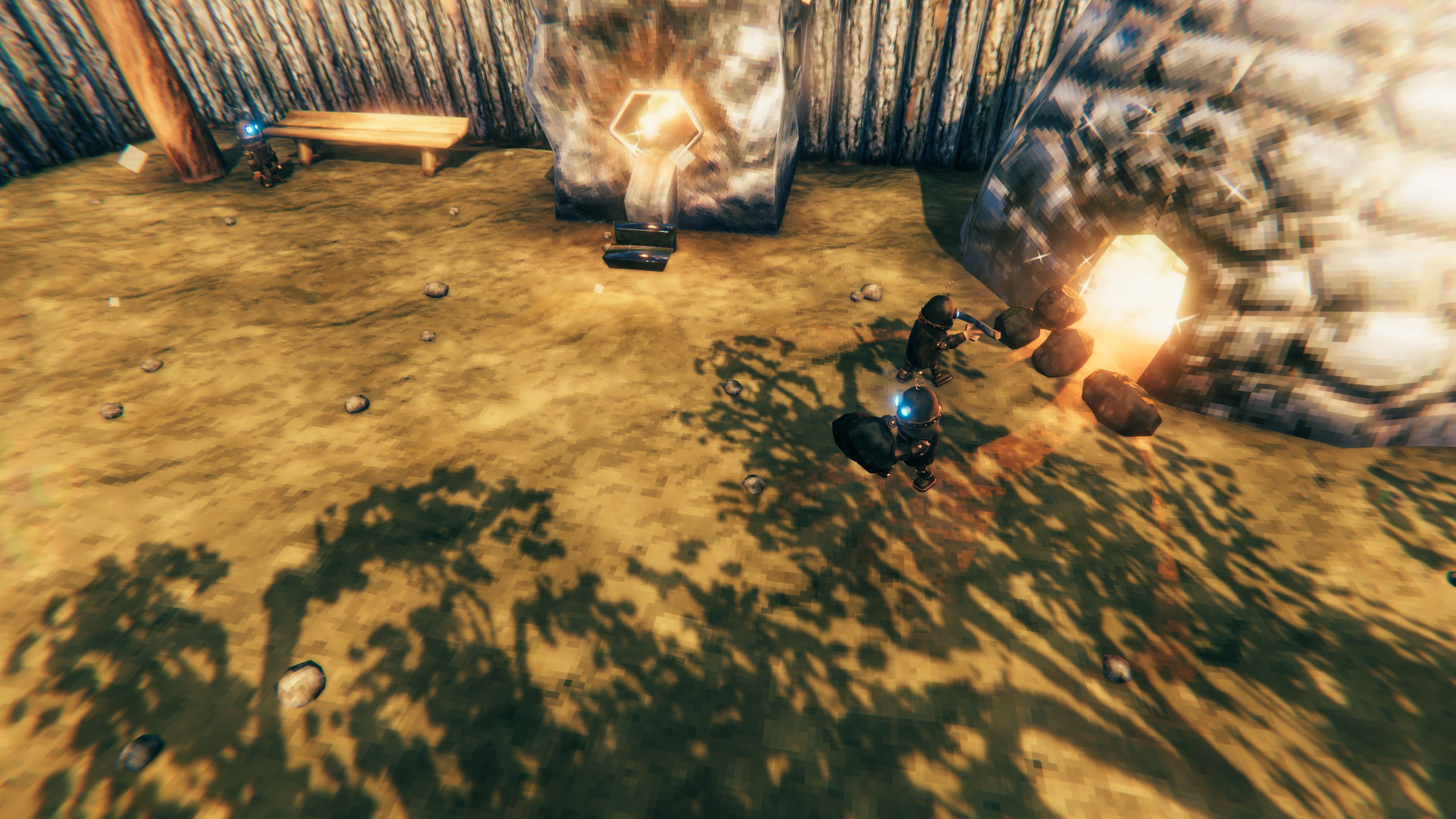
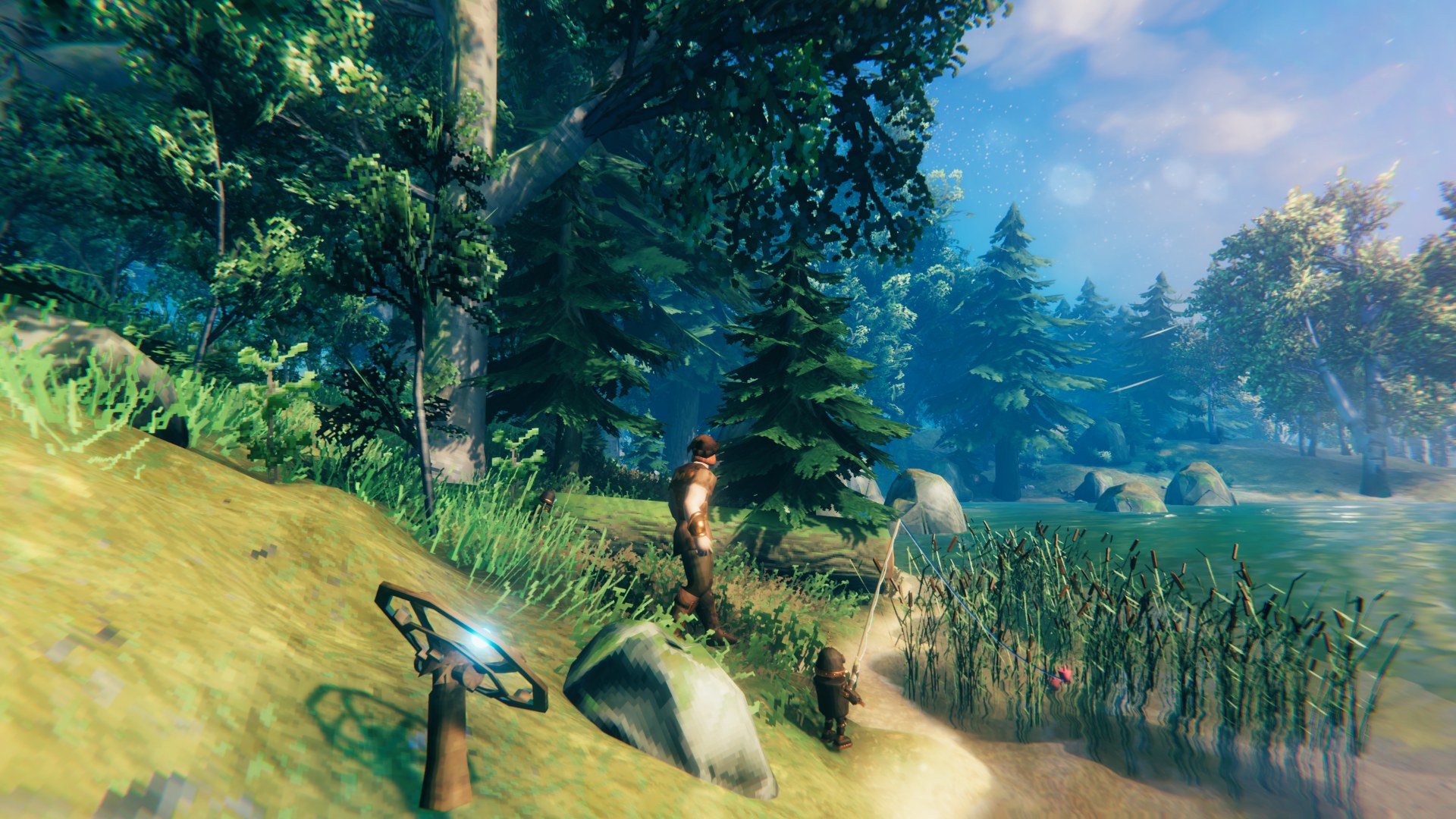
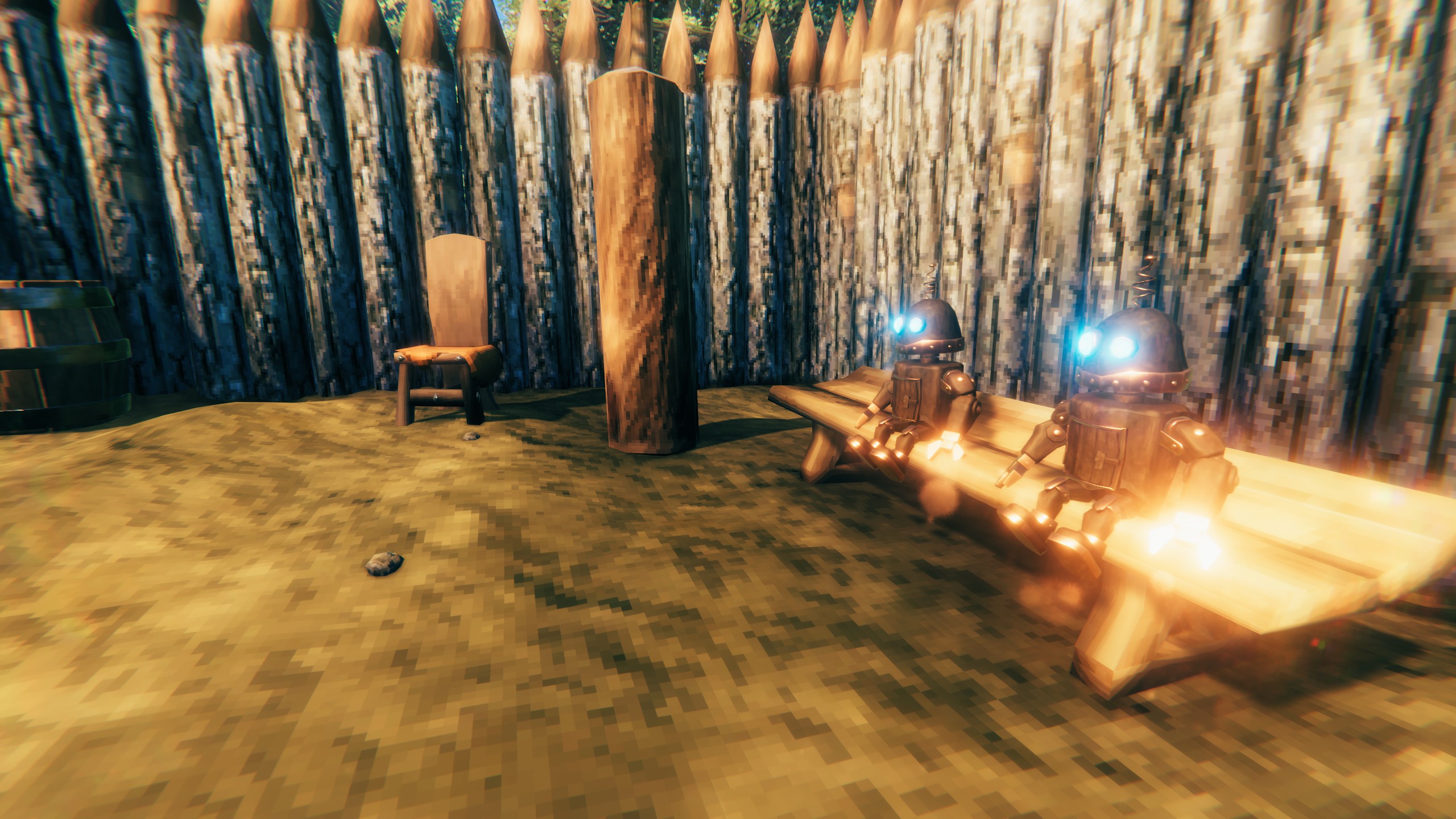
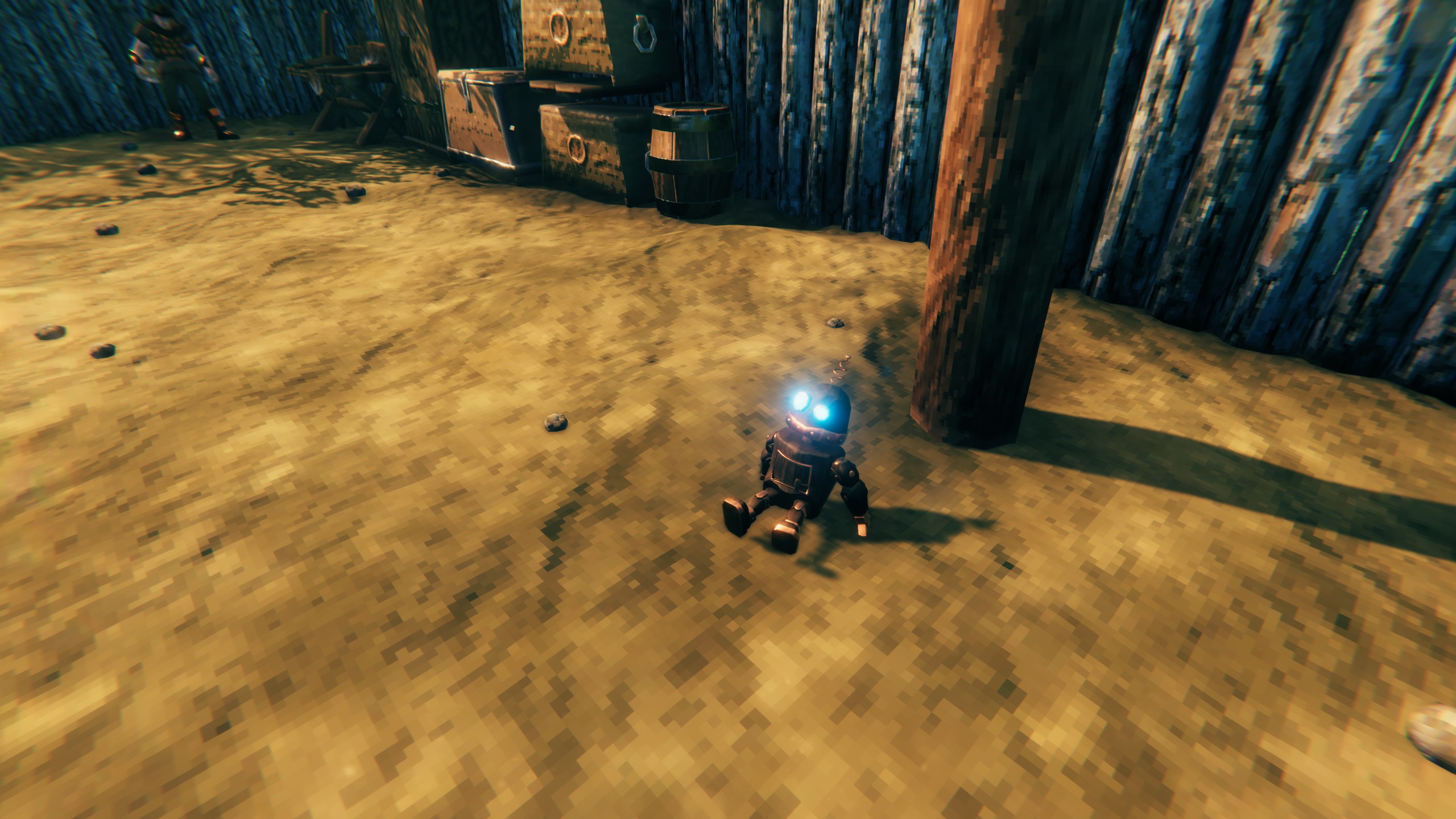
Breaks (now and then, even with work to do, never when frightened; a lazy one more often): staring into the distance, looking around, being bored, dancing (others may join in or clap), sitting on the ground or on a chair, napping, push-ups, chatting in groups of up to four, watching you a little too closely, tagging along after you, playing tag, creeping up on another to give it a fright, visiting your tame animals, admiring a treasure from a chest (it always goes back), tinkering with its antenna, looking over your new building, sheltering from the rain, and, now and then, going fishing (it may bring back a fish).
Other things:
- Wave at a Cogling (the wave emote) and it waves back.
- Press E on an antenna to call the Coglings: every one in its area comes over and waits in front of it for a while.
- Coming home after being away, they greet you.
- Monsters frighten them: they run for cover, eyes red, and come back when it's safe. A Cogling that's broken is rebuilt by its antenna after a while (5 minutes); taken down with the Hammer, it gives its cost back.
Settings
Everything is in BepInEx/config/nick.Cogling.cfg (or a config manager, F1):
| Section | What's in it |
|---|---|
| 1 - Cogling | Its cost, station and size, walking and running speed, rebuild time, powering down (or never) |
| 2 - Antenna | Its cost, station, area and size, how many Coglings each powers |
| 3 - Floor items | How long it leaves a dropped item, the heaviest it carries, cold eggs |
| 4 - Sorting | The item groups, re-sorting, copying groups from Smart Containers |
| 5 - Repairs and tending | Repairing buildings and gear, tending fires and smelters (each can be switched off) |
| 6 - Slacking off | Breaks on or off and how often, chairs, the dance audience, fishing catches |
| 7 - Cogling looks | Eye colour and glow, the copper's shine |
| 8 - Antenna looks | Its moves, its creak and its lamp |
| 9 - Voice | Its voice: pitch, how robotic, volume |
On a server, the server's values count for building, the antenna, floor items, re-sorting, repairs and tending (sections 1 to 5) and fishing catches. The other break settings and the item groups belong to the game running each Cogling; looks and voice are each player's own.
Multiplayer
Install it on every player's game and the server. The server decides the rules. Coglings are run by the game of a player near them, and every player sees the same: what they carry, their breaks, their chats, the antennas' moves.
Compatibility
- Smart Containers: its groups can be copied into Cogling's sorting (4 - Sorting).
- Other mods' chests are used when they're ordinary built containers. It never uses a creature's bag, a cart, a ship, a grave or the Obliterator.
Console commands (cheats: devcommands on)
cogling slack [what]: sends the nearest Cogling on a break (any one, or a named one: stare, look, bored, dance, sit, chair, nap, exercise, watch, follow, tag, sneak, animal, treasure, fiddle, inspect, shelter, fishing, chat).cogling status: what every Cogling is doing, and its personality.cogling strays: lists Coglings outside every antenna's area, anywhere in the world (one whose antenna was taken down, far from any other);cogling strays removetakes them out of the world. On a server, run it on the host.
Credits
The robot was made with Meshy and rigged with Mixamo. Its animations are from Mixamo and from animation packs licensed for use in projects like this one.
Its voice is the Dvergr's, from the game, made robotic.
Made with the help of Claude (Anthropic).