

DynamicStorageMaterials
Configurable material storage with pile, crate and barrel styles, quick building and appearance editing.
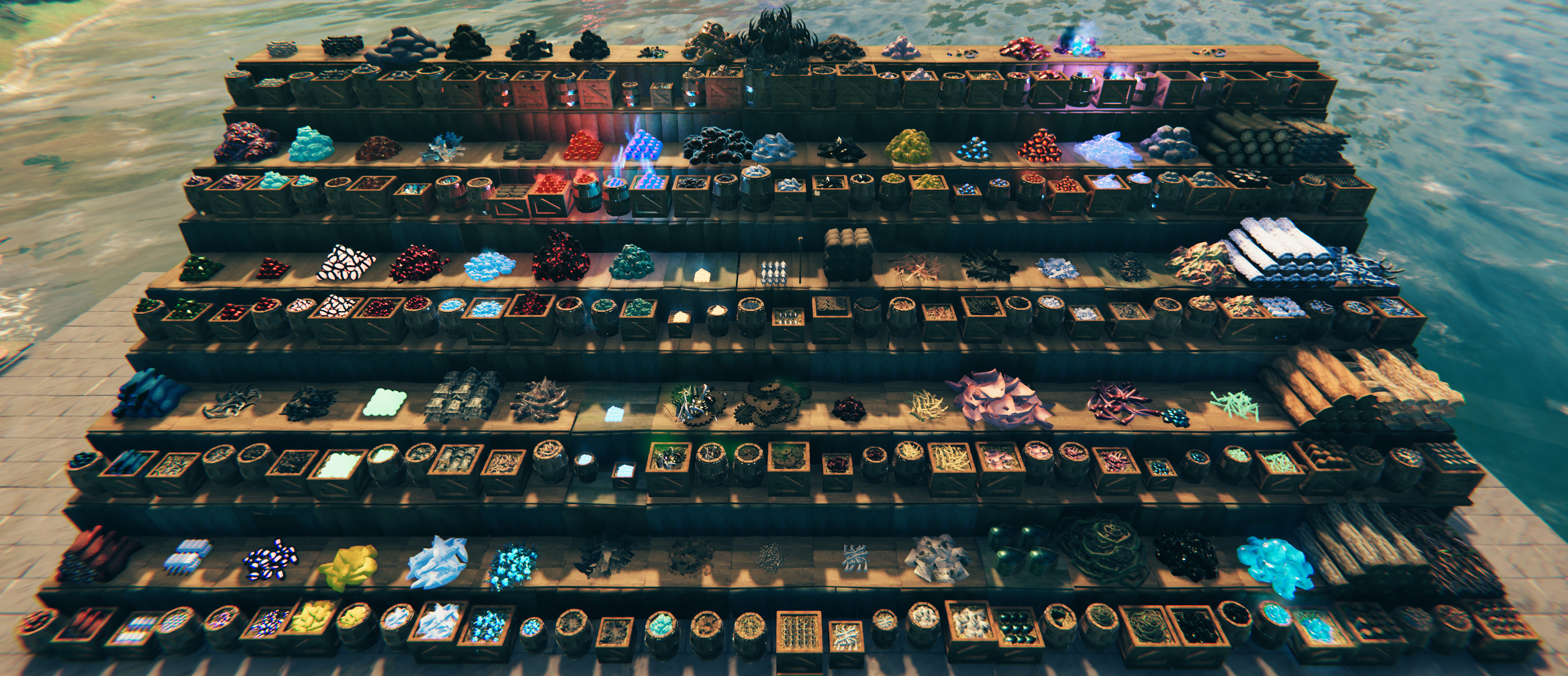
Turn your resources into part of your base. DynamicStorage Materials 2.0 adds functional storage for 130 item types across 82 material groups, with Pile, Crate and Barrel styles.
Requires BepInExPack Valheim and Jötunn. Find Material Storage in your hammer’s Dynamic Storage category.
Three styles that grow with your supplies
Choose your material and display it as a freestanding Pile, Crate or Barrel. Each grows through visible stages as more inventory slots fill—from a handful of supplies to a well-stocked base.
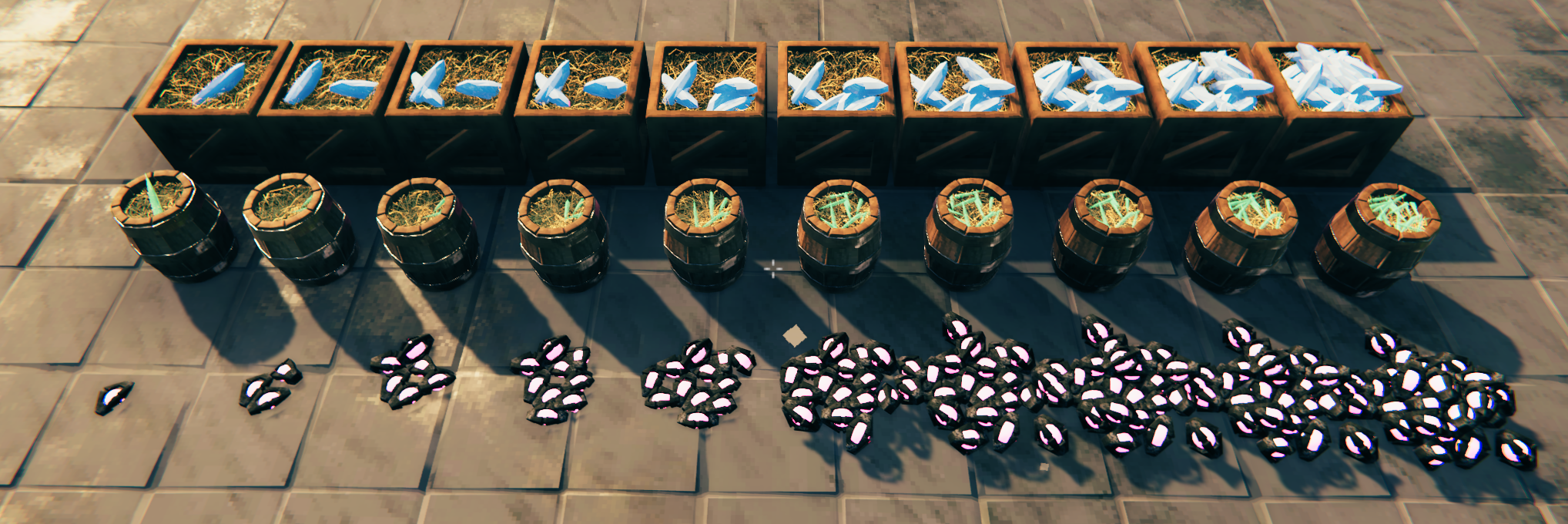
Adjust when each storage looks full, or choose Always Full for a decorative display. Boss Rewards uses individual mini-piles for the different items present.
Build a wood depot worth coming home to
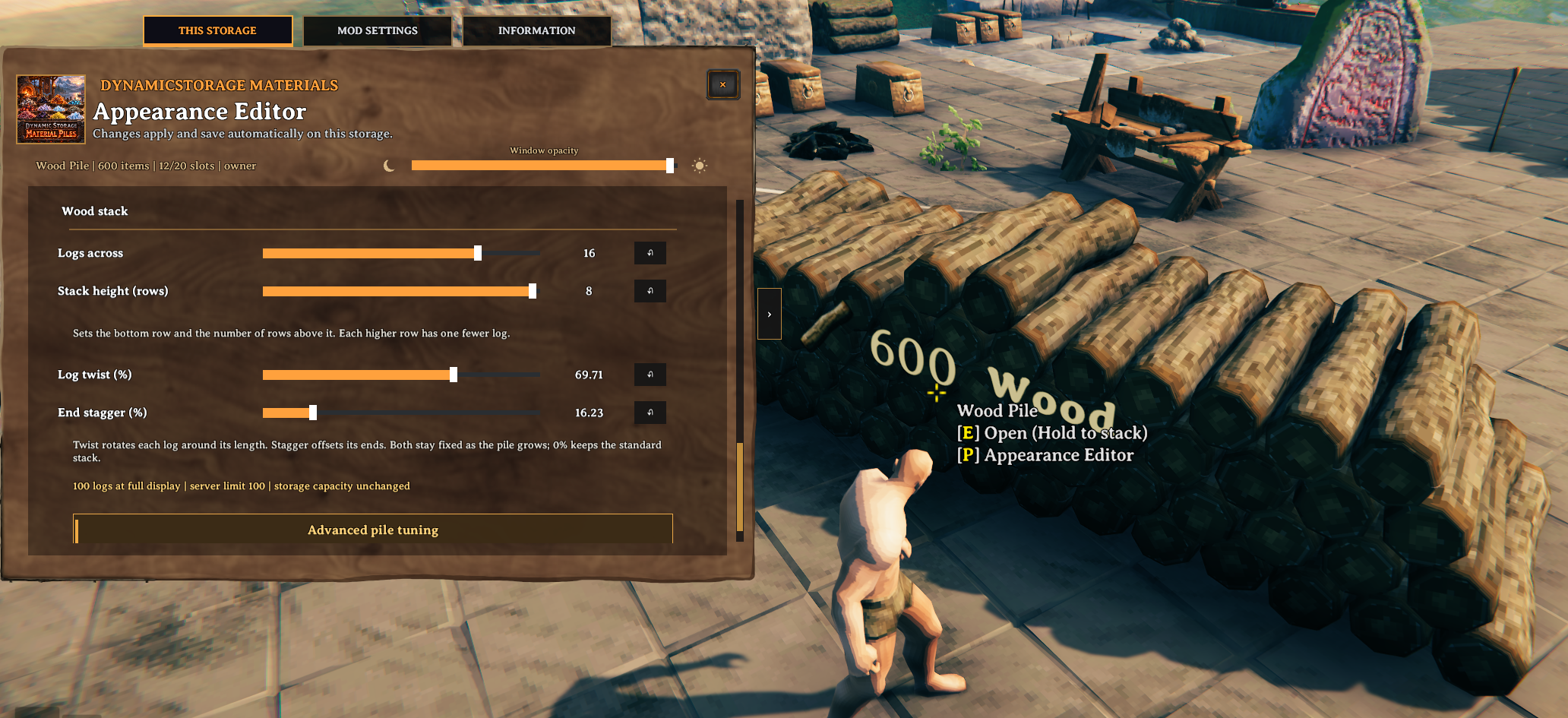
Love returning from a big wood-farming session? Give that haul a display to match. For wood in Pile style, the appearance editor’s Wood stack controls let you choose Logs across and Stack height (rows) for a broad timber depot or a taller stack. Add Log twist and End stagger for a more natural arrangement, or keep both at zero for a tidy stack. Finewood also lets you turn its pale cut faces upward.
Your stack still grows as storage fills, and its appearance saves to that individual piece. The editor shows how many logs the full display will contain. Hosts can adjust Maximum logs per pile from 1–512 (default 100) to allow larger displays; this visual limit is separate from storage capacity.
Labels when you want them
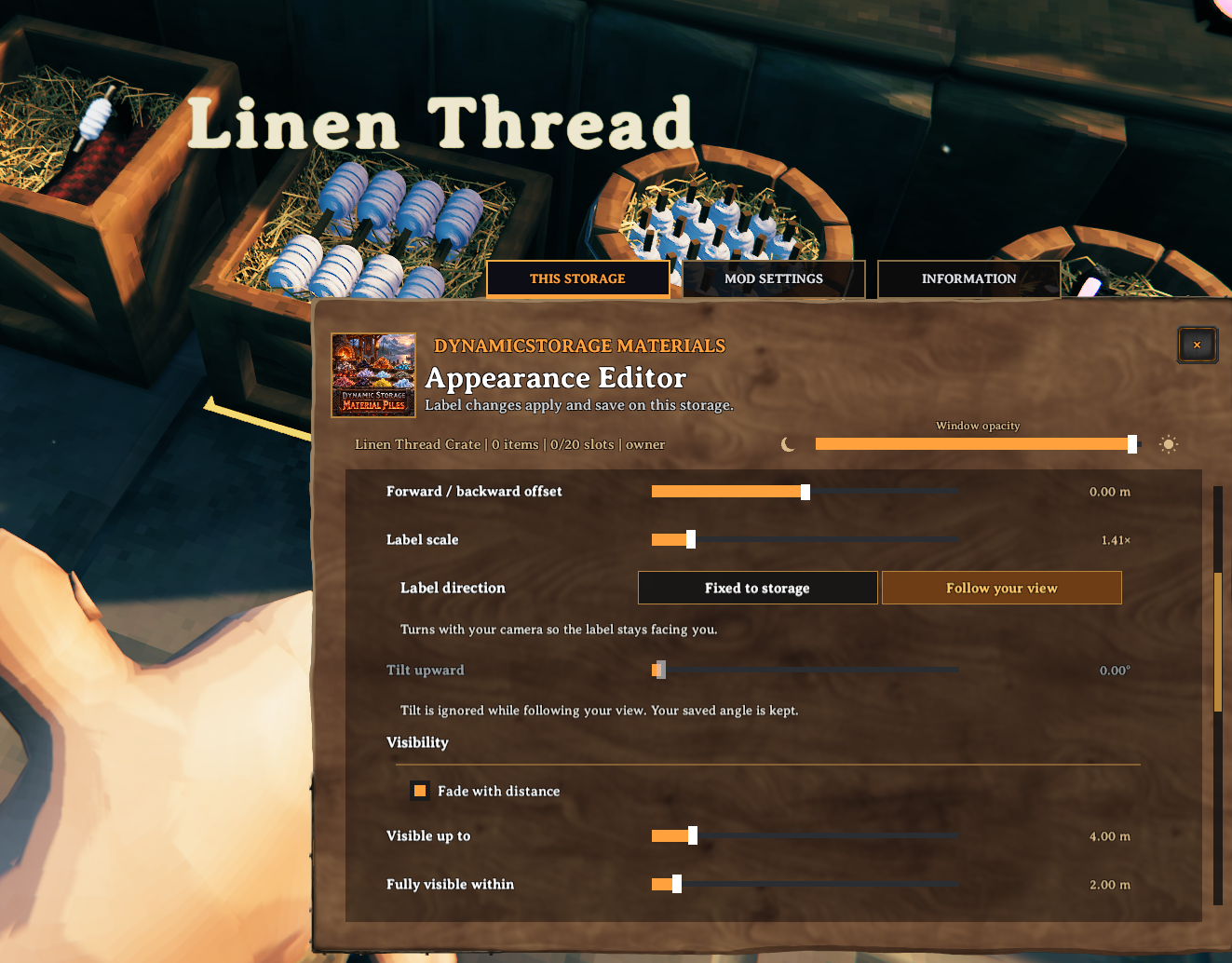
Optional labels show a material name or your own text, with icons and item counts. Item counts follow the main label’s font, size and formatting. Choose their appearance and position, and let them fade as you walk away. Labels start off; enable them in the appearance editor.
Make each storage your own
Look at a placed storage and press P to open the built-in Appearance Editor. Preview changes live, switch styles and fine-tune the display. Adjust window opacity and UI scale using the controls at the top; scale changes apply when you release the slider. Changes save automatically to that storage, so every corner of your base can have its own look.
For faster building, enable Quick storage build in Mod Settings. The first supported stack in hotbar slots 1–5, left to right, selects the material and moves its remaining items into the storage after placement. Normal build costs apply. This option starts off, and your last display style is remembered by default.
Other DynamicStorage Mods
| Explore the collection | |
|---|---|
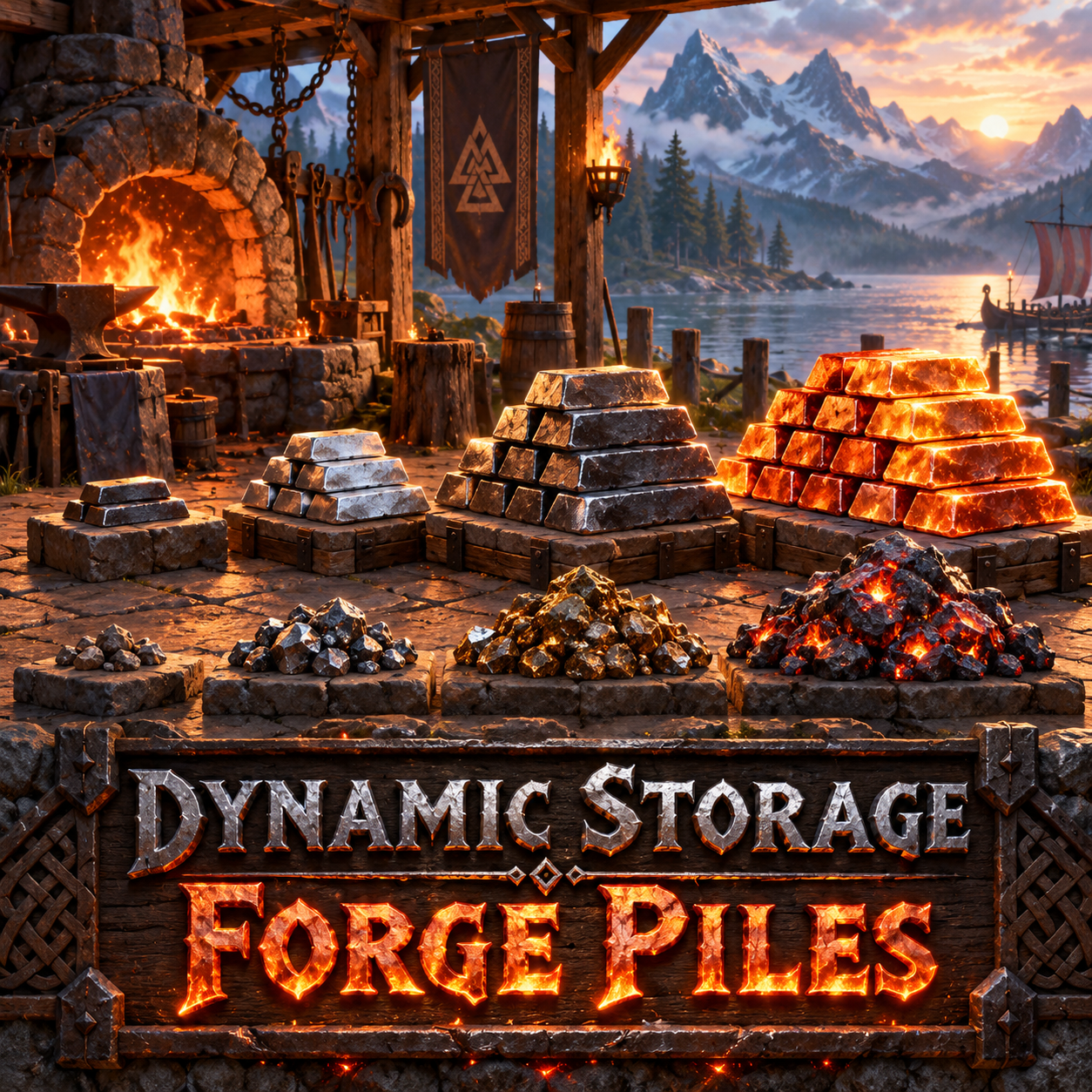 |
DynamicStorage Forge — ores, scraps and refined metals for your workshop. |
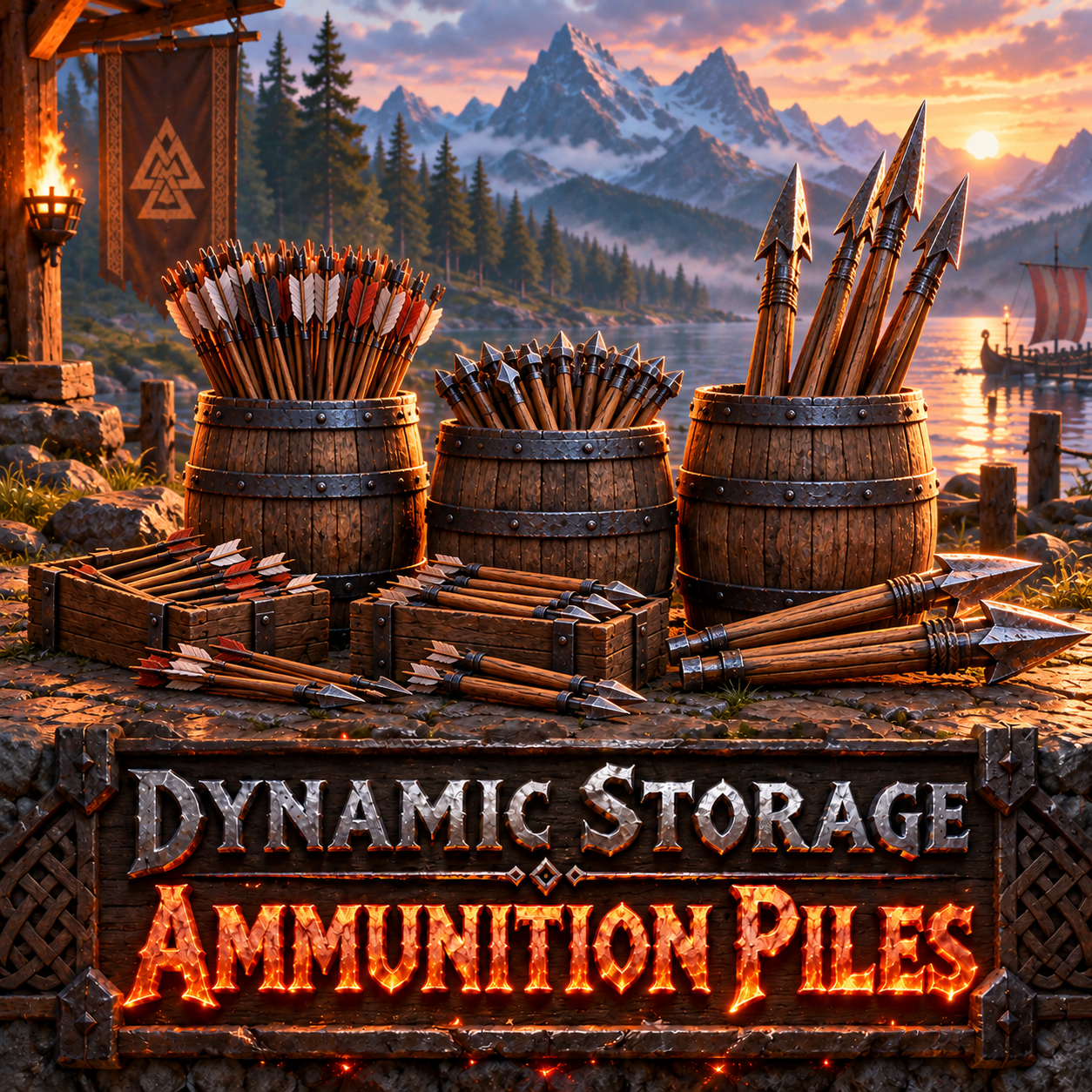 |
DynamicStorage Ammunition Piles — barrels for arrows, bolts and Ballista missiles. |
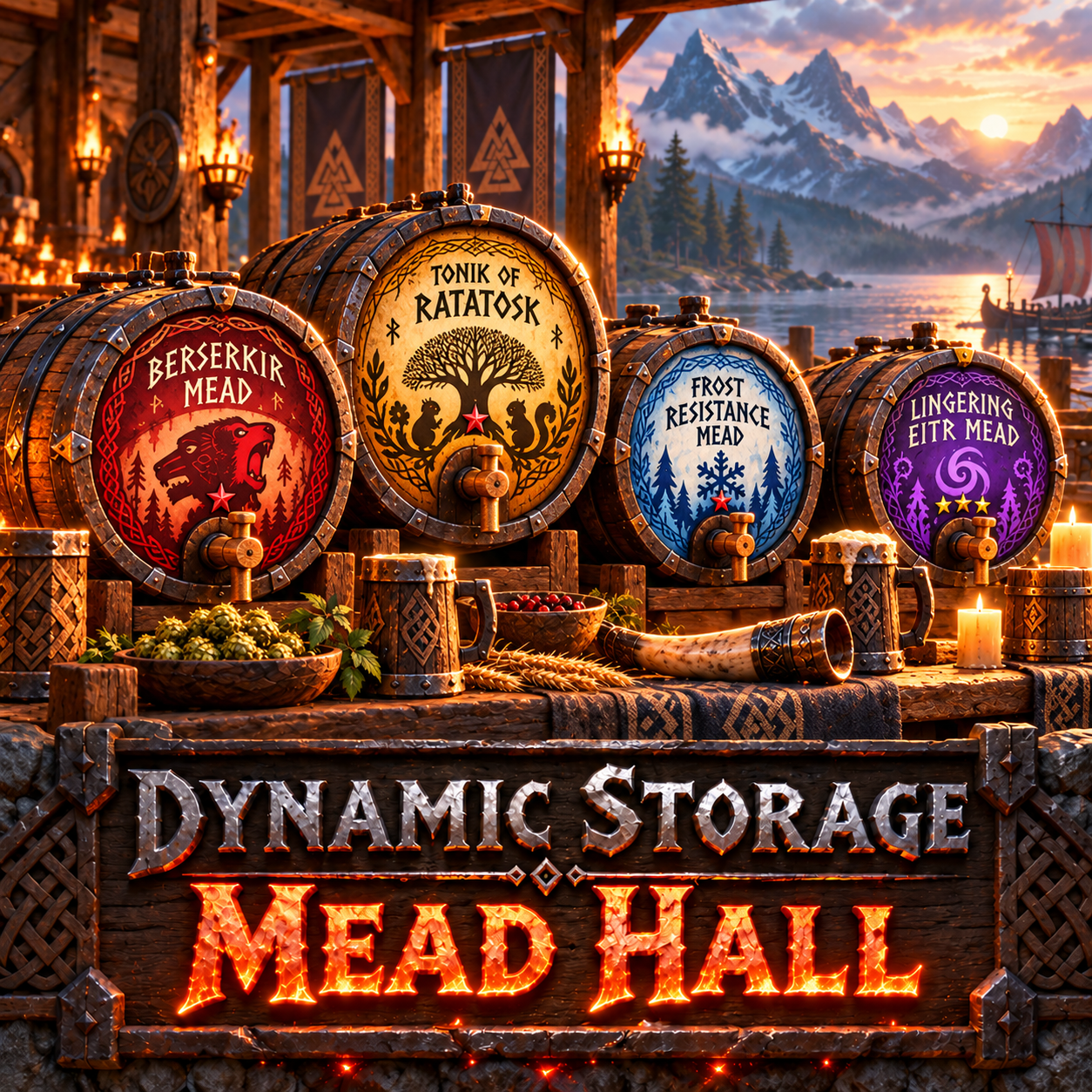 |
DynamicStorage Mead Hall — themed mead storage with labels and Quick Grab. |
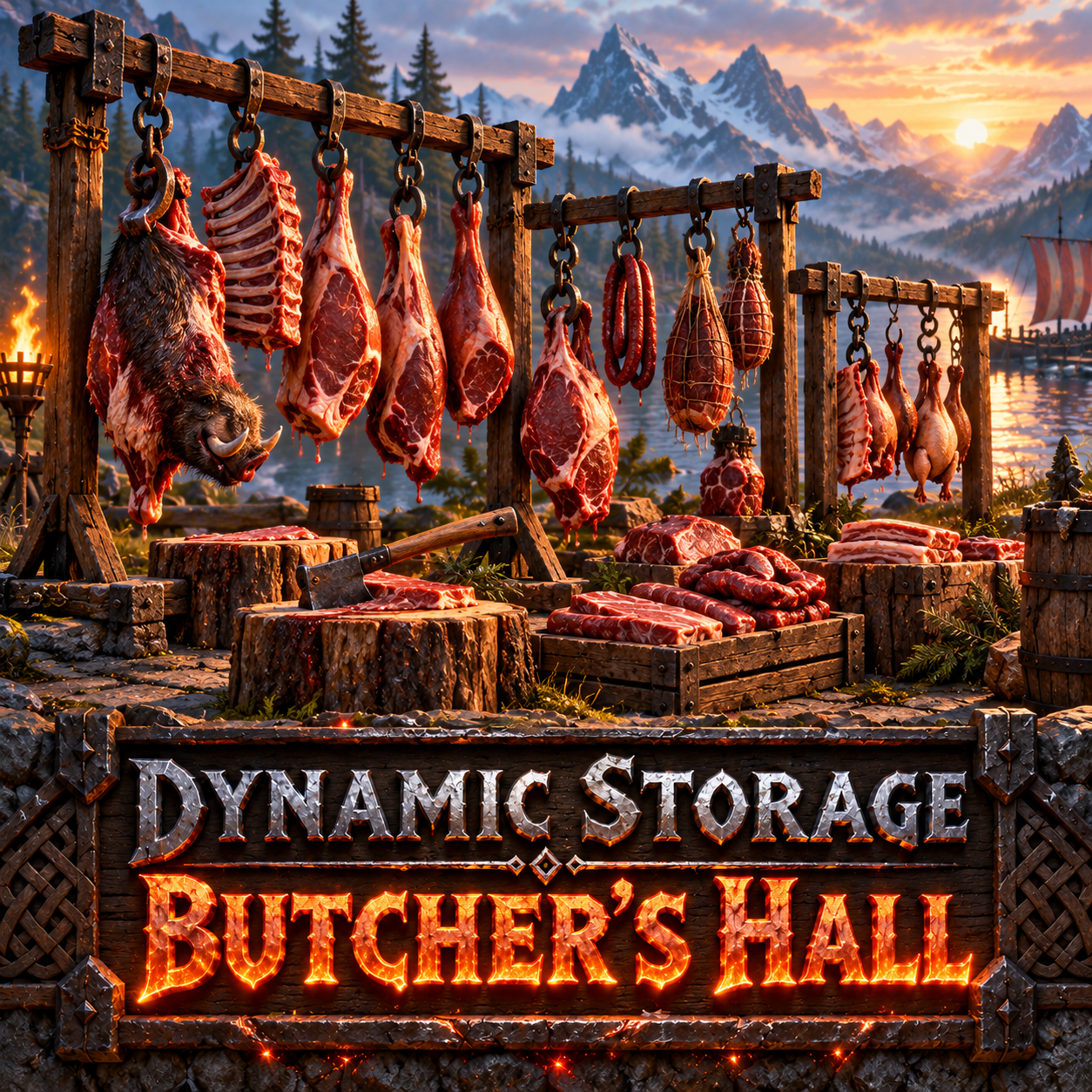 |
DynamicStorage Butcher’s Hall — raw and cooked meat storage for your butcher area. |
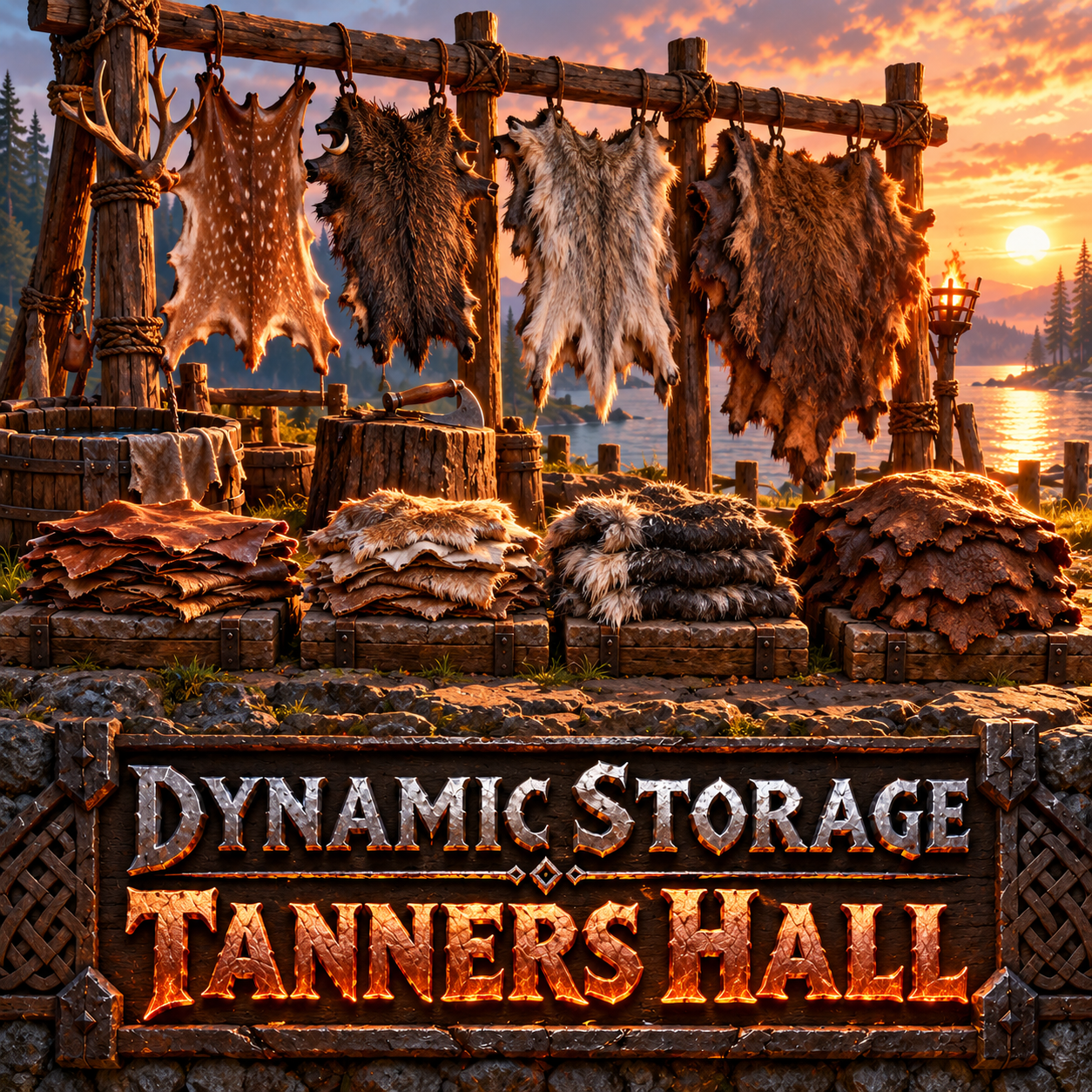 |
DynamicStorage Tanners Hall — hide racks and visible pelt piles for your tannery. |
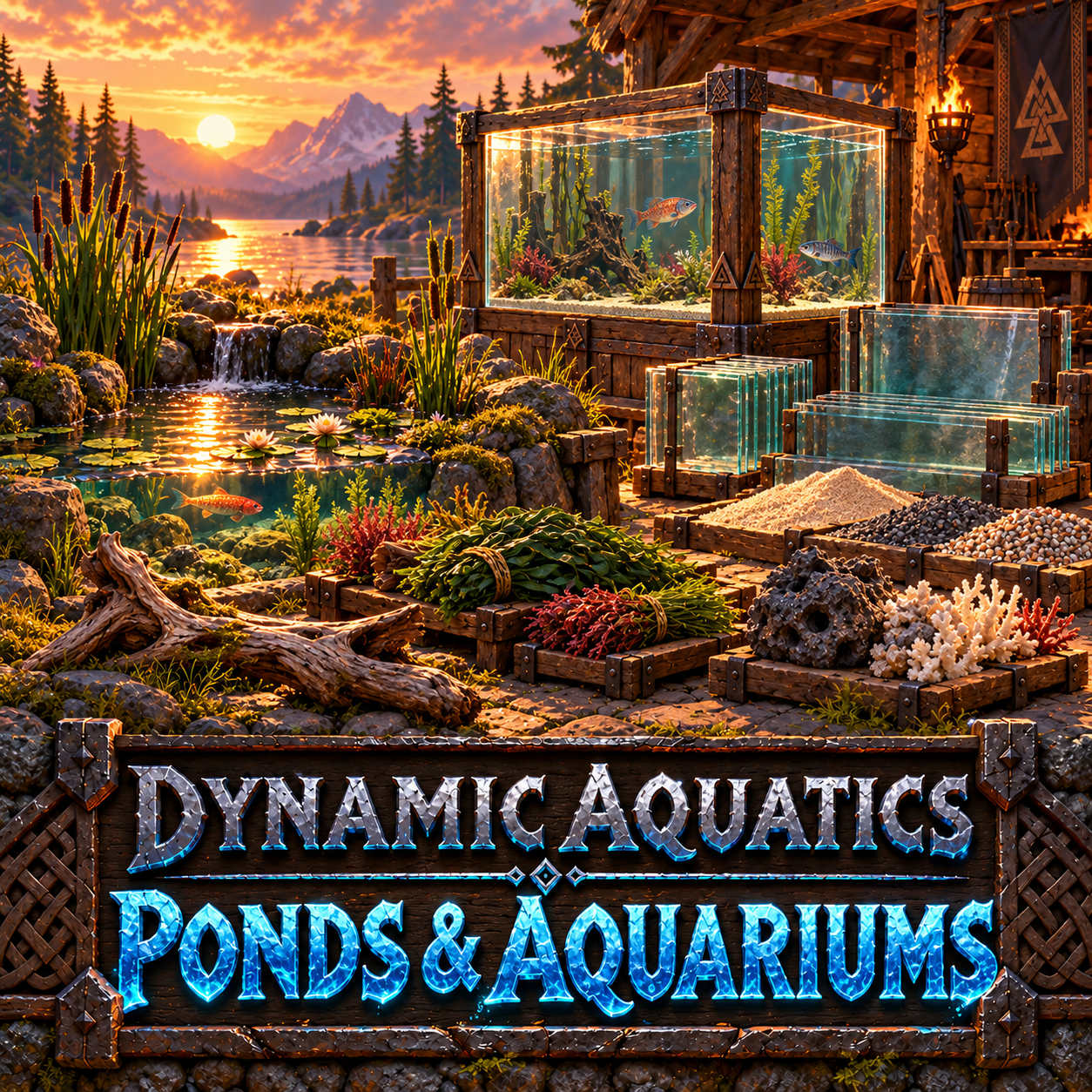 |
DynamicAquatics: Ponds & Aquariums — coming soon. |
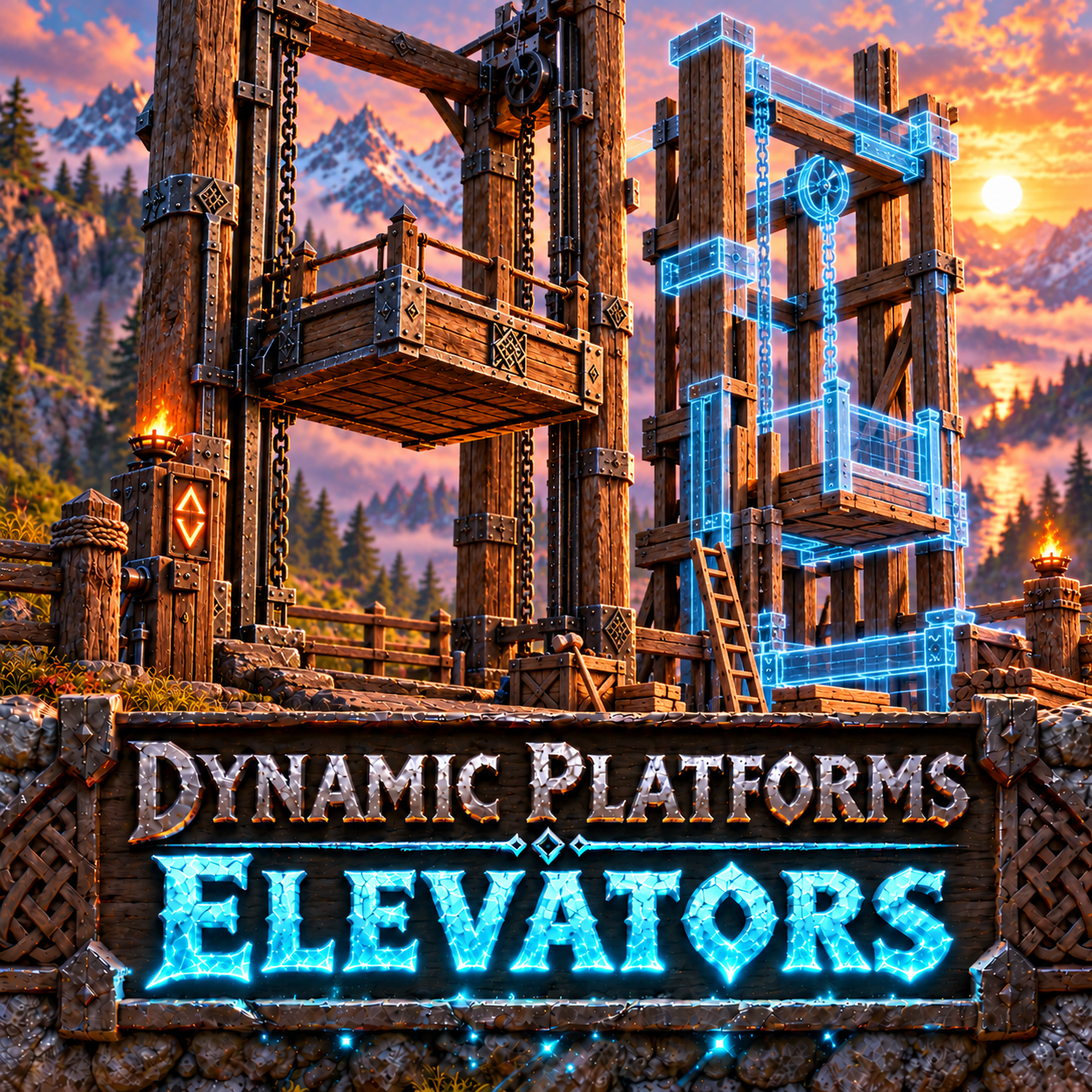 |
Dynamic Platforms: Elevators — build your own lift onto a blueprint frame. You design its floor, walls and decoration; the framework moves your creation between floors. |
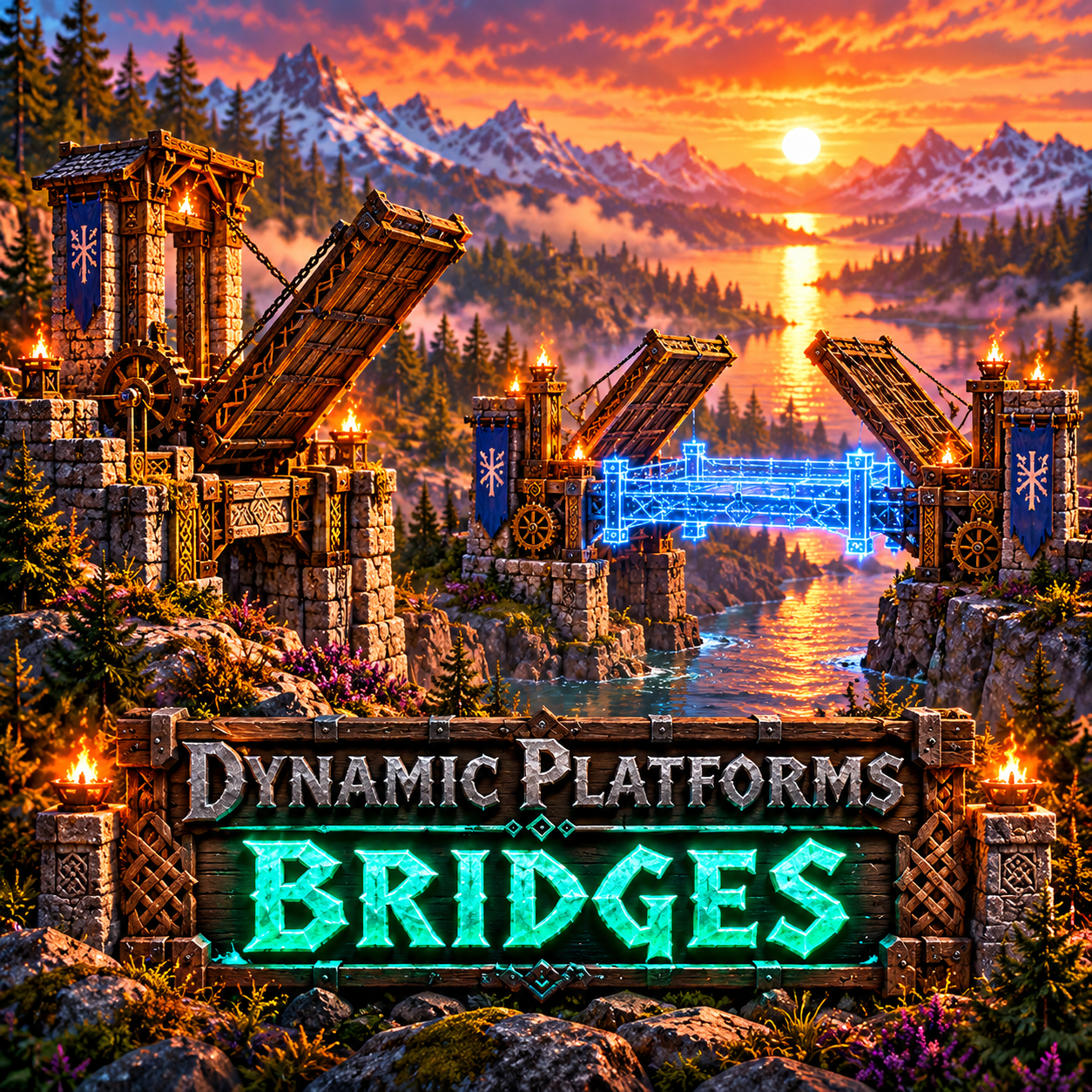 |
Dynamic Platforms: Bridges — build your own bridge onto a blueprint deck. You choose its materials, shape and decoration; the framework provides the moving parts. |
A shoutout to MSchmoecker, creator of the original DynamicStorage Piles, which inspired this collection. Thank you for the original idea!
Join Muji’s Mods Discord
Join the community for bug reports, ideas, screenshots and feedback. Show us what you build!
Installation, updating and technical details
Installation
Install through a Thunderstore-compatible mod manager to include the required dependencies: BepInExPack Valheim 5.4.2351 and Jötunn 2.30.2 (or compatible newer versions).
For manual installation, install those dependencies and place DynamicStorageMaterials.dll in BepInEx/plugins/DynamicStorageMaterials/.
For multiplayer, install matching versions on the server and all clients. Server capacity is authoritative. Saved per-storage appearances are shared; specialist boss recipe tuning and model-effect preferences can differ locally.
Building and storage
Material Storage defaults to 10 Finewood and 2 Bronze. Hosts/admins can change the new piece’s build cost from the Admin panel: Free, Current, Iron (10 Finewood + 2 Iron), or Black metal (10 Finewood + 2 Black Metal). Older individual pile recipes are unchanged. Existing pieces keep their original construction refunds when the preset changes. Select a material in the editor while storage is empty, or let the first supported deposit assign it. Most groups accept one exact item type; Components, Seeds, Boss Rewards and Vendor Items accept their listed members together. Extra allowed items can be added through the editor, but do not automatically gain separate display models. Custom prefab support is host/admin-controlled and requires the item mod on participating machines.
Capacity is 10, 20, 40 or 60 slots, with 20 as the default. Ordinary visual filling follows occupied slots: adding units to an existing stack does not itself add another visual stage. New standard defaults match storage capacity; saved per-storage fullness overrides remain separate. Boss mini-piles instead reflect which member types are present.
Optional labels default to fully visible within 2 m, fading out at 4 m. Both distances can be adjusted. Counts reflect real inventory contents; temporary visual previews do not create items. Powdered Dragon Eggshells is accepted and counted in Vendor Items, but has no displayed model in this version. Treasure storage is deferred.
Updating and recovery
Back up your world before updating, and keep only one installed DynamicStorageMaterials.dll. The thirteen original fixed-material pieces remain registered for existing builds; their hammer entries are hidden by default on new installations.
2.0.2 stack-size compatibility: storage now validates the actual loaded contents, allowing increased stacks when your installed item mods preserve them. This fixes the saved-stack warning affecting original piles and configurable storage. Keep compatible item mods and stack settings on the host and clients; reducing stack limits can still prevent a lossless load. If contents need protection, the tooltip explains the cause and the original saved data is retained.
2.0.4 protection messages: a red tooltip explains a blocked operation and asks for the BepInEx log. Saved contents remain retained when loading cannot be verified; this is protection, not a guarantee that every incompatible save can be recovered. A confirmed empty pile remains removable. Empty Pile displays use a larger, brighter wooden base.
Save-format compatibility: supported compact inventory formats follow the running game’s decoder, fixing false protection locks on newer Valheim saves while retaining checks that loading preserves the contents.
Older piles remain supported. Their short reminder can be hidden with Debug / Show older-pile notice.
Materials logs errors only by default. Enable Debug / Enable debug logging for detailed troubleshooting messages.
Last-resort deletion: Advanced Debug / Allow deletion of protected piles defaults OFF and is server/admin-controlled. On multiplayer servers, enable it on the server. It applies to all protected Materials piles while ON and may permanently discard contents that cannot be loaded. Back up the world first and switch it OFF immediately afterwards. It does not repair or recover those items.
When reducing capacity, storage retains enough space for existing stacks if they cannot fit the requested size. If storage warns that a required item prefab is missing, restore its item mod and restart before using that storage. Exceptional failed-transfer recovery is retained in memory; it is not durable across process exit while recovery is pending.
Full supported-item list — 130 item types / 82 groups
The built-in catalogue is listed below using English names and exact prefab IDs. Availability depends on the items present in your game; missing or invalid prefabs are disabled. Localised names may differ.
Single-item groups
| Material | Prefab ID |
|---|---|
| Ancient Bark | ElderBark |
| Ashwood | Blackwood |
| Asksvin Bladder | AskBladder |
| Bear Paw | BjornPaw |
| Bilebag | Bilebag |
| Black Core | BlackCore |
| Black Marble | BlackMarble |
| Blood Clot | GiantBloodSack |
| Bloodbag | Bloodbag |
| Bloodstone | GemstoneRed |
| Blue Jute | JuteBlue |
| Bone Fragments | BoneFragments |
| Bonemaw Scale | BonemawSerpentScale |
| Bonemaw Tooth | BonemawSerpentTooth |
| Carapace | Carapace |
| Celestial Feather | CelestialFeather |
| Ceramic Plate | CeramicPlate |
| Chain | Chain |
| Charcoal Resin | CharcoalResin |
| Charred Bone | CharredBone |
| Charred Cogwheel | CharredCogwheel |
| Charred Skull | Charredskull |
| Chitin | Chitin |
| Coal | Coal |
| Corewood | RoundLog |
| Crystal | Crystal |
| Dead Pulp | OozeMork |
| Ectoplasm | Ectoplasm |
| Elaking Hair Bundle | ElakingHairBundle |
| Embers | FaderEmber |
| Feathers | Feathers |
| Fenris Claw | WolfClaw |
| Fenris Hair | WolfHairBundle |
| Finewood | FineWood |
| Flint | Flint |
| Freeze Gland | FreezeGland |
| Frostcore | FrostCore |
| Frostfire Essence | OrbFrostFire |
| Frozen Branch | BarkaBranch |
| Grausten | Grausten |
| Greydwarf Eye | GreydwarfEye |
| Ice | Ice |
| Iolite | GemstoneBlue |
| Jade | GemstoneGreen |
| Leather Scraps | LeatherScraps |
| Leather Straps | Leatherstraps |
| Linen Thread | LinenThread |
| Liquid Frost | FrozenFuel |
| Long Claws | MoleClaws |
| Malicious Blood | HatefulBlood |
| Mandible | Mandible |
| Memorial Coal | MemorialCoal |
| Molten Core | MoltenCore |
| Moose Sinew | MooseSinew |
| Morgen Heart | MorgenHeart |
| Morgen Sinew | MorgenSinew |
| Needle | Needle |
| Nornathread | NornThread |
| Obsidian | Obsidian |
| Proustite Powder | ProustitePowder |
| Red Jute | JuteRed |
| Refined Eitr | Eitr |
| Resin | Resin |
| Root | Root |
| Serpent Scale | SerpentScale |
| Soft Tissue | Softtissue |
| Stone | Stone |
| Sulfur | SulfurStone |
| Surtling Core | SurtlingCore |
| Tar | Tar |
| Thunderblood Essence | OrbThunderBlood |
| Timberwood | Frostwood |
| Vile Ribcage | UndeadBjornRibcage |
| Wisp | Wisp |
| Wolf Fang | WolfFang |
| Wood | Wood |
| Writhan Roots | WrithanRoots |
| Yggdrasil Wood | YggdrasilWood |
Mixed groups
Each group accepts all of its listed members together.
Components (8 types)
Mechanical Spring (MechanicalSpring), Bronze Nails (BronzeNails), Iron Nails (IronNails), Hook (Hook), Charred Cogwheel (CharredCogwheel), Dvergr Extractor (DvergrNeedle), Sharpening Stone (SharpeningStone), Shield Core (ShieldCore).
Seeds (15 types)
Acorns (Acorn), Beech Seeds (BeechSeeds), Birch Seeds (BirchSeeds), Fir Cone (FirCone), Pine Cone (PineCone), Timberwood Cone (FirConeFrost), Ivy Seeds (VineGreenSeeds), Carrot Seeds (CarrotSeeds), Turnip Seeds (TurnipSeeds), Onion Seeds (OnionSeeds), Kale Seeds (KaleSeeds), Oat Seeds (OatSeeds), Seed Poteitr (PoteitrSeeds), Vineberry Seeds (VineberrySeeds), Ancient Seed (AncientSeed).
Boss Rewards (10 types)
Hard Antler (HardAntler), Dragon Tear (DragonTear), Torn Spirit (YagluthDrop), Majestic Carapace (QueenDrop), Kindled Ribs (FaderDrop), Sacrificial Blood (FrozenKingDrop), Crown Jewel (CrownJewel), Withered Bone (WitheredBone), Dragon Egg (DragonEgg), Fuling Totem (GoblinTotem).
Vendor Items (20 types)
Barrel Hoops (BarrelRings), Corked Vial (BlobVial), Candle Wick (CandleWick), Thunder Stone (Thunderstone), Ymir Flesh (YmirRemains), Scythe Handle (ScytheHandle), Barber Kit (BarberKit), Basic Firework (FireworksRocket_White), Woodland Herb Blend (SpiceForests), Seafarer's Herbs (SpiceOceans), Mountain Peak Pepper Powder (SpiceMountains), Grasslands Herbalist Harvest (SpicePlains), Herbs of the Hidden Hills (SpiceMistlands), Fiery Spice Powder (SpiceAshlands), Seasoning of the Gourd (SpiceDeepNorth), Powdered Dragon Eggshells (PowderedDragonEgg), Fresh Seaweed (FreshSeaweed), Pungent Pebbles (PungentPebbles), Fragrant Bundle (FragrantBundle), Cured Squirrel Hamstring (CuredSquirrelHamstring).
Charred Cogwheel has its own group and is also accepted in Components; it is counted once in the 130 unique item types. Powdered Dragon Eggshells has no displayed model. Vile Ribcage is a single-item group, separate from Boss Rewards.