

DynamicPlatforms Elevators
Build your own vanilla-friendly elevator over a moving framework, with named floors, cabin controls and call buttons. Public beta; placeholder UI.DynamicPlatforms Elevators
Place a framework, build your own elevator over it, and let the framework handle the movement.
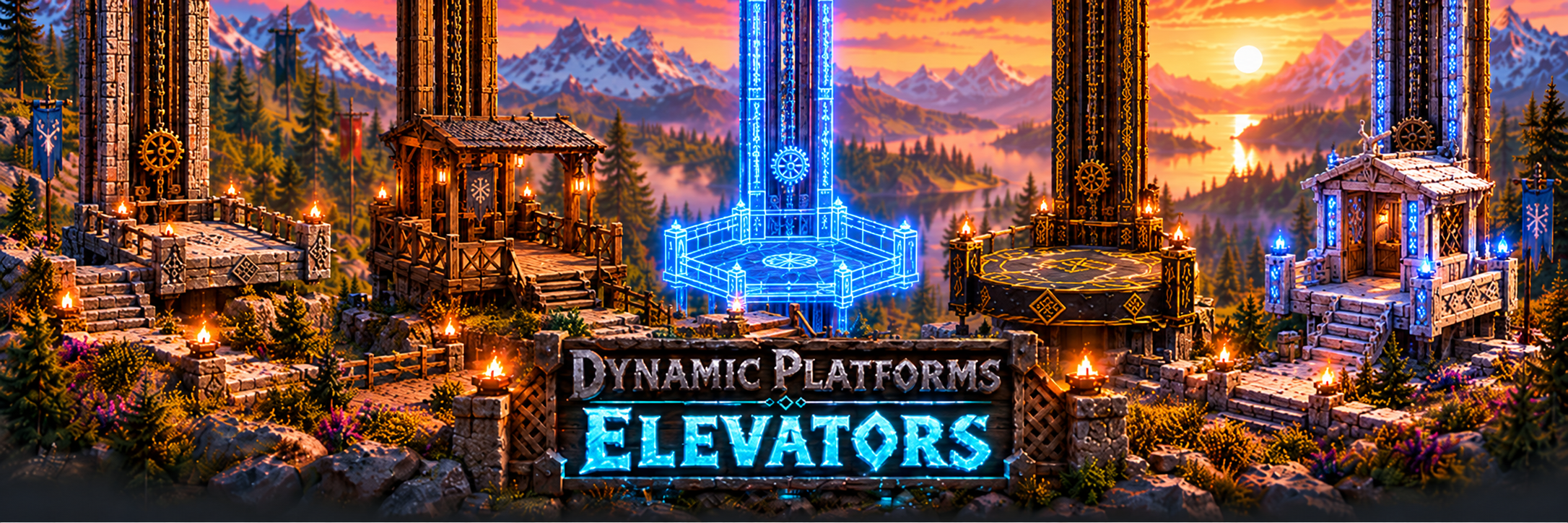
Your design. Your materials. Your floors. Build a simple wooden lift, a tower elevator, or a decorated cabin that feels at home in your settlement. DynamicPlatforms Elevators provides the moving framework; you provide the structure using Valheim's building pieces.
Public beta — please read
Version 0.2.0.
The core mod is intended to be generally feature complete, but it has not been extensively tested, particularly in multiplayer, with large structures, or alongside other mods.
The UI is currently a placeholder and has not had a UX pass. The menus and controls are functional, but their layout, wording, and ease of use are still being worked on. Please report confusing interactions as well as bugs.
Back up your world before testing. Report bugs, performance issues, UI feedback, and feature requests on Discord. Your feedback will help shape the release.
Build an elevator that belongs in your world
- Build your own cabin. Use familiar floors, walls, railings, and decoration rather than being limited to a finished elevator model. The framework hides when you finish building, leaving your design on show.
- Choose your footprint. Square, rectangular, and octagonal frames support different cabin layouts. Adjust the dimensions and cabin height to suit your build. In stopped build mode, resize or change shape after building; sliders and shape choices keep every existing block inside the build allowance and preserve a connection from each attached section to the base, without moving your cabin.
- Helpful building guides. A blueprint surface, adjustable snap grid, and visible outer limits help you plan. Build up to two metres beyond each base edge, within the cabin height, with pieces supported through contact with the base or attached structure.
- Named floor stops. Set the height and name of each stop, or add a floor at the lift's current height. Adjust travel speed and use the one-metre nudges to line up landings.
- Controls inside, call buttons outside. The cabin's Lift Controls offer a button for each floor. Place Lift Call Buttons at landings to bring the elevator to you, or inside the cabin as direct buttons for your chosen floors. Look at a control and press P for separate Display and Labels settings. Minimal, Basic, Classic and Side by side layouts have independent board, text and button sizes, with night-readable lettering and optional glow. Floor buttons light while the lift travels to their accepted destination, then clear on arrival.
- Find your placed elevators. YOUR LIFTS lists your character's lifts in the current world, including saved lifts outside the loaded area. See floor and block counts, distance, and location, then mark a lift on the map or open its editor when loaded nearby.
- Protect your work. The builder can lock the lift's settings. Other players can still ride and call it, while editing remains protected.
The aim is a vanilla-friendly addition: your own Valheim construction does the visual work, with vanilla assets used for the framework and controls. DynamicPlatforms Elevators is standalone; DynamicPlatforms Bridges is an optional companion.
Getting started
- Find Lift Platform, Lift Controls, and Lift Call Button in the hammer's Dynamic Storage section. These beta pieces currently cost one Wood each.
- Place a Lift Platform. Look at it and press P to open the editor, then choose your shape and dimensions.
- Build your cabin in build mode. Build an actual floor: the blueprint becomes hidden and non-solid when you finish. Add Lift Controls inside the cabin.
- Open FLOORS to add and name your stops. Use Add floor at current height and the height nudges to help position them.
- Select Finish building, then use the Lift Controls with your normal Use key, usually E. Add call buttons at landings or inside the cabin for direct floor selection; choose each destination in its P settings.
To edit again, look at the platform, its controls, or an attached ordinary floor or wall and press P. Storage pieces retain their own appearance-editor shortcut. You can return the lift to build mode to change the structure.
For management without looking at a lift, check Lift Editor → Open Your Lifts in the BepInEx mod settings. This opens the catalogue and resets the checkbox after use.
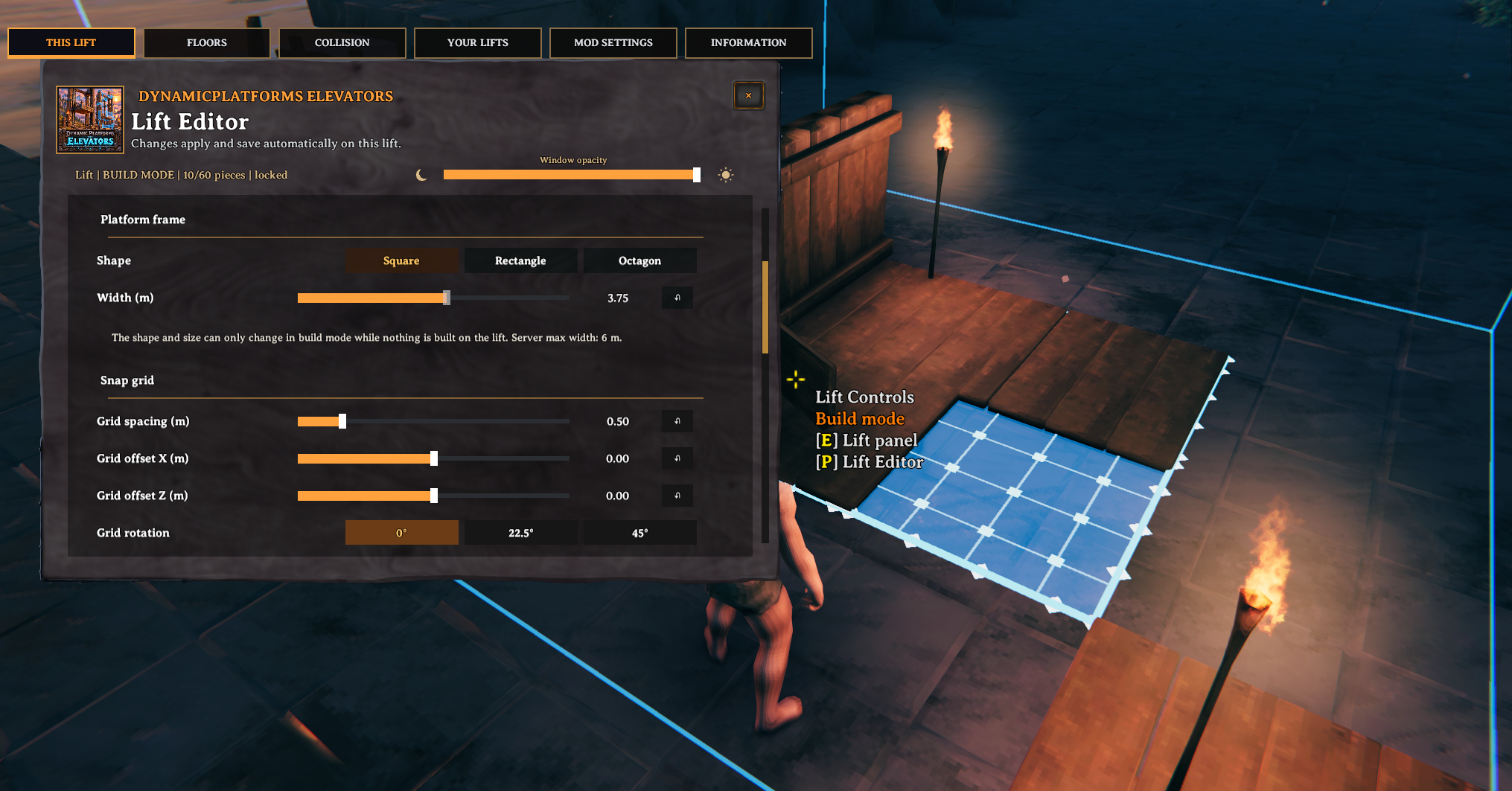
Choose your frame and snap grid, then build your own cabin inside the visible guides.
Performance by design
DynamicPlatforms Elevators has been built from the ground up with performance in mind:
- Less repeated work per block. Attached pieces stop running their own attachment updates once linked, and stationary cabins avoid unnecessary member-position updates.
- Shared movement timing. Clients calculate travel from shared timing information rather than receiving a new position for every block on every frame. Saved positions are still updated periodically and at stops.
- Measured travel collision. The mod measures separate floor and wall sections and can replace covered solid colliders with simpler sections during travel. Gaps and open sides are preserved where the measurement supports them; unsupported shapes and interactive pieces retain their original collision.
- A full-collision fallback. Original collision returns at stops and when a complete, valid measurement is unavailable. The COLLISION tab provides outlines and an option to use full collision.
These choices target avoidable update and collision costs. They do not remove the cost of rendering your build, moving its pieces, lighting, particles, or multiplayer synchronization. Very large or heavily decorated cabins will still cost more. Performance gains have not been established through extensive benchmarking; reports from different PCs and multiplayer sessions are especially useful during this beta.
A few things to know
-
Resize safely. The grid is the base; the outer box includes two metres beyond each edge. Connected overhangs are allowed. A resize must preserve physical contact from every attached section to the base. Some unusual or unsupported collider shapes conservatively refuse resizing.
-
Style individual controls. P on a physical panel or button opens Display first. Its Style dropdown lists Minimal, Classic, Side by side and Basic; Call Buttons also offer Overhead display only. Labels is a separate tab. Width and height resize its backplate; lettering and round buttons keep their proportions. Basic puts a live floor readout above stacked buttons. Attached geometry edits need stopped build mode; a layout that overlaps or escapes the cabin bounds is refused. Physical alignment, readability and multiplayer appearance still need beta testing.
-
Landing arrows. Bottom landings have Up, middle landings Up and Down, and top landings Down. Select the individual button with E. These call the cabin to the linked landing; after boarding, choose your destination normally. There is no queued directional dispatch.
-
Overhead floor indicators. Build a Lift Call Button, link it, then choose Display only in its Display settings. This makes a wide cosmetic sign with a live floor readout and actual travel-direction markings. It has no E call action; P still configures it. Between stops it shows a dash rather than claiming arrival.
-
Earlier control appearances. Legacy width/height factors are read as board dimensions with uniformly sized labels. The piece, attachment, floor links and mount are preserved; no save is rewritten just by viewing the item. Choose a layout preset to adopt the new proportions.
-
Keep the shaft clear. The structure can pass through surrounding terrain and buildings, but riders still collide with them.
-
Some pieces cannot travel with a lift. Portals, beds, crafting stations, other platform frameworks cannot be attached. These restrictions apply to attachment to the lift, not ordinary building elsewhere.
-
Deleting a lift dismantles its whole attached structure. YOUR LIFTS asks for confirmation and warns when blocks are present. Visit the lift first: it must be loaded and stopped, its pieces removable, and containers closed. Resources and ordinary container contents are dropped at the lift through the game's removal system. Other container mods may require you to empty them first. The list updates after successful deletion.
-
Dedicated-server dismantling. Visit the complete lift first. The server authorizes deletion and asks the loaded owners to remove each piece through the game's normal removal system, keeping the base until last. If a player disconnects, permissions change, or a container becomes busy or protected, deletion stops and keeps the remaining pieces. Refresh and confirm again after resolving the issue.
-
Returning from an earlier beta? Remeasure cabin collision in the COLLISION tab, or finish building again, to update older measurements. Full collision remains available meanwhile.
Installation and multiplayer
Requires BepInExPack Valheim and Jotunn. Install through your mod manager with the listed dependencies, or place DynamicPlatforms.dll under BepInEx/plugins/DynamicPlatforms/ for a manual installation.
Every player and the server must have the same mod version. The host or an admin can configure limits for dimensions, height, piece count, floor count, speed, and call buttons.
Other Dynamic Mods
| Explore the collection | |
|---|---|
 |
DynamicStorage Materials — materials displayed as growing piles, crates and barrels, with an appearance editor and optional labels. |
 |
DynamicStorage Forge — ores, scraps and refined metals for your workshop. |
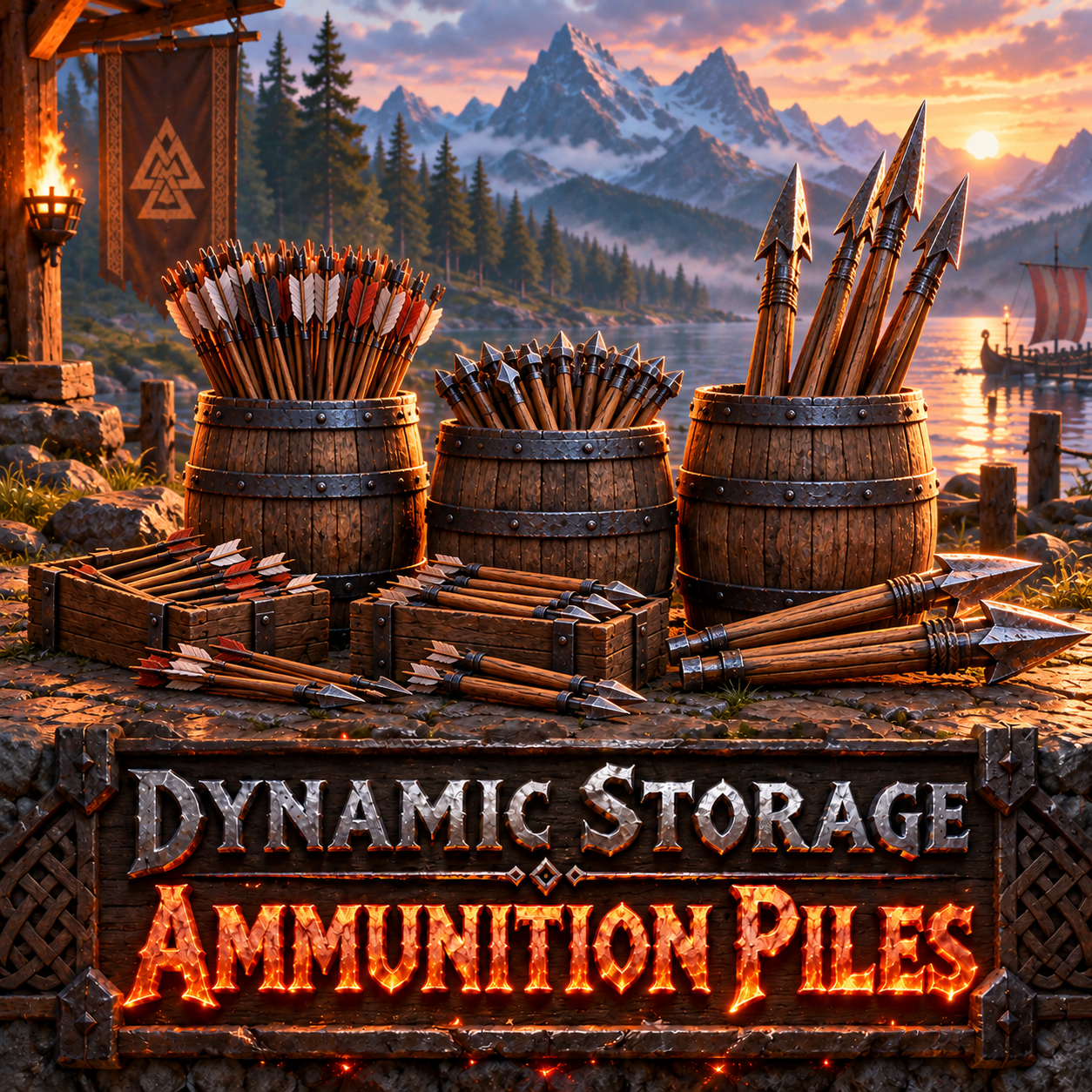 |
DynamicStorage Ammunition Piles — barrels for arrows, bolts and Ballista missiles. |
 |
DynamicStorage Mead Hall — themed mead storage with labels and Quick Grab. |
 |
DynamicStorage Butcher’s Hall — raw and cooked meat storage for your butcher area. |
 |
DynamicStorage Tanners Hall — hide racks and visible pelt piles for your tannery. |
 |
DynamicAquatics: Ponds & Aquariums — coming soon. |
 |
DynamicPlatforms Bridges — build your own bridge onto a blueprint deck. You choose its materials, shape and decoration; the framework provides the moving parts. |
Help improve the beta
Please share your creations and feedback on Discord. For a bug or performance report, include the mod version, whether you are playing solo or multiplayer, your other mods, and what happened. Screenshots, logs, and an approximate cabin piece count help reproduce the issue.