

DynamicStorage Butchers Hall
Dynamic raw and cooked meat and fish storage with per-rack appearance editing and server-synced capacity.
DynamicStorage Butcher's Hall
Dynamic meat and fish storage for your Valheim base.
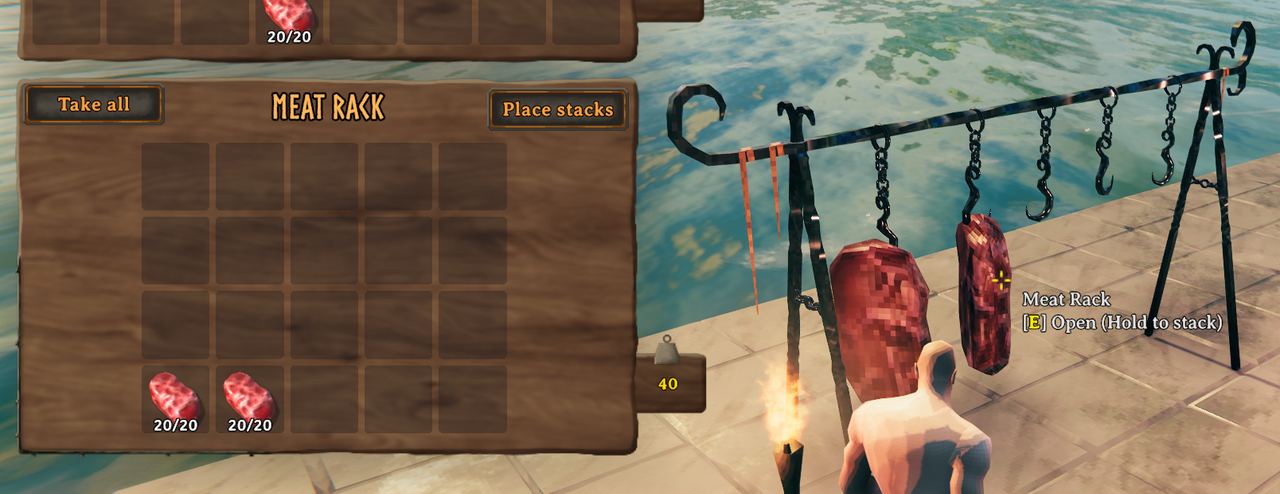
Butcher's Hall adds a dedicated Dynamic Meat Rack for raw and cooked meat and fish. Find it in the Dynamic Storage hammer tab.
Store your meat normally and the rack changes visually as it fills, turning food storage into part of your base instead of another chest hidden in the corner.
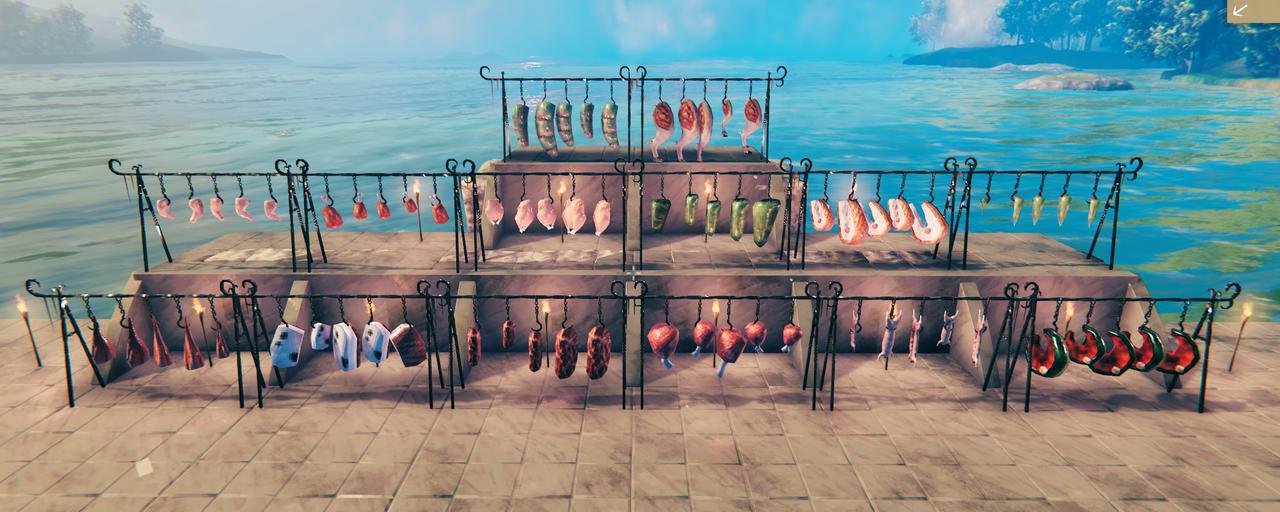
Dynamic Meat Storage
The rack supports three behaviours:
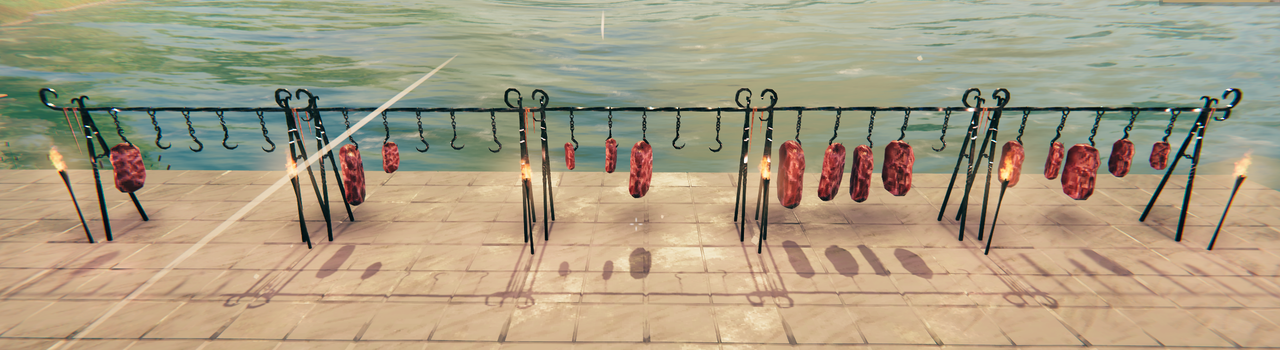
- Auto — automatically switches between Single Meat and Mixed Meat displays based on what is stored
- Single Meat — visible meat dynamically increases and decreases with storage fullness
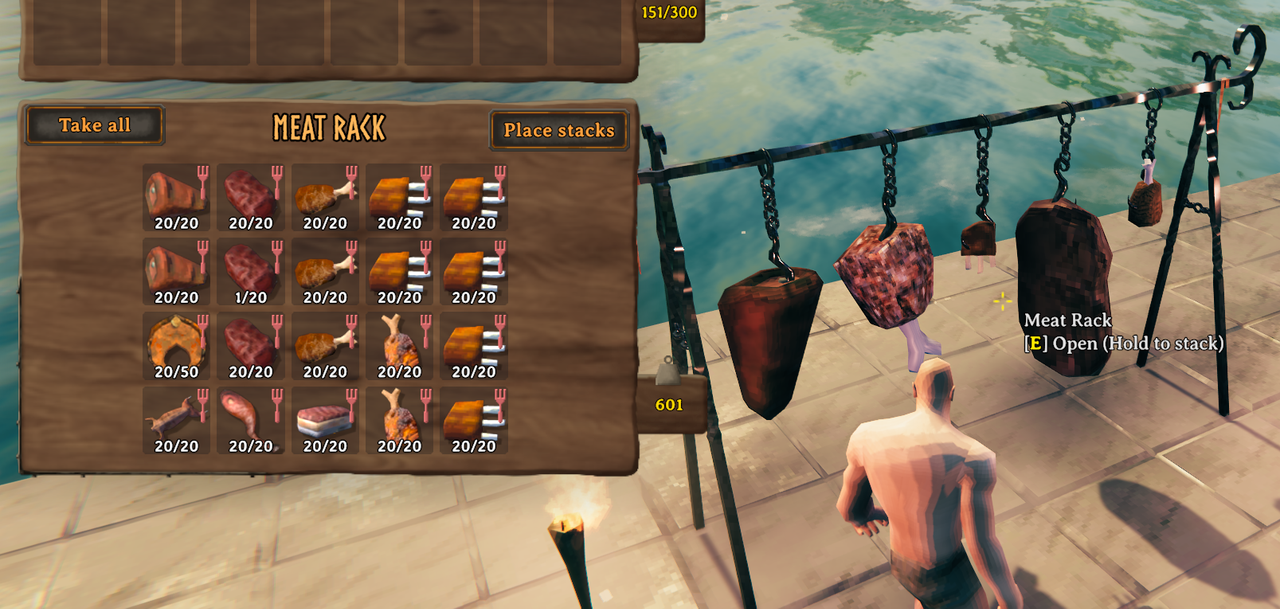
- Mixed Meat — dynamically displays the five stored meat types with the highest stored amounts
Raw and cooked items use the same rack, but cannot be mixed together. Fish count as raw or cooked within the same rule.
|
|
Other DynamicStorage Mods
Explore Muji's other published DynamicStorage mods:
| Mod | |
|---|---|
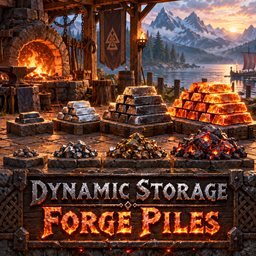 |
DynamicStorage Forge — Ores, scraps and refined metals. |
 |
DynamicStorage Materials — Crafting materials and resources. |
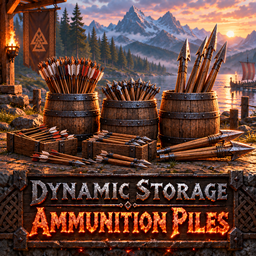 |
DynamicStorage Ammunition Piles — Arrows, bolts and ballista ammunition. |
 |
DynamicStorage Mead Hall — Dynamic mead storage. |
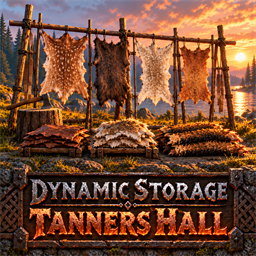 |
DynamicStorage Tanners Hall — Hide and pelt racks with growing displays. |
DynamicStorage Piles by MSchmoecker is the original mod for wood, stone and other vanilla resource piles. DynamicStorage Food Hall is planned for the future.
Supported Meat
Butcher's Hall supports 15 raw meats and their cooked counterparts:
Boar, Deer, Neck, Bear, Serpent, Wolf, Lox, Chicken, Hare, Seeker, Asksvin, Volture, Bonemaw, Moose and Seal.
Supported Fish
The rack also accepts vanilla Raw Fish, Cooked Fish, Smoked Fish, and all twelve catchable fish: Perch, Pike, Tuna, Tetra, Trollfish, Giant Herring, Grouper, Coral Cod, Anglerfish, Northern Salmon, Magmafish and Pufferfish. The alternate FishAnglerRaw prefab remains recognized for existing stored items but is hidden from normal tuning choices. Other fish recipes, bait and fish-themed meals are not included.
Storage & Appearance
Storage capacity is server-synchronised:
- 10 slots
- 20 slots — default
- 40 slots
- 60 slots
Look at a placed rack and press P to open its Appearance Editor. Changes preview and save on that rack. You can adjust:
- Rack scale
- Meat scaling
- Storage behaviour
- Visual fullness
- Visual height
- Rack rotation
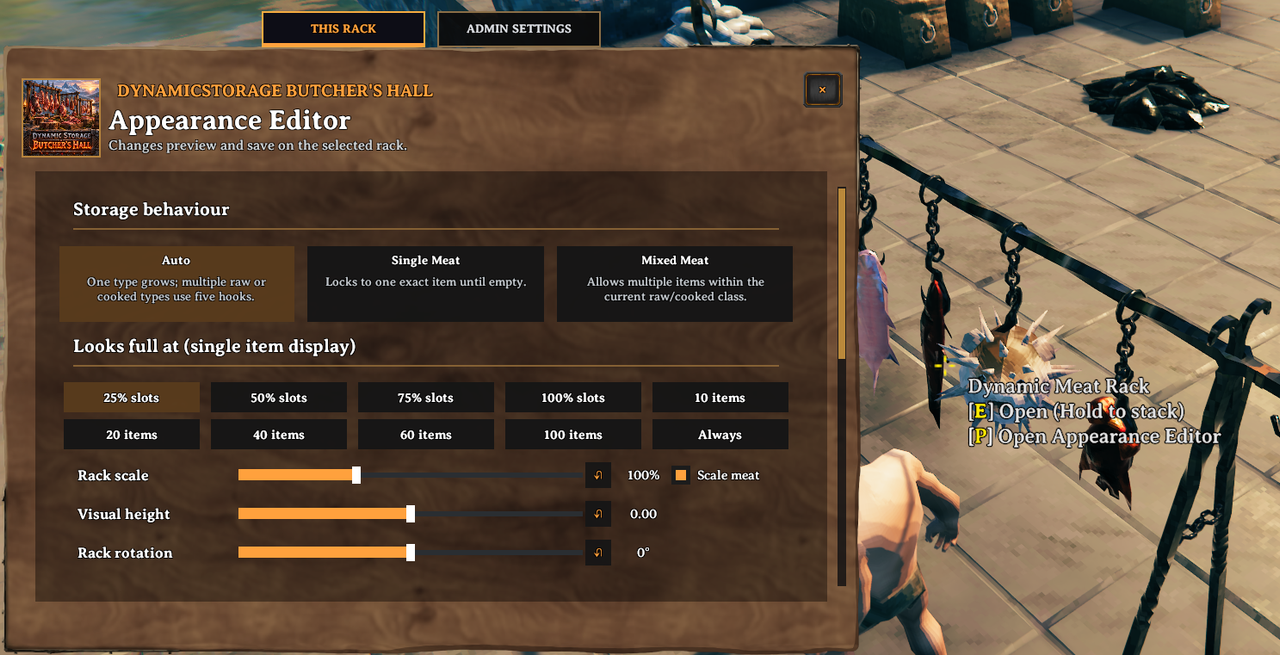
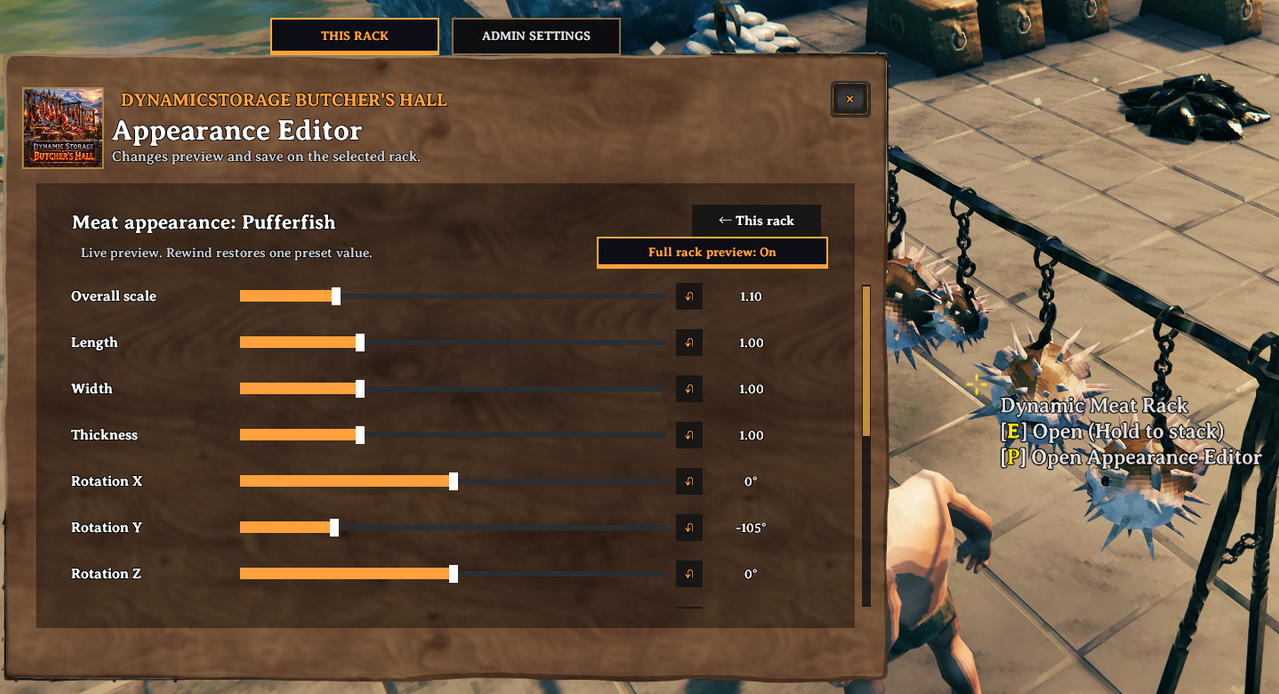
Appearance settings are saved per placed rack, so different racks can use different setups. Scale meat is a checkbox beside Rack scale; it controls whether the displayed food grows or shrinks with the rack. The Looks full at choices are available for Auto and Single Meat and are hidden in Mixed Meat, where the single-item display does not apply. The small rewind buttons beside rack scale, visual height and rotation restore one setting at a time. The editor lists every meat or fish type currently stored on the rack, including types stored in Auto or Mixed mode. The Show all types checkbox in Appearance choices reveals all available supported types. Choices are grouped as Meat, Fish and Additional Prefabs, with raw items on the left and cooked items on the right. Each button opens size, rotation, height, anchor and variation controls for that exact item. Changes save on the selected rack; a rewind restores one value from its starting preset. The Full rack preview: On/Off button beside the item-page help text temporarily previews that item on the selected rack and turns off when you leave the item page. It does not add items to storage. All twelve catchable fish have individually tuned starting presets; Cooked Fish and Smoked Fish start with Raw Fish's preset and remain separately editable.
In-game Appearance Editor
The main page controls how the rack stores and displays its contents:
Each supported fish, meat or additional prefab has its own appearance controls. This Pufferfish page shows the temporary full-rack preview:
Existing racks retain their saved appearance snapshots. Configuration Manager meat tuning is a placement template. For calibration, turn on Advanced Debug → Use Global Meat Visual Tuning On All Racks in Configuration Manager. While enabled, every placed rack on your client displays the current global meat and fish size, rotation, anchor and variation values ahead of saved per-rack values for items with global tuning controls. Custom prefab IDs without global controls keep their per-rack appearance. Changes are checked while the config window is open, even if its change event is delayed. This visual override does not save to existing racks. Turn it off to restore each rack's saved appearance. The item-page sliders for globally tuned items pause while the override is on; custom prefab sliders remain available. After tuning, turn the override off and use the Appearance Editor to save values on an individual rack if desired.
The Admin Settings tab controls server-synchronised capacity and has two advanced comma-separated prefab-ID lists: Additional Raw Meat Prefabs and Additional Cooked Meat Prefabs. The host or an authorized server admin can change these settings in game. Prefab IDs are case-sensitive: for example, OatMilk works where Oatmilk does not. Only valid item prefabs present in the running game are enabled. Keep a custom ID listed while its items remain stored. Each valid custom ID appears as its own tunable item under Additional prefabs in the Appearance Editor. Custom models use a neutral starting appearance and may need calibration on each rack.
Build & Unlock
- Workbench
- 10 Wood
- 2 Leather Scraps
- 2 Flint
The rack unlocks after discovering a supported meat or fish.
Recommended
BepInEx ConfigDrawers by Vapok is optional but recommended for adjusting settings in-game.
Future Plans & Collaboration
Butcher's Hall is planned to grow with:
- Early wooden meat racks
- Higher-tier storage and displays
- Custom butcher models
- Shop / market-style meat displays
- Butcher-themed upgrades
I'm looking for a 3D modeller interested in collaborating on custom vanilla-style meat racks and hooks for the different progression tiers.
Requirements
- BepInExPack Valheim
- Jötunn
Installation
Install through Thunderstore / r2modman, or place the DLL inside:
BepInEx/plugins