
Quads Slot Machine
Odin's Fortune: a buildable slot machine for your viking casino. Put coins in, pull the lever, and the winnings come out of the tray. Gambling with your coins (about 93% comes back), every spin seen by everyone nearby.🎰 Quad's Slot Machine
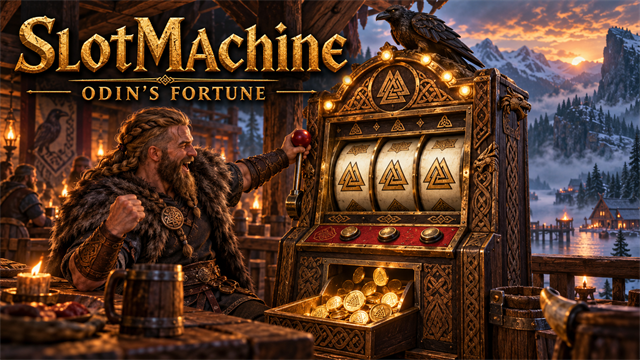
Odin's Fortune: a buildable slot machine for your viking casino. Put coins in, pull the lever, and the winnings come out of the tray. Gambling with your coins (about 93% comes back), every spin seen by everyone nearby.



Source code · Report a bug · Discord


✨ Features
Odin's Fortune: a buildable slot machine for your viking casino. Put coins in, pull the lever, and the winnings come out of the tray.
How it works
- Build it with the hammer at a workbench: Fine Wood, Bronze and Stone.
- Press E to pull the lever. Your bet goes in, three reels spin and stop one after another, and a win is spat out of the tray as coins.
- Press the alternate-use key with E to change the bet (5, 10, 25, 50 or 100 coins).
- Three alike pay the most, from three Coins to three Valknuts (300 times your bet). Pairs of Coins, Ravens and Valknuts pay a little.
- Everyone nearby sees the same spin. The lamps chase each other while the reels turn and flash after a win.
- Over a long time it gives back about 93% of what goes in: a fun way to lose a few coins, not a way to make them.
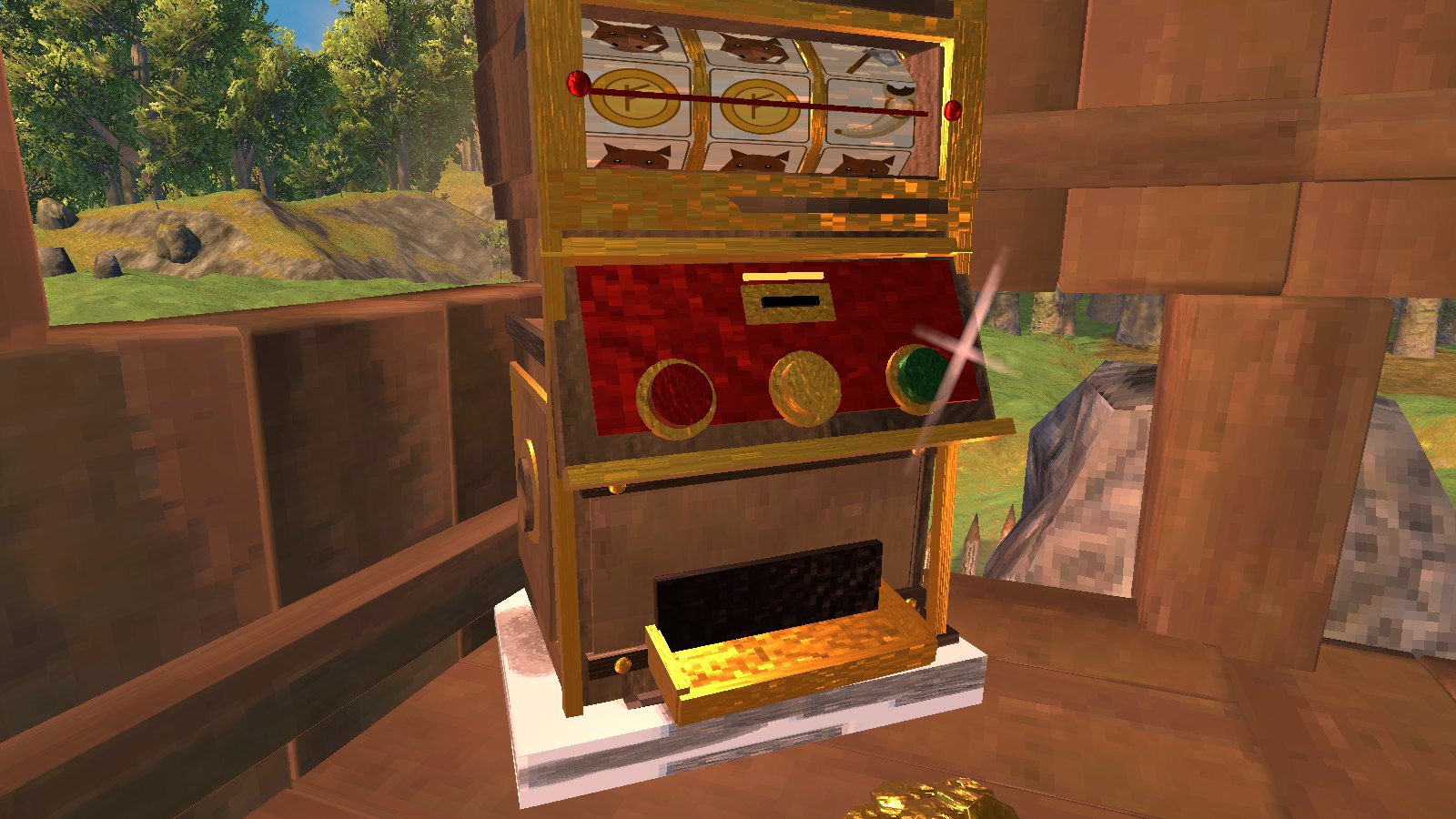
It has its own hand-made look: carved dark wood and gold, a raven on top, a rune-marked marquee, a lever, buttons and a brass payout tray.
Settings let you change the bet and scale the prizes.
📸 Screenshots
The Slot Machine
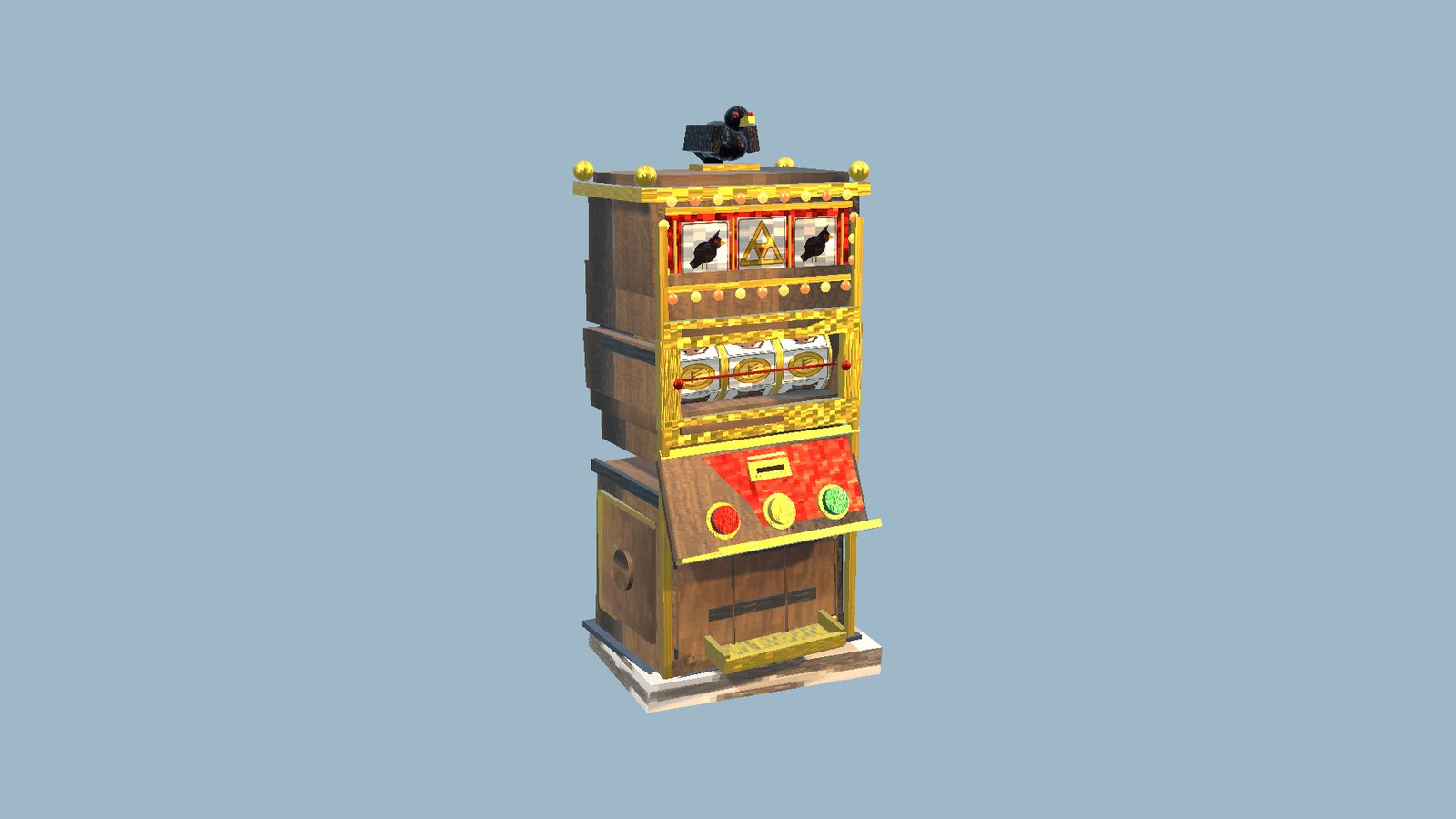
The machine at home, with the winnings piled up beside it
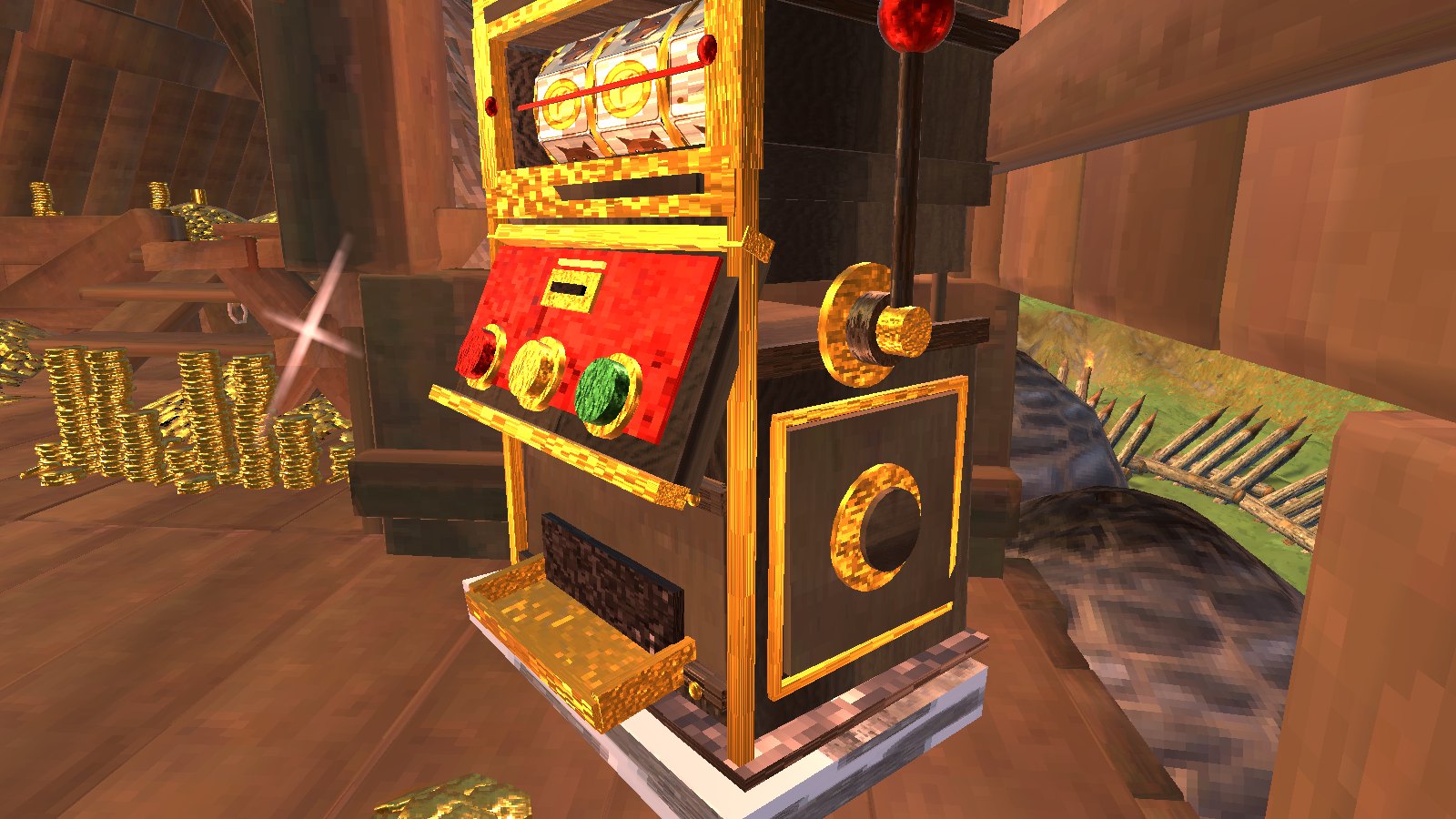
Its reels, its lamps and the coin tray
🎮 How to use
| Key | What it does |
|---|---|
| E / alternate-use + E at a slot machine | Pull the lever / change the bet |
🧩 Other mods
Goes well with
 |
 |
 |
 |
|---|---|---|---|
| Skal Tavern | Cigars | Bounty Board | Rainbows |
Known clashes: none known.
Found a clash with another mod? Tell us which one and what happened.
👥 Multiplayer
Who needs it: Everyone, and the host above all: a game without the mod deletes the pieces when their area loads. Restart after installing or updating them.
Each spin is saved on the machine, so everyone nearby watches the same spin, and whoever pulled gets the coins.
The host decides: the payout percentage. While you play on their world their values replace yours (your file isn't changed); a host without the mod leaves everyone their own.
🌍 Languages
English, Русский (Russian), Deutsch (German), 简体中文 (Chinese), Português do Brasil (Portuguese), Español (Spanish), Français (French), Polski (Polish), Türkçe (Turkish). It follows the game's own language setting.
The translations were made with AI, so a few words may be off. To correct one, or to add your language, put a file in BepInEx/config/translations/com.quad.slotmachine/ named after the game's name for the language (German.json, Italian.json, Japanese.json...) with only the lines you change, copied from English.json (it wins over the built-in one). Or tell us the better words and we'll put them in for everyone.
⚙️ Settings
In BepInEx/config/com.quad.slotmachine.cfg, made the first time the game runs with the mod. r2modman and Thunderstore Mod Manager edit it under Config editor.
Building
| Setting | Default | What it does |
|---|---|---|
Cost |
FineWood:15, Bronze:8, Stone:10 |
What a slot machine costs to build with the hammer (at a workbench). Item prefab names and amounts, separated by commas, like FineWood:12, BronzeNails:30 (Claude Tools' prefabs <text> shows exact names). A cost with a mistake in it keeps the last good one. [Synced with Server] |
Play
| Setting | Default | What it does |
|---|---|---|
Bet |
10 |
Coins per pull (change it at the machine with the alternate-use key + use). |
PayoutPercent |
100 |
Scales every prize (100 = standard, which returns about 93% over time; 50 = half the prizes; above 107 the machine pays out more than goes in). In multiplayer the server's value applies. |
🤖 Made with AI
Made with the help of Claude (Anthropic), with Claude Code: designed, written and checked together, and tried in the game.
💬 Join us on Discord
Come hang out with the people who make and play these mods. In the Quads Lab Discord you can:
- 🛠️ Get help and report bugs straight to us
- 👀 See new mods first, and help test them before they're released
- 🗳️ Suggest ideas and vote on what we make next
- 🏰 Share your builds, bases and arena runs
- 🤖 Talk AI coding and vibe coding with people building things with AI, the way these mods are made
🧪 About Quads Lab
Quads Lab is where Quad H (HardHeadHackerHead) builds software with AI, of every kind: these Valheim mods are one of its projects. Each mod is designed by a player, written with Claude Code and tested in our own world, with bobisme as our tester.
- 🌐 quadslab.io
- 🧰 All Quads Lab mods on Thunderstore
- 💻 Source code on GitHub
- 💬 Discord
- ☕ Buy me a coffee
- 🐞 Found a bug? Open an issue on GitHub
☕ Support my mods

Every Quads Lab mod is free, and it stays that way. If one of them made your game better and you'd like to say thanks, a coffee helps me make new mods and keep improving the ones you already play. It's 100% optional, and always appreciated!
📜 Recent changes
- 1.2.3 On a server without Slot Machine, the slot machine is gone from the hammer, and a message says why: the server would delete a slot machine built there. Server owners can change what it costs ("Building", Cost; default 15 fine wood, 8 bronze and 10 stone, as before); in multiplayer the server's cost applies, and a cost with a mistake in it keeps the last good one. Settings: edits to the config file now apply while the game runs (a server owner no longer has to restart), and a server's admins can change the server's settings from their own game with Configuration Manager, where other players see them greyed out. Your config file always keeps your own values while you play on a server (saving it there could write the server's in). Players on an older version still get the server's settings. It counts as furniture in the game's own building records, not as storage (it was copied from a chest). It snaps by the corners of its base now, so a row of machines lines up side by side, and it lines up with floor corners and wall ends; hold the alt-place key (Shift) to place it freely.
- 1.2.2 Fix: after reloading the mod at the main menu (the mod manager's reload, or F6), its old build piece stayed in the hammer's list after it was gone, and every change to your bag threw an error half-way: crafting gave the item without taking the cost, and picking things up could go wrong, until the game was restarted. Its piece now comes off the list it was put on, and destroyed pieces left there by any mod are cleared when it registers.
- 1.2.1 Fix: a big win pours out of the tray a stack at a time, and if the machine unloaded, was taken down, or you logged out before the pour finished, the coins not yet out were lost. What is still to pour is now kept as owed and paid into your inventory (or at your feet) at once, and never twice. The same goes for a machine that unloads while its reels still turn: you are paid right then, not only at your next pull or logout. The bet is now counted from your own inventory only (mods that add chests to the count could let you spin without the coins), and if not all of it could be taken you get it back and the reels don't spin. If a game update breaks the machine's look, it is still registered (with the chest's look), so placed machines are never deleted. The reels are read only when they change, not every frame.
Every change is on the Changelog tab.