

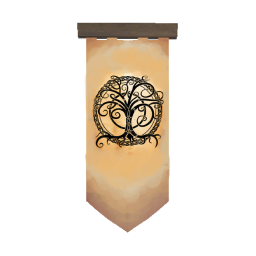
CustomBanners
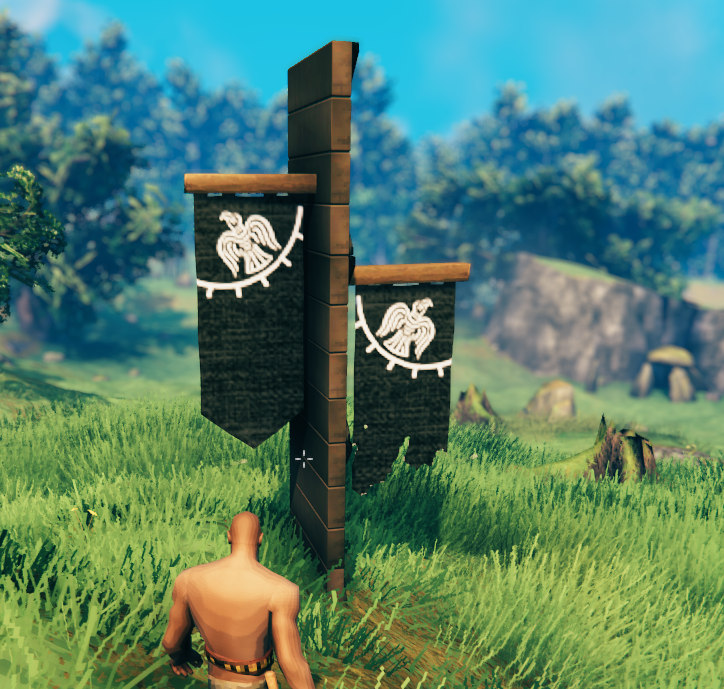
Plugin allows to create custom bannersCustom Banners
Plugin allows to create custom banners.
Need a dedicated server ?
- Use this link: https://www.survivalservers.com/r/rustymods/valheim
- I'll get a 20% commission. Thanks.
1.1.0 update
Lost the original project, so everything has been remade. Files designed around previous versions will not work.
How to
- Navigate to BepInEx/config/CustomBanners.
- The plugin includes two example banners to use as templates.
- Copy the example .png and .yml files for your new banner.
- Edit the .yml file to configure your banner's name, description, texture, and build requirements.
- Open the .png file in your preferred image editor (e.g., Photoshop) and create your banner texture.
- (Optional) Create a custom icon texture. Icons must have a square aspect ratio (e.g., 128×128).
Each custom banner requires a .png texture and a .yml configuration file.
YML Format
# Unique prefab ID. Banners with duplicate IDs will be skipped.
id: piece_custom_banner_default_example

# Localized name
name:
  English: Custom Banner
  French: Bannière Personnalisée

# Localized description
description:
  English: ""

# PNG texture filename without the extension
image: example

# Optional icon texture. Leave empty to generate an icon automatically.
icon: ""

# Build requirements
requirements:
  - itemName: FineWood
    amount: 10
    recover: true
  - itemName: Coal
    amount: 2
    recover: true
  - itemName: LeatherScraps
    amount: 2
    recover: true
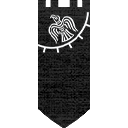
Texture Format
If you enjoy this mod and want to support me: PayPal

