Recent XP Bars
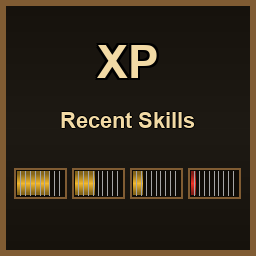
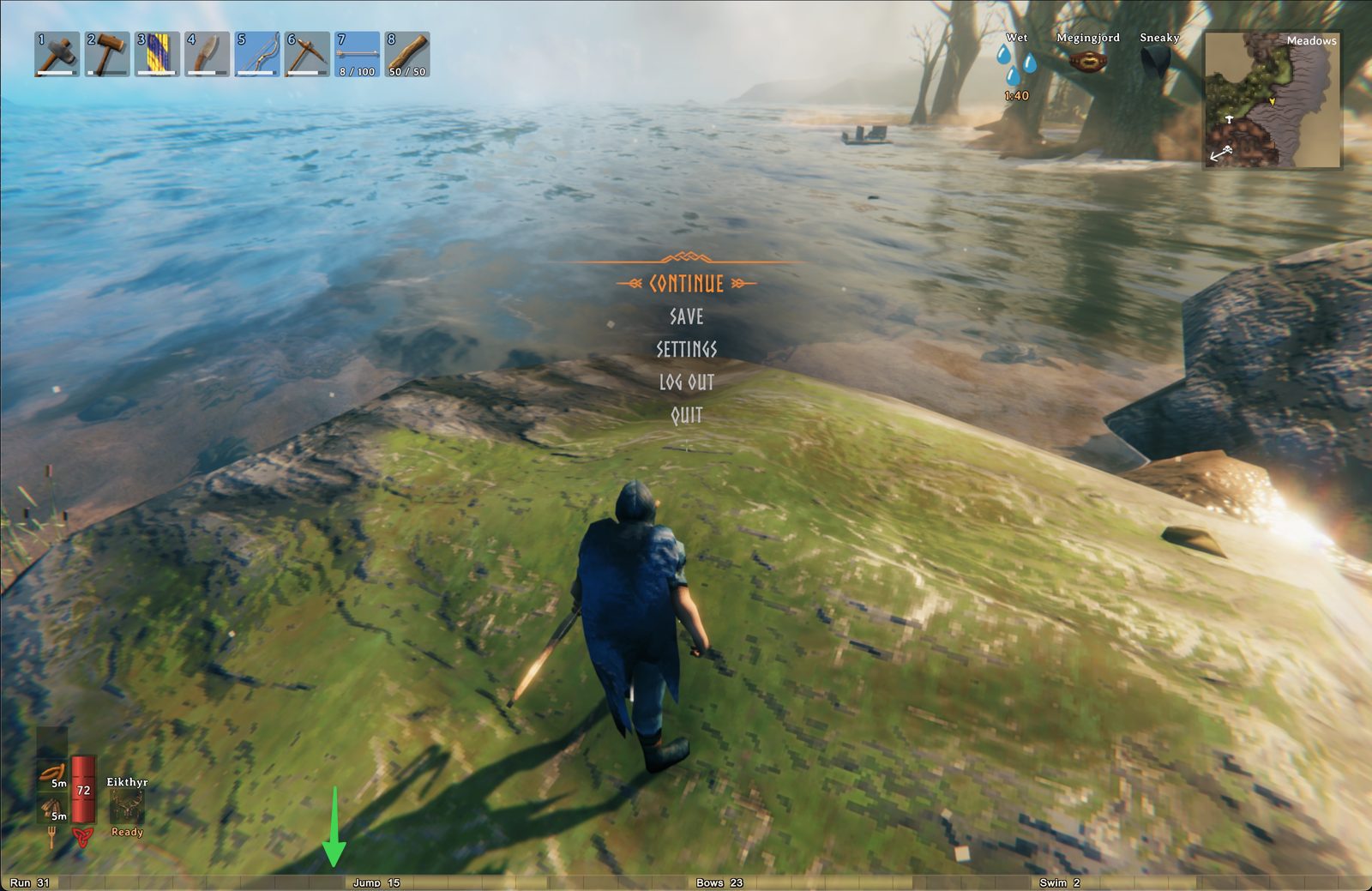
Adds four small XP bars to the bottom of the screen showing your most recently active skills. As soon as you gain XP in a skill, a bar appears for it; the four most recent stay on screen.
Features
- Four bars tiled across the bottom edge of the screen — one quarter of the window width each
- Newest skill on the left, oldest on the right (LRU eviction when a fifth skill gains XP)
- Skill name + current level rendered with a black outline so it's legible against any background
- Bar fill = progress to next level (resets to ~0 after a level-up)
- Tick marks split each bar into ten equal segments for quick at-a-glance reading
- Cylindrical gradient look — bars appear rounded rather than flat rectangles
- Color flips to red when you don't have the Rested status effect — a quick visual reminder that you're missing the XP gain bonus
- Auto-scales to any window resolution (windowed and fullscreen both look right)
- Tracks gains on every skill tick — chopping a tree, blocking a hit, sprinting, crafting all update bars instantly
Configuration
A config file is generated at BepInEx/config/com.foxego.valheim.recentxpbars.cfg after the first launch:
| Key |
Default |
Description |
Enabled |
true |
Master toggle. |
VerticalOffsetPx |
0 |
Pixels above the bottom edge (1080p-reference units). |
BarWidthFraction |
0.25 |
Each bar's width as a fraction of window width. 0.25 = 1/4. |
UiScale |
1.0 |
Extra multiplier on top of resolution-based auto-scaling. |
Installation
Via Mod Manager (recommended)
Install with r2modman or Thunderstore Mod Manager. Subscribe to the BepInExPack Valheim dependency and this mod; the manager handles the rest.
Manual
- Install BepInEx for Valheim.
- Drop
ValheimRecentXpBars.dll into <Valheim install>/BepInEx/plugins/.
- Launch the game.
Notes
- The "Rested" status-effect lookup uses the same stable-hash key Valheim itself uses, so the red/gold color toggle matches the game's own rested-state check.
- No assets shipped — all visuals are generated procedurally with IMGUI, so the plugin DLL is under 15 KB.
- No hard dependency on other mods; only BepInEx is required.
Contact
Bug reports, feature requests, and feedback welcome on Discord: discord.gg/5JY7RHfHjF