Railroads
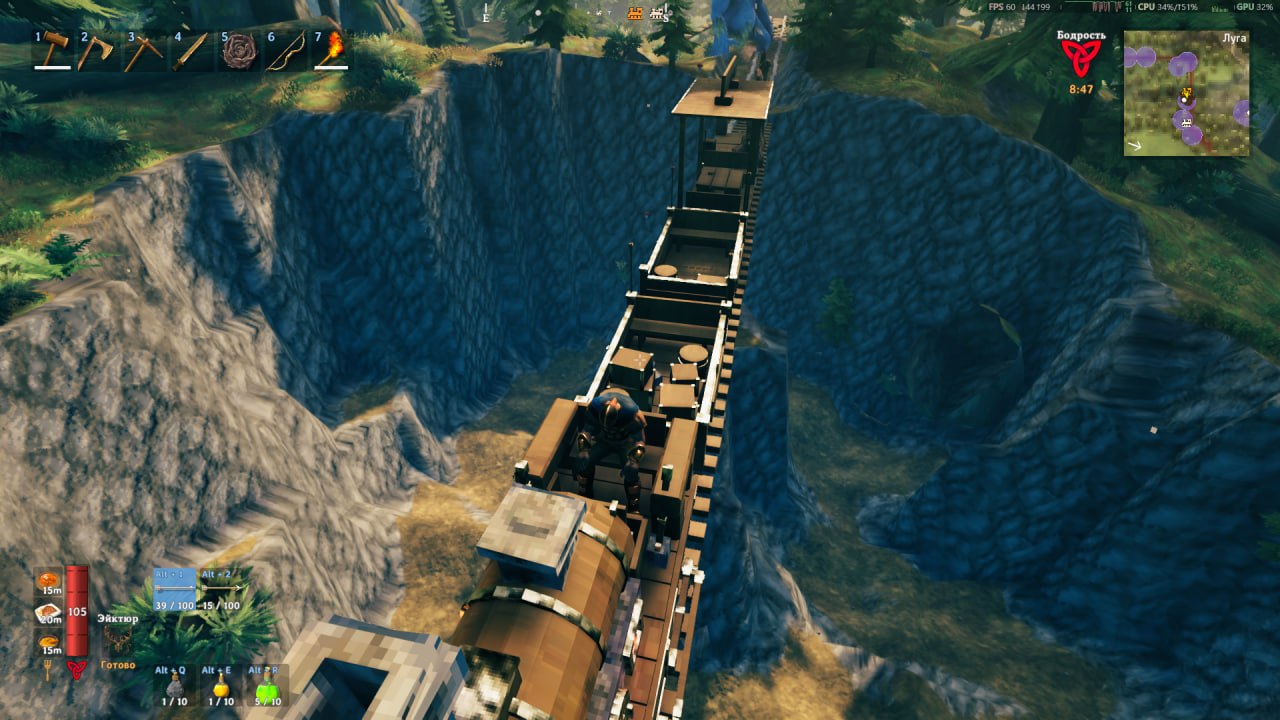
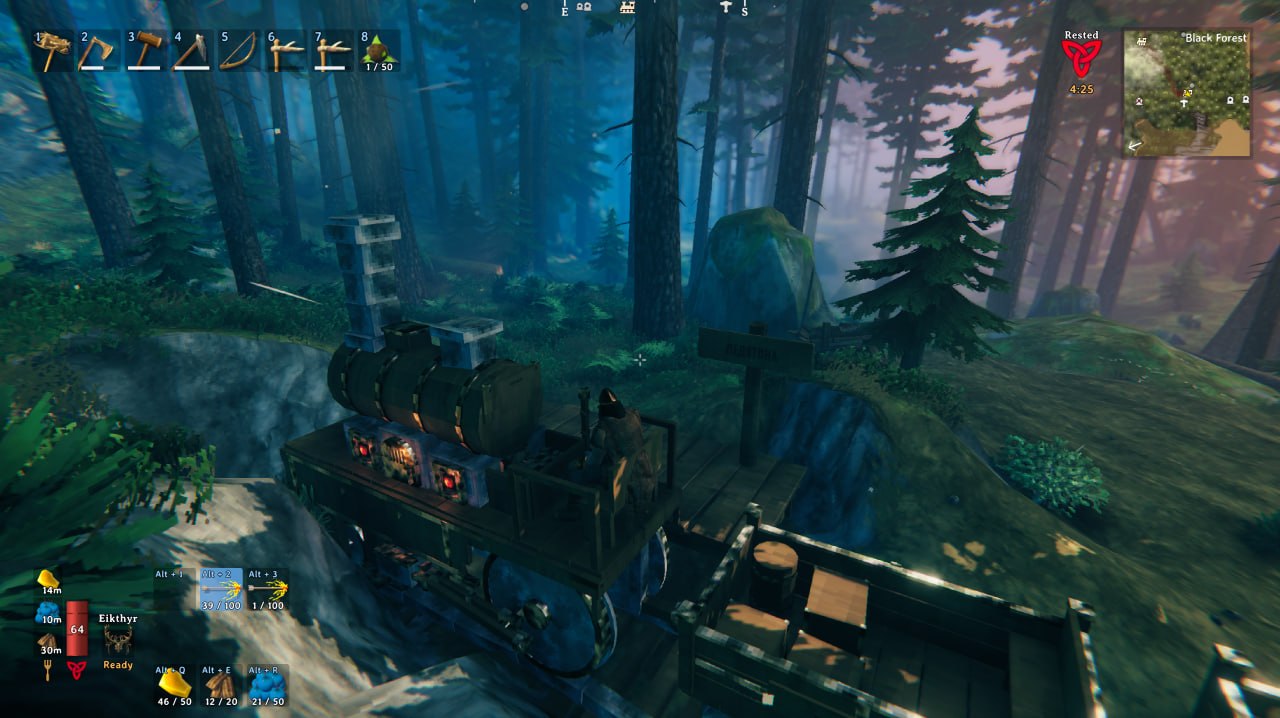
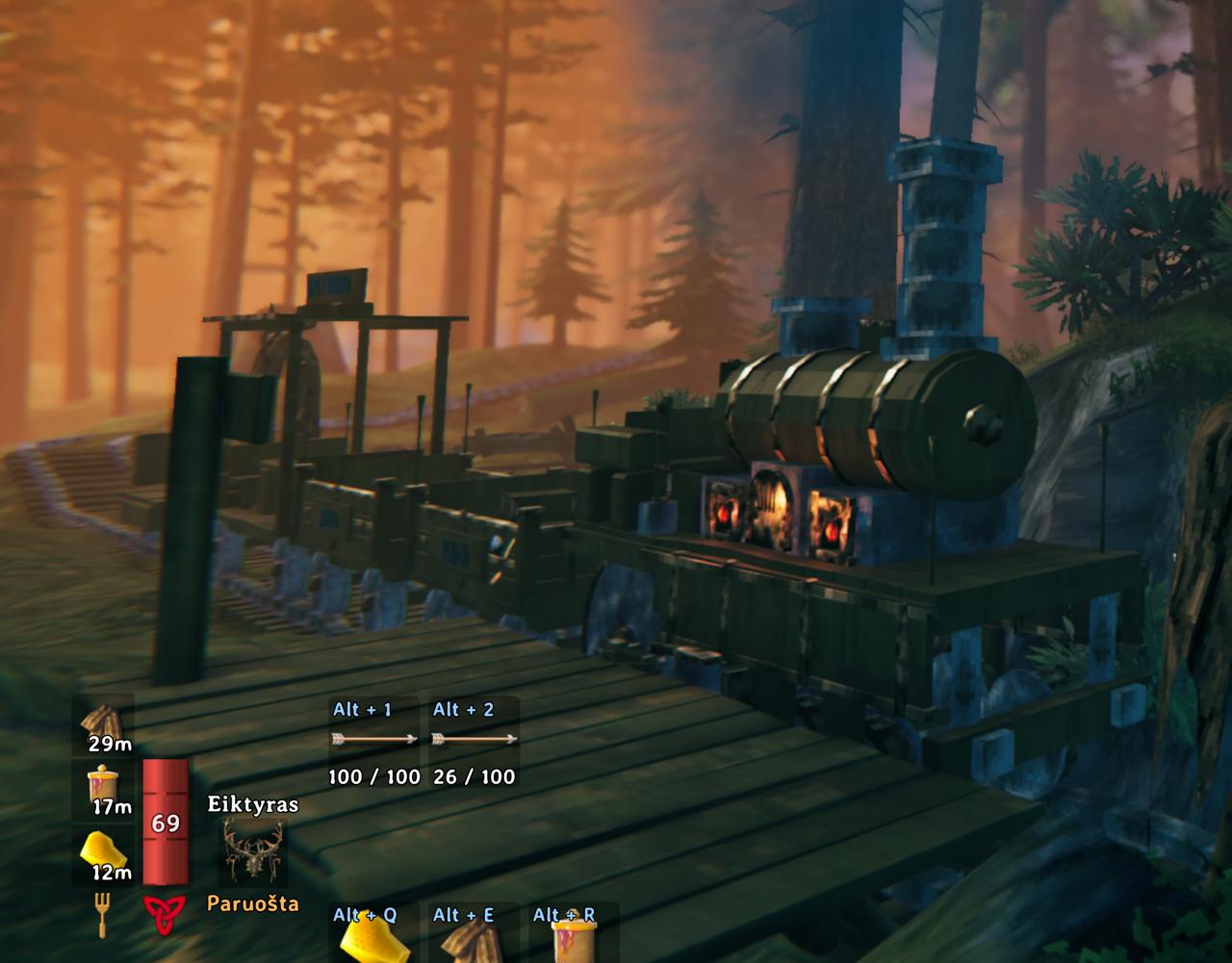
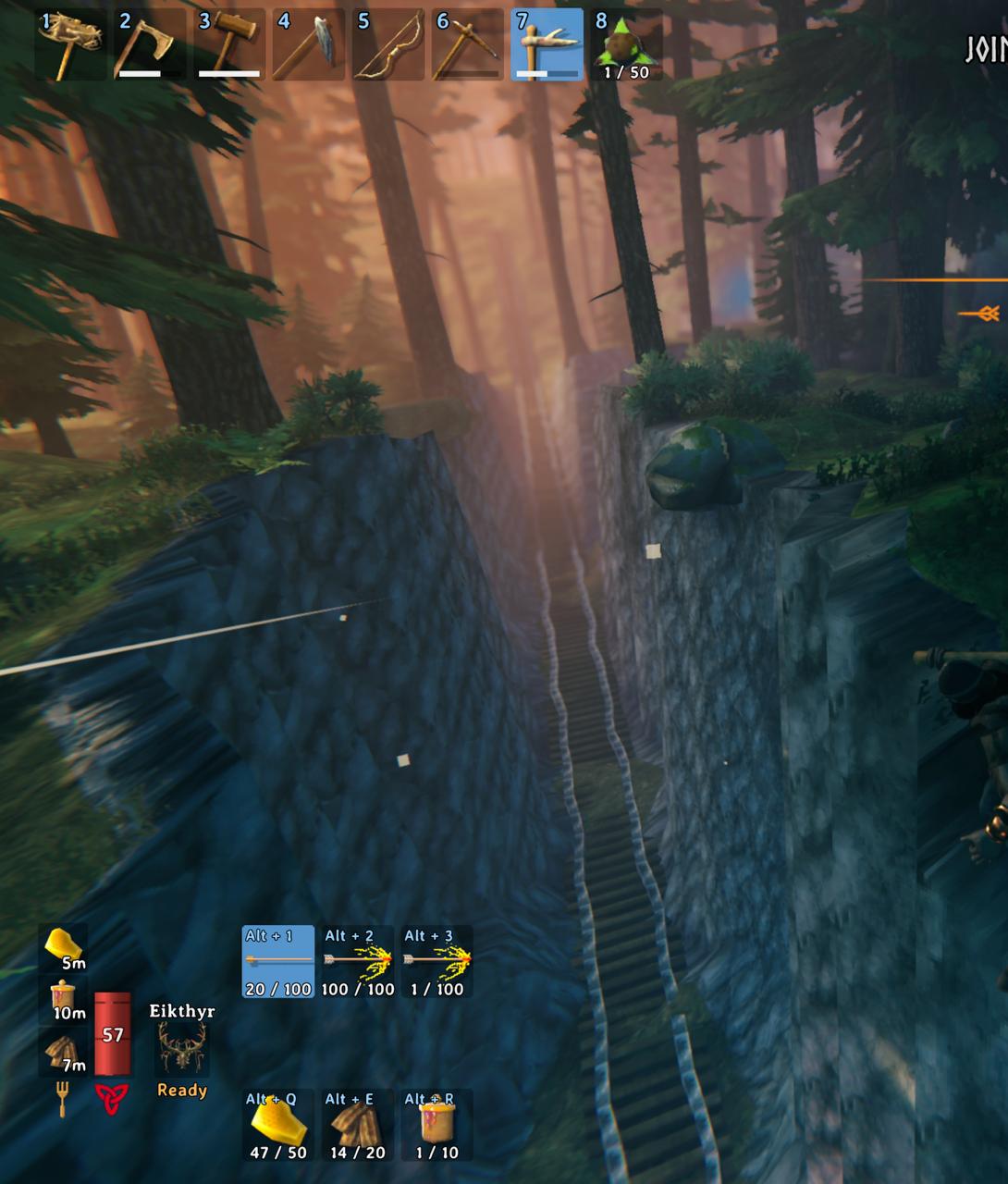
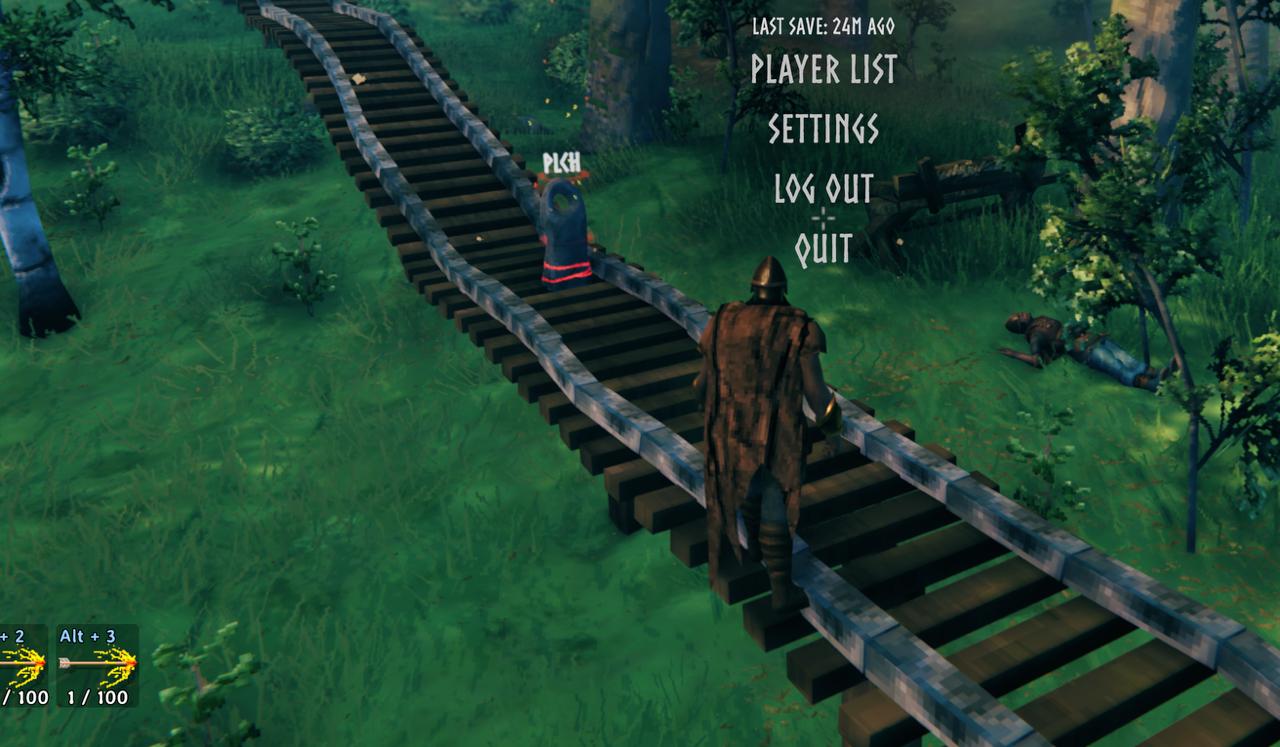
Stone railroads for Valheim. A coal locomotive, wagons, stations and switches. Trains keep running when nobody is near.Railroads
Vikings had ships. Now they have trains.
You lay stone track with the hammer, put a station sign beside it, give the sign a name and send a locomotive there. Or sit on the bench and drive it yourself, like in Factorio.
You can play it alone, host a game for friends or run it on a dedicated server. Trains keep going when nobody is near, and the server plans the routes, so 2 trains never get the same track.
What you get:
- 24 track pieces: straights from 1 to 32 m, curves, slopes, switches, a crossing, a turning loop, a T and an X junction
- station signs with a name board, and train consoles that call a train to their sign
- supports for track and stations: press G to pick wood, core wood or iron poles, built down to the ground with the track
- a locomotive that burns coal, with a speed lever, a switch lever and a steam whistle
- an item stand on the front of the locomotive for a trophy or any other item
- wagons with 18 slots of storage, a bench for 2 and a sign you write yourself
- a wagon restaurant with a stone stove to grill meat on and rest at, and a table that shows the food you put on it
- a portal wagon, a portal that travels with the train
- a flatbed wagon, an empty deck of 4 by 6 m to build on
- a hand cart for 1 or 2 players that you pump with Space, it needs no coal and no workbench
- a drawbridge, 16 m of track that opens for ships
- a feedback post to report problems or send any kind of feedback right in the game, it sends the game logs along
- track, stations and trains with their names on the map
Everything is in the Transport tab of the hammer. A train at full speed hits whatever stands on the track, so don't stand on the track.
Your first train
- Take the hammer and lay track from the Transport tab. Track snaps to track.
- Put a station sign up to 10 m from straight track and press E on it to give it a name. A sign with no name is not in the menu.
- Put a locomotive on the track. It needs a workbench near.
- Press E on a fire door of the locomotive to put coal in. Hold E to put in more.
- Press E on the locomotive and pick a station.
Controls
- E on the locomotive: the station menu
- Gamepad in the station menu: the stick or the D-pad picks a station, A sends the train, B closes the menu
- E on the bench of the locomotive: sit down and drive
- W and S: the speed lever, forward, stop and backward. One tap, you hold nothing
- A and D: the switch lever, which way the train goes at the next switch
- E while you sit on the bench: the station menu, you stay seated and ride along
- Space: get up, the train brakes
- H on the bench: the whistle
- a hotbar key on the iron knob at the front of the locomotive: hang that item there, hold E to take it back
- E on the board on the side of the boiler: give the train a name
- Shift + E on a wagon: couple it to the train or uncouple it
- E on the stove: under the table it takes coal, on top it takes raw meat and gives back cooked meat
- G with track on the hammer: the supports placed under it, none, wood, core wood or iron
- G with a station sign on the hammer: the side of the stop the ghost train shows its wagons on
- E on a train console: call a train to its station sign
- E on a handle of the hand cart: take it, E again lets go
- Space on the hand cart: hold to push the handle down, let go to pull it up
- W and S, A and D on the hand cart: the way lever and the switch lever, like on the locomotive
- E on a lever of the drawbridge: raise or lower it
- E on the feedback post: write your feedback
Install it with a mod manager, or copy the folder Railroads into BepInEx/plugins. The server and every player need the same version. With another version you get a message and no rail pieces.
Settings are in BepInEx/config/vladasz.railroads.cfg. The Server section counts only on the server:
TopSpeed, 2 to 40 m/s, default 10CoalPer1000Meters, 0 to 50, default 10. With 0 trains need no coalMaxCoal, 20 to 500, default 100MaxWagons, 0 to 8, default 4Hits:Everything,MobsOnlyorNothingSureKill: a train at 9.5 m/s kills any mob it hits, a boss tooSureKillPlayers: a train at 9.5 m/s kills a player it hits too, off by default. Only withHitsasEverythingPortalWagon: on or offMaxDeckPieces, 0 to 200, default 100. How many pieces fit on 1 flatbed wagonDeckHeight, 2 to 12 m, default 4. How high you can build over the deck of a flatbedDeckReachLeftRight,DeckReachFrontBack, 0 to 2 m, default 0.5. How far a piece can reach past the edges of the deckDeckPiecesIndestructible: what is built on a flatbed takes no damage, off by defaultDeckSmelters: smelters, kilns and the obliterator can be built on a flatbed, off by defaultDeckFires: campfires, hearths and braziers can be built on a flatbed, off by defaultMapTrack,MapStations,MapTrains: what players may see on the mapFreeSupports: supports cost nothing and give nothing back when removed, off by defaultTrackCost, 0 to 1000, default 100. The price of track in percent, 0 makes track free
The Build section is yours. A change in a config manager counts at once, a change in the file from the next start of a world:
PolesKey, default G. The key that picks the supports, one key or one with modifiers likeLeftShift + GPoles: which supports go under new track and stations,None,Wood,CoreWoodorIron. G changes it, and it is kept after a restartTrainSideKey: the key that flips the side of the ghost train, G by default
The Drive section is yours too, it counts the same way:
HornKey, default H. The key that blows the whistle on the benchHornSound: a WAV, OGG or MP3 of your own for the whistle, up to 2 MB and 10 s, an absolute path or one from theBepInExfolder. Every player hears it when you blow the horn or send a train
The Feedback section is yours:
SendLogsWithFeedback, on by default. When another player sends feedback, your game logs and your Railroads config go with it. Off, they stay with you
To translate the mod, copy Railroads.English.json from the mod folder to Railroads.<Language>.json anywhere under BepInEx, like Railroads.German.json, and translate the values. The mod uses it for the language you picked in the game. A key you leave out stays English. The mod comes with English, Russian, Ukrainian, Belarusian, Lithuanian, German and Portuguese Brazilian. Belarusian shows with the Belarusian translation of the game, Bielarusizatar Valheim.
If something does not work, build a feedback post and tell me there, or tell me on Discord: