

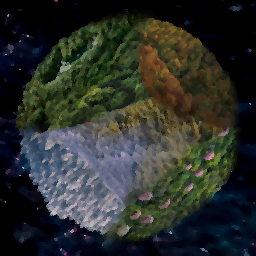
Pikmoons
[v81] A set of moons based on the Pikmin series, with new shortcuts and features.Pikmoons
A custom moon set based on the Pikmin series' areas.
If you want some Pikmin 2 themed interiors to go with these moons, check out Pikmoons Interiors!
!!! All scrap from this mod has been moved into Pikmoons Scrap, which is now a required dependency for this mod. !!!
!!! LethalMin and LethalMin Library are deprecated and haven't been updated in a while. Be sure to use LethalMin Nightly, as I have swapped my scripts to use that mod's versions. !!!
Custom music plays, but can be disabled through the config in case streamers/youtubers are nervous about copyright issues. I recommend not turning off the music, as Nintendo generally isn't too bad about copyright stuff with their music.
The music uses an adaptive system, similar to the games! When you carry scrap or engage with enemies, alternate instrumentation plays!
Fair warning: these maps are very large. The Company Cruiser and/or the running shoes upgrade from Lategame Upgrades are highly recommended for the best experience. Days are lengthened however, to somewhat help balance this.
Flooded weather is not enabled on these moons, as the flood plane visually does not generate past a certain point.
Moon Images and Details:
Pikmin 1:
CLICK TO EXPAND
211 Impact
POPULATION: Abandoned.
CONDITIONS: Winding, forested terrain.
RISK LEVEL: C-
ROUTING PRICE: 0
IMAGES:


212 Hope
POPULATION: Abandoned.
CONDITIONS: Forested terrain.
RISK LEVEL: C+
ROUTING PRICE: 150 credits.
IMAGES:


213 Navel
POPULATION: Abandoned.
CONDITIONS: Desert-like terrain, sparse water.
FAUNA: Ecosystem is well-adapted to steep cliffs, and creatures can traverse with ease.
RISK LEVEL: B+
ROUTING PRICE: 320 credits.
IMAGES:


214 Spring
POPULATION: Abandoned.
CONDITIONS: Swampy, humid terrain.
RISK LEVEL: B+
ROUTING PRICE: 480 credits.
IMAGES:


215 Trial
POPULATION: Abandoned.
CONDITIONS: ???
FAUNA: Beautiful flowers surround a small garden.
RISK LEVEL: S-
ROUTING PRICE: 600 credits.
IMAGES:


Pikmin 2:
CLICK TO EXPAND
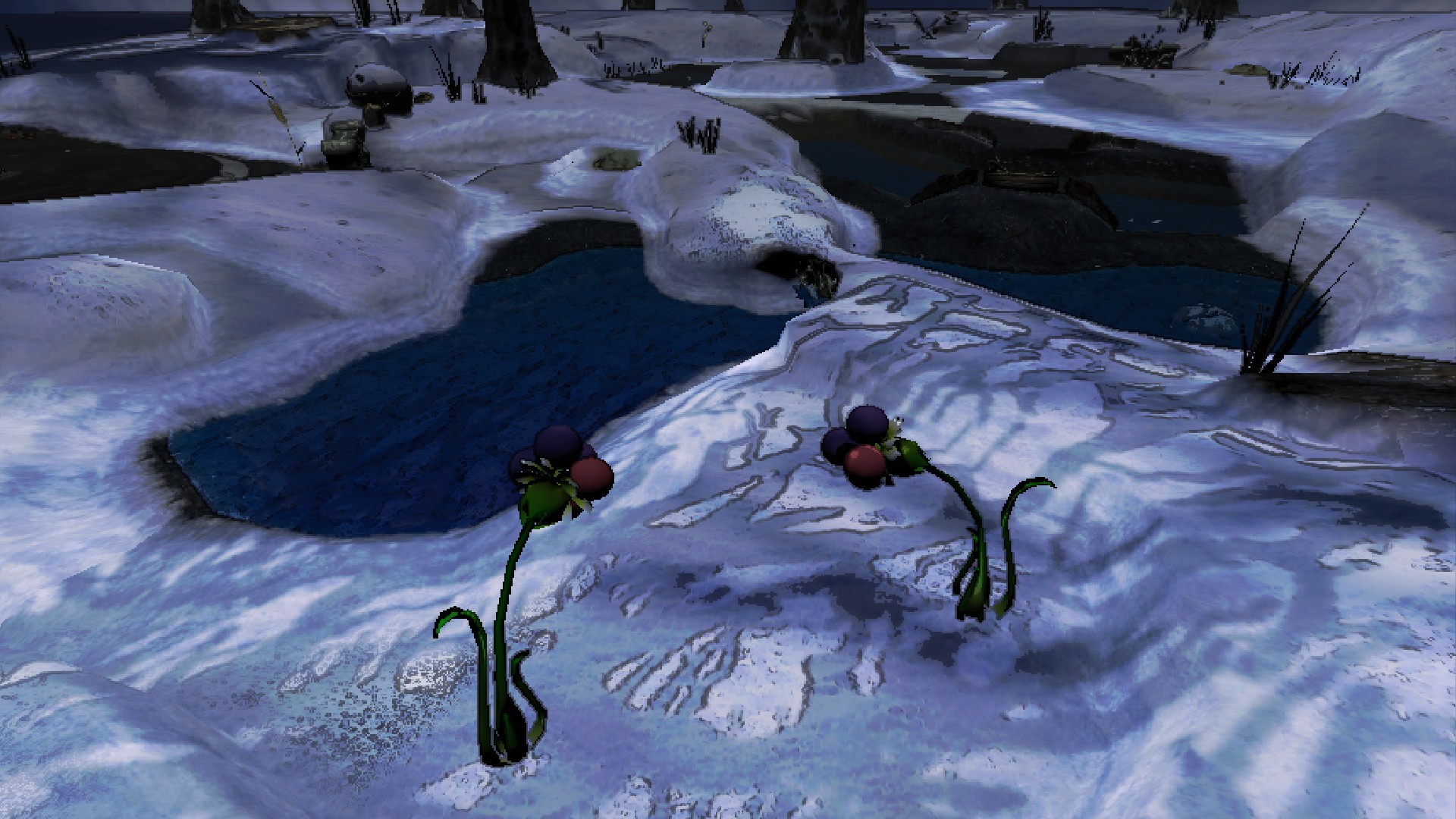
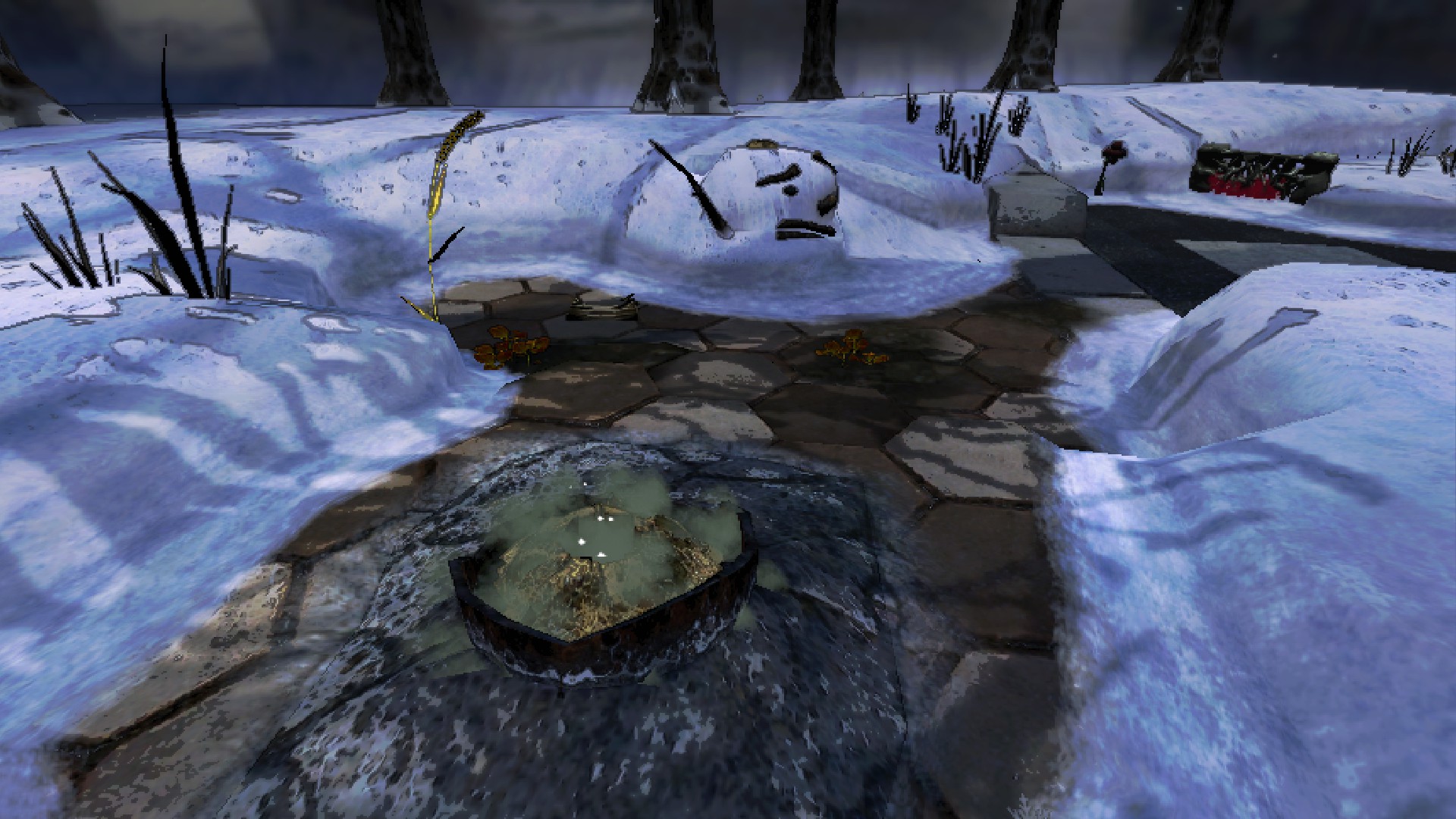
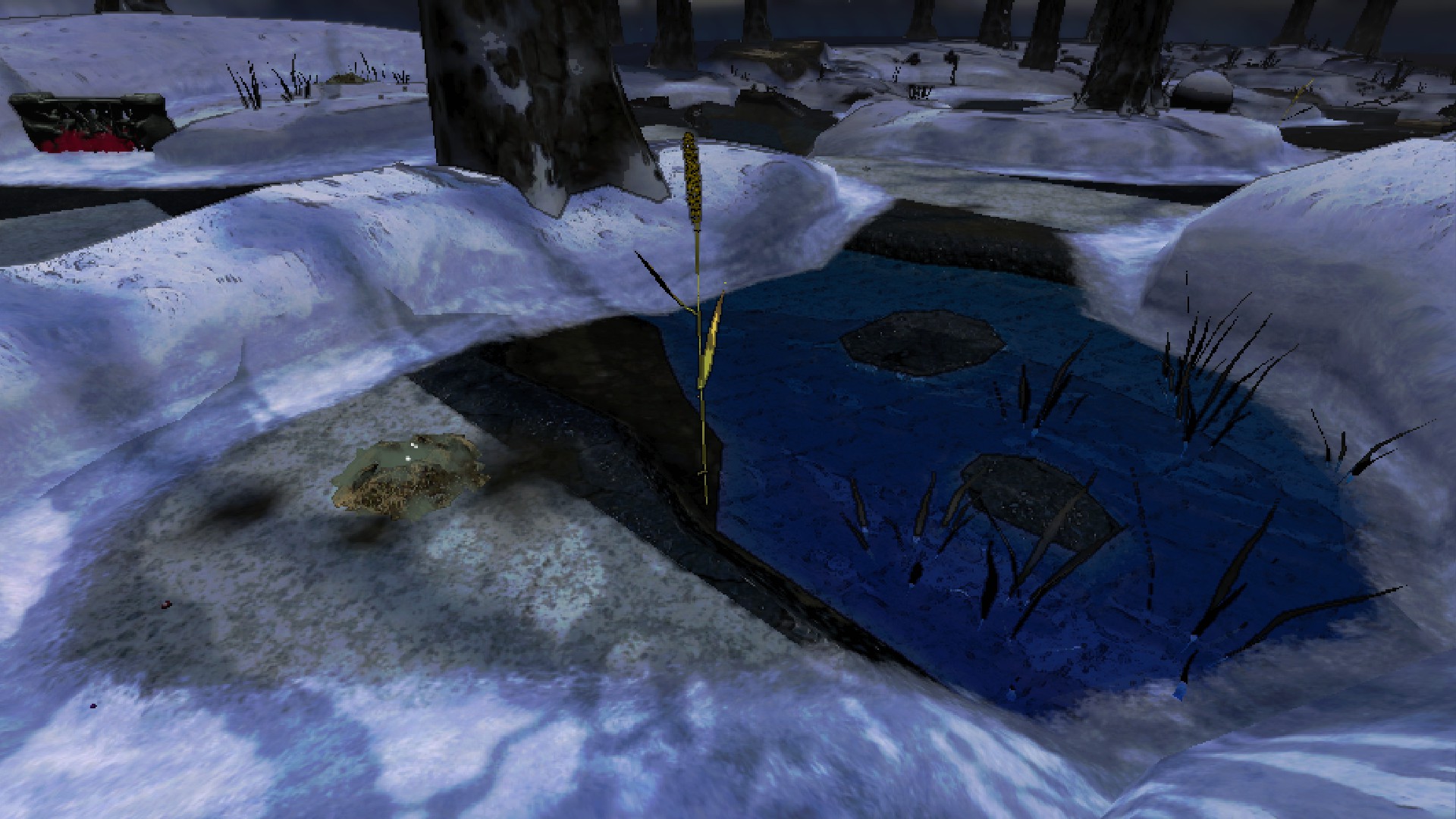
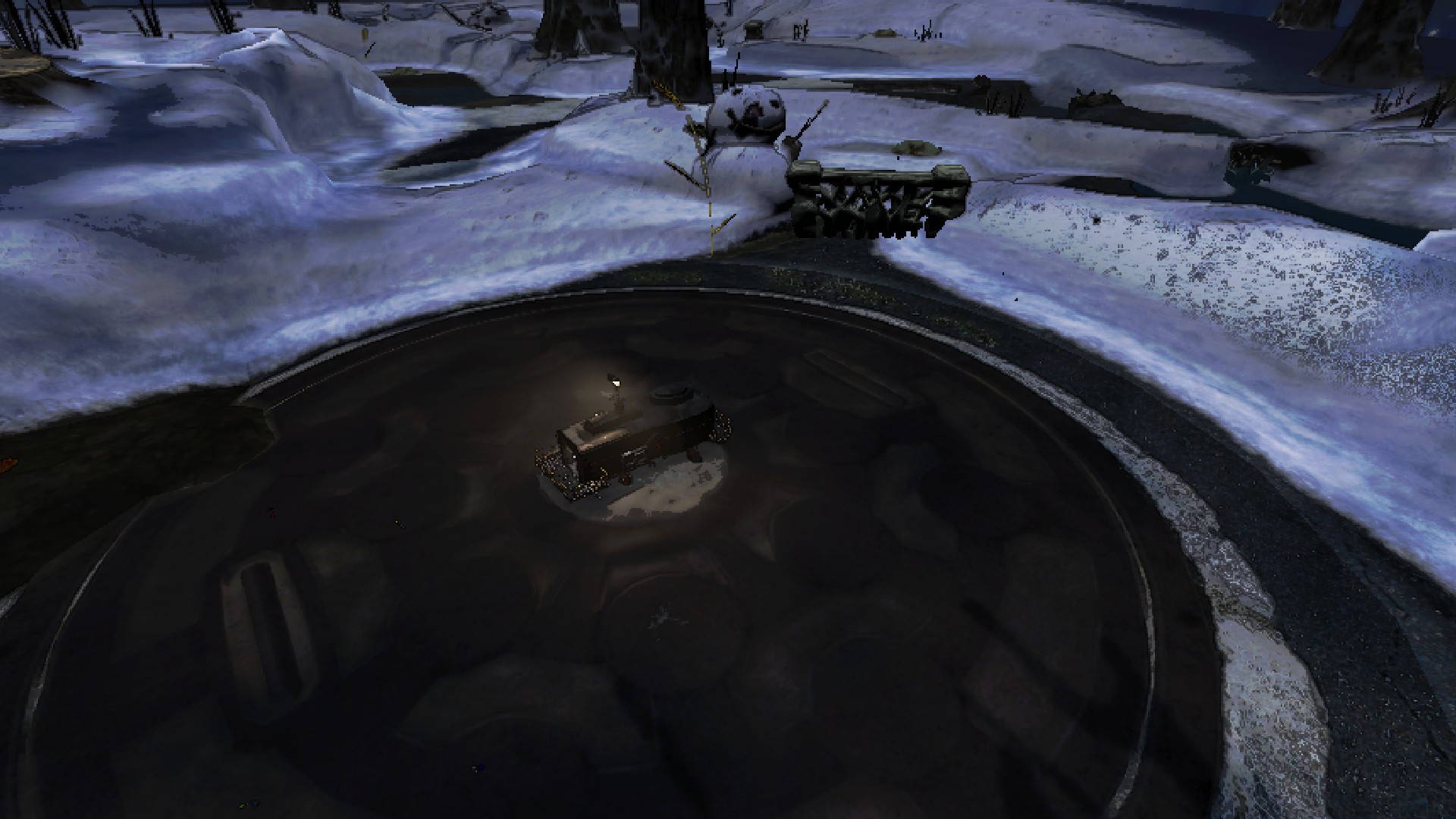
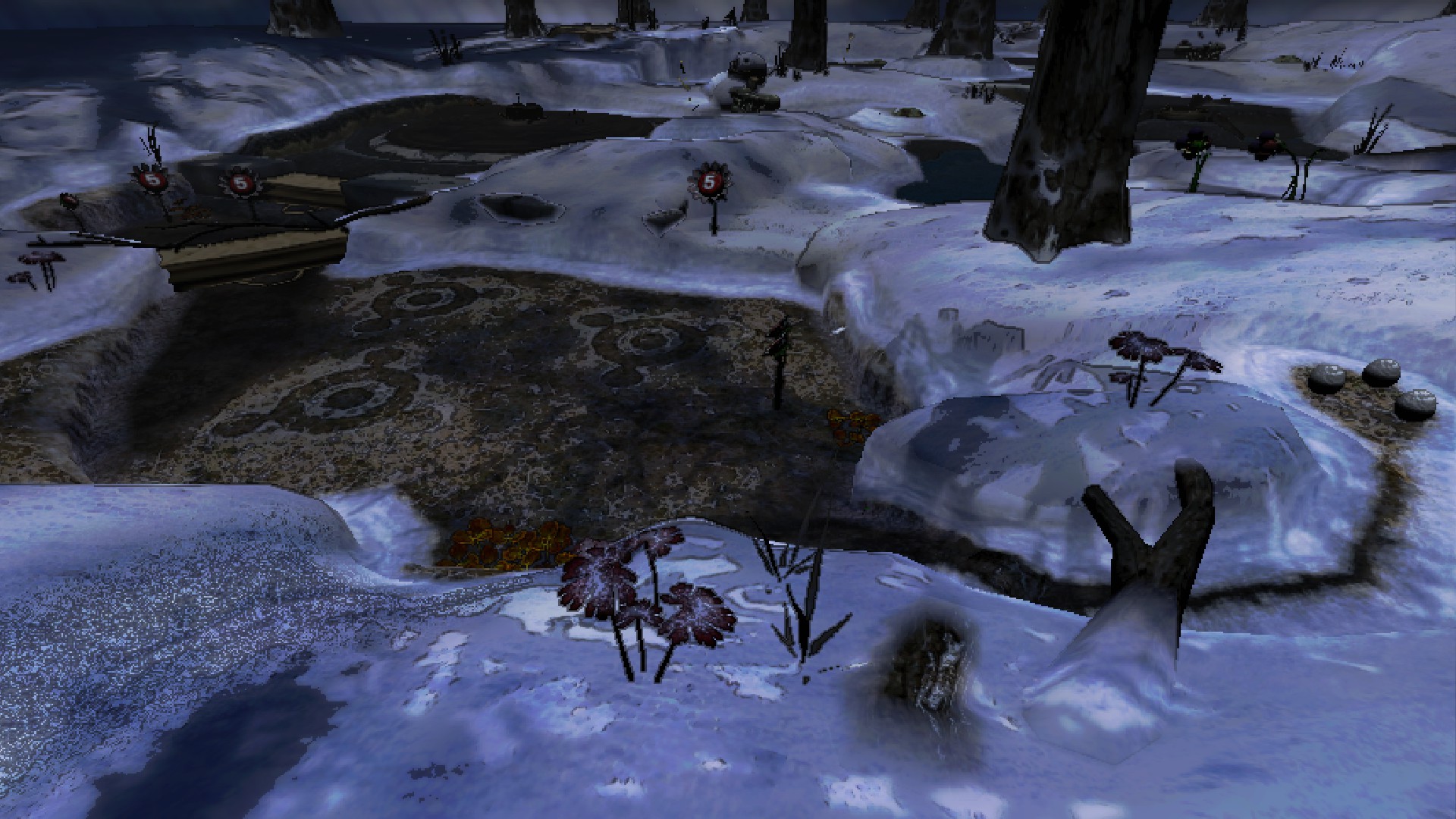
221 Repose
POPULATION: Abandoned.
CONDITIONS: Hilled, snowy terrain.
RISK LEVEL: C
ROUTING PRICE: 100 credits.
IMAGES:
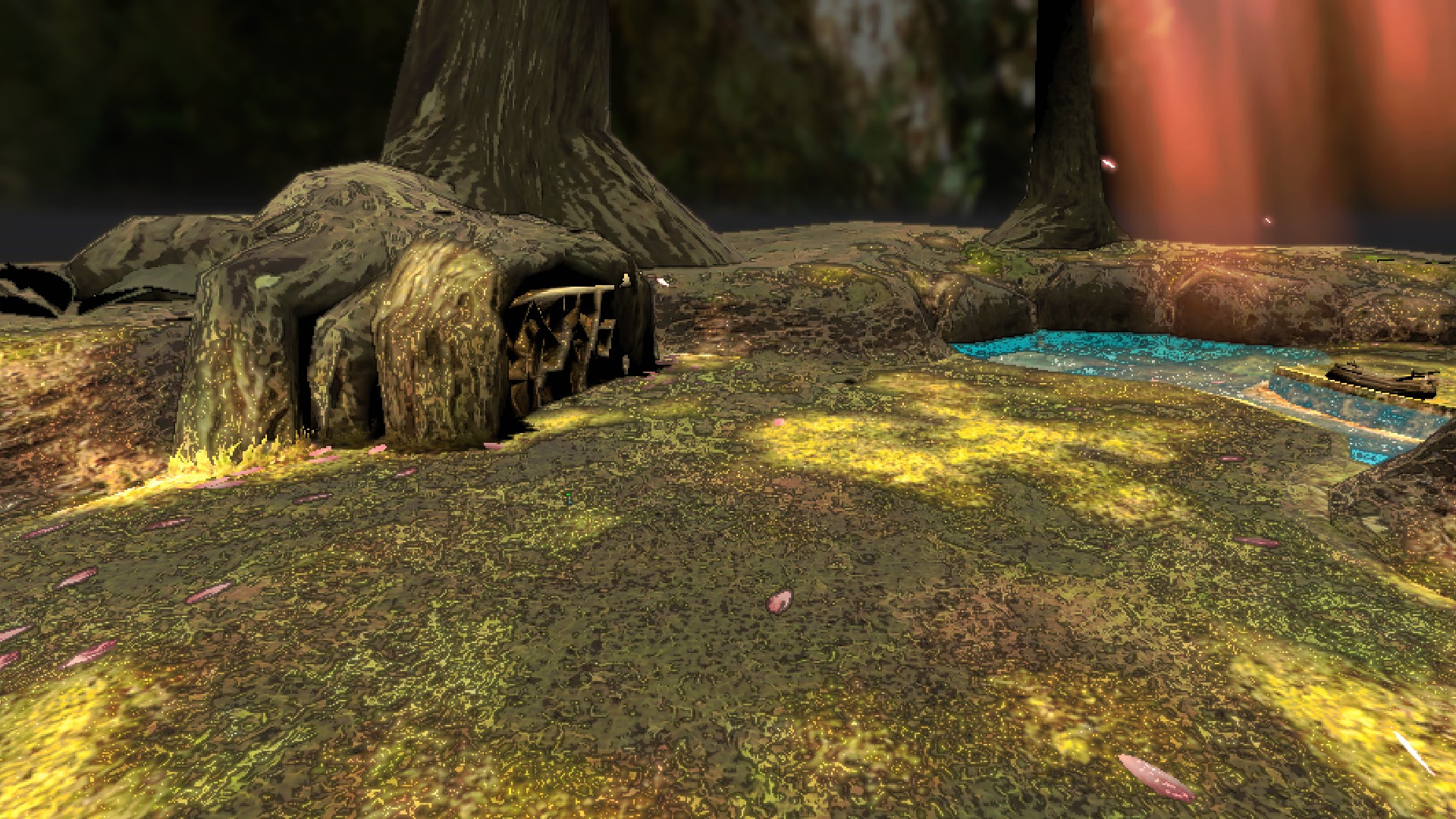
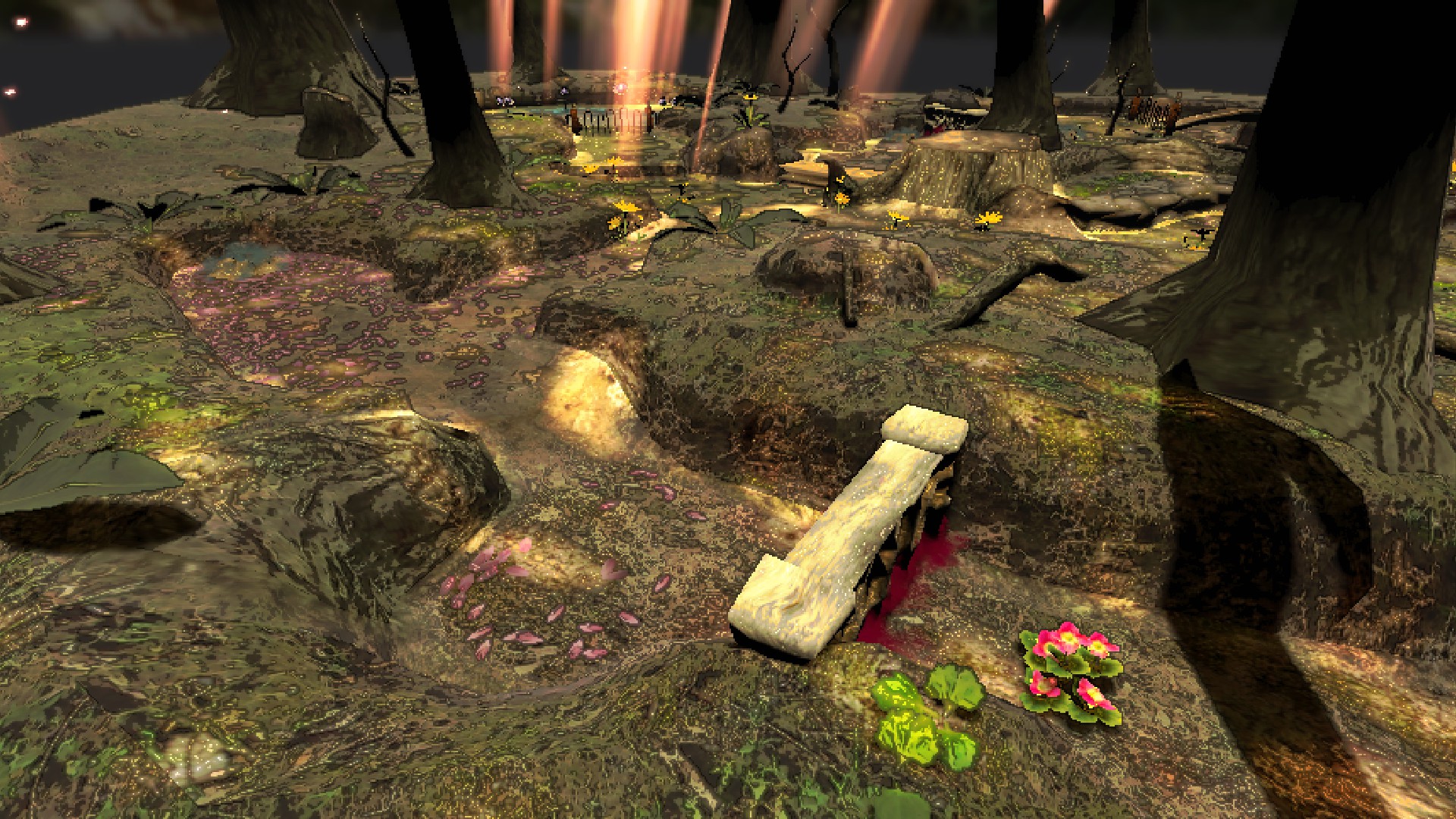
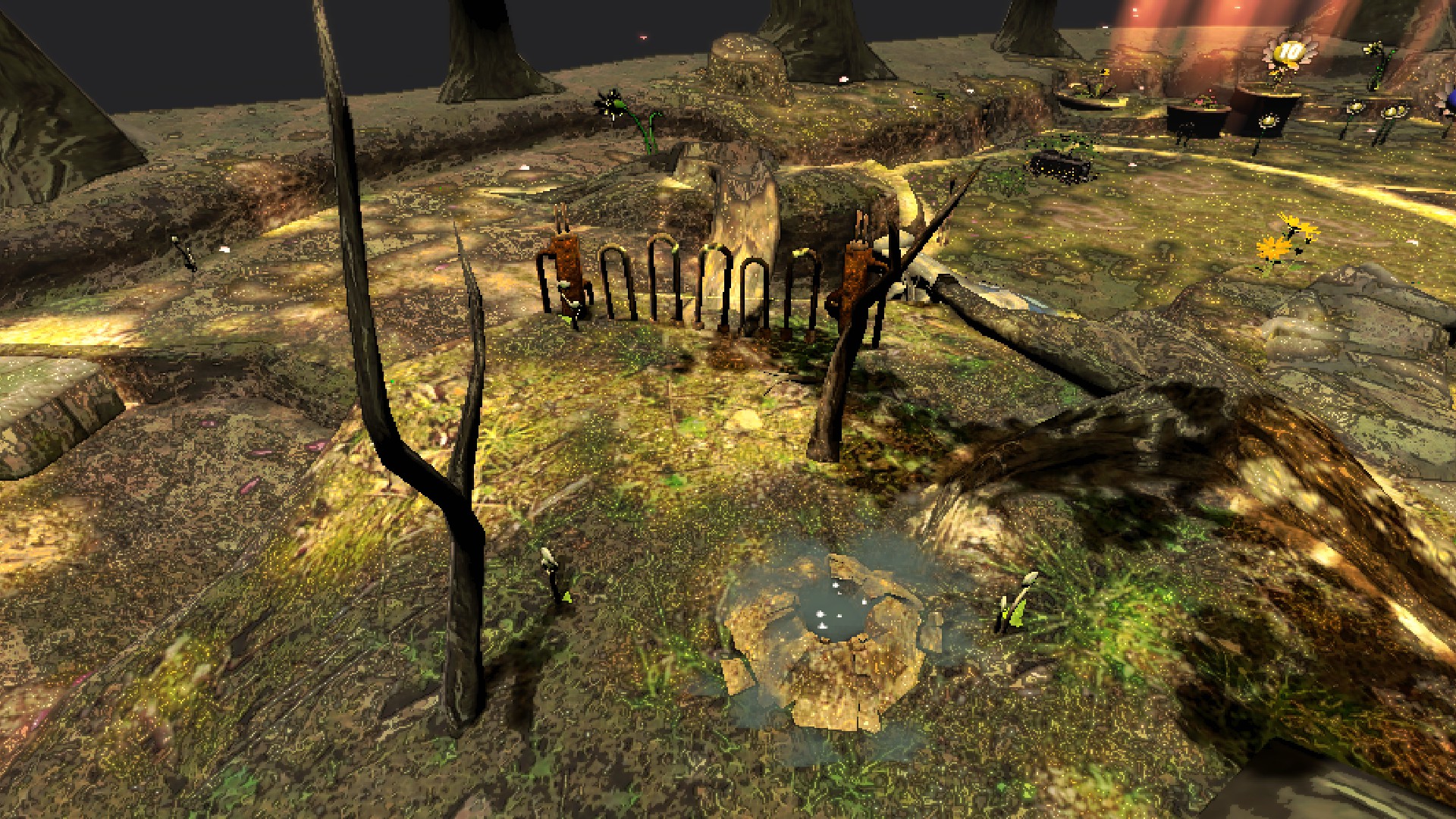
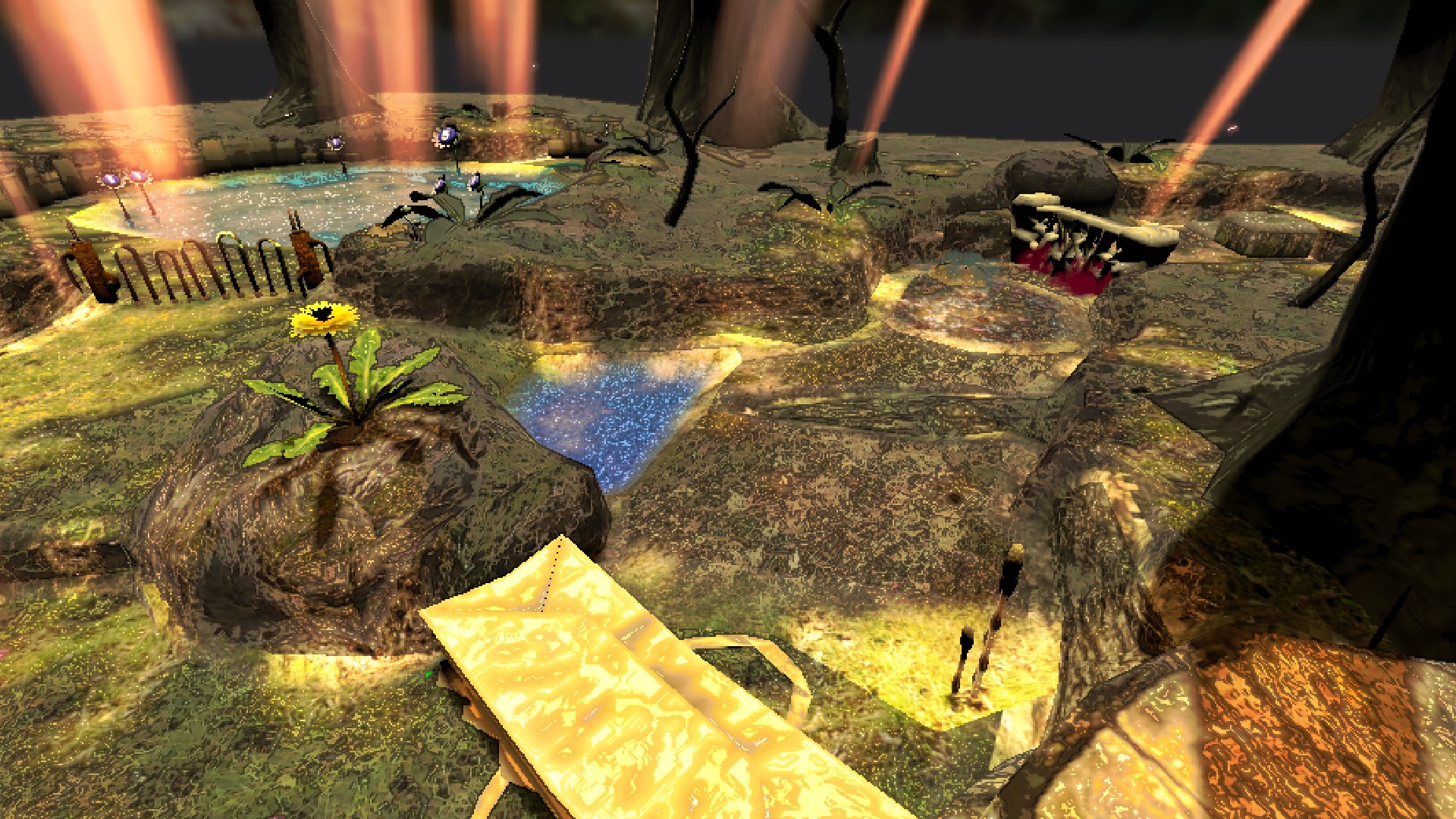
222 Awakening
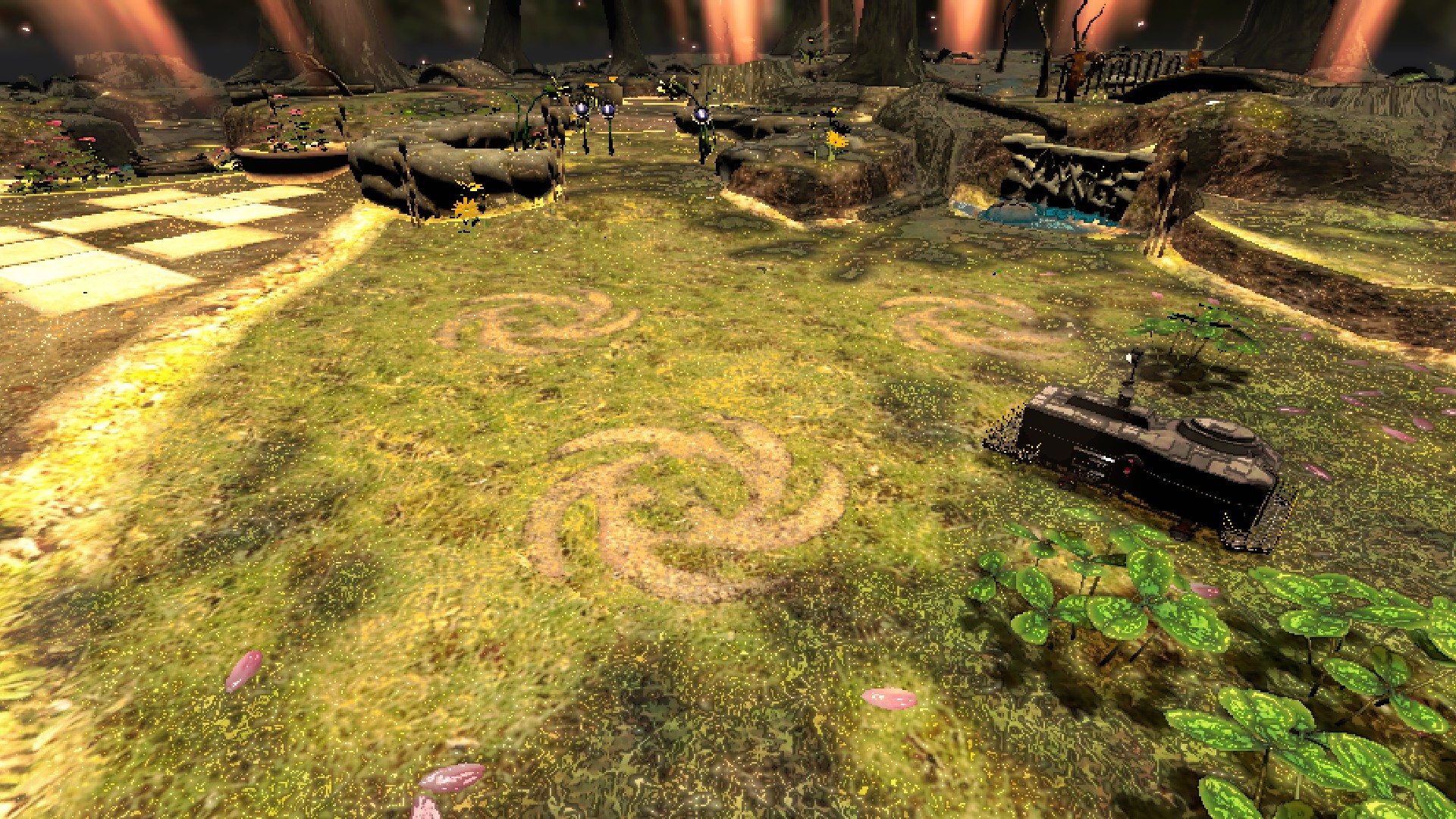
POPULATION: Abandoned.
CONDITIONS: Rocky, forested terrain.
RISK LEVEL: B-
ROUTING PRICE: 225 credits.
IMAGES:
223 Perplexing
POPULATION: Abandoned.
CONDITIONS: Swampy, humid terrain.
RISK LEVEL: B+
ROUTING PRICE: 500 credits.
IMAGES:
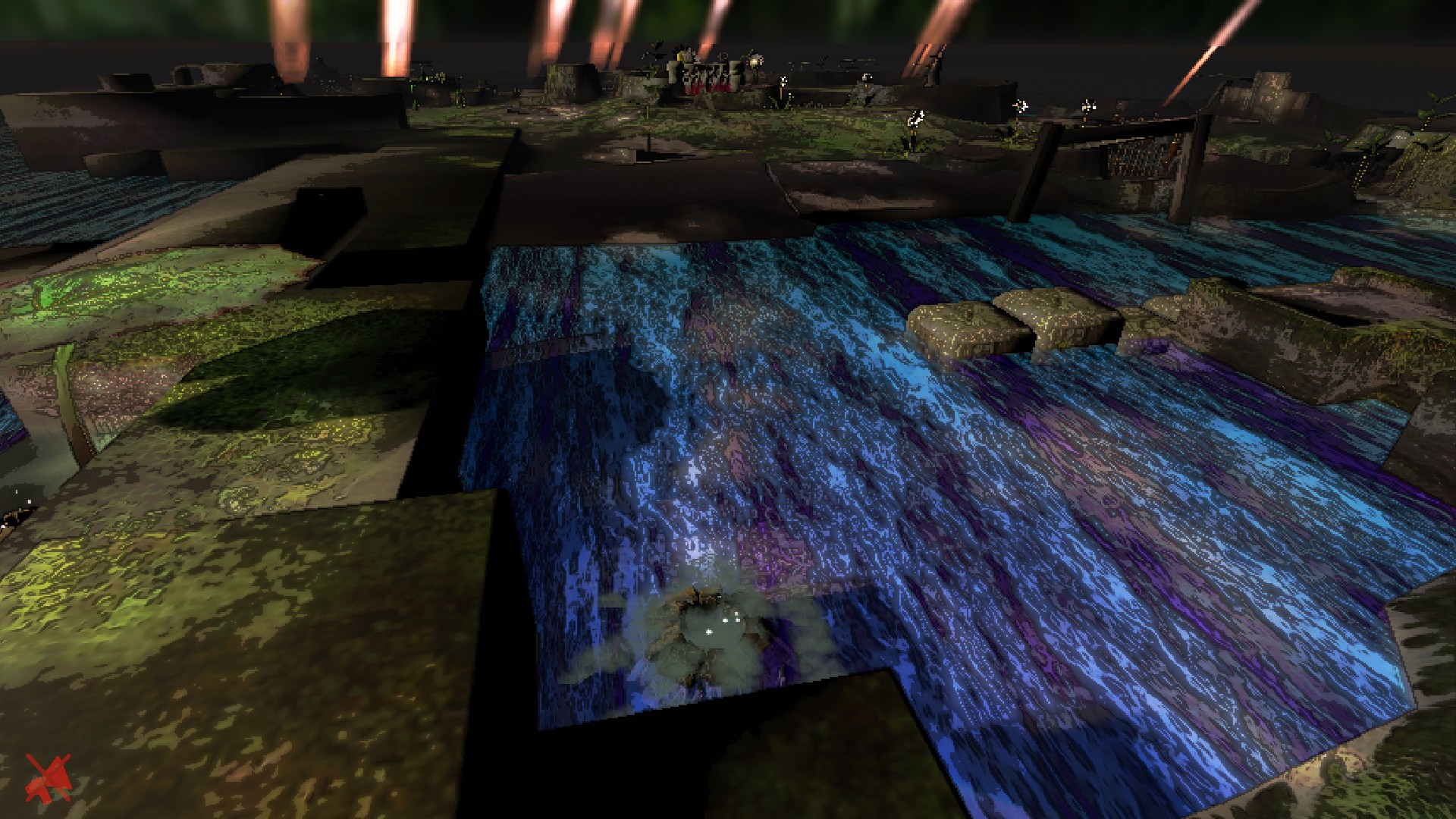
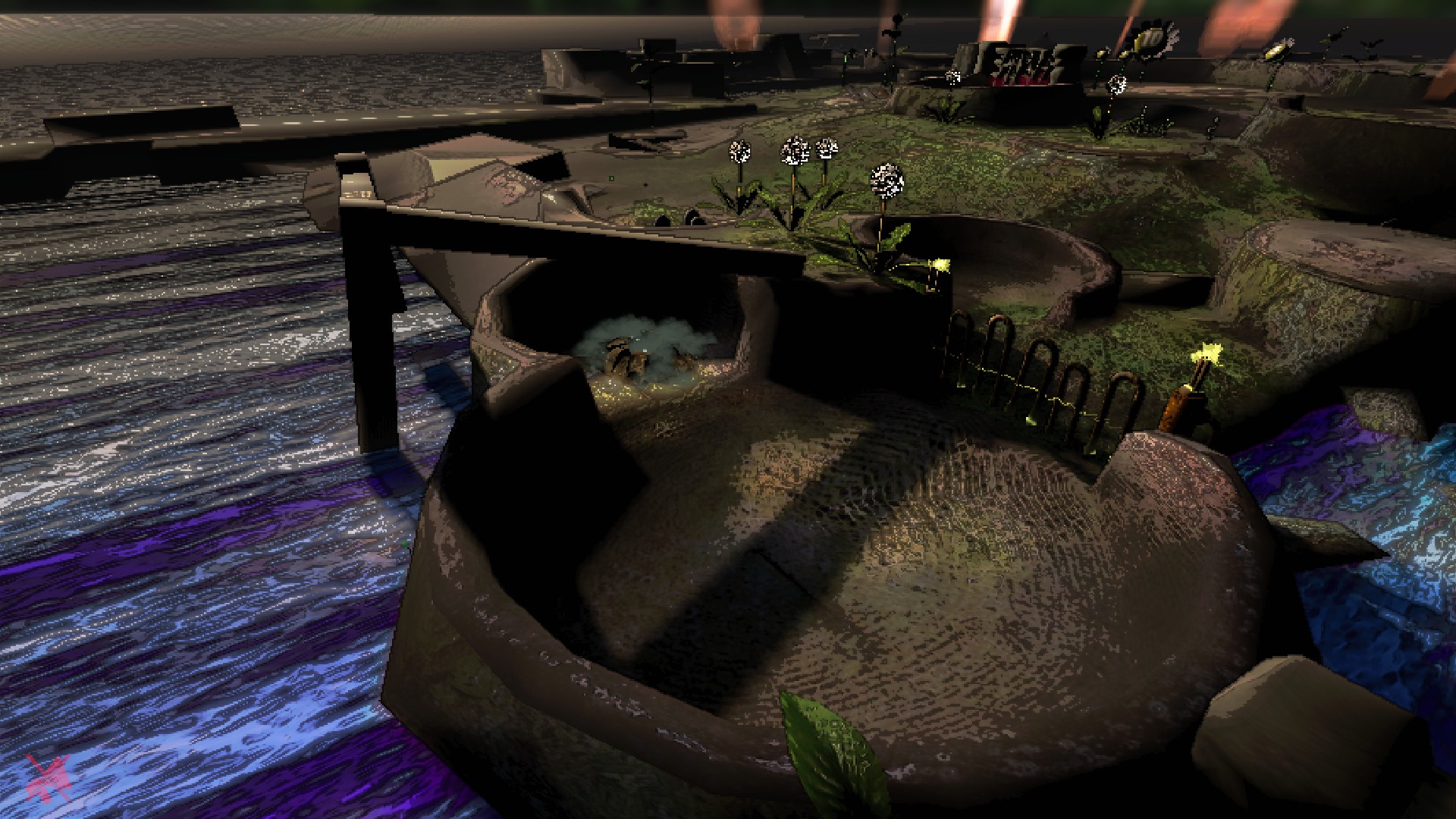
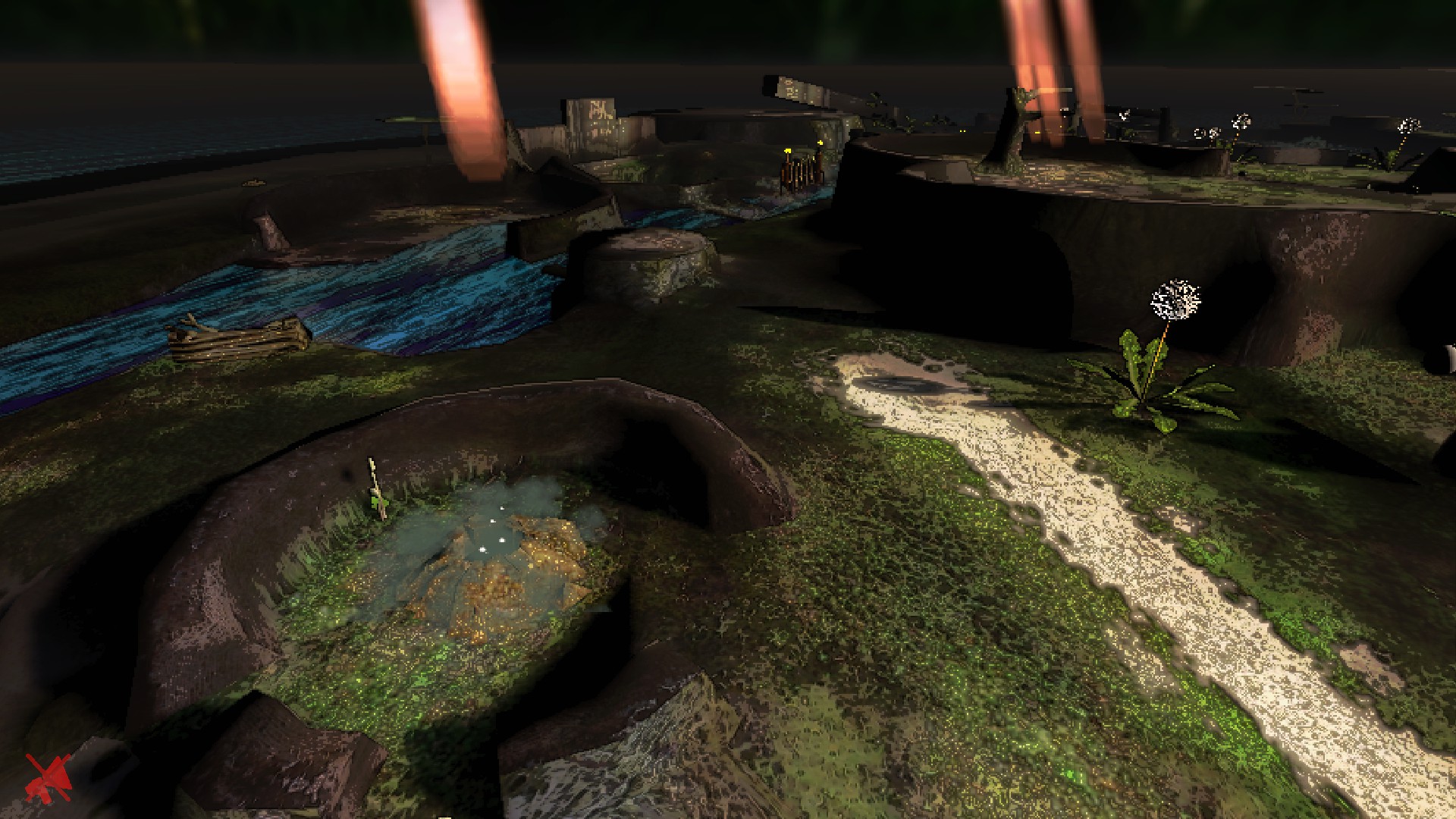
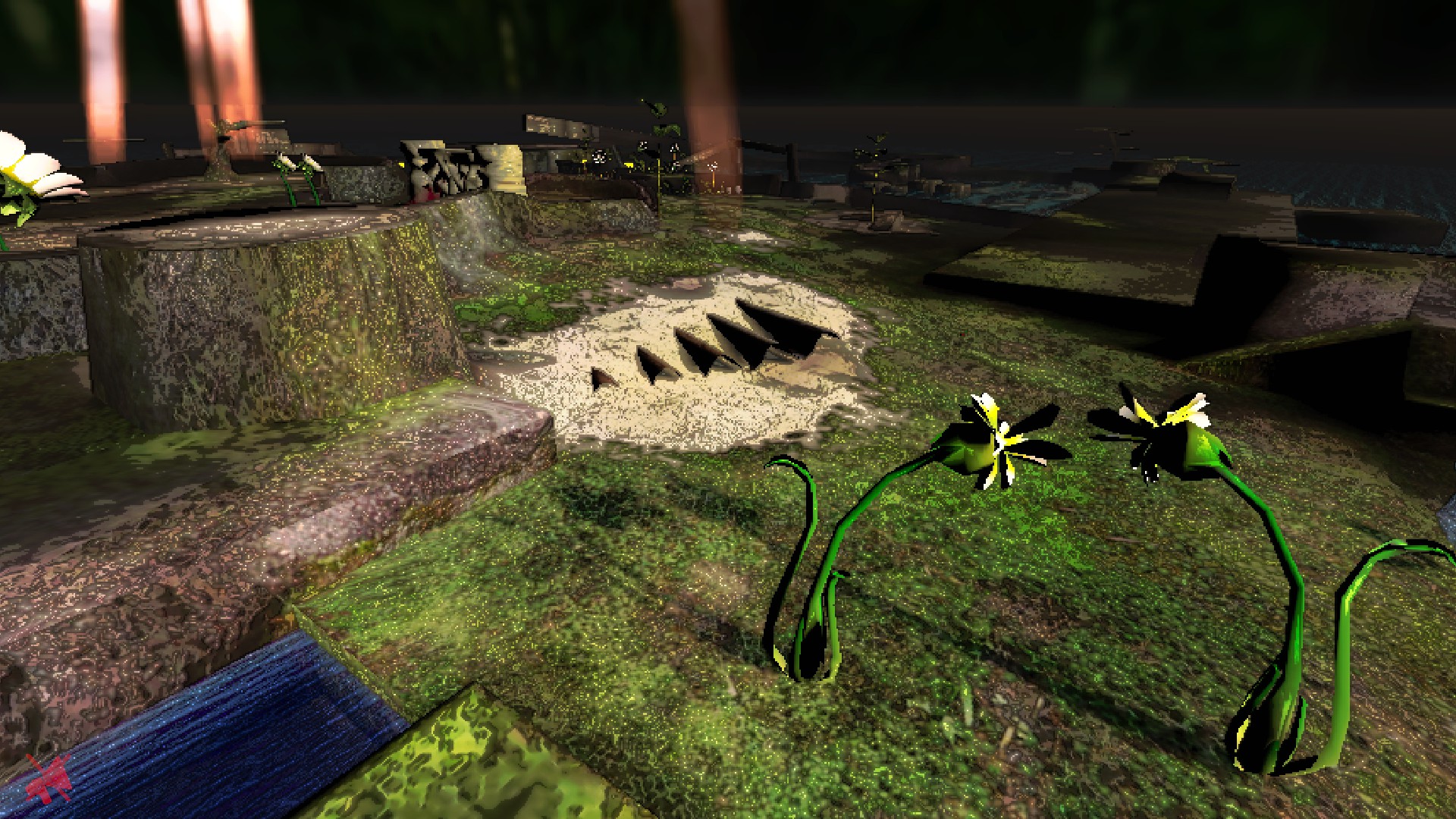
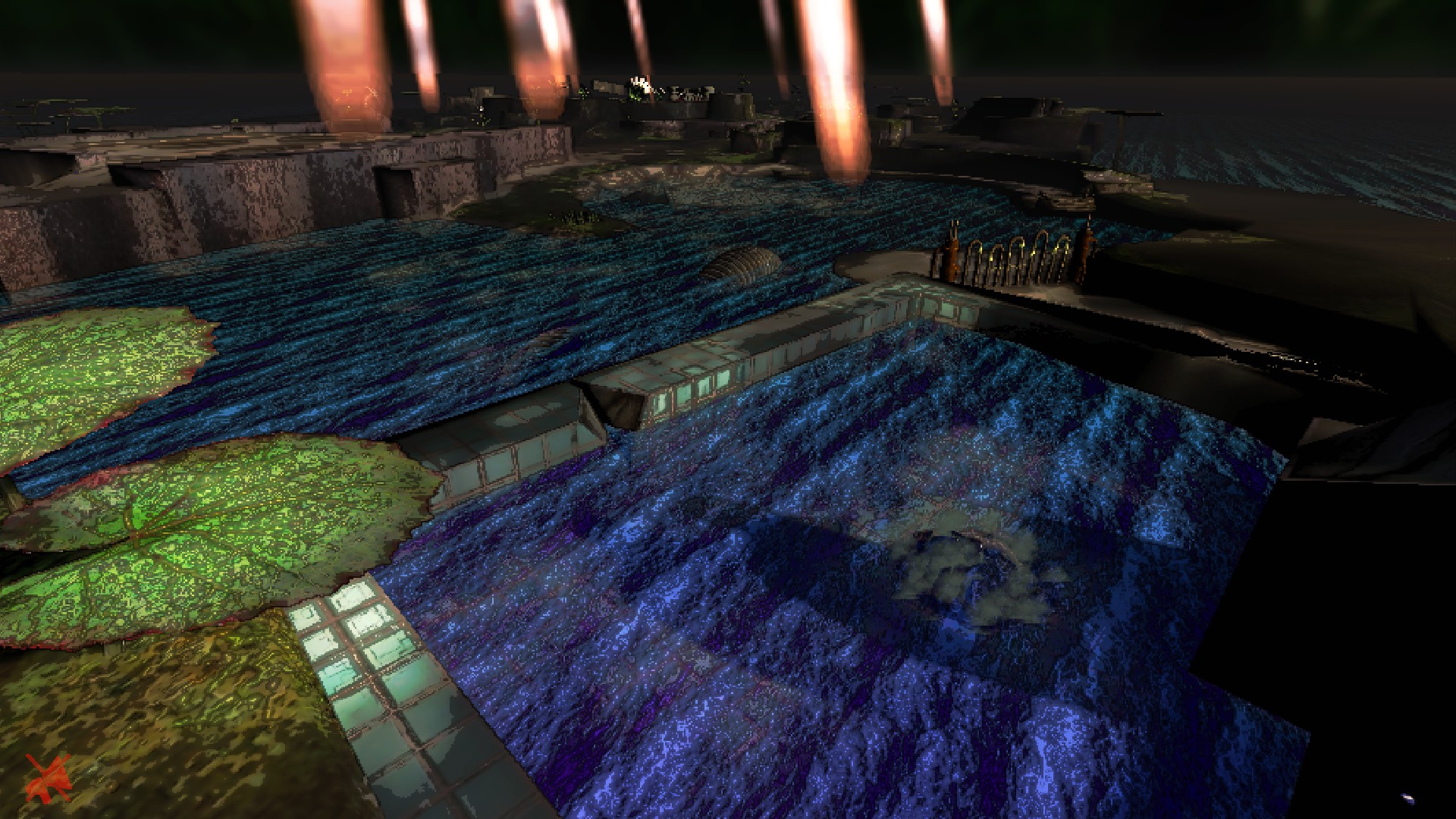
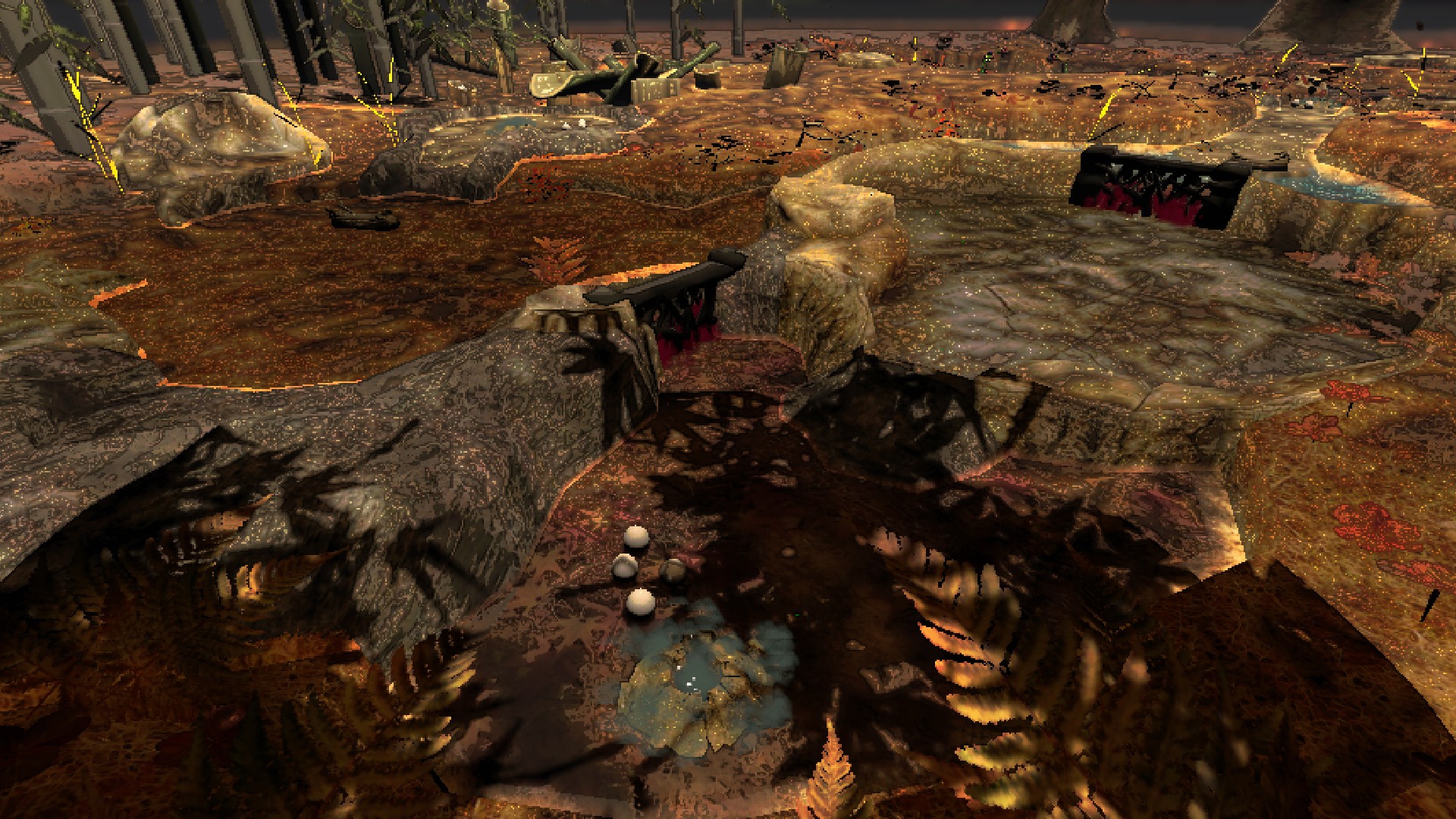
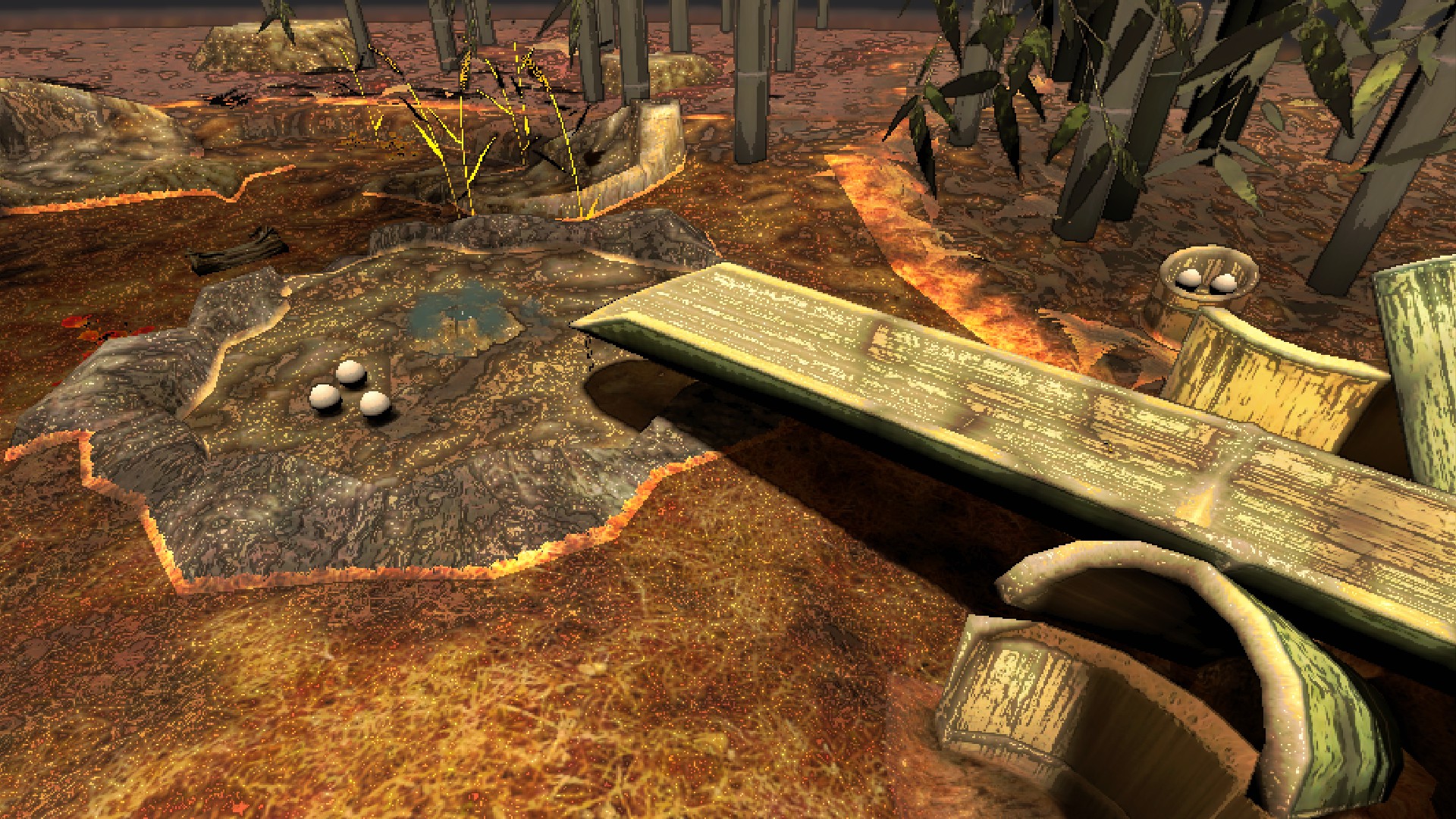
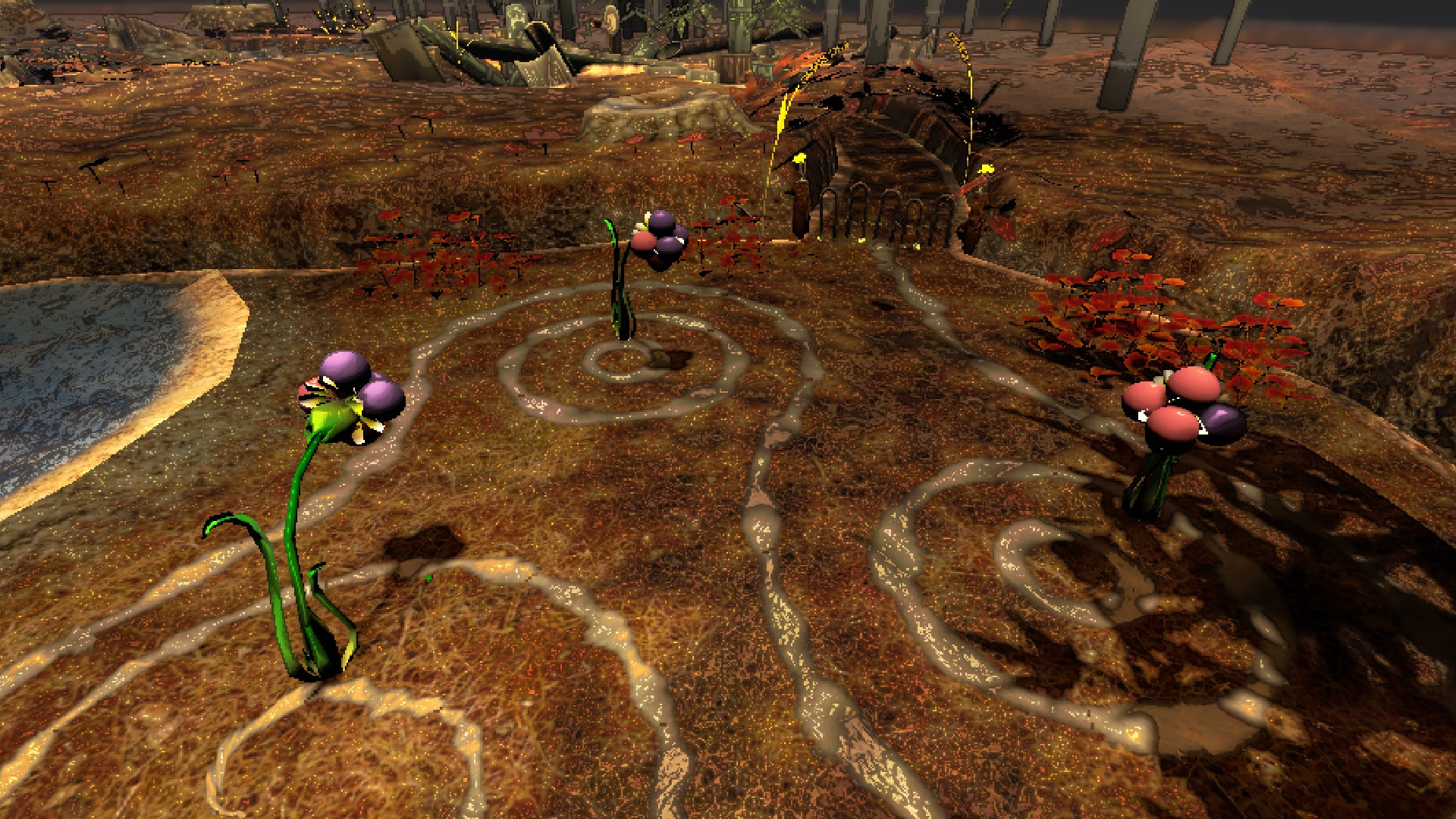
224 Wistful
POPULATION: Abandoned.
CONDITIONS: Autumnal, manmade terrain.
RISK LEVEL: S
ROUTING PRICE: 750 credits.
IMAGES:
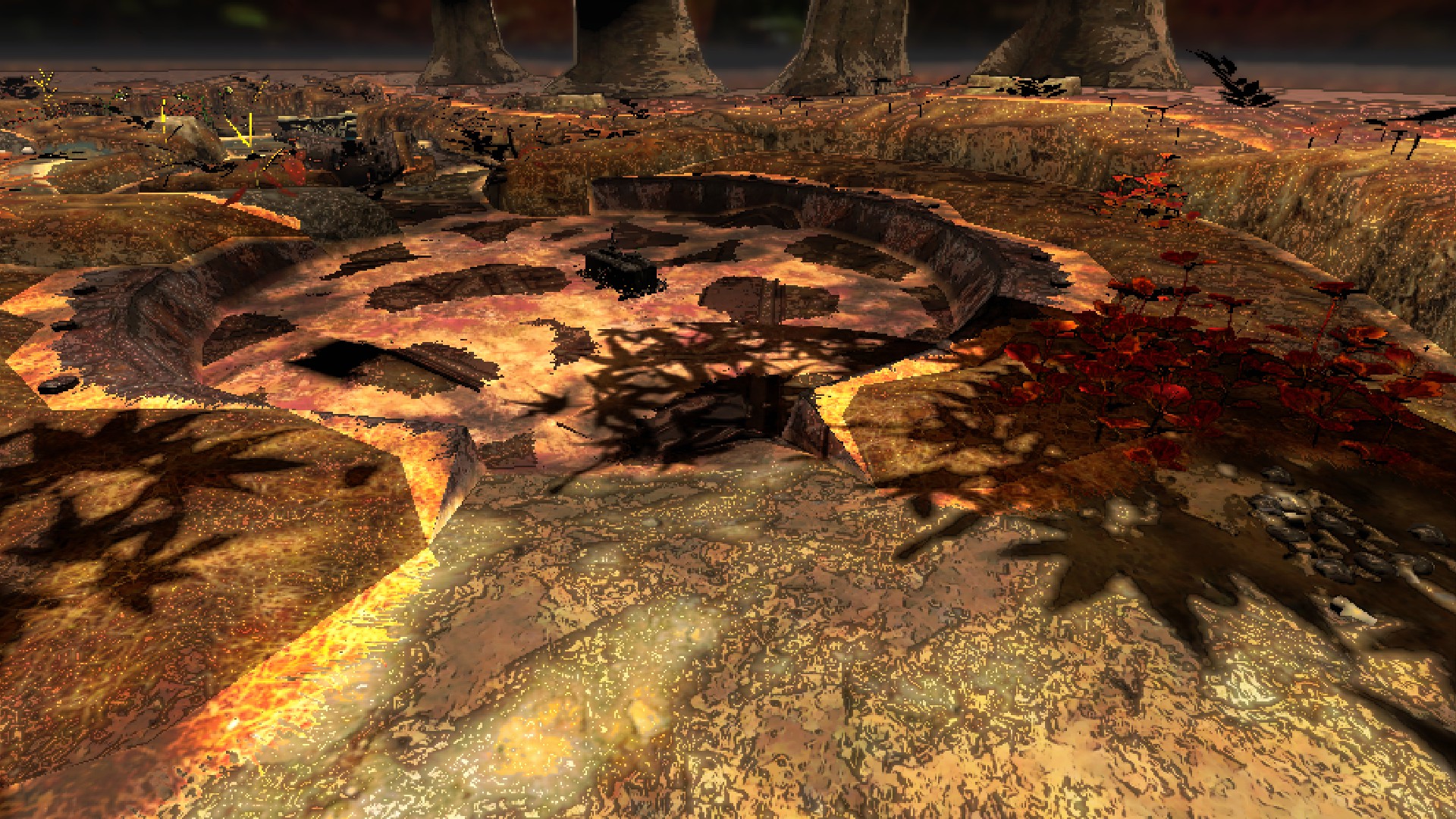
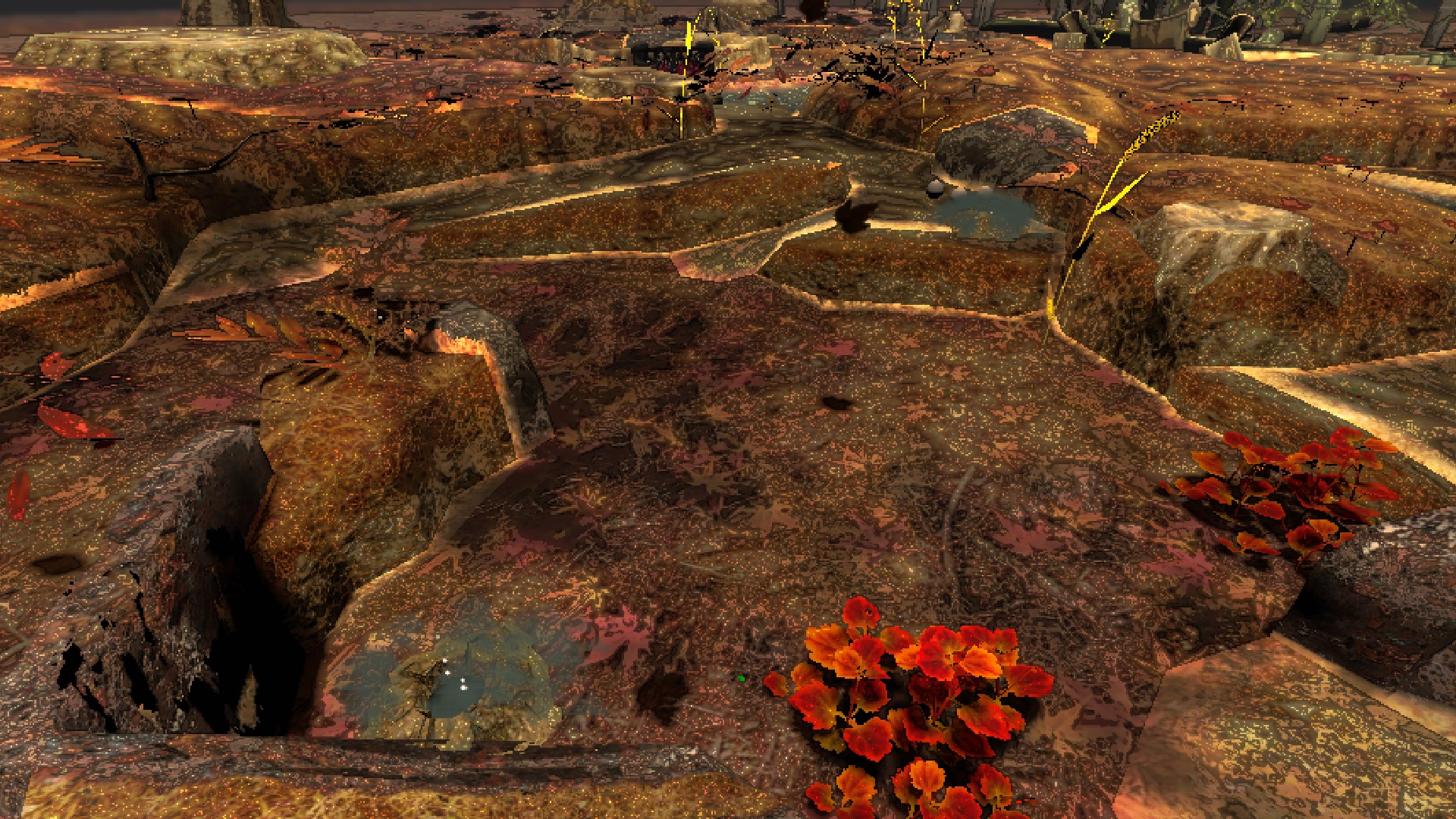
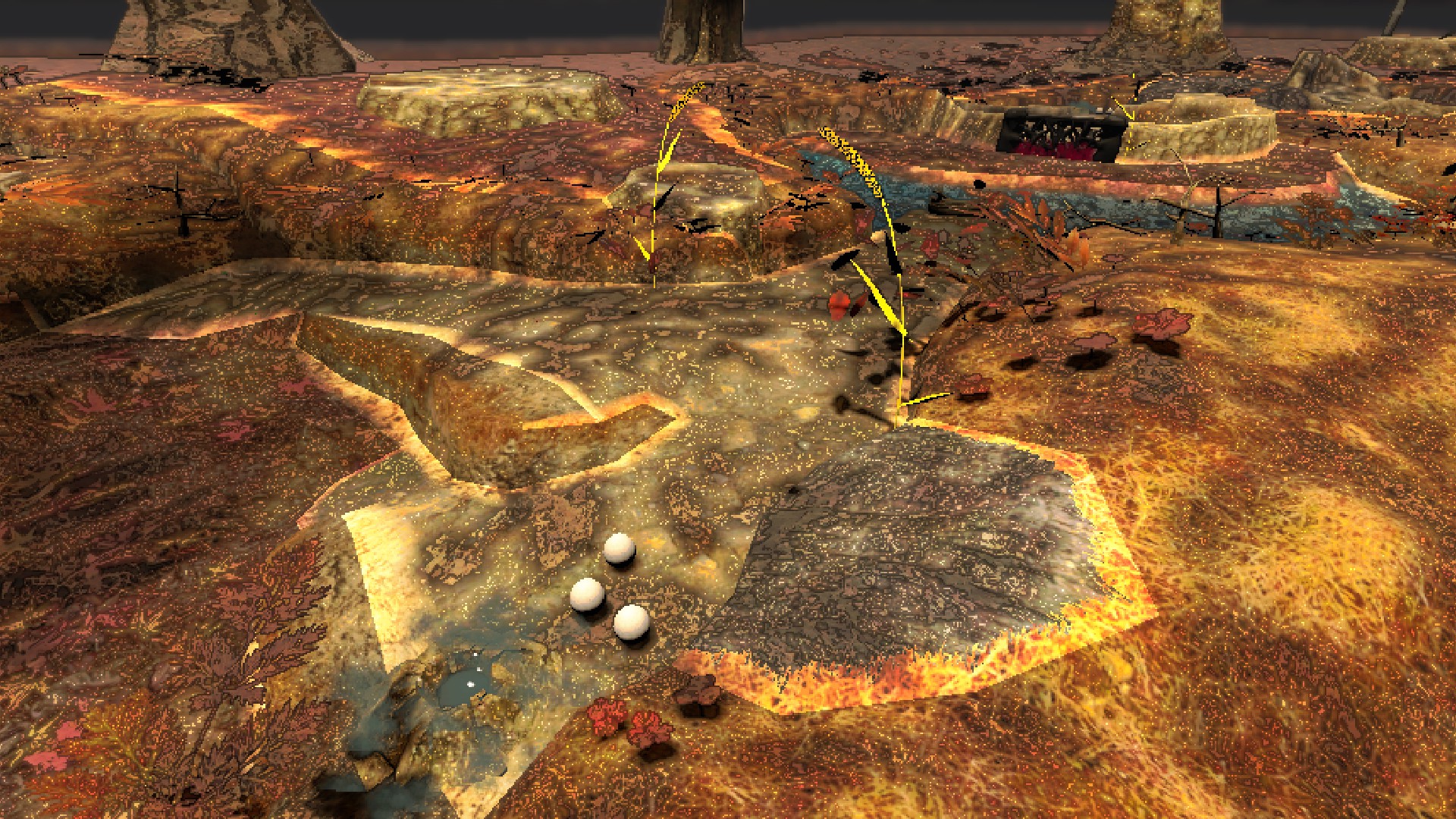
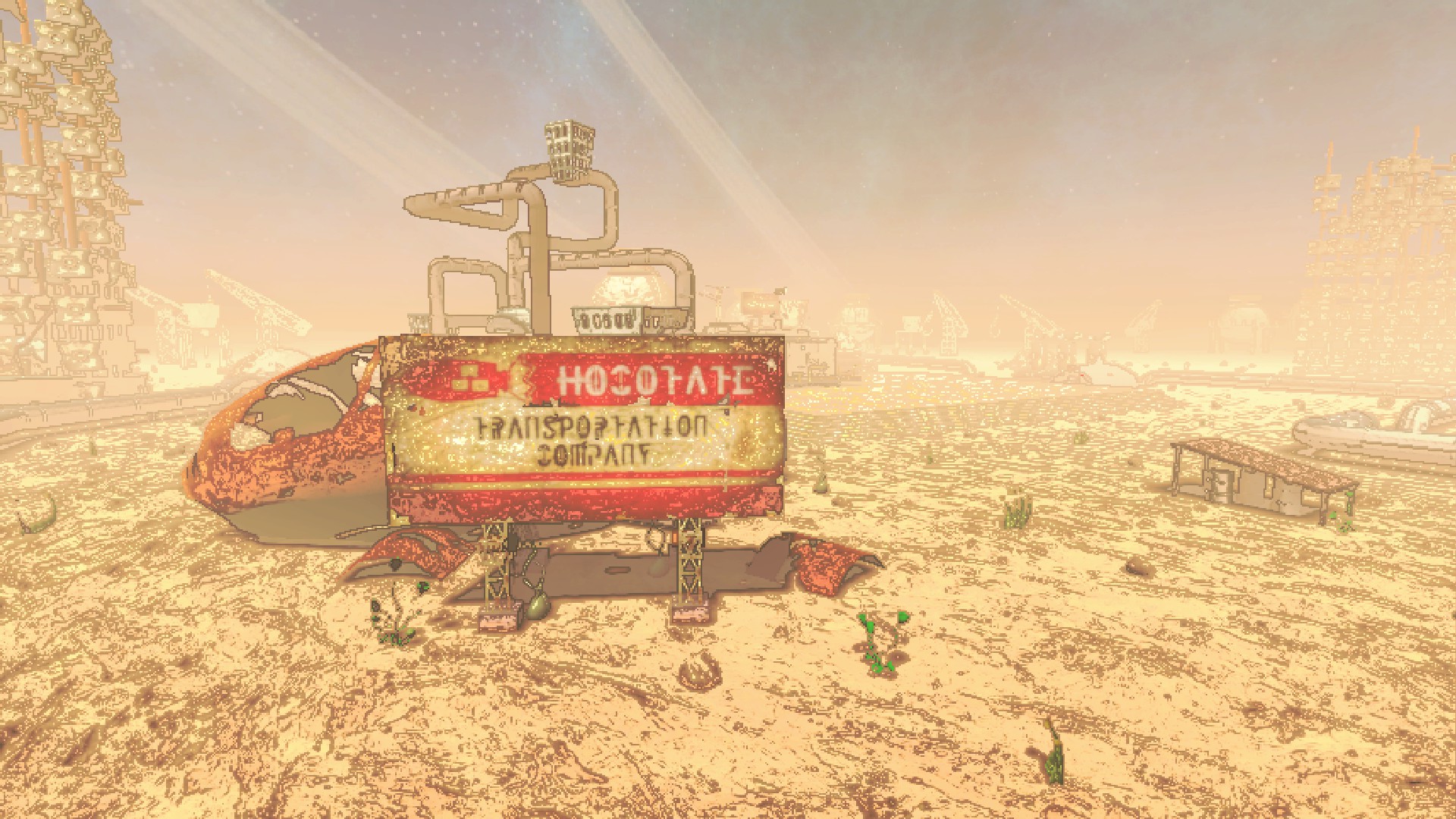
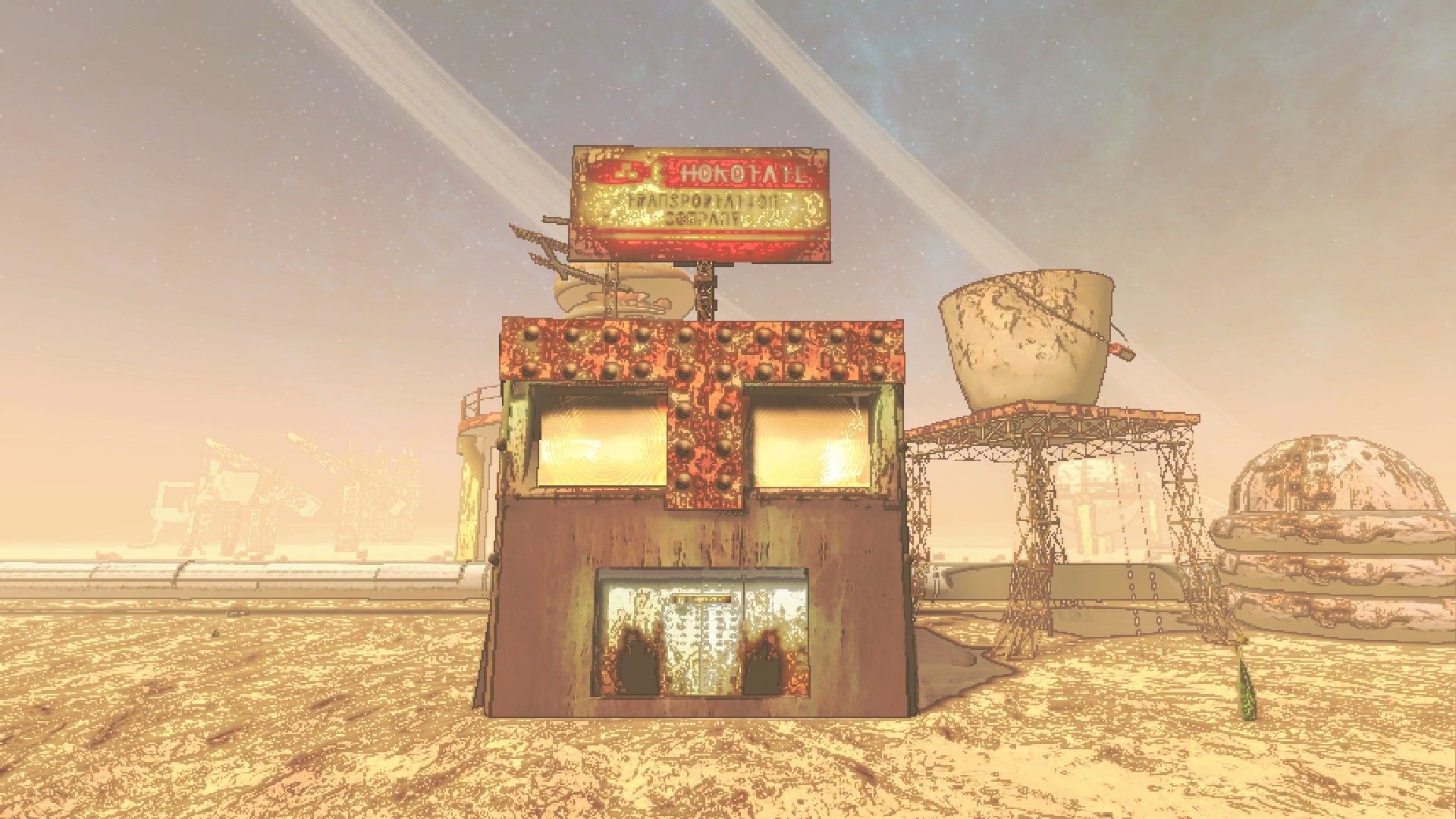
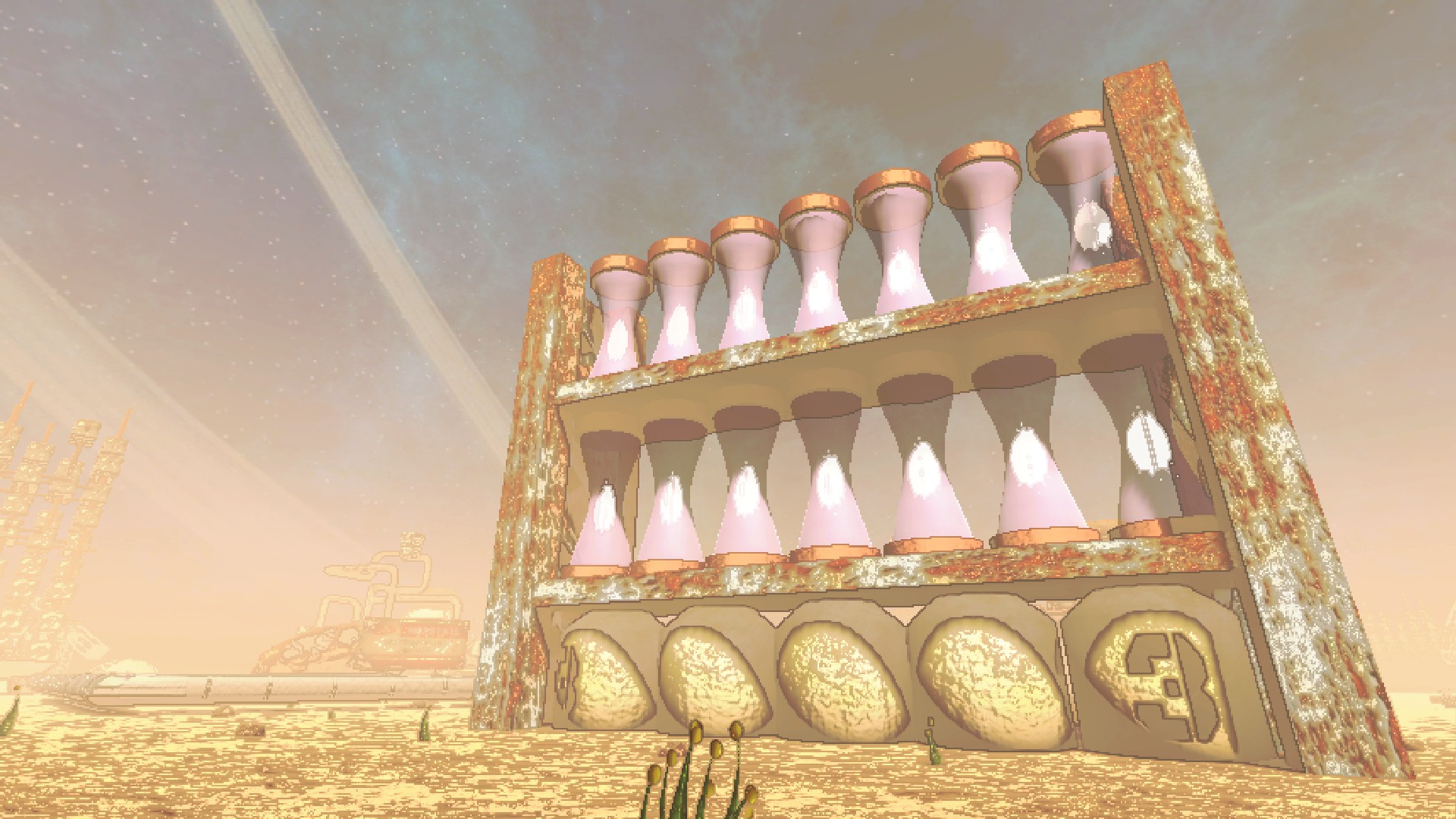
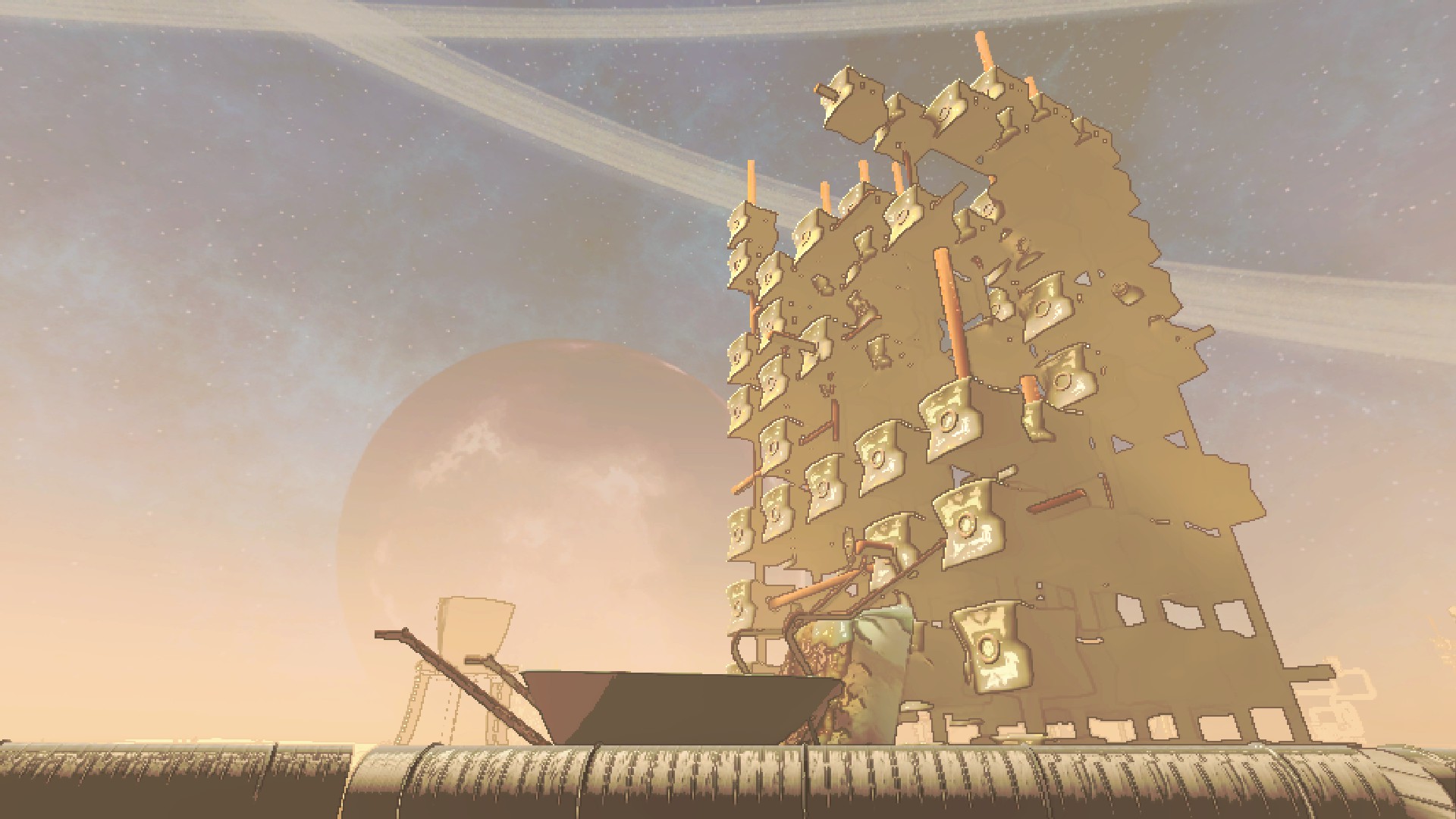
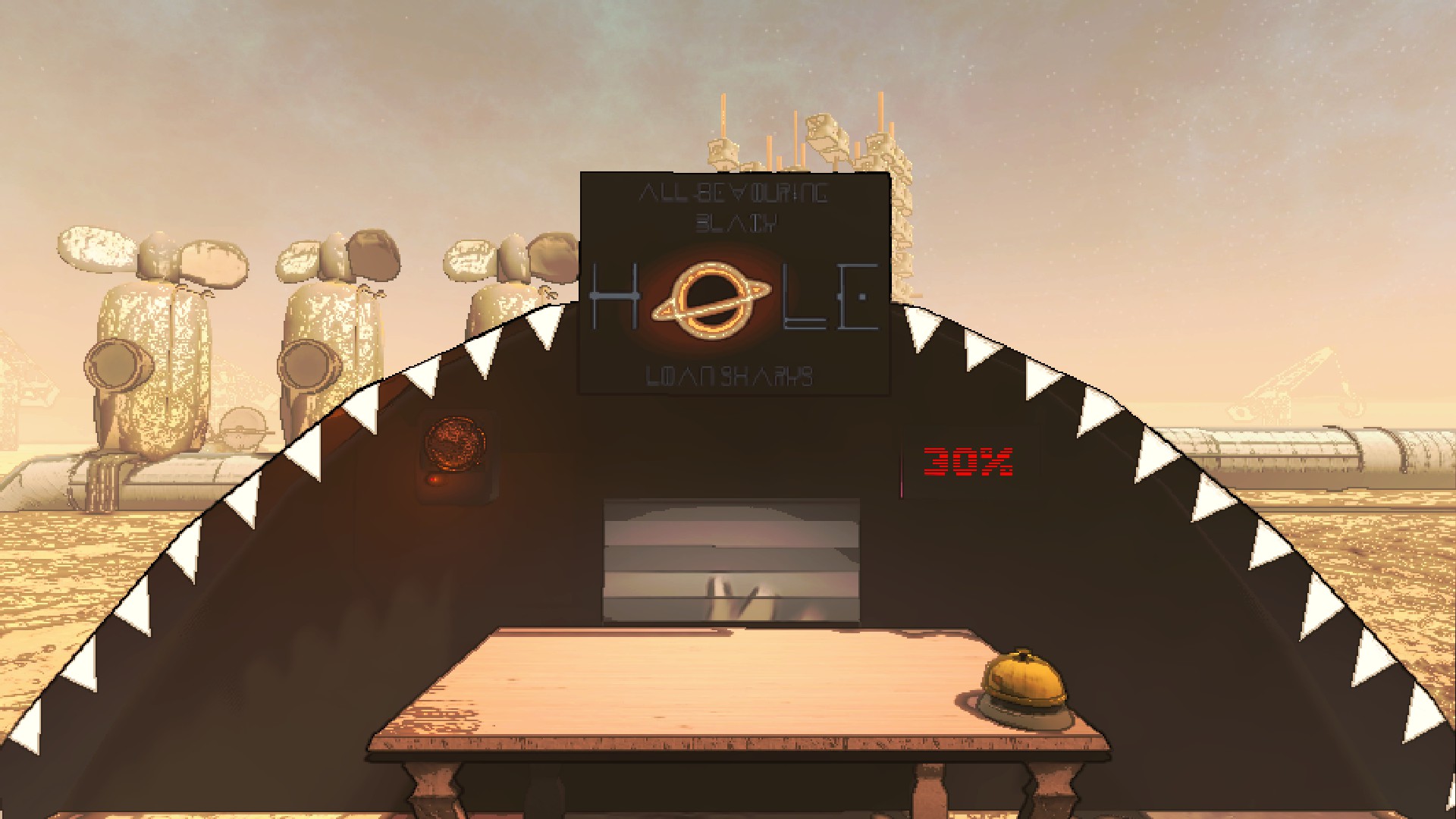
225 Hocotate
POPULATION: Hocotatians
CONDITIONS: Low atmosphere. Desert terrain.
RISK LEVEL: Safe
ROUTING PRICE: 0 credits.
Home of Hocotate Freight! This is another company moon, so feel free to land here at the end of quota to sell.
Thanks to KitKat on YouTube, BlueSky, and Strawpage for the majority of the props found here!
Check out their Garry's Mod Hocotate Freight Map!
IMAGES:
More Info
- Use a mod like LethalConfig to easily edit the config in-game.
- Longer day length --Courtesy of Moon Day Speed Multiplier Patcher, days are noticeably longer.
- Ridable water geysers --In Pikmin 1 moons, jump on to hitch a ride. They frequently lead to interesting locations or shortcuts.
IMAGE:
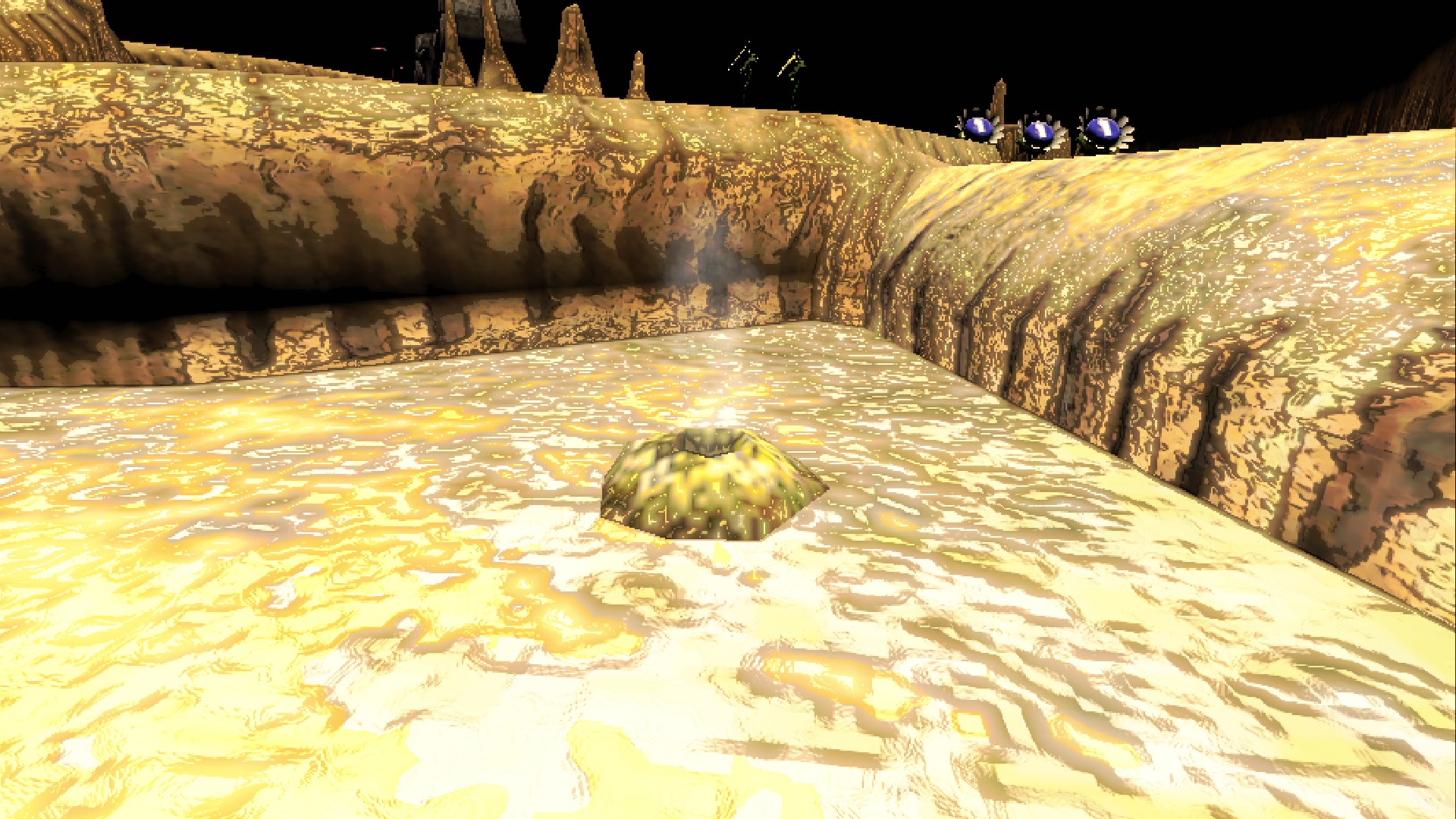
- Eggs --Can be broken for a chance to drop nectar as scrap, or occasionally other goodies.
IMAGE:
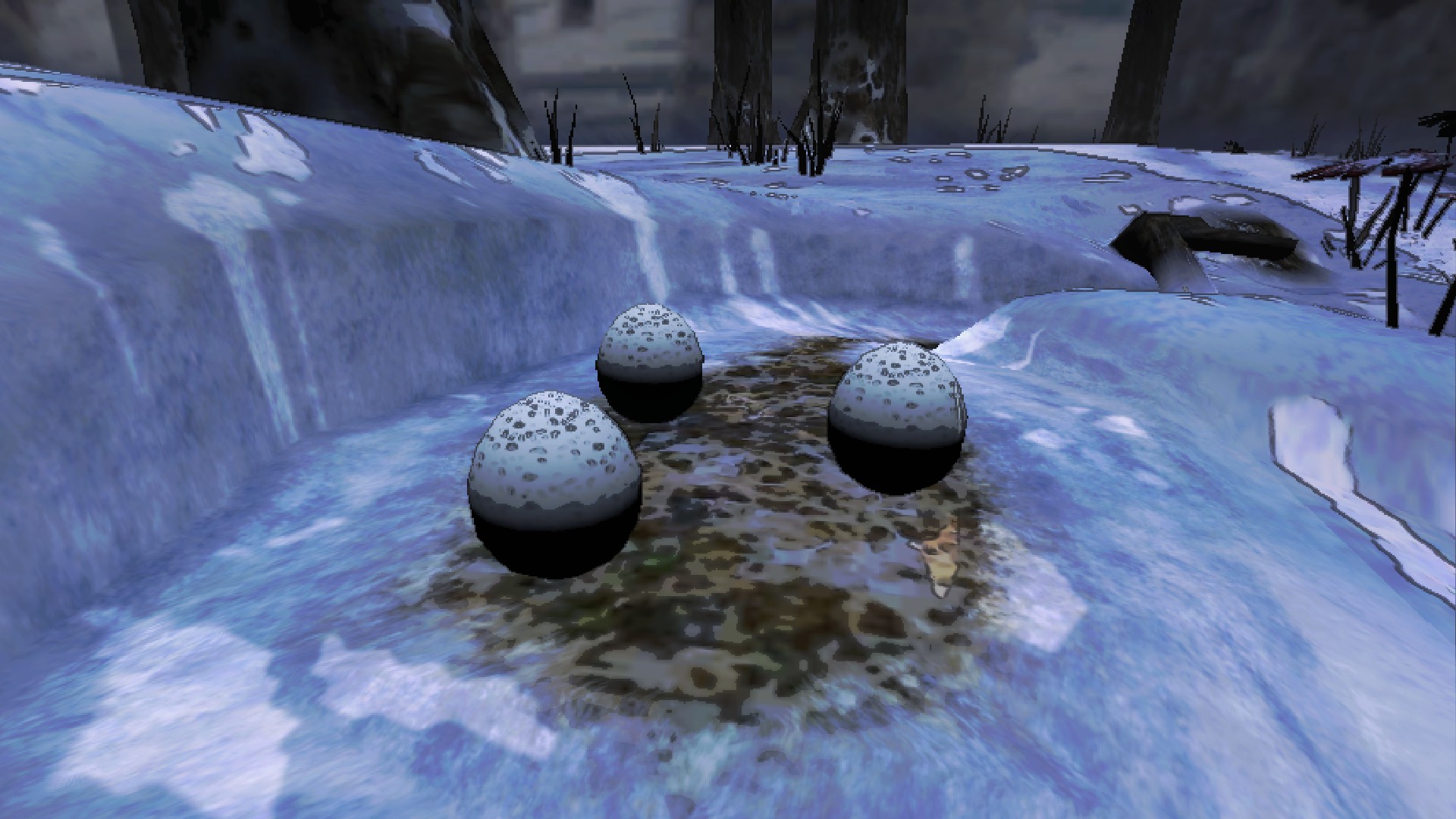
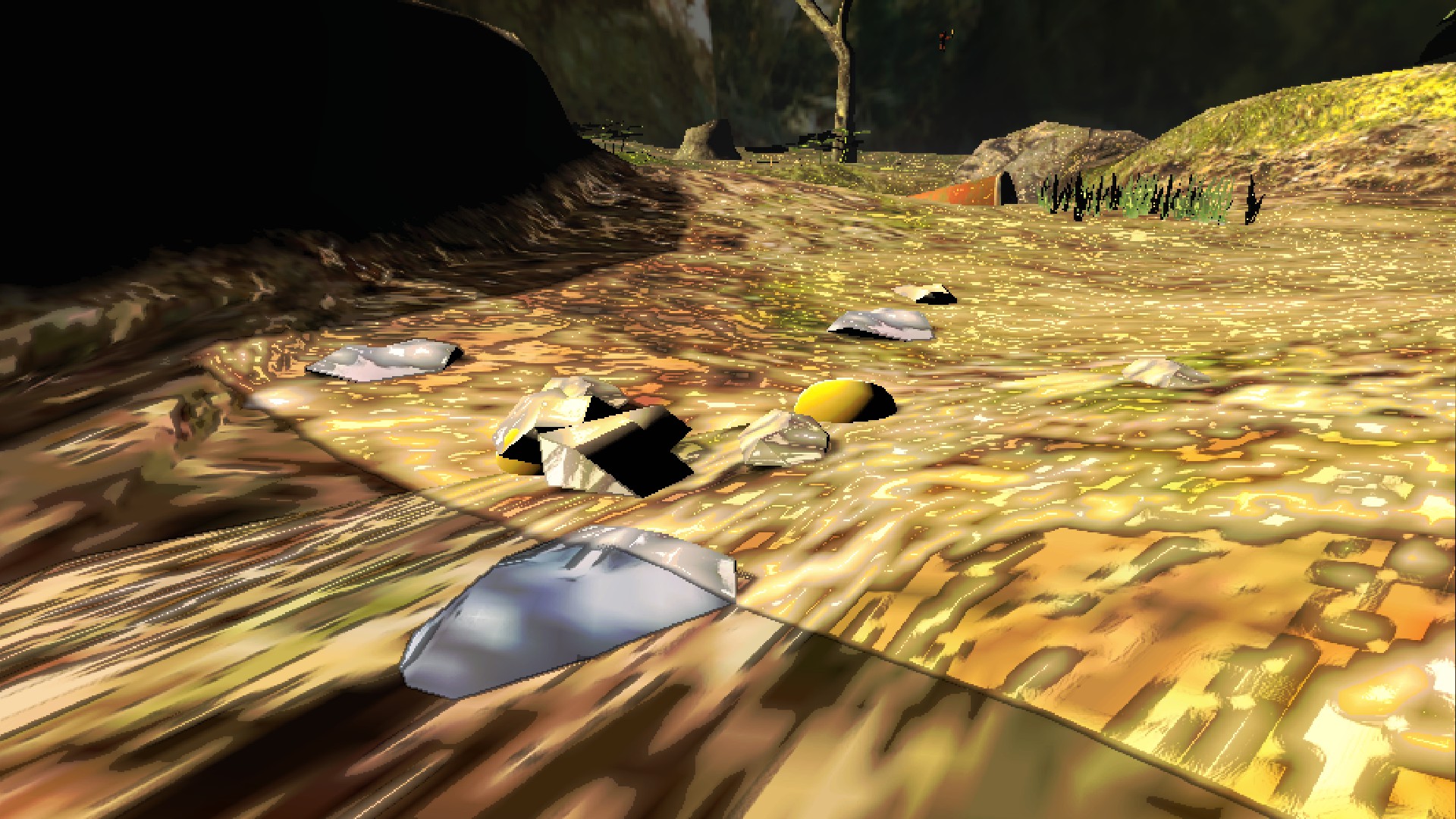
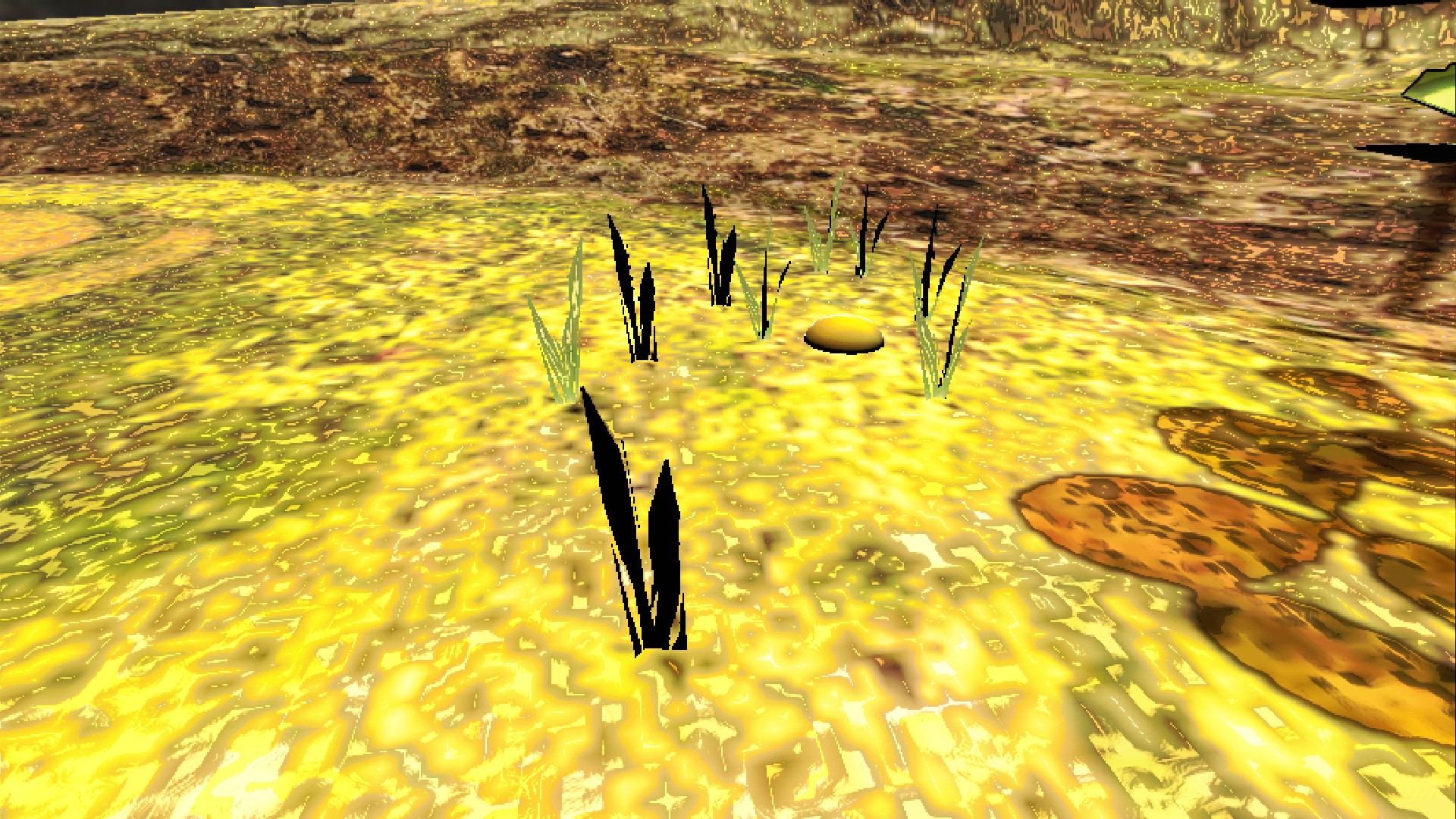
- Nectar Rocks and Grass --Damage these patches of rocks and grass for a chance to drop nectar per damage dealt.
IMAGES:
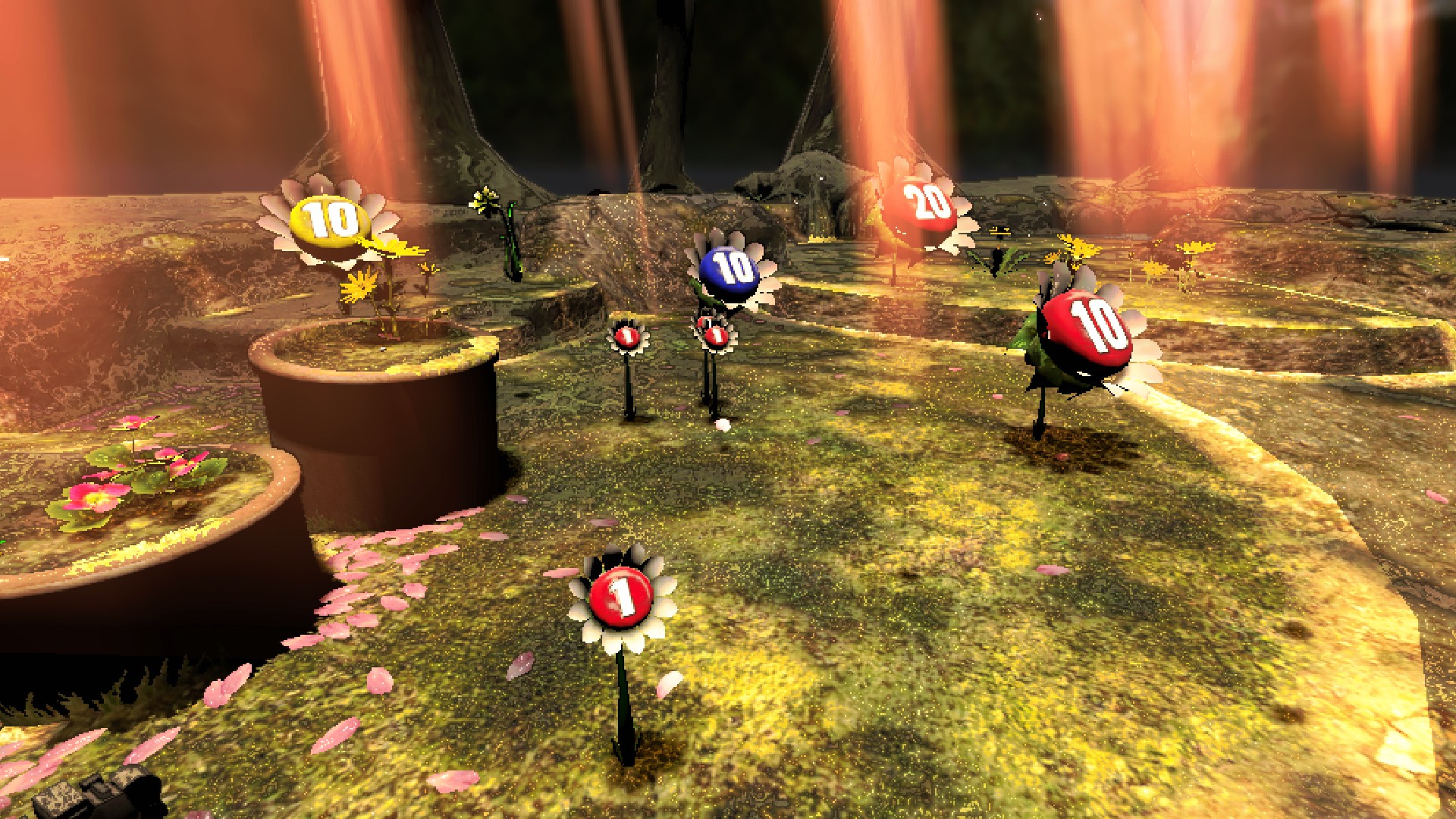
- Pellet Posies --5hp, can be killed to yield their pellet, or players can throw a pikmin at/hit the upper area of the stem for quick collection.
1,5,10, and20pellets -- Standalone pellets can be found on many of the maps. Pellet scrap items can be collected for money, or used to propagate Pikmin. Match Pikmin and pellet color to increase the amount sprouted.
--By default, Pikmin will bring pellet scrap to their Onion, and there is currently not a config option to change this.
--5,10, and20pellets will spawn a smaller scrap item version atop themself, either when the round starts for floor pellets, or when the large pellet posy it's in is defeated.
IMAGE:
- Soft and Hard Bramble Gates --Can be broken by taking either 3 or 6 damage respectively to gain access to areas on the moons.
IMAGES:
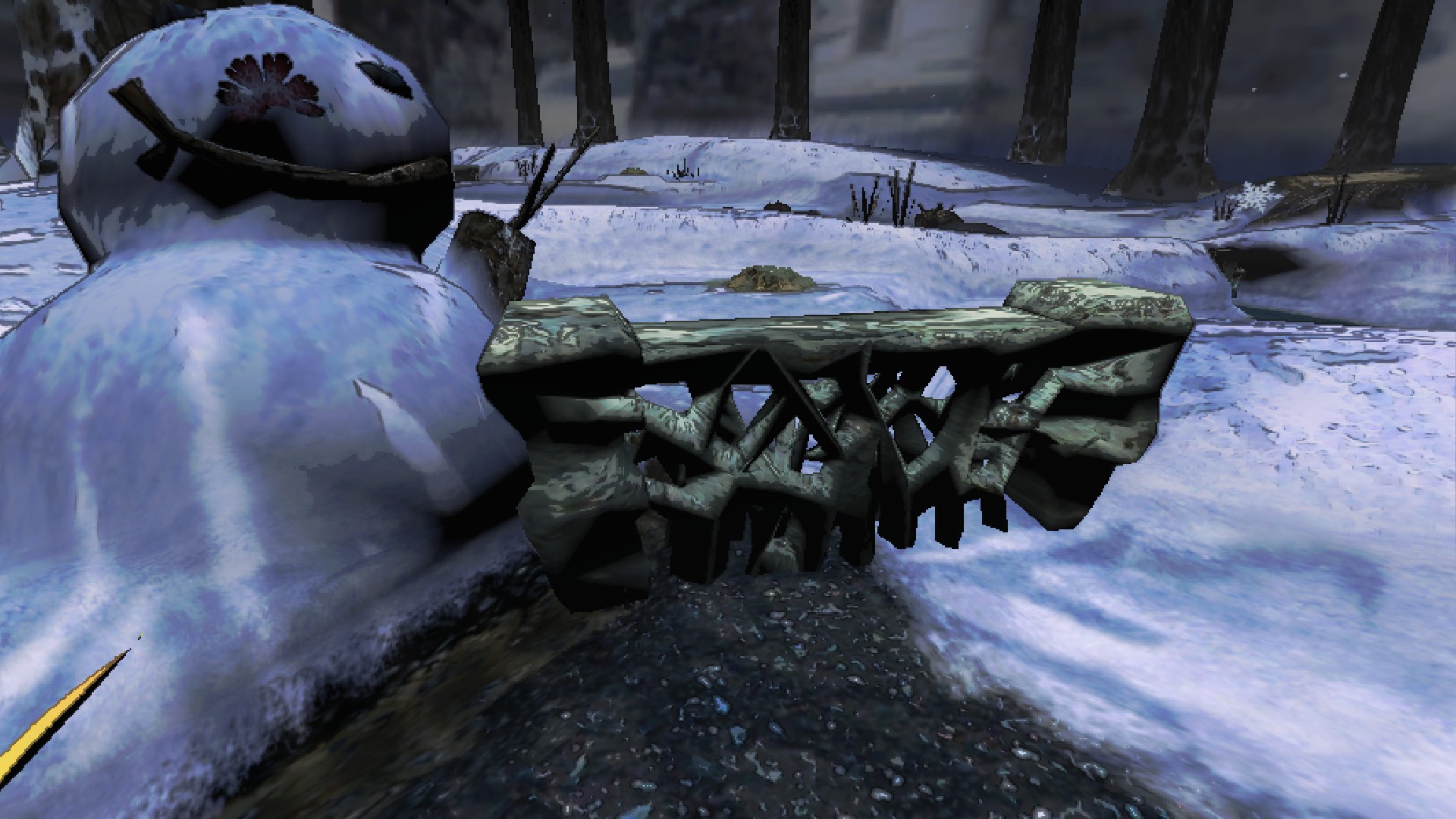
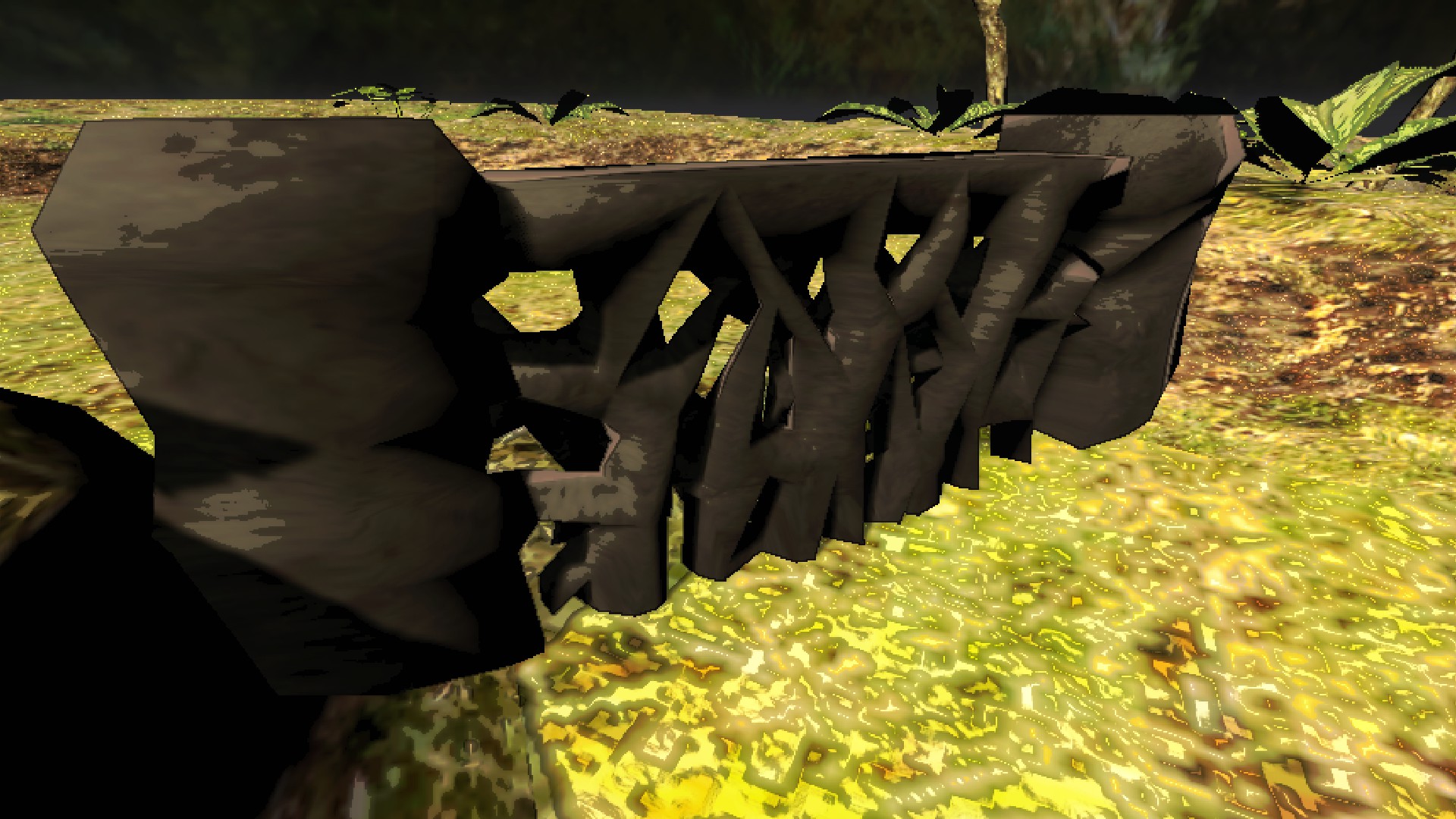
- Bomb Rocks --Only present on Pikmin 1 moons, and can be thrown to do big damage, even to damageable map hazards such as bramble and stone gates. --They can also be taken back like normal scrap, though they aren't worth much.
IMAGE:
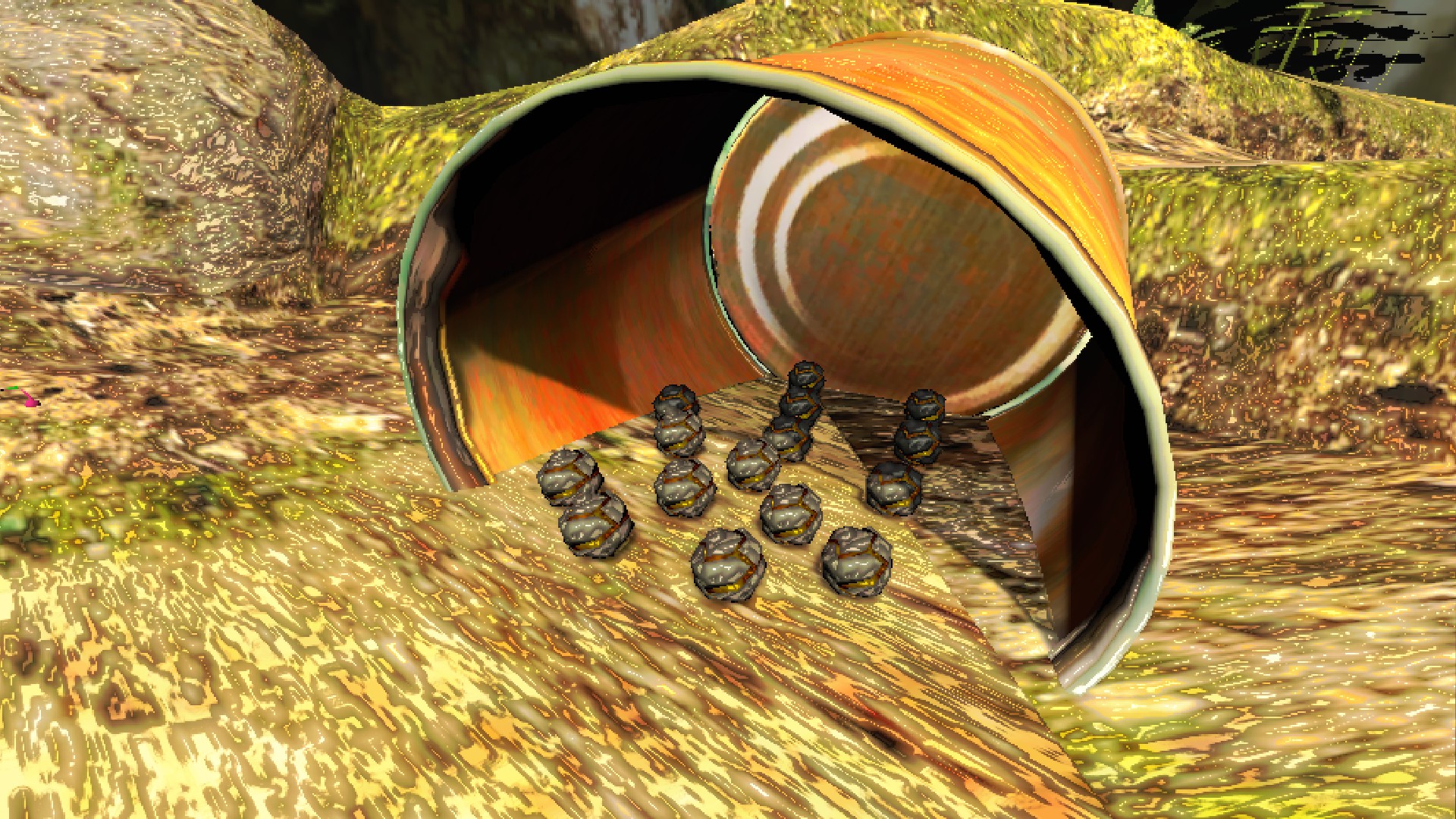
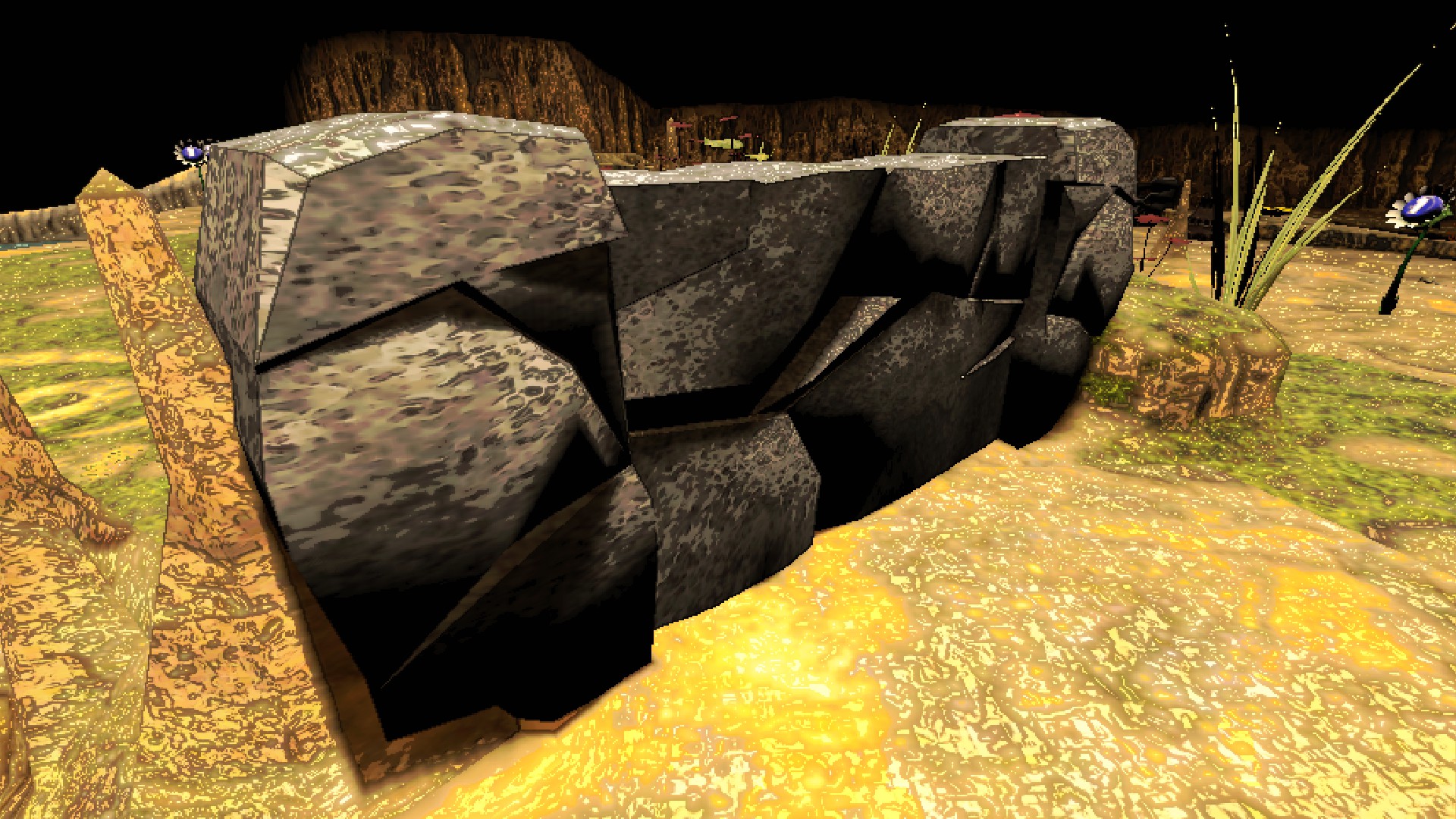
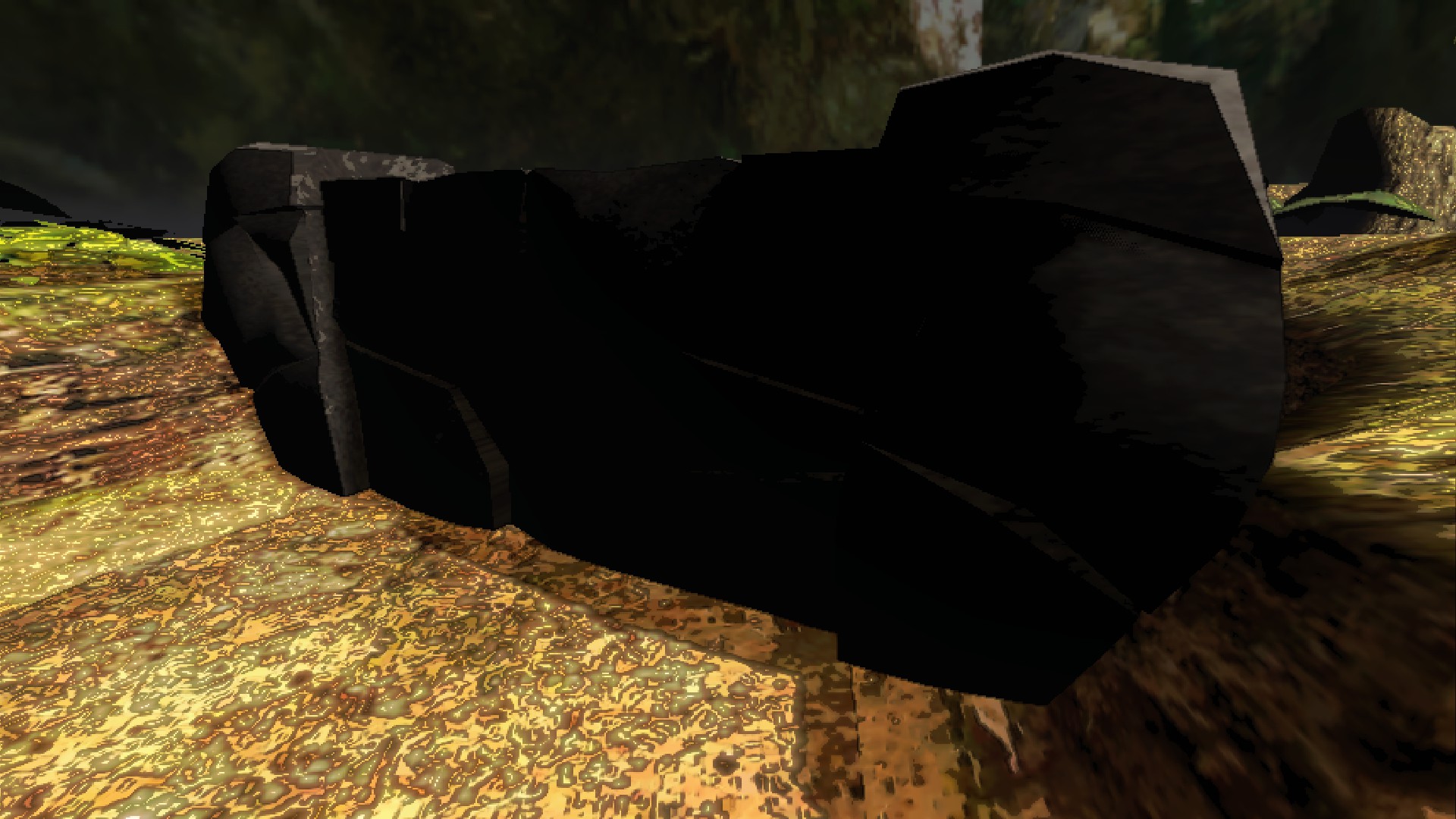
- Soft, Medium, and Hard Stone Gates --Large stone walls that can be broken by 3, 6, or 9 bomb rocks explosions, respectively. --They cannot be damaged by normal weapons, only bomb rocks!
IMAGES:
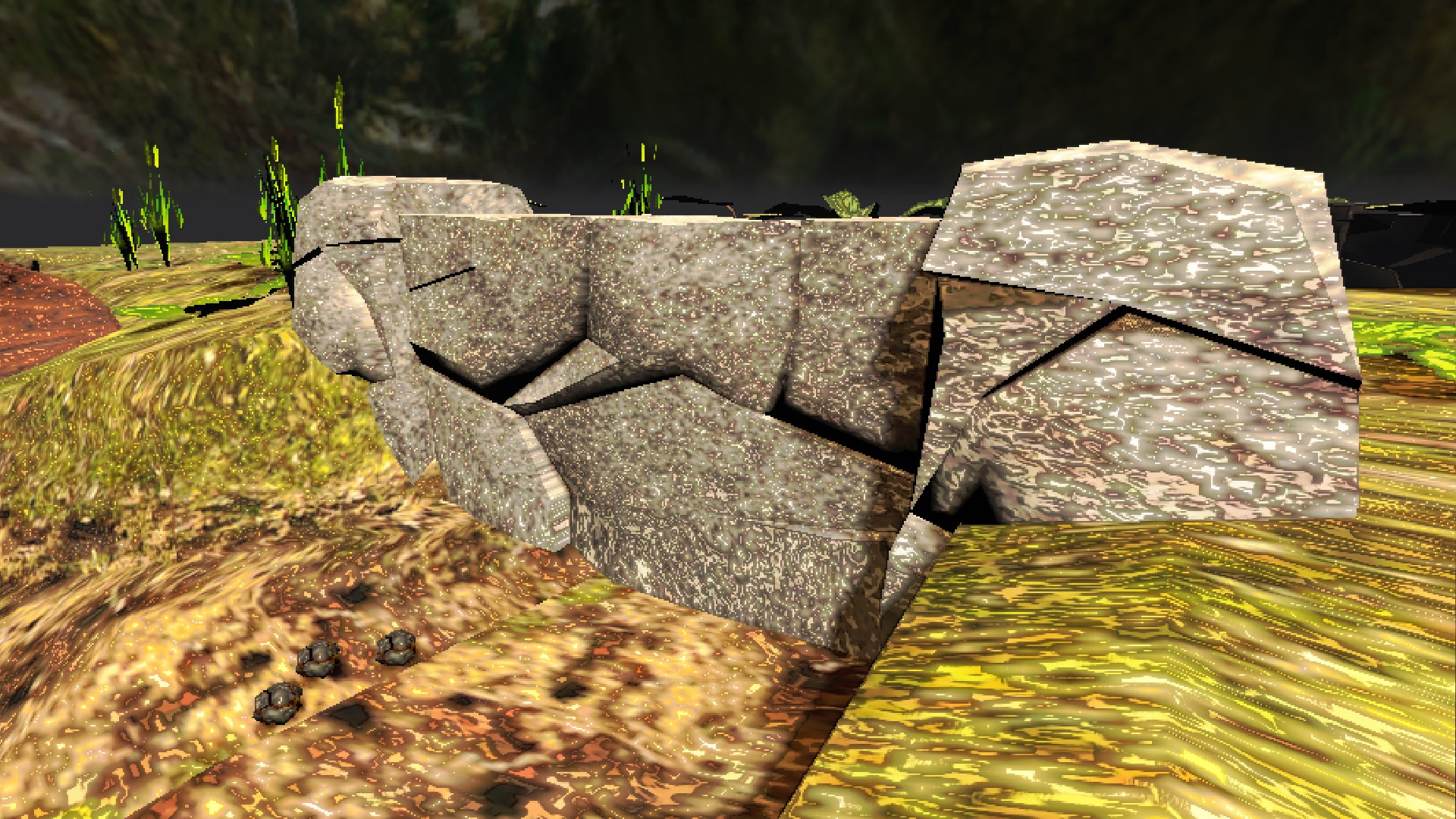
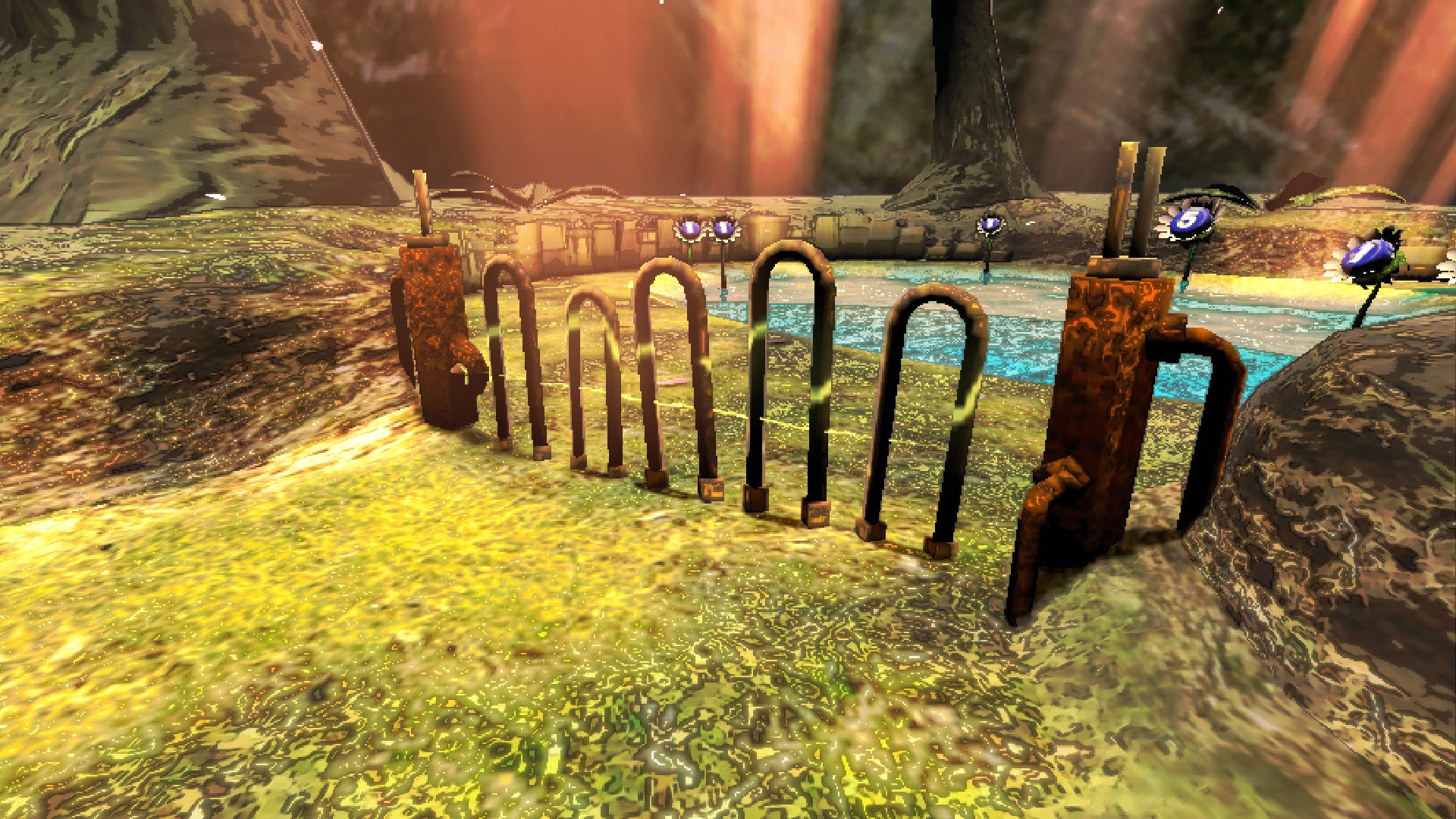
- Electric Gates --Functionally an electrified bramble gate with 6 health. Getting close hurts, so be careful.
IMAGE:
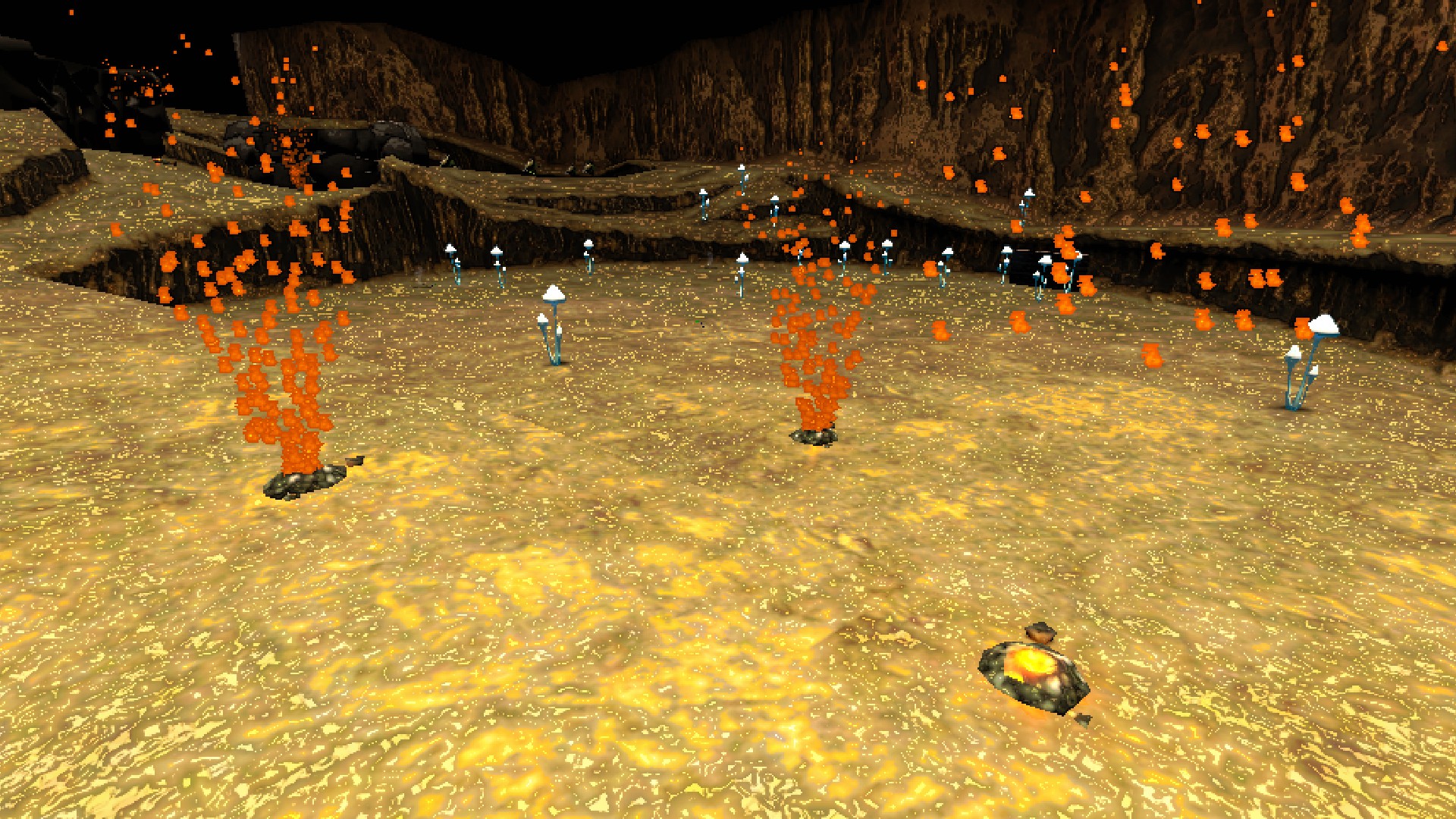
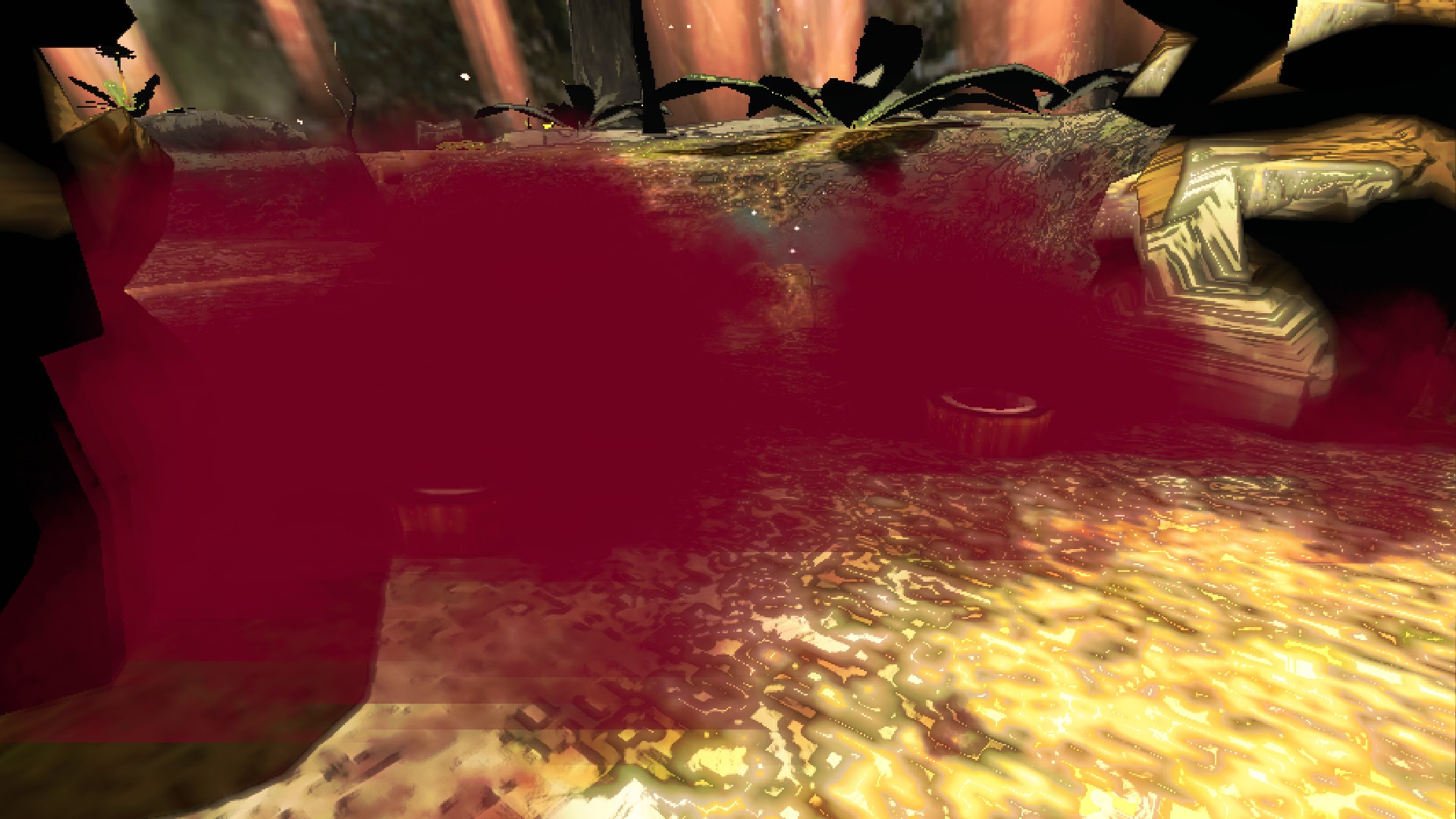
- Hazards --Elemental Hazards from both games can be found on several maps.
IMAGES:
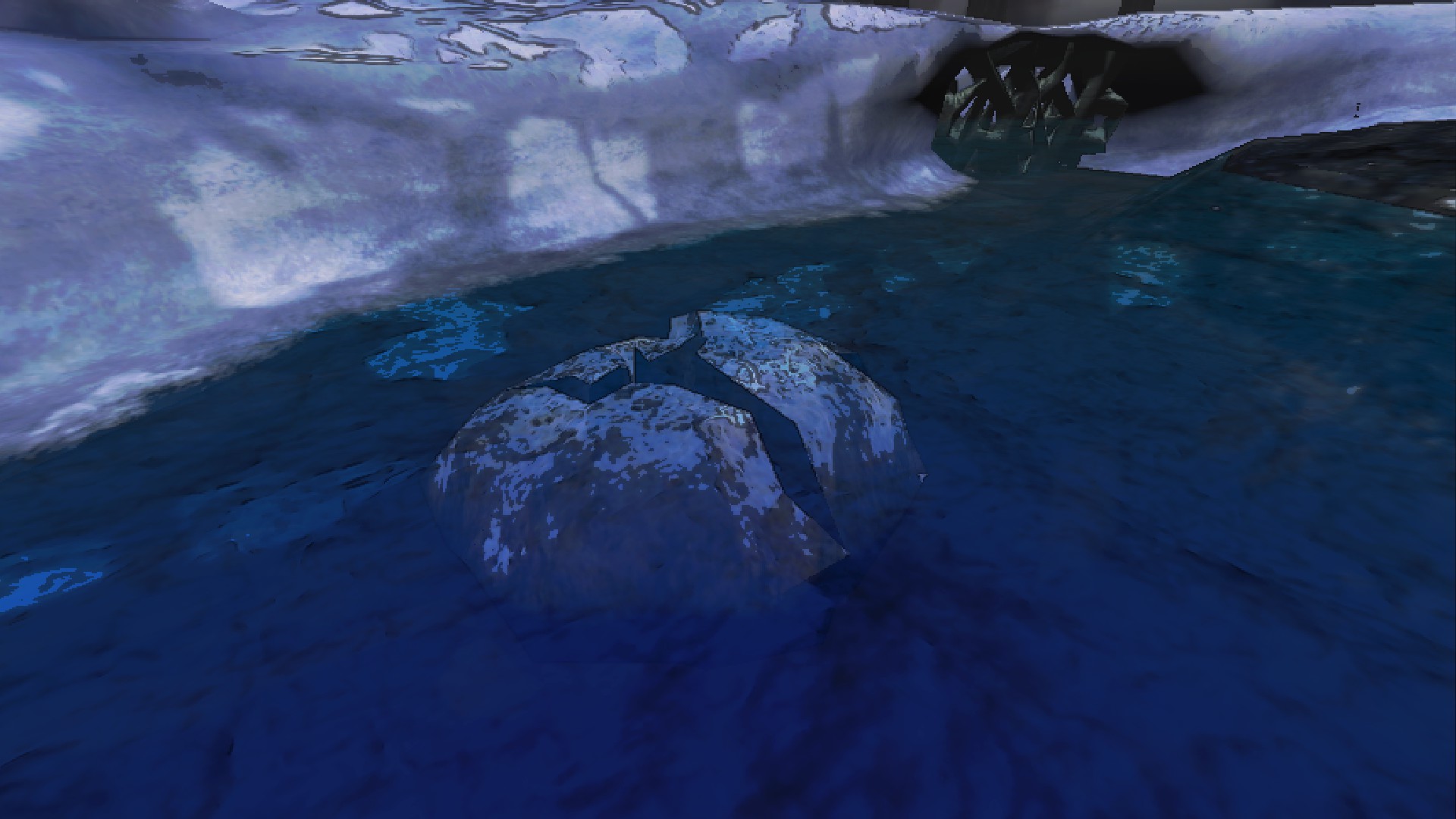
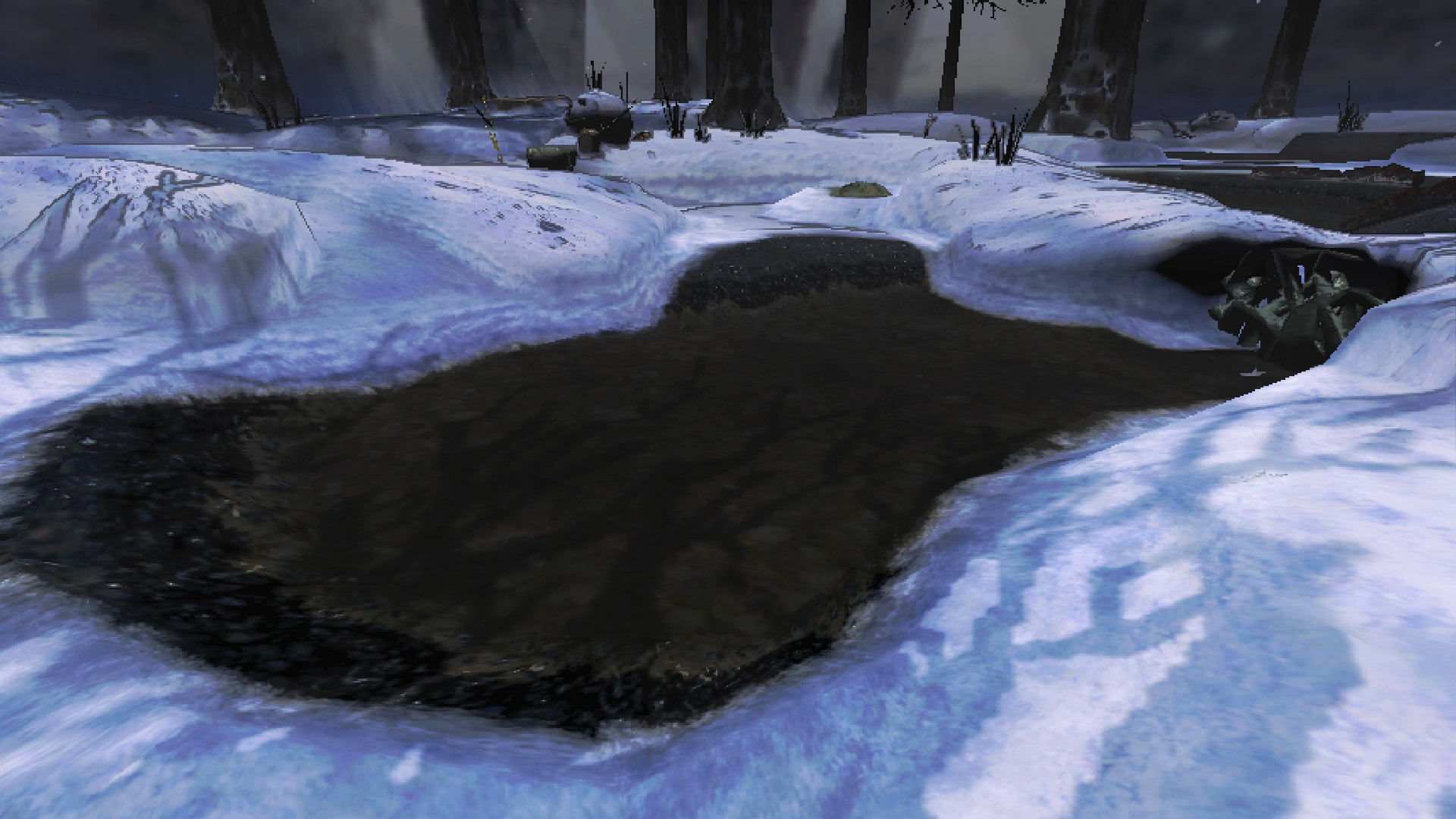
- Drainable Water Pools --Certain water pools have a drain that's clogged by a large stone. Break the stone to drain the body of water!
IMAGES:
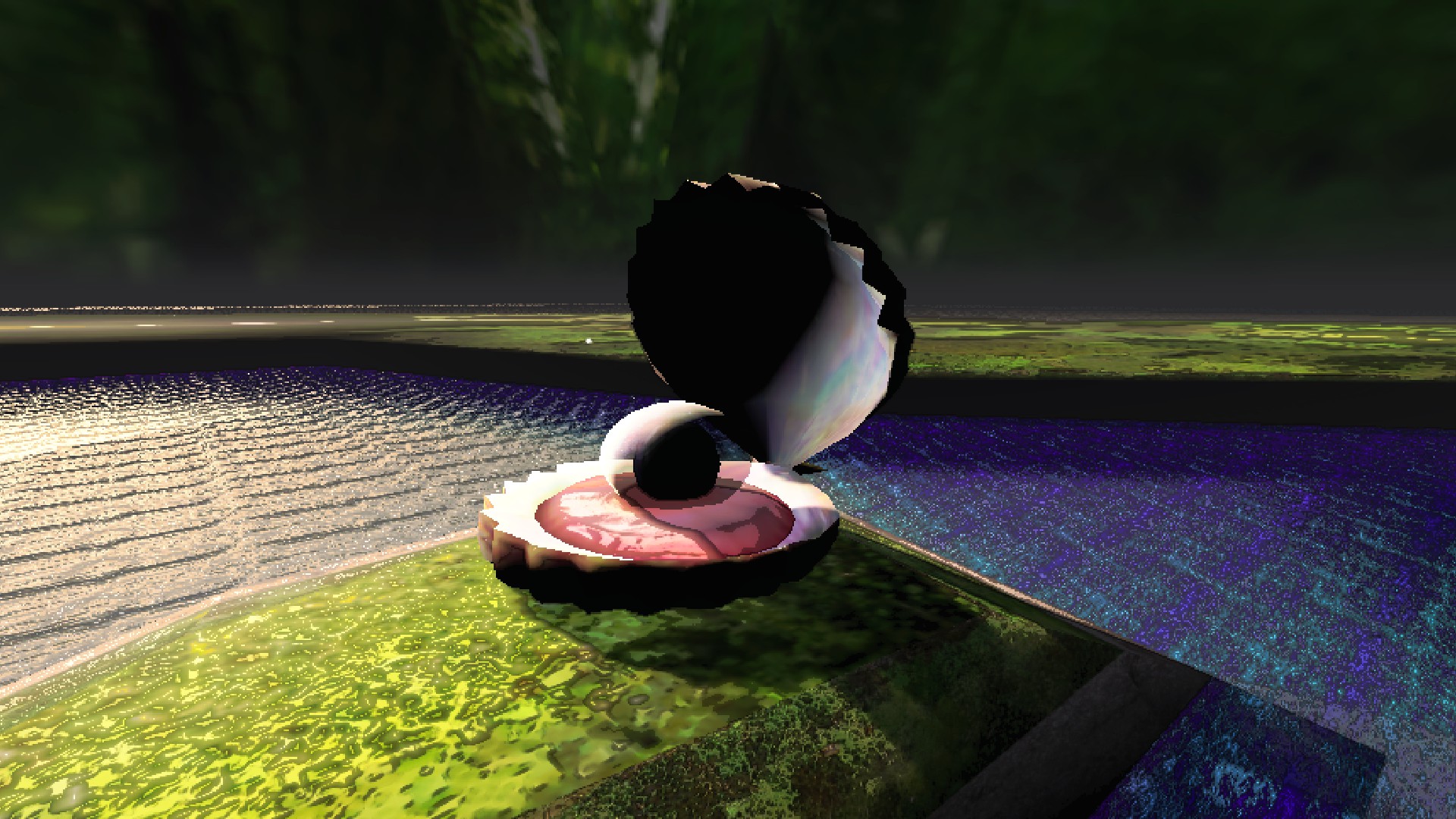
- Clam-Clamps --Giant clam enemy from Pikmin 1, which can be defeated by dealing 6 damage to the pearl's shield, yielding the pearl as scrap. --There are some new ones on Spring!
IMAGE:
- Honeywisps --Floating, fairy-like creatures that can be found in certain areas. Toss a pikmin at it to break its egg for some nectar or other goodies.
IMAGE:
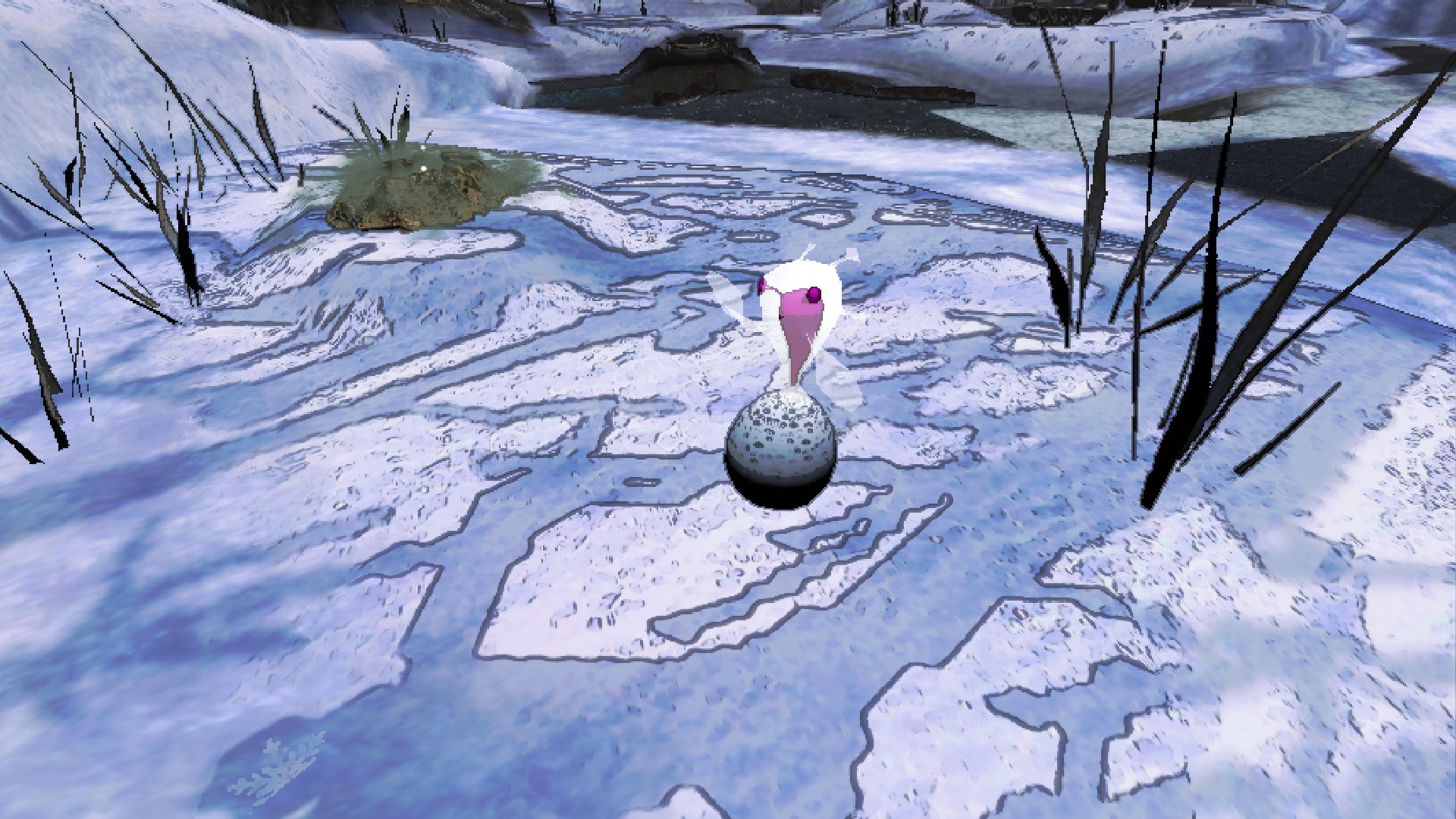
- Unmarked Spectralids --Pikmin 2-only butterfly enemies that usually swarm as groups of four. They can be discovered by rustling some plants. Toss a pikmin at each to defeat them for nectar or spray drops.
IMAGE:
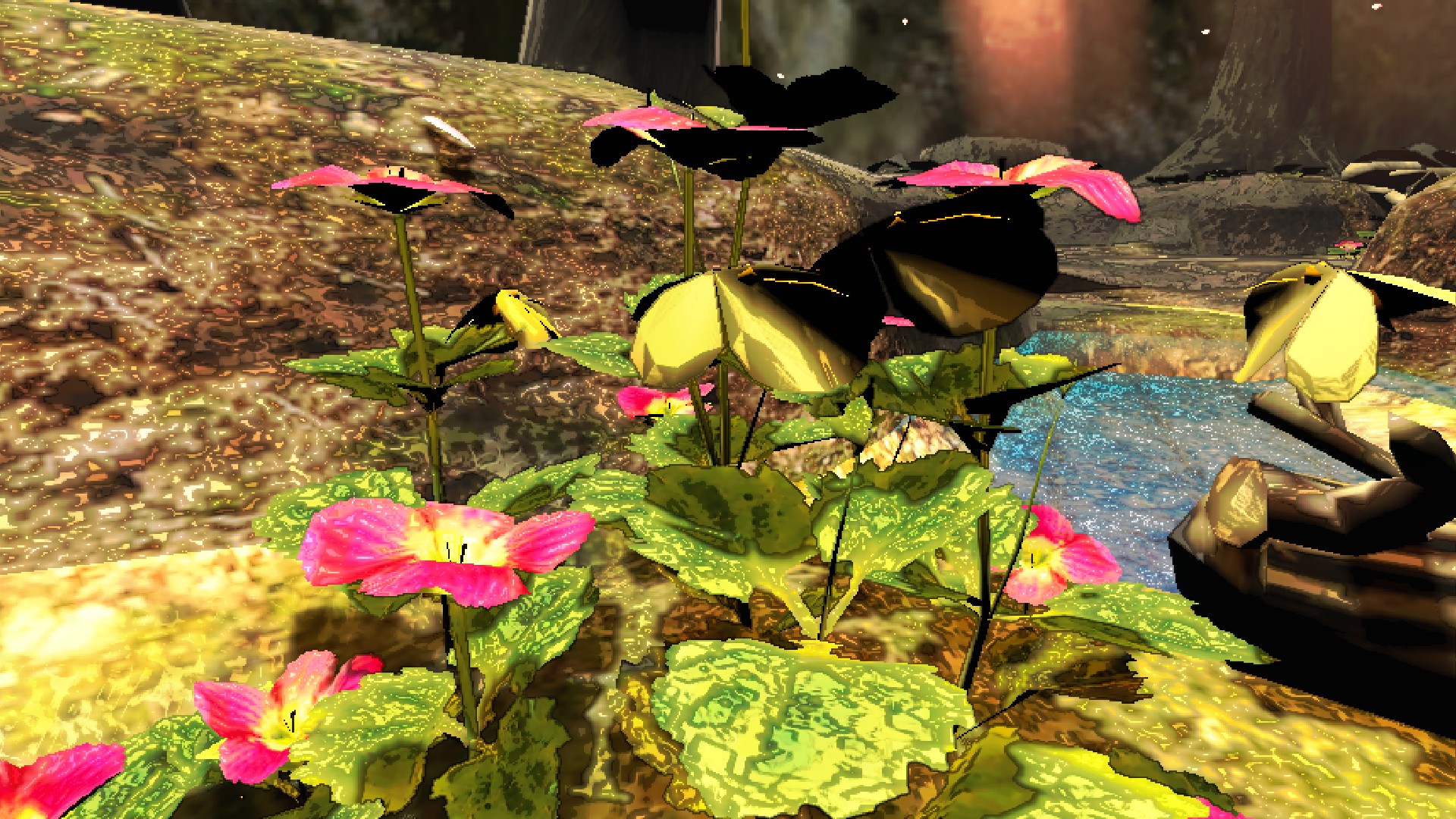
- Stick Bundle Bridges --These replace vanilla lethal company bridges on the moons, and can be damaged to unroll across gaps and bodies of water.
IMAGE:
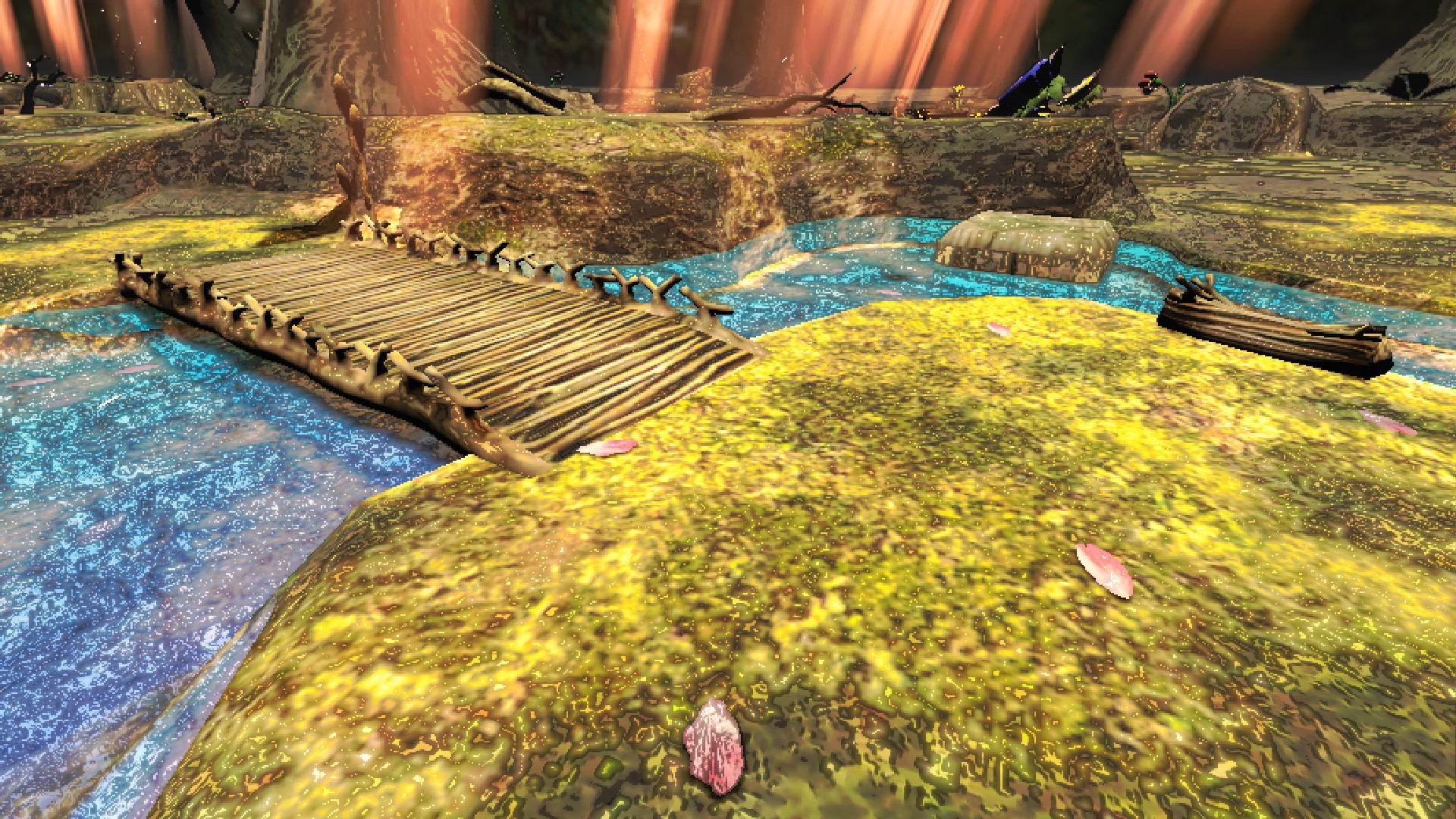
- Crushable Bags --In Pikmin 2 moons only; large paper bags that require the weight of a player or a certain amount of pikmin on top to crush.
IMAGE:
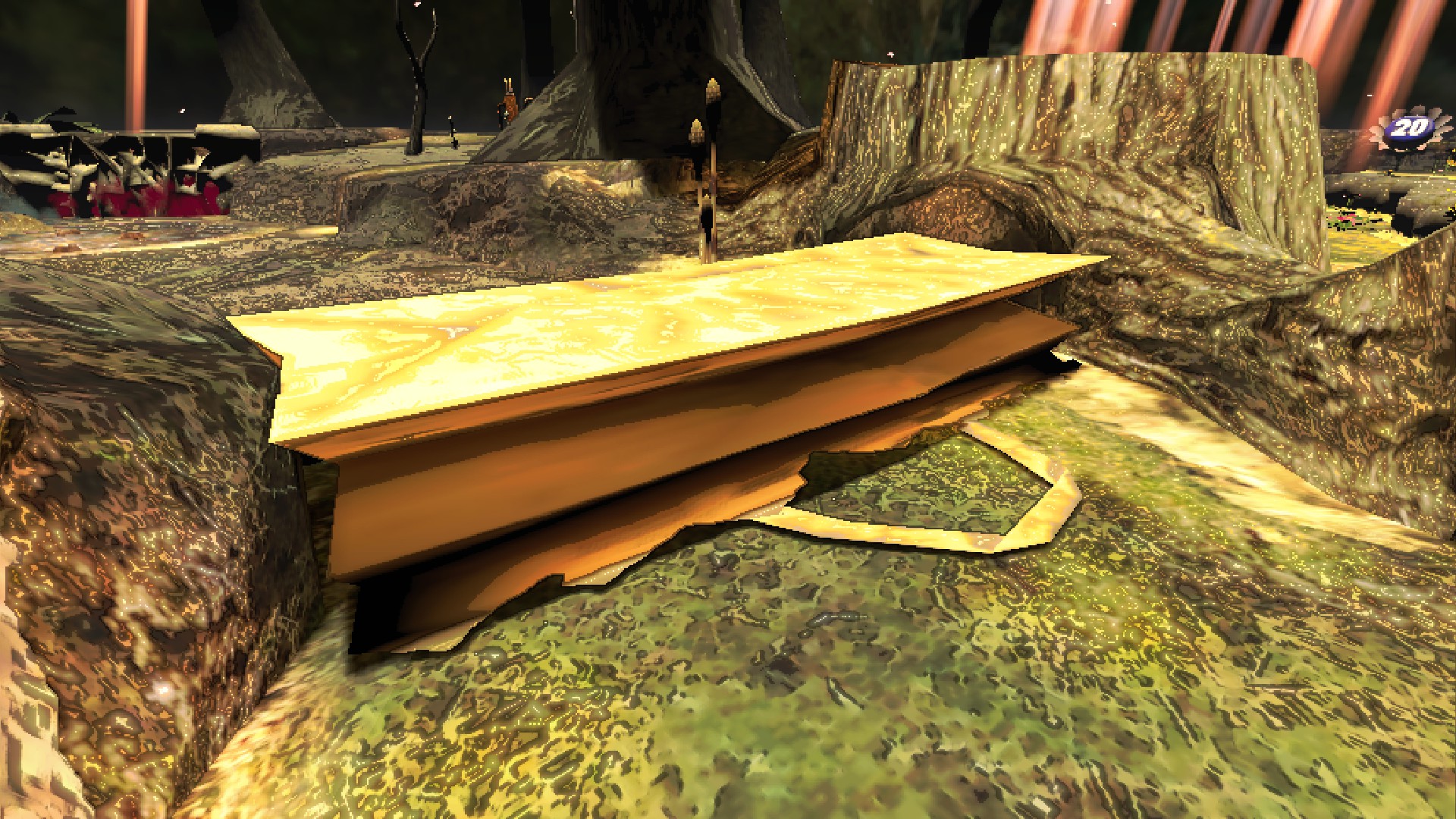
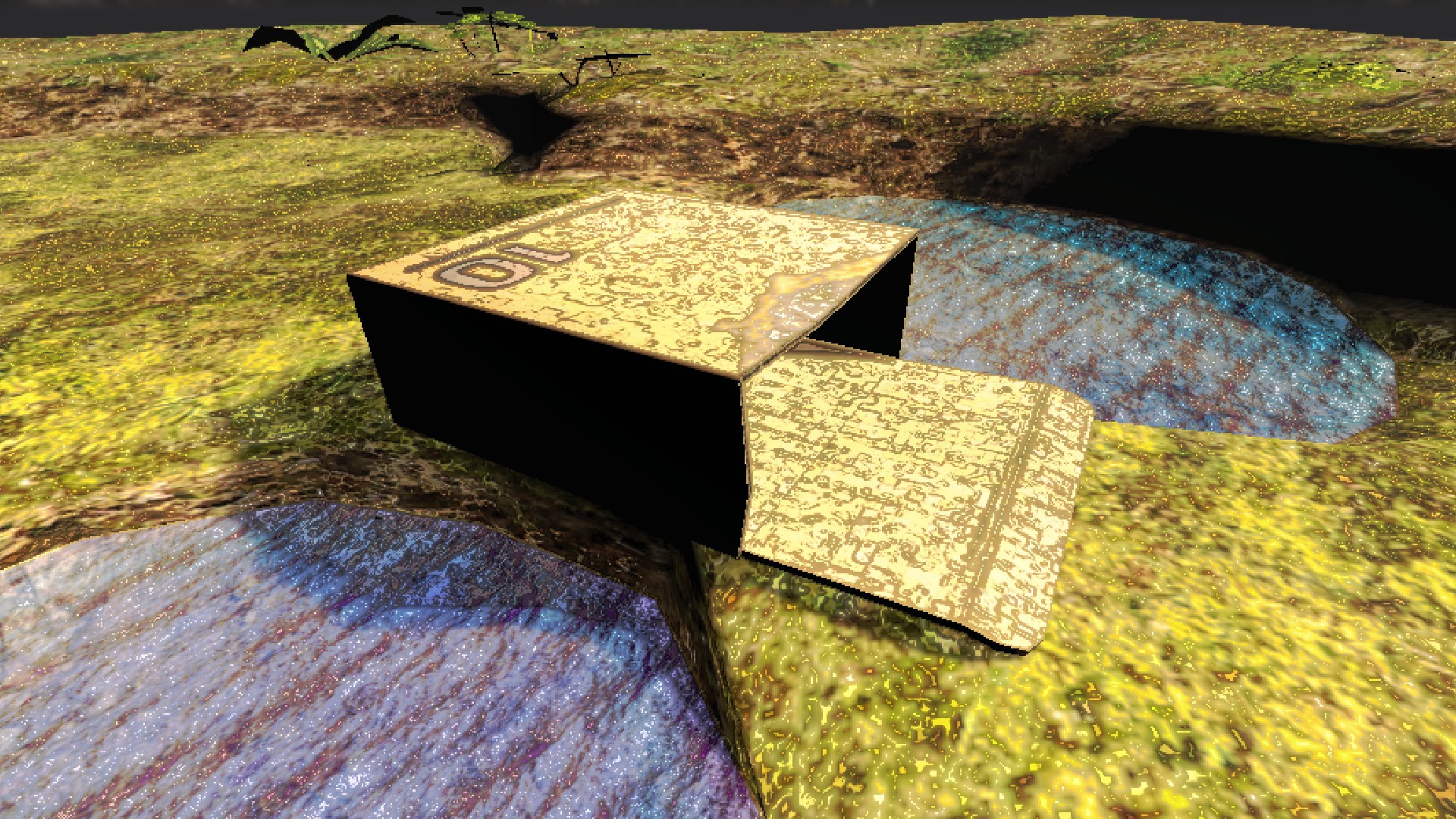
- Pushable Boxes --In Pikmin 1 moons only; giant cardboard boxes that block the way. They can be pushed by holding the interact button on the pushable end.
IMAGE:
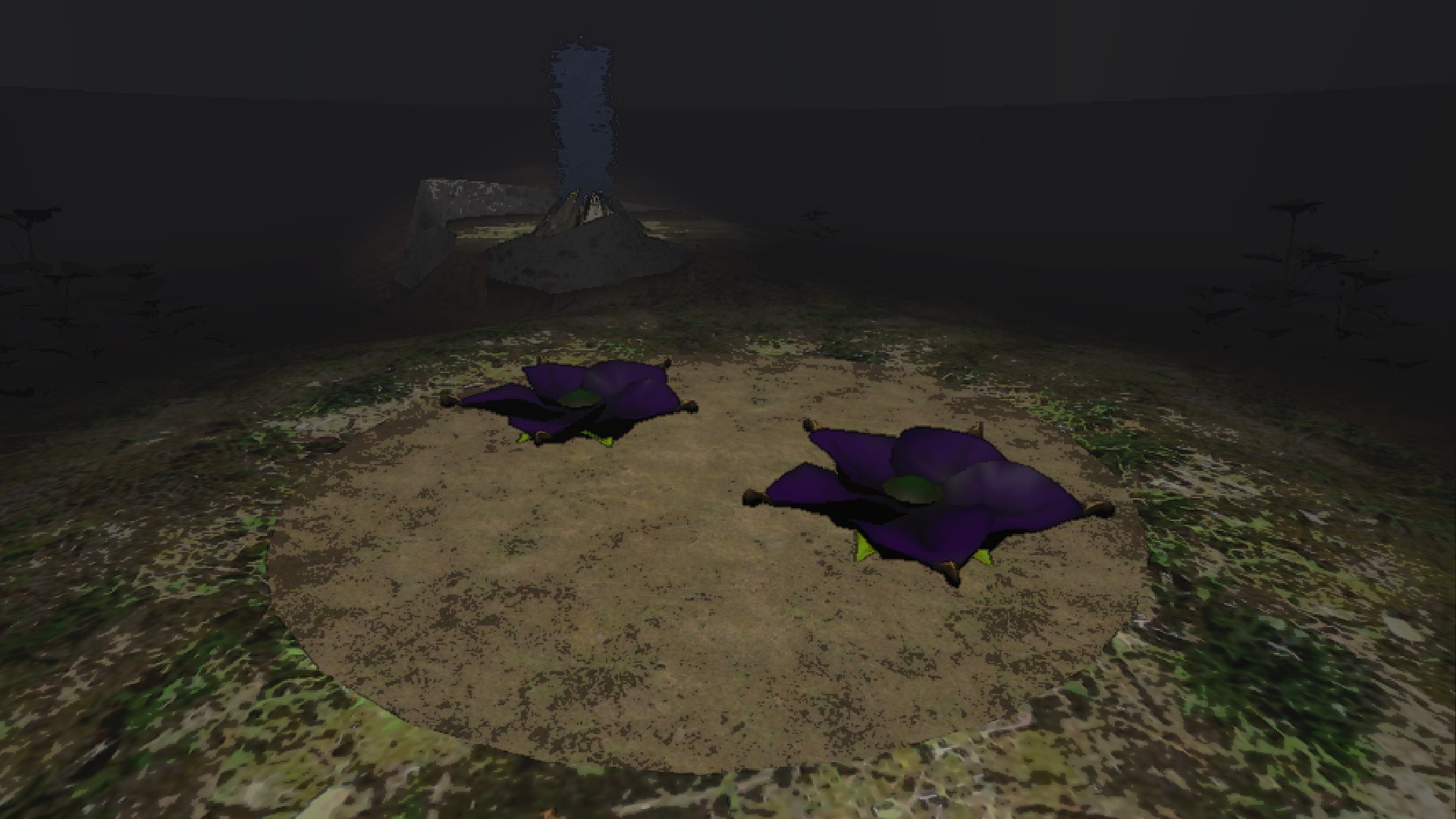
- Candypop Buds --Giant flower "enemies" that are currently decorative only. They are planned to convert Pikmin thrown inside to the shown color in the future, if possible.
IMAGE:
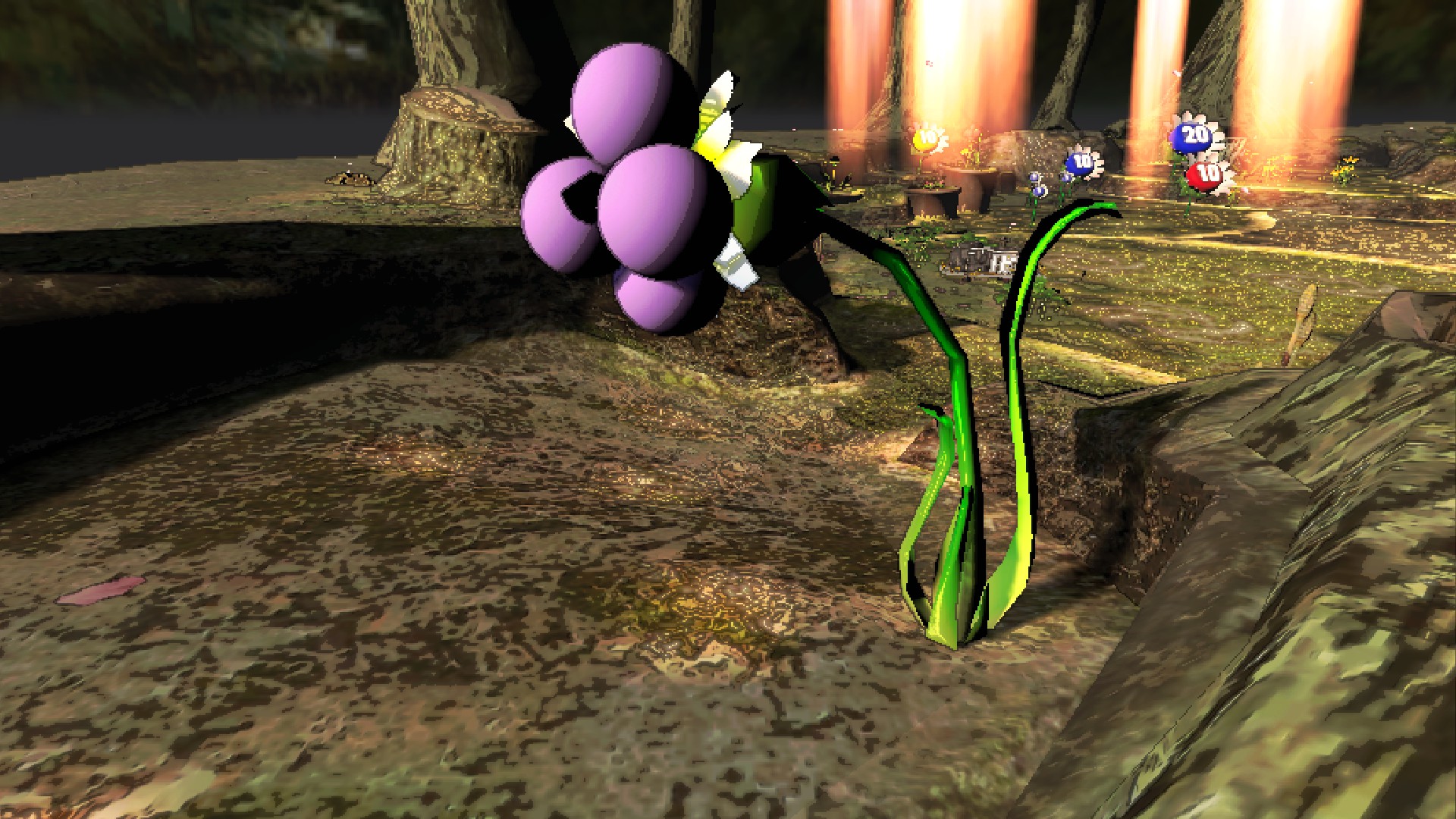
- Burgeoning Spiderwort --Large berry-growing plants. Once they grow at the beginning of a round, they will start producing berries. --Smack the plant to make it drop the berries. Be sure to harvest all 5, or they won't regrow more. --There are some new ones in Repose!
IMAGES:
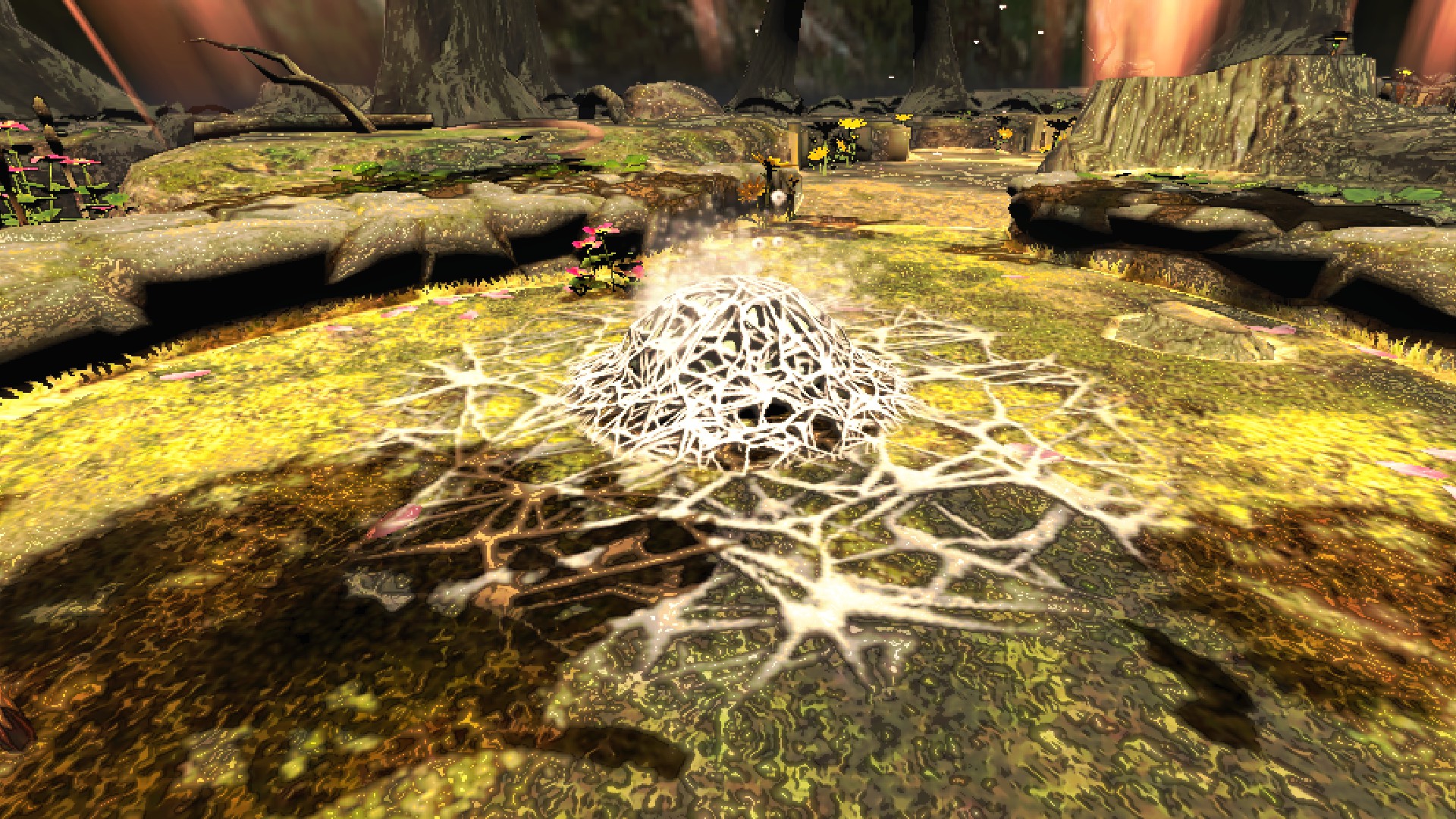
- Spiderwort Mold --A large mass of mold that has a chance to spawn near some Burgeoning Spiderwort at round start. --If it grows too large, it will defeat nearby pellet posies, and force Burgeoning Spiderwort into hibernation, until they are defeated. --They slowly regenerate health over time and grow again unless defeated, so make sure to finish them off!
IMAGE:
- Easter Egg Locations --On Pikmin 2 moons specifically, they're another source of scrap. Go find 'em to figure this one out!
IMAGE:
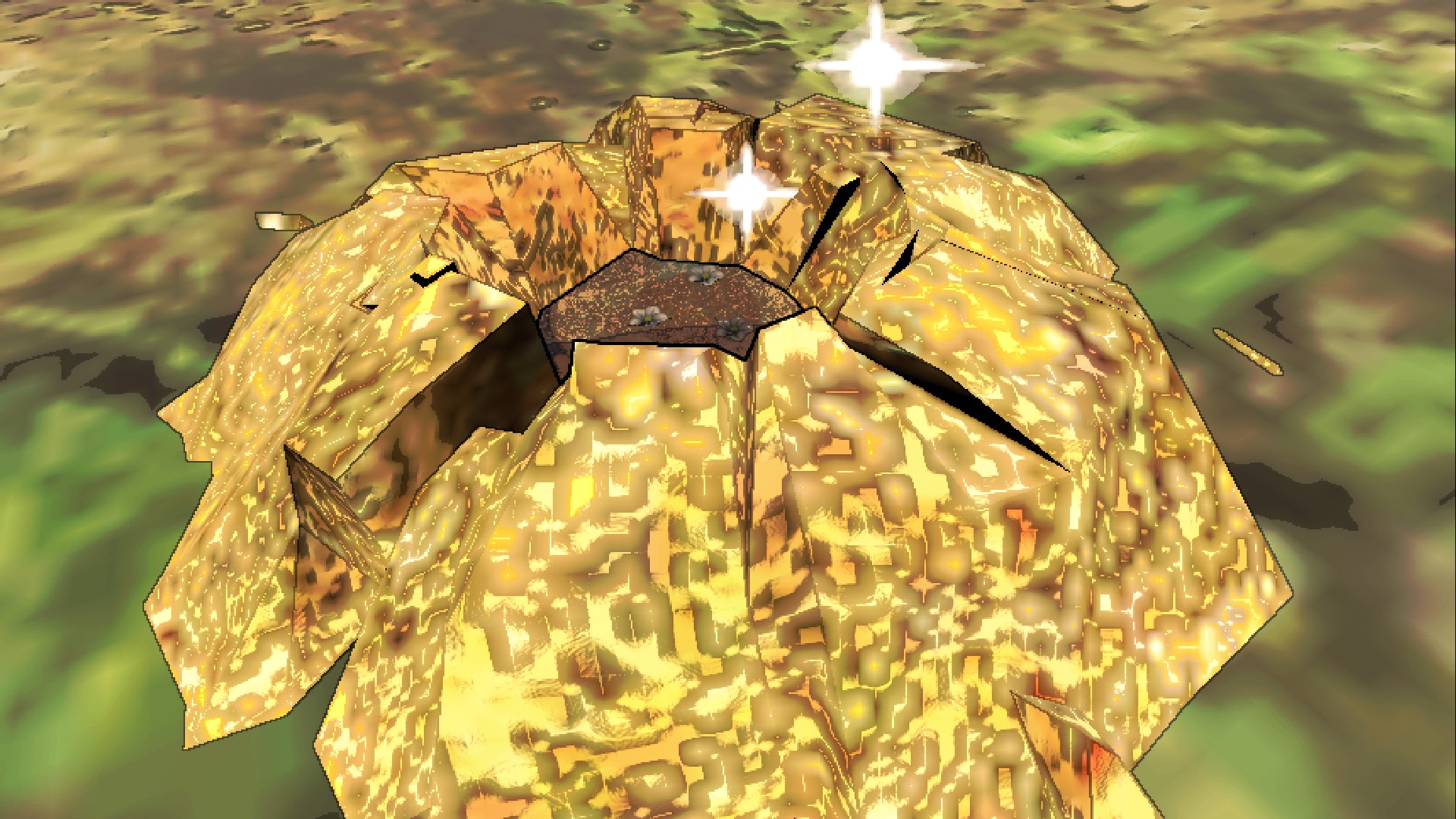
- Technically a few exist in a project I have, but I'm not sure I'll ever finish 'em.
Configuration
The config has two options for audio: an option that turns on and off outdoor Pikmin music and inside ambience, and an option that controls the volume of outdoor Pikmin music.
The rest of the config is automatically populated by DawnLib's moon settings! This means you can change routing price, scrap spawn amounts, day timescale, and more in the config!
Installation
The moon and all its dependencies should automatically install when using your mod manager of choice (Thunderstore, r2modman, Gale).
For manual installation, install BepInEx normally and drag and drop all .duskmod and .dll files directly into a Pikmoons folder nested under under BepInEx/plugins. This must also be done for dependencies.
Make sure you have all the required dependencies installed before launching the game! The only optional dependency is EnemySkinKit, which is not yet being used.
(Bozoros and PlayZone are not dependencies, you MUST still download them, however, or else my dad who definitely works at Nintendo will ban you from all Nintendo products forever.)
All players are required to have this mod and all dependencies installed in order to be able to join the lobby at all.
Support
If you encounter a game-breaking or very annoying bug, let me know in the Lethal Company Modding Discord thread for my mod, or the official Pikmoons Discord.
My thread can be found here.
I did not make Lethalmin. Any bugs relating to Pikmin behavior not directly relating to my mods should be reported to the LethalMin thread on the lethal modding discord.
Credits
Extra thanks to pacoito for all the help making my mods. (He has consistently helped out quite a bit with many aspects of all of my projects, from general unity knowledge to writing custom scripts!)
pacoito for itolib, which I use for custom scrap, props, and most other script-based mechanics that aren't vanilla.
KitKat on YouTube, BlueSky, and Strawpage for the majority of the props on the Hocotate company moon. Check out their Garry's Mod Hocotate Freight Map, where the majority of the props there come from!
NoteBoxz for LethalMinNightly, and for making Lethalmin altogether.
JaySalty (on YouTube and Twitter) for remaking every Pikmin map model to be more game-accurate for me, and for various shaders and assets.
Waffles for being so helpful in DMs, and for having such comprehensive documentation of Pikmin game sfx.
WhiteSpike for Moon Day Speed Multiplier Patcher and its functions merged into LLL, which allows the moons to have a longer day length.
olimar12345 for being the GOAT and having the best Pikmin OST uploads on YouTube.
AudioKnight for StarlancerAIFix, which allows certain enemies to actually function outside. Also for their very comprehensive moon tutorial, which helped me a lot.
XuXiaolan and the rest of TeamXiaolan's contributors for DawnLib, which I now use for all of my mods.
IAmBatby for LethalLevelLoader, whose ease of setup got me started on modding in the first place.
Several other people on the Lethal Company Modding Discord and social media for their support. :)